
























Key Takeaways
- Fix checkout before buying app traffic; Shopify reports Shop Pay converts up to 50% higher than guest checkout.
- Judge every feature by three questions: which journey stage it serves, which friction it removes, and which metric it moves.
- Apps beat mobile sites on checkout UX but not product page UX in Baymard's benchmarks, so audit product pages early.
- Personalize with data Shopify already holds, like customer tags and order history, before paying for predictive AI models.
- Earn push permission at a moment of value, then segment every send; frequency and irrelevance drive opt-outs.
- Deep link every notification, email, and ad to the exact in-app screen, with website fallback for shoppers without the app.
- AI assistants increasingly send first-time shoppers to web product pages; an owned app channel protects repeat orders as visit costs rise.
For many Shopify brands, the mobile problem isn't traffic. It's closing the sale.
Smartphones now carry the majority of US online holiday spending (Adobe), yet desktop still converts 74% higher than mobile web (Contentsquare). Launching an app doesn't close that gap on its own: Baymard Institute rated 71% of 30 leading ecommerce apps "mediocre" or worse on UX (Baymard).
A longer feature list won't fix that. What works is knowing which features remove friction at the exact moments shoppers decide, and building those first. Below, we rank the Shopify mobile app features that matter, show the evidence behind each one, and explain how to prove they're paying off.
Which Shopify Mobile App Features Actually Drive Conversions?
The Shopify mobile app features that drive conversions are the ones that remove a specific source of friction at a specific stage of the buying journey. In the order we recommend prioritizing them:
- Accelerated checkout (Shop Pay, Apple Pay) that removes form entry at the moment of purchase
- Product pages that answer the final questions about size, total cost, returns, and reviews
- Search and category navigation built for thumbs, not desktop habits
- Personalization and recommendations based on data Shopify already holds
- Segmented push notifications that link directly to the product or cart they mention
- Cart, browse, and wishlist recovery that follows up on postponed intent
- Loyalty and app-exclusive access that give customers a reason to return
- Analytics with holdout testing that proves which of the above are working
Our view after studying the research below: most Shopify apps don't have a feature gap. They have a sequencing problem. Brands add loyalty widgets and AI assistants while checkout, search, and product pages still leak orders.
What Makes a Shopify App Feature a "Conversion Feature"?
A conversion feature is any app capability that measurably increases the share of sessions ending in an order, the value of those orders, or the rate of repeat orders. Everything else is presentation.
Before building or buying a feature, ask three questions:
- Which journey stage does it serve? Finding a product, deciding on it, buying it, coming back, or staying loyal.
- What friction does it remove? Typing, uncertainty, irrelevance, forgetting, or lack of a reason to return.
- Which metric should move? If you can't name one, you can't prove the feature earned its place.
A countdown timer passes this test when it shows a real dispatch cutoff. It fails when it creates fake urgency on a banner nobody asked for.
Why Feature Count Stopped Mattering in 2026
Mobile is where shoppers buy, but it's still where purchases are hardest to close, and the economics of getting shoppers back have changed.
Phones now carry most online spending: Smartphones accounted for 56.4% of US online holiday spending in 2025, up from 54.5% in 2024, according to Adobe's holiday shopping data. Shopify's 2026 Shop Pay data notes that about 7 in 10 orders now happen on mobile (Shopify Enterprise).
Mobile still converts below desktop: Contentsquare's 2026 benchmark data, drawn from 99 billion web and app sessions across more than 6,500 websites, shows desktop converting at 3.4%, 74% higher than mobile web. Benchmarks differ by dataset, as Shopify's mobile vs. desktop conversion guide explains, so use them as context rather than targets.
Winning shoppers back costs more every year: Contentsquare found the cost of a visit rose 9% year over year and 30% over three years, while repeat visitors converted at 2.9% compared with 1.7% for new visitors.
An app is not automatically a better experience: Baymard Institute's benchmarks show where apps actually outperform the mobile web, and where they don't:
| UX area | Apps rated "mediocre" or worse | Mobile sites rated "mediocre" or worse | Source |
|---|---|---|---|
| Checkout | 46% | 63% | Baymard Checkout UX 2025 |
| Product pages | 64% | 62% | Baymard Product Page UX 2026 |
| Overall app UX (30 leading apps) | 71% | Not compared | Baymard Mobile App UX 2026 |
That split is one of the most useful signals for anyone planning an app. In Baymard's benchmarks of leading ecommerce brands, apps outperform mobile sites on checkout UX but not on product page UX. Baymard doesn't attribute the checkout gap to a single cause, but it lines up with what apps do well structurally, such as keeping customers signed in. The practical takeaway: an app that copies a weak product page from the website inherits the same losses. Note that each benchmark covers a different set of leading brands and is not limited to Shopify stores.
Demand for retail apps also isn't guaranteed. Sensor Tower's State of Mobile 2026 reports that global downloads and time spent in retail apps declined in 2025. A brand app has to earn its place on the home screen. For more context, see AppMaker's roundup of mobile commerce statistics for 2026.
How AI Shopping Changes the Role of Your App
AI assistants are reshaping how shoppers find products, and that changes what your app is for.
Traffic to US retail sites from generative AI tools rose 693.4% during the 2025 holiday season, according to Adobe, although Adobe notes the user base is still modest. Shopify's Q1 2026 data shows AI-referred shoppers convert at nearly 50% higher rates than organic search visitors, and more than half of AI-referred sessions start directly on a product page (Shopify Enterprise). Shopify also cites a Gartner survey in which executives expect about 20% of revenue to flow through AI agents or machines acting as customers by 2030, and it says all Shopify stores are automatically compatible with the Universal Commerce Protocol, an open standard for how AI agents and stores handle catalog search, cart, checkout, and orders.
Here's what that means in practice:
- AI discovery sends first-time shoppers to your website's product pages, not to your app.
- The app's job is the relationship after that first order: recognition, reorders, restock alerts, loyalty, and early access.
- Product data quality now powers both channels. Clean titles, attributes, and variant data help AI assistants recommend you, and they make in-app search, filters, and recommendations work.
Brands that treat the website as the acquisition channel and the app as the retention channel get more from both.
How to Prioritize Shopify Mobile App Features
Rank features from the bottom of the funnel up. A shopper at checkout has already cost you an ad click, an email send, or a creator fee, so losing them there wastes spend you can't recover. Baymard's checkout research estimates the average large ecommerce site could gain a 35.26% increase in conversion rate through better checkout design alone.
| Feature | Journey stage | Friction removed | Metric to watch | Priority |
|---|---|---|---|---|
| Accelerated checkout | Buy | Typing card and address details | Checkout completion rate | Tier 1 |
| Payment flexibility (wallets, BNPL) | Buy | Budget hesitation, missing payment options | Payment step drop-off | Tier 1 |
| Checkout clarity (total cost, delivery date) | Buy | Surprise costs, delivery uncertainty | Checkout abandonment rate | Tier 1 |
| Product page essentials | Decide | Unanswered size, cost, return, and quality questions | Product view to add-to-cart rate | Tier 1 |
| Search and category navigation | Find | Dead-end queries, lost browsers | Search exit rate, search-to-cart rate | Tier 1 |
| Speed and stability | Find, Decide | Slow screens, silently failing components | API error rate, screen load time | Tier 1 |
| Personalization | Find, Decide | Irrelevant products and offers | Revenue per session by segment | Tier 2 |
| Recommendations | Decide | No alternatives, small baskets | Average order value | Tier 2 |
| Segmented push notifications | Return | Forgotten intent | Push-attributed orders, opt-out rate | Tier 2 |
| Deep linking | Return | Landing on the home screen instead of the product | Link-to-target-screen success | Tier 2 |
| Cart and browse recovery | Return | Postponed intent | Recovered orders | Tier 2 |
| Wishlists and back-in-stock alerts | Return | "Not ready yet" | Wishlist-to-purchase rate | Tier 3 |
| Loyalty program | Stay | No reason to choose you again | Repeat purchase rate | Tier 3 |
| App-exclusive access | Stay | No reason to open the app | Monthly active buyers | Tier 3 |
| App adoption prompts | All | Customers who never install | Installs from existing customers | Foundation |
| Analytics and holdout testing | All | Guesswork | Incremental revenue | Foundation |
Tier 1 features should work before you spend money driving customers to the app. Tier 2 features multiply the value of every session. Tier 3 features compound over months and depend on the first two tiers working. Adoption and analytics sit underneath everything.
The sections below follow that priority order, starting at checkout and working back up the journey.
Priority 1: Checkout Features That Close the Sale
Accelerated checkout with Shop Pay and Apple Pay
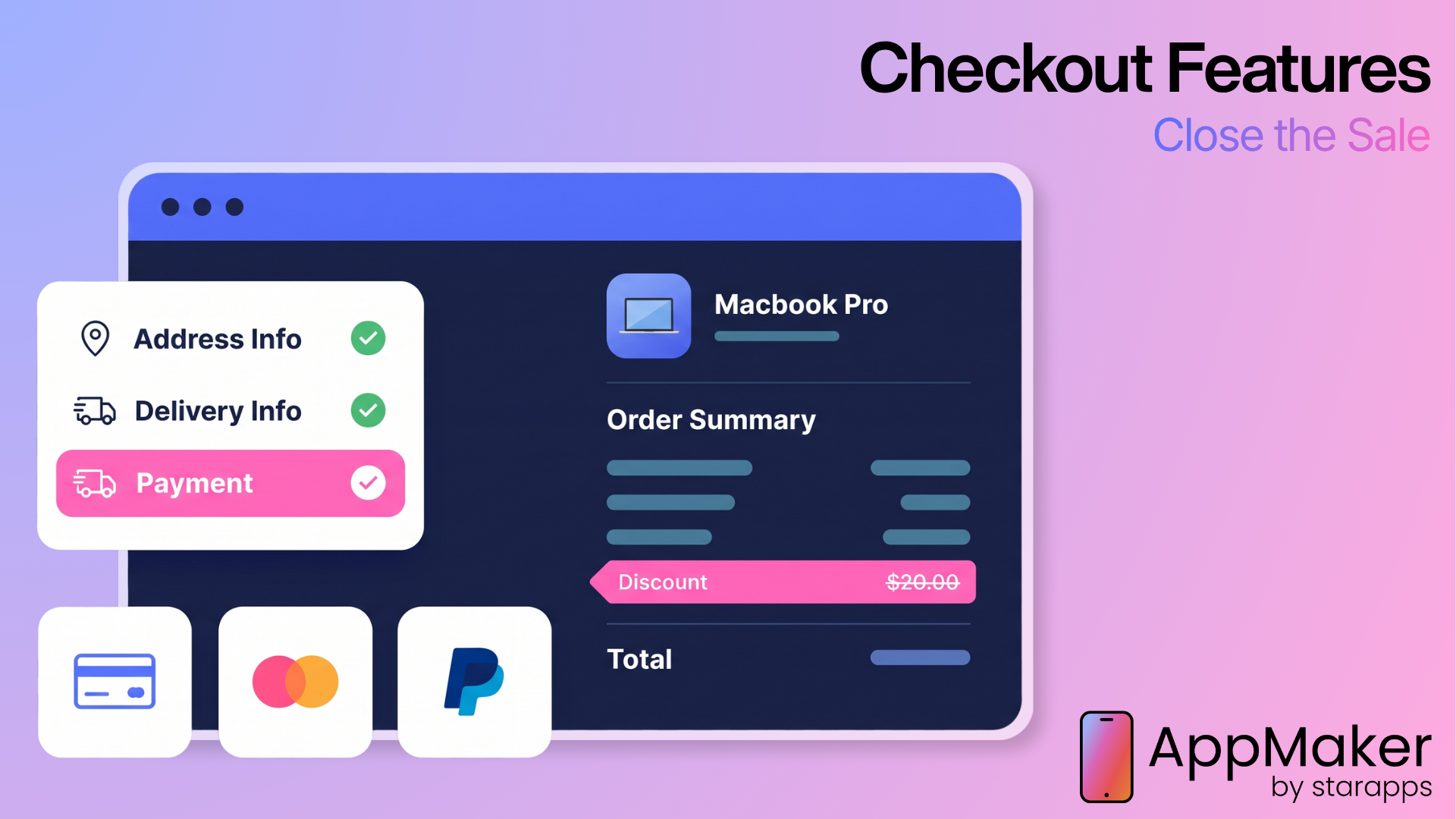
Accelerated checkout lets a recognized shopper pay with saved payment and shipping details in one or two taps instead of filling in forms. On a phone, it's the single most direct conversion lever you control.
Shopify says a study completed with a Big Three management consulting firm in April 2023 found Shop Pay converts up to 50% higher than guest checkout and at least 10% higher than other accelerated checkouts. Simply offering Shop Pay lifted lower-funnel conversion by about 5%, even among buyers who didn't use it. Shopify's 2026 data also shows average order value about 16% higher on Shop Pay and checkout about 2.5 times faster than guest checkout (Shopify Enterprise). Shopify labels these study-based figures rather than guaranteed results. Shop Pay is included with Shopify Payments.
The abandonment data explains why speed matters. Among US shoppers who abandoned a cart for reasons other than browsing, Baymard found 18% left because the site wanted them to create an account and 17% because checkout was too long or complicated.
How it works in a native Shopify app: Shopify Checkout Kit is an open-source SDK for Swift, Android, and React Native that presents your store's checkout inside the app. Shopify processes the payment, applies tax rules, and creates the order. Checkout Kit supports preloading checkout in the background, signing buyers in to prefill saved details, and passing privacy consent signals such as App Tracking Transparency. Checkout UI extensions and checkout branding require Shopify Plus.
Shopify announced separate accelerated checkout buttons for mobile apps in October 2025, which place Shop Pay and Apple Pay directly on product and cart pages. Shopify's accelerated checkouts documentation currently lists them for iOS apps built with Swift or React Native, with Android not yet supported.
How to implement it:
- Put accelerated payment buttons on product and cart pages, not only at the last step.
- Preload checkout once a cart has items so it opens instantly.
- Keep discounts, shipping rules, and taxes identical to web so app shoppers never see a different total.
- Configure universal links and App Links so shoppers who approve payment in a banking app return to your app, a case covered in Shopify's Checkout Kit documentation on GitHub.
- Test the failure path. If Apple Pay fails, Shopify's accelerated checkouts fall back to full checkout, and your cart state should survive that handoff.
The costliest mistake is sending app shoppers to a slow web checkout that asks them to sign in again. It erases the app's main advantage.
Payment flexibility: wallets and buy now, pay later
Payment flexibility means offering the payment methods your customers expect, including digital wallets and buy now, pay later (BNPL) for higher-priced baskets.
BNPL is now a mobile-first behavior. Adobe reports that 79.4% of BNPL transactions on Cyber Monday 2025 happened on mobile devices, and BNPL drove $20 billion in US online spending across the 2025 holiday season, up 9.8% year over year (Adobe). On the friction side, Baymard found 9% of non-browsing abandoners left because there weren't enough payment methods and 10% because their card was declined.
Build it well:
- Show installment messaging on product pages for items where the price is a real barrier, not on every low-cost product.
- Offer Shop Pay Installments or your BNPL provider where available in your markets, and confirm it works inside the in-app checkout.
- Review payment method usage by country before launching internationally.
Checkout clarity: total cost, delivery dates, and accounts
Checkout clarity is the design work that answers three questions before a shopper pays: What's the total? When will it arrive? Do I need an account?
Excluding shoppers who were just browsing, Baymard found extra costs such as shipping, tax, and fees were the top abandonment reason at 40%, followed by slow delivery at 20%. Another 12% couldn't see or calculate the total order cost upfront. Baymard's benchmarks show how common the underlying problems remain: 67% of sites don't show a total order cost estimate near the product page buy section, 48% show delivery speed instead of a delivery date, and 83% don't display order cutoff times as a countdown.
Quick fixes:
- Show an estimated delivery date ("Arrives Thursday, October 1") instead of "3 to 5 business days."
- Use a cart progress bar that shows the distance to free shipping, so costs never appear as a surprise.
- Present same-day dispatch cutoffs as a countdown.
- Explain why a phone number is required if you ask for one.
- Keep app shoppers signed in, so the account question never comes up.
Priority 2: Product Page Features That Answer the Last Question
The product page is where purchase decisions happen, and in Baymard's 2026 benchmark it's where apps perform worst. Only 36% of benchmarked apps had a "decent" or better product page experience, compared with 38% of mobile sites and 48% of desktop sites (Baymard).
The recurring problems are specific and fixable:
| Product page element | What Baymard found | What to do in your app |
|---|---|---|
| Image zoom | 80% of leading apps don't support pinch-to-zoom | Support pinch and double-tap zoom on every product image |
| Size selection | 57% of sites don't use buttons for sizes | Show sizes as tappable buttons with out-of-stock sizes visible |
| Scale | 42% of users try to judge size from images; 37% of sites lack "in scale" images | Add at least one image showing the product next to a person or known object |
| Return policy | 60% of shoppers look for return information on the product page | Summarize returns next to the add-to-cart button |
| Total cost | 67% of sites don't estimate total order cost near the buy section | Show shipping cost or free-shipping threshold on the page |
| Negative reviews | 89% of sites don't respond to negative reviews | Reply to critical reviews and style staff responses differently |
| Review photos | 63% of sites don't let users browse all reviewer-submitted images | Let shoppers swipe through customer photos across reviews |
Sources: Baymard Product Page UX 2026 and Baymard Mobile App UX 2026.
One more pattern matters for apps specifically. In Baymard's app testing, many participants deliberately sought out negative reviews to understand what could go wrong, and unanswered complaints left them doubting both the product and the brand's customer service. Easy access to critical reviews, with visible brand responses, supports the shoppers who are closest to buying.
Priority 3: Search and Discovery Features That Shorten the Path to a Product
In-app search that forgives, suggests, and remembers
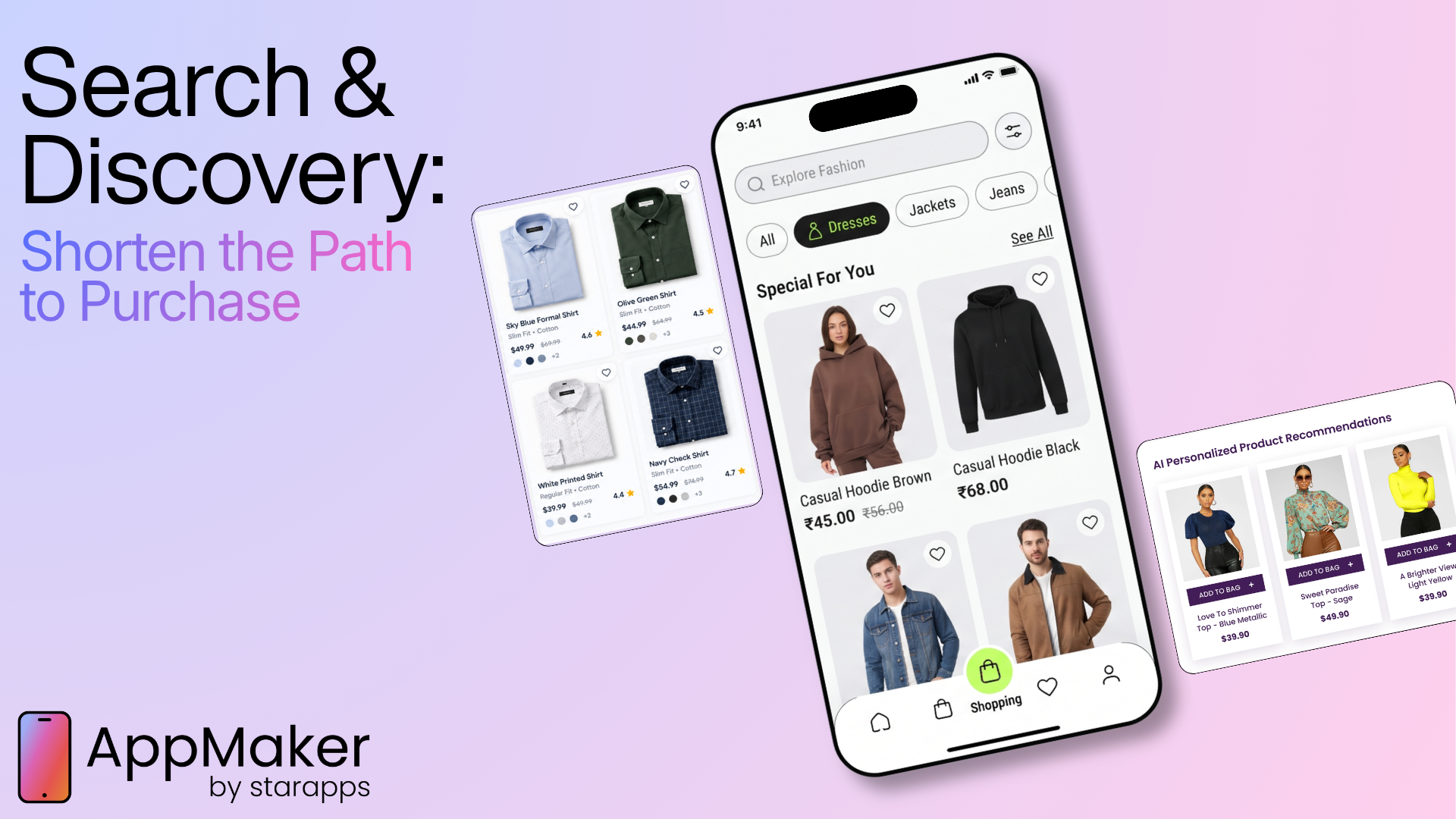
In-app search should understand how shoppers phrase queries, suggest useful completions, and make refining a query easy on a touch keyboard.
Baymard's 2026 Search UX benchmark of more than 170 sites and apps rated 56% "mediocre" or worse (Baymard). Its app-specific benchmark found three problems that are easy to fix and common among leading apps (Baymard):
- 90% don't show a submit button next to the search field, so some shoppers can't tell how to run the search
- 33% don't keep the query in the search field on the results page, forcing shoppers to retype it
- 42% show repetitive or irrelevant autocomplete suggestions
Build it well:
- Keep a visible search bar on the home screen, add a submit button, and label the keyboard's return key "Search."
- Keep the query in the field on results pages so shoppers can adjust it.
- Merge near-duplicate suggestions ("camping tent" and "camping tents") and rank suggestions using search log performance.
- Support product type, attribute ("waterproof jacket"), use case ("gift for a runner"), brand, and SKU queries, with a synonym list for your category.
- Replace zero-results screens with spelling corrections, related categories, and popular products.
- Review zero-result queries weekly. They're a free list of products and synonyms your catalog is missing.
Category navigation built for thumbs
Category navigation is the browsing path for shoppers who don't know exactly what they want yet, and in some verticals it matters more than search.
Baymard's app testing found about one in three app users prefer browsing categories to searching. On apparel and accessories sites, Baymard's research found users rely primarily on navigation and other browsing methods rather than search (Baymard). Apps make browsing harder than websites because there's no main menu to scan. Among leading apps, 40% lack an obvious "Shop" or "Categories" path, 50% push subcategories below promotions on intermediary category pages, and 57% use homepage links that don't describe their scope (Baymard). In testing, shoppers who unknowingly landed in a narrow promotional collection sometimes left, assuming the brand didn't stock what they wanted.
What to change:
- Add a bottom navigation tab labeled "Shop" or "Categories."
- Lead intermediary category pages with subcategory tiles, then promotions.
- Write homepage links that state exactly what the shopper will see ("Shop all men's shoes," not "Shop now").
- If you sell apparel, invest in navigation and curated collections before advanced search.
Speed and stability
App speed and stability determine whether shoppers reach the product page at all, and whether it works when they get there.
In Deloitte's Google-commissioned Milliseconds Make Millions study (2020), a 0.1-second improvement in mobile site speed was associated with an 8.4% increase in retail conversions and a 9.2% increase in average order value. The study measured mobile websites, but the principle carries into apps.
Contentsquare's 2026 data shows where friction hides now. Slow loads over three seconds affect just under 11% of sessions, but API errors rose 16% year over year. Apps depend on background data calls for reviews, inventory, prices, and loyalty balances. When one fails, the screen still loads. The reviews or delivery estimate just disappear, and so does the confidence to buy.
Build it well:
- Monitor API error rates on product, cart, and checkout screens, not just crash rates.
- Show fallback content when a third-party widget fails instead of leaving blank space.
- Keep non-essential carousels under half the screen height; Baymard found 53% of leading apps use horizontal scroll areas tall enough to hijack vertical scrolling.
- Compare build approaches for performance before committing. AppMaker's guide to native vs. hybrid apps for Shopify stores covers the trade-offs.
Priority 4: Personalization and Recommendations That Make Choices Easier
Personalization
Personalization changes the products, content, offers, and messages a shopper sees based on who they are and what they've done.
McKinsey's research found 71% of consumers expect personalized interactions and 76% get frustrated when they don't get them. It reported that personalization most often drives a 10% to 15% revenue lift, with company-specific results ranging from 5% to 25%, and that 78% of consumers said personalized content made them more likely to repurchase. That research dates from 2021. More recent channel data points the same way: Airship's 2025 push benchmarks report that tailored messages lifted push open rates by 37% on average, and using zero-party data (preferences shoppers share directly) in targeting drove a 91% lift in push-attributed purchases on Airship's platform.
Apps have a structural advantage. They can keep shoppers signed in between sessions, so personalization doesn't depend on browser cookies that expire or get cleared.
A practical personalization ladder for Shopify apps:
| Level | Data used | Example | Effort |
|---|---|---|---|
| 1. Segment rules | Shopify customer tags, location, signed-in status | VIP customers see early access; guests see why signing in helps | Low |
| 2. Behavioral | Browsing, cart contents, order history | A "Buy again" row with a customer's last supplement order | Low to medium |
| 3. Zero-party data | Quiz answers, stated preferences | A skin-type quiz filters the home feed | Medium |
| 4. Predictive | Models trained on many customers' behavior | Likely next purchase, best send time | High |
Most Shopify brands get the fastest return from Levels 1 and 2 because the data already lives in Shopify. Level 4 pays off only after the lower levels work and you have enough order volume to learn from. Whatever level you start at, keep a holdout group so you can prove personalization adds revenue rather than just redistributing it.
Recommendations and cross-sells
Recommendations help shoppers compare options, build bigger baskets, and reorder faster, but only when each type sits in the right place.
In a 2025 Baymard survey of 1,005 US online shoppers, 76% said they look at cross-sells at least some of the time, and 59% check suggestions to see whether they missed a better option. In app testing, participants largely ignored suggestions that didn't fit, and 31% of leading apps don't offer a section of true alternatives on the product page (Baymard).
Treat recommendations as three separate jobs:
| Type | Placement | Job | Metric |
|---|---|---|---|
| Alternatives ("similar items") | Product page | Help shoppers decide without backtracking | Add-to-cart rate |
| Complements ("goes well with") | Cart or after add-to-cart | Grow basket size | Average order value |
| Reorder ("buy again") | Home screen, account | Speed up repeat purchases | Repeat purchase rate |
AI shopping assistants are the newest layer. Sensor Tower's State of AI 2026 report found Amazon Rufus users convert at nearly twice the rate of non-users. Shoppers who seek out an assistant may already be more motivated, so if you add one, test it against a control group rather than trusting user vs. non-user comparisons.
Priority 5: Re-Engagement Features That Bring Intent Back
Push notifications
Push notifications are messages your app sends to a shopper's lock screen or notification center, and they're the fastest way to turn renewed interest into a session.
Airship's 2025 benchmark report, based on 2024 platform data, found that customers who opted in to push made 13% more purchases than opted-out customers. That's a correlation, since opted-in customers may already be more engaged. (Airship has since released a 2026 edition available for download; the figures here come from the 2025 report.) The more actionable findings: segmented push lifted push-attributed purchases by 4% to 72% in Airship's research, and rich push with images raised direct open rates by 22% on average.
Treat push permission like an asset you can spend down. In an Airship survey across seven countries, the two top reasons consumers opted out of brand messages were that messages came too often or weren't relevant. Winning permission is also getting harder: apps targeting Android 13 and later must request notification consent, and Airship reported Android opt-in rates falling across all percentiles.
This is also where native apps differ most from the mobile web. On iPhone, a website can send push notifications only after the shopper adds it to the Home Screen as a web app, a capability Apple introduced in iOS 16.4.
| Push type | Trigger | Example | Why it converts |
|---|---|---|---|
| Transactional | Order and delivery events | "Your order is out for delivery" | Builds trust and a habit of opening |
| Behavioral | Cart, browsing, wishlist, price, or stock changes | "Your size in the linen shirt is back" | Tied to recent, specific intent |
| Lifecycle | Replenishment cycle, time since last order | "Running low on dog food? Reorder in one tap" | Matches natural purchase rhythms |
| Campaign | Launches, drops, sales | "Member early access opens in 1 hour" | Creates urgency for engaged segments |
Build it well:
- Don't ask for permission on first launch. Airship recommends explaining the value first; its research found onboarding campaigns reached opt-in rates up to 40% above category averages, and in-app messages raised opt-ins among previously opted-out users by 14% on average.
- Ask at a moment of value, such as after an order ("Want delivery updates?") or a wishlist save ("Should we tell you if the price drops?").
- Offer a preference center so shoppers can choose drops, restocks, or order updates.
- Cap sends per user and respect local time zones.
- Link every notification to the exact screen it mentions.
- Report opt-outs and uninstalls next to push revenue. A campaign that shrinks your reachable audience weakens every campaign after it.
For more lifecycle tactics, see AppMaker's Shopify mobile app growth strategies.
Deep linking
Deep linking opens a specific screen inside your app, such as a product, collection, cart, or order, instead of the home screen.
Apple's universal links and Android's App Links use standard web URLs verified against your domain. Apple's universal links guide explains that because the association is verified through a file on your website, other apps can't claim your links, and if the app isn't installed, the link opens your website instead. Android verifies App Links through a Digital Asset Links file, so verified links open directly in your app without a "choose an app" dialog on Android 6 and later devices with Google services.
Deep linking is the plumbing that lets push, email, SMS, QR codes, and creator campaigns convert inside the app. Every link that lands on the home screen asks the shopper to find the product again, and some won't.
Implementation checklist:
- Map Shopify URL patterns (products, collections, cart, account, orders) to matching app screens.
- Preserve UTM and campaign parameters so attribution survives the handoff.
- Send deep links for sold-out products to alternatives or a back-in-stock option, not an error screen.
- Validate incoming URL parameters. Apple warns that universal links can become an attack vector if parameters go unchecked.
- Test links with Apple's universal links debugging guide and Android's App Links developer tools before major campaigns.
Cart and browse recovery
Cart and browse recovery uses automated reminders across push, email, and SMS to bring shoppers back to products they added to cart or viewed but didn't buy.
Baymard's documented average cart abandonment rate is 70.22%, and 42% of US online shoppers say they've abandoned a cart because they were just browsing or not ready to buy (Baymard). Much abandonment is postponed intent, not rejection, which is why recovery works. Klaviyo reports that abandoned cart flows generate more revenue than any other automated flow type in its benchmarks, averaging $3.07 in revenue per recipient and a 2.68% placed order rate.
An app adds two advantages: carts persist for signed-in shoppers, and a push notification can reach opted-in customers before email or SMS enters the sequence.
Build it well:
- Use Shopify's cart as the single source of truth so app and web show the same items.
- Run push, email, and SMS as one sequence, and stop all messages once the shopper buys on any channel.
- Test the timing of the first reminder against your own purchase cycle instead of copying a generic benchmark.
- Address the likely objection (shipping cost, delivery date, returns) before offering a discount.
- Keep browse abandonment to a single, incentive-free reminder.
Wishlists and back-in-stock alerts
A wishlist stores "not yet" intent, and back-in-stock or price-drop alerts turn that stored intent into orders.
Baymard's survey research found 21% of shoppers rely on "Save" features, yet 89% of benchmarked sites don't make those features easy to access and use. One failure Baymard highlights is requiring an account before a shopper can save anything (Baymard). Wishlists are also a demand signal. Saved items show which products and sizes shoppers want before those wants turn into sales.
What good looks like:
- Put a save icon on product list tiles as well as product pages.
- Let guests save items, then offer sign-in as the way to keep the list across devices.
- Store saved items at the variant level so restock alerts fire for the right size or color.
- Trigger push notifications for price drops, restocks, and low stock on saved variants.
- Make lists shareable for gifting season, and review saved-item data when planning restocks.
Priority 6: Retention Features That Create Repeat Buyers
Loyalty programs inside the app
An in-app loyalty program rewards repeat purchases and makes progress toward the next reward visible every time a customer shops.
McKinsey's 2020 loyalty survey found members of paid loyalty programs were 60% more likely to spend more with a brand after subscribing, compared with 30% for free programs. Shopify's 2026 data shows the value of recognition itself: buyers who use both the Shop app and Shop Pay have about a 57% higher 90-day repurchase rate than buyers who use neither (Shopify Enterprise).
Airship's benchmark report includes a loyalty example worth copying. ASDA used rich push, in-app stories, and messages personalized to each customer's rewards progress, and doubled direct opens for the campaign compared with its average performance.
Build it well:
- Show the points balance and next reward in the account screen and the cart ("120 points until free shipping").
- Let shoppers apply rewards at checkout without copying codes.
- Build tiers around perks that protect margin, such as early access, free shipping, and exclusive products.
- Send push notifications for progress milestones, not just balance reminders.
- Connect your existing loyalty provider so points match across web, app, and store.
AppMaker's roundup of the best Shopify customer retention apps compares tools that integrate with Shopify.
App-exclusive access
App-exclusive access gives app users something the website doesn't: earlier launches, limited products, or member-only restocks.
Baymard observes that frequent app users are often fans of the brand who value the convenience of a familiar app (Baymard). Exclusives reward that behavior and give other customers a reason to install. The risk is teaching customers to wait for discounts, which is why access usually works better than price as the exclusive.
Guardrails:
- Offer early access to launches and restocks before offering deeper discounts.
- Pair limited drops with a countdown and a push to opted-in segments.
- Show exclusive content only to the segments it's meant for.
- Measure cannibalization. If app-only offers just move orders that would have happened on the website, they cost margin without adding revenue.
For examples of how established commerce apps use these tactics, see AppMaker's analysis of top mobile commerce apps and the features behind their repeat purchases.
How to Get Existing Customers to Download Your Shopify App
No app feature converts shoppers who never install the app, so adoption prompts are a feature in their own right.
The best candidates for your app are customers who already buy from you. Reach them at moments when the app is clearly useful:
- On your mobile website: Apple's Smart App Banners show a banner in Safari that opens your app if it's installed or goes to the App Store if it isn't. The banner can pass the current page URL, so a shopper can land on the same product inside the app. Build a lightweight equivalent for Android visitors that links to Google Play.
- After purchase: Order confirmation and delivery tracking are natural moments to suggest the app for real-time updates.
- Through owned channels: Email footers, packaging inserts with QR codes, and loyalty communications reach customers who already trust the brand.
- With a reason, not just a discount: Early access, faster reorders, and delivery tracking hold up better than one-time install coupons.
Track installs by source, and track how many new app users go on to place a second order. That second number tells you whether adoption is building an owned channel or just moving one-time buyers around.
How to Measure Whether App Features Increase Conversions
App analytics connects in-app behavior to revenue, and holdout testing shows whether a feature created that revenue or just took credit for it.
Small fixes show up in the data when you measure friction. In Contentsquare's 2026 benchmark, reducing rage clicks on a page by 1.5 percentage points corresponded to one extra page viewed per session.
The most common analytics mistake is comparing app users with web users and crediting the app for the difference. App users are usually your most loyal customers already. To measure what a feature adds, use holdout groups and before-and-after comparisons on the same audience.
| Metric | What it tells you |
|---|---|
| Revenue per session (app vs. mobile web) | Whether app sessions are worth more, before adjusting for customer mix |
| Checkout completion rate | Whether checkout friction is fixed |
| Product view to add-to-cart rate | Whether product pages answer shoppers' questions |
| Search exit and zero-result rates | Whether shoppers can find products |
| Push opt-in rate, opt-out rate, and attributed orders | Whether re-engagement is growing or eroding your audience |
| Push opt-in rate, opt-out rate, and attributed orders | Whether re-engagement is growing or eroding your audience |
| 30- and 90-day repeat purchase rate | Whether retention features are working |
| API error and crash rates on key screens | Whether hidden technical failures are costing orders |
| Incremental lift from holdout tests | Whether a feature adds revenue |
Features That Look Good in Demos but Rarely Lift Conversions
| Looks impressive | Why it underdelivers | Better approach |
|---|---|---|
| Full-screen homepage banners | Baymard found overly prominent homepage ads in 76% of leading apps overwhelm users and hide the product range | Lead with category paths; keep promotions secondary |
| Tall swipeable carousels | They hijack vertical scrolling and cause accidental taps | Keep non-essential carousels under half the screen |
| Push permission prompt on first launch | Shoppers haven't seen any value yet | Ask after an order or wishlist save |
| Broadcast push to every user | Frequency and irrelevance are the main opt-out reasons | Segment by behavior and stated preference |
| AI chat on top of messy product data | An assistant is only as accurate as the catalog behind it | Clean titles, attributes, and variants first |
| Countdown timers without a real deadline | Urgency that isn't true erodes trust | Use countdowns for real dispatch cutoffs and drops |
| Deep discounts as the main app benefit | They train customers to wait for offers | Lead with early access and exclusives |
Shopify Mobile App vs. Mobile Website: What Each Does Best
A Shopify app doesn't replace your mobile website. Search engines and AI assistants send new, high-intent shoppers to web product pages. The app retains and re-engages those shoppers after they buy.
| Capability | Mobile website | Native Shopify app |
|---|---|---|
| Lock-screen push on iPhone | Only after the shopper adds the site to the Home Screen (iOS 16.4+) | Available once the shopper grants permission |
| Shop Pay and Apple Pay | Supported in Shopify checkout | Supported through Checkout Kit; on-page accelerated buttons currently documented for iOS |
| Staying signed in | Depends on browser sessions and cookies | Apps can keep shoppers signed in between sessions |
| Home screen presence | Only if manually added | App icon after install |
| Campaign links | Standard URLs | Universal links and App Links with website fallback |
| Discovery through search engines and AI answers | Strong; product pages can be indexed and cited | Limited; apps rely on web and app store discovery |
| Best role | Acquiring new customers | Retaining and re-engaging existing customers |
Where AppMaker Fits: The Owned Mobile Channel
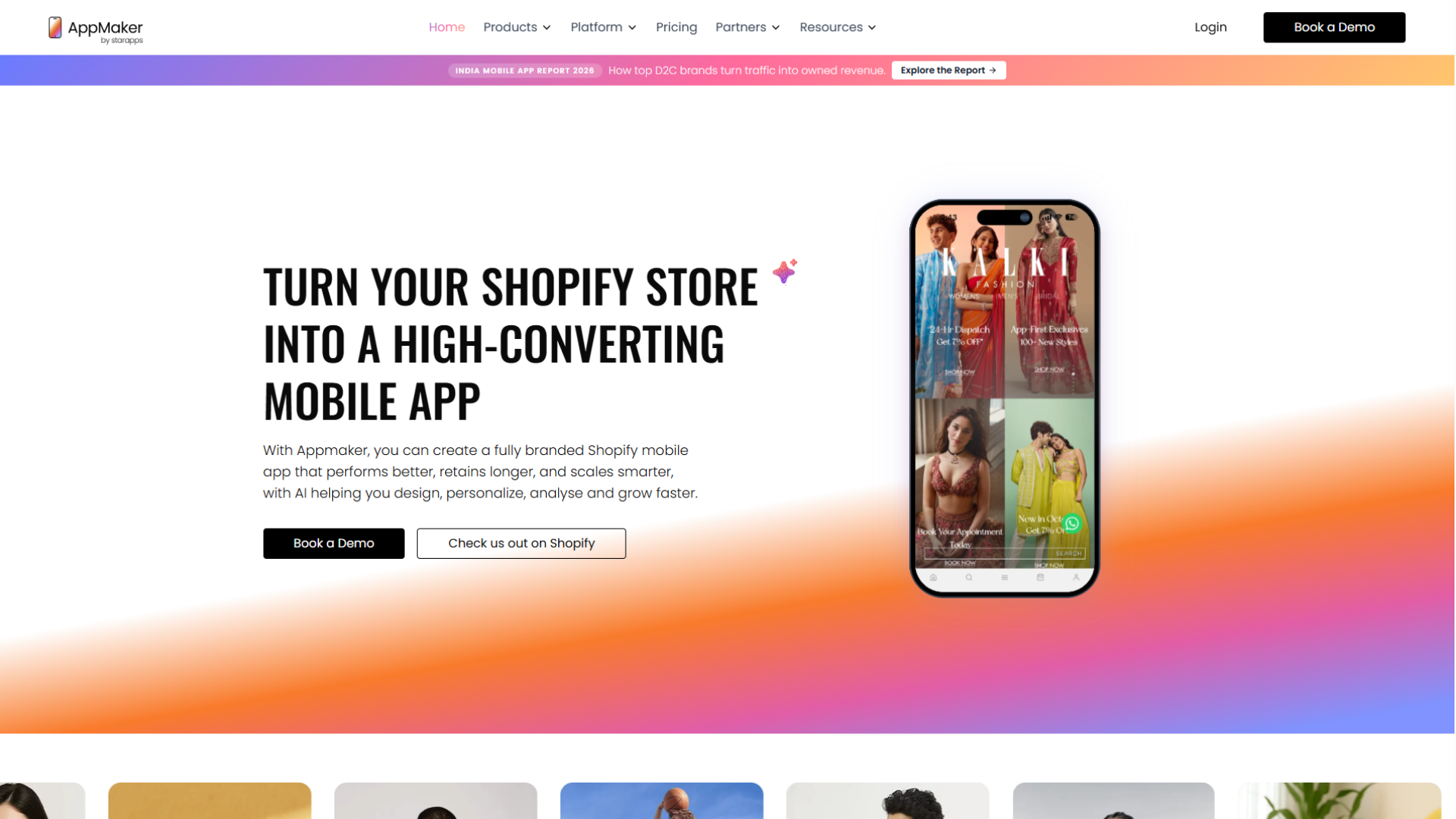
An owned mobile channel is a direct connection to customers that your brand controls: your app on their home screen, their notification permission, their signed-in identity, and the first-party data those create. Reaching those customers again doesn't depend on winning another ad auction.
Why an owned channel matters more now
Renting attention keeps getting more expensive: When the cost of a visit has risen 30% in three years in Contentsquare's benchmark, every repeat order won back through paid social or search costs more than the last. Opted-in app customers can be reached again without buying the click a second time.
Returning customers carry conversion: They convert well above new visitors in Contentsquare's data, and they're the audience an app is built for. AppMaker's India Mobile App Report 2026 examines the same retention-over-acquisition dynamic for D2C brands.
Privacy rules favor direct relationships: Apple's App Tracking Transparency framework requires apps to request permission before tracking people across other companies' apps and websites. Relationships customers choose, like installing your app and opting in to updates, rely far less on cross-company tracking.
AI is splitting discovery from loyalty: AI assistants and search increasingly decide which product page a new shopper sees first. The brands that keep that shopper are the ones with a direct way back to them.
What to look for in a Shopify app platform
The framework in this article translates into a practical evaluation checklist. Here's what each stage requires from an app platform
| What your app needs | Why it matters | How AppMaker handles it |
|---|---|---|
| Merchandising changes without developer cycles | Product pages and collections need constant iteration | AppMaker Studio, a drag-and-drop builder with real-time preview and a CMS for banners, scrollers, videos, and timed content |
| Segment-level personalization from Shopify data | Levels 1 and 2 of the personalization ladder deliver the fastest return | App Conditional Blocks that show content based on Shopify tags and metafields, such as VIP early access, guest sign-in prompts, or scheduled regional campaigns |
| Checkout and basket modules | Checkout clarity and order value features sit in Tier 1 and 2 | Extensions including sticky carts, countdown timers, product bundles, cart progress bars, and reorder scrollers |
| Automated, segmented push | Broadcast push erodes permission | Push notifications with scheduled campaigns, triggers for abandoned carts, restocks, and inactivity, segmentation by behavior, preferences, and location, and an AI option that selects message, timing, and audience |
| Room for custom flows | Loyalty, subscriptions, and category-specific journeys vary by brand | Loyalty modules and Code Blocks for custom flows such as subscription modules or loyalty checkouts |
| Revenue-level measurement | Features have to prove incremental value | App analytics covering revenue per session, conversion rate, AOV, retention, and purchase frequency |
| Existing tool integrations | Reviews, loyalty, and marketing data should carry into the app | 160+ integrations |
What AppMaker customers report
AppMaker's customer case studies report these outcomes:
- Supertails (pet care): 67% of total orders come through the mobile app
- Two Brothers Organic Farms (organic FMCG): 50% of total orders come through the app
- The House of Rare (premium fashion): 45% of total orders come through the app
- XYXX (premium essentials): 5.3x higher conversion rate than its mobile website
On AppMaker's features page, the co-founder of Recode Studio says the brand's repeat purchases went from 30% to 58% and that the app became its biggest revenue driver.
These figures are reported by AppMaker and its customers and have not been independently audited. They also reflect brands whose most loyal customers moved into the app, so read them as examples of what an owned channel can become, not as expected results for every store.
When an app is the right next step
An app tends to pay off when a meaningful share of revenue comes from repeat customers, the catalog gives people reasons to come back (replenishment, new drops, seasonal ranges), and the team can run push campaigns and merchandising consistently. If most customers buy only once, or mobile checkout and product pages still have basic friction, fix the mobile website first.
When you're ready to compare platforms, AppMaker's guide to Shopify mobile app builders breaks down the options, the App Showcase shows live examples, and the pricing page lists current plans.
A 90-Day Rollout Plan for Shopify App Conversion Features
If Black Friday Cyber Monday is less than three months away, get the first phase live before peak season. AppMaker's ecommerce marketing calendar and its breakdown of how brands used mobile apps during BFCM 2025 help with campaign planning.
| Phase | Focus | What to ship | Success signal |
|---|---|---|---|
| Days 1 to 30 | Remove friction | Accelerated checkout, delivery dates and total cost, product page fixes (zoom, size buttons, returns, reviews), search fixes, a clear Shop tab, event tracking | Checkout completion and add-to-cart rates improve |
| Days 31 to 60 | Re-engage | Smart App Banner and post-purchase install prompts, value-based push opt-in, transactional push, cart and browse recovery, deep link map | Installs from existing customers rise; opt-ins grow without opt-outs climbing |
| Days 61 to 90 | Compound | Segment personalization, alternative and reorder recommendations, loyalty integration, wishlist alerts, member early access, holdout tests | Repeat purchase rate and incremental revenue improve |
Frequently Asked Questions
Do Shopify mobile apps convert better than mobile websites?
Often, but raw comparisons exaggerate the difference because app users tend to be existing, loyal customers. Baymard's benchmarks of leading brands show apps outperform mobile sites on checkout UX but not on product page UX. Measure your own incremental lift with holdout tests rather than comparing app and web averages.
How much does it cost to launch a Shopify mobile app?
Budget for three layers: the app platform or development work, app store accounts, and ongoing marketing and maintenance. The Apple Developer Program costs 99 USD per year (or local currency where available), and a Google Play developer account has a one-time US$25 registration fee. App builder pricing varies widely by plan, and some platforms also charge a share of in-app sales, so compare total cost at your expected app revenue. AppMaker lists its current plans on its pricing page.
Will Apple approve a Shopify app that only wraps my website?
It is at real risk of rejection. Apple's App Review Guidelines (section 4.2) say an app should include features, content, and UI that go beyond a repackaged website. Guideline 4.2.6 adds that apps built with a commercial template or app generation service must be submitted directly by the provider of the app's content, meaning the brand rather than the app builder.
What's the difference between a branded Shopify app and Shopify's Shop app?
The Shop app is Shopify's consumer shopping app, where customers track packages, discover stores and products across many merchants, pay with Shop Pay, and earn Shop Cash on eligible purchases. A branded app belongs to a single store, so the brand controls the design, merchandising, loyalty experience, and push notifications. The two can work together: Shop supports discovery and order tracking across Shopify, while a branded app focuses on repeat purchases from your own customers.
Can a Shopify mobile app use Shop Pay?
Yes. Shopify Checkout Kit lets iOS, Android, and React Native apps present Shopify checkout with supported payment methods, including Shop Pay. Shopify's accelerated checkout buttons, which put Shop Pay and Apple Pay on product and cart pages, are currently documented for iOS only.
Do Shopify discounts and checkout customizations work inside a mobile app?
Checkout logic can carry over when the app uses Shopify Checkout Kit. According to Shopify's documentation, Checkout Kit presents your store's checkout with Shopify Functions for discounts, payment customizations, and delivery rules, along with your configured payment methods. Checkout UI extensions and checkout branding require Shopify Plus. Third-party tools outside checkout, such as reviews or loyalty widgets, depend on the integrations your app platform supports.
Can a progressive web app replace a native Shopify app?
Partly, but with trade-offs on iPhone. A progressive web app (PWA) can receive web push notifications on iOS and iPadOS 16.4 or later only after the shopper adds it to the Home Screen, according to WebKit. A native app is installed from the App Store or Google Play, can ask for notification permission inside the app, and can use native SDKs such as Shopify Checkout Kit.
Should I build a native or hybrid Shopify app?
The right choice depends on performance expectations, budget, and how much customization you need. AppMaker's comparison of native vs. hybrid apps for Shopify stores walks through cost, speed, features, and scalability.
Does a Shopify app need Apple's App Tracking Transparency permission?
Only if the app tracks users as Apple defines it. Under Apple's User Privacy and Data Use policy, tracking means linking data from your app with data from other companies' apps, websites, or offline properties for targeted advertising or ad measurement, or sharing it with data brokers. Sharing customer email lists with an ad network for retargeting counts. When tracking applies, the app must request permission through the AppTrackingTransparency framework first.
What is a good push notification opt-in rate for a Shopify app?
There isn't one universal benchmark, because opt-in rates vary by industry and by platform. Airship publishes percentile benchmarks by vertical, and its 2025 report found iOS opt-in rates held steady while Android rates fell across all percentiles, as apps targeting Android 13 and later must now request notification permission. Compare your rate with your vertical, then improve it with value-based prompts instead of first-launch requests.
How many push notifications should a Shopify app send?
There's no universal number. Messages that arrive too often or feel irrelevant are the leading reasons people opt out, so let behavior and stated preferences set the pace. Prioritize order updates and intent-based alerts, cap sends per user, and track opt-outs alongside revenue.