






















Key Takeaways
- The best Shopify app builder for a small Shopify store is the one that fits your budget and growth stage, not the most feature-packed option.
- Entry prices range from free-to-install to about $599 per month, so a small store can launch a native app without a high upfront cost.
- Plobal, Shopney, and MageNative suit lean budgets. AppMaker, Tapcart, and Superfans fit brands wanting deeper design control and personalisation.
- Nearly all builders include real-time Shopify sync, white-label iOS and Android apps, unlimited push notifications, and native Shopify checkout.
- Pricing models differ. Some charge a flat monthly fee; others add 1 to 3 percent of in-app sales on top.
- You pay Apple ($99 per year) and Google ($25 one-time) directly to publish, on top of any builder subscription you choose.
- Apps earn their cost through retention, not new customers, so choose one with strong push notifications, segmentation, and analytics.
Most online shopping now happens on a phone. Smartphones drove about 57 percent of global ecommerce spend in 2024, up from 19 percent a decade earlier, according to the Worldpay Global Payments Report. In the United States, mobile made up close to 45 percent of ecommerce sales in 2025 based on eMarketer and Statista data.
A mobile website captures part of that demand. A dedicated app captures more, because it sits on the home screen, sends push notifications, and loads faster than a browser tab. For a small Shopify store, the real question is not whether an app helps. It is which builder gives the best result for your budget and stage.
This guide compares the leading Shopify app builders from the point of view of a small store. It covers pricing, setup, Shopify integration, design, catalogue management, checkout, push notifications, retention, analytics, integrations, publishing, scalability, support, and limitations. Every price and feature was checked against each vendor's official page or Shopify App Store listing in October 2026. It also covers the ongoing costs and the cases where an app is not yet worth building, so you can decide with clear eyes.
Which Shopify App Builder Should a Small Store Choose?
The best choice depends on your budget and how far your store has grown. Here is the short version.
- Smallest budget, testing the idea: Plobal's free-to-install plan or MageNative. Little upfront cost, so you can prove the app works before spending more.
- First real app, want quality and support: Shopney Silver. Low monthly cost, strong core features, included live chat.
- Growing store, marketer-led: Shopney Gold or Tapcart. Stronger design, AI tools, and campaign features.
- Brand that wants a custom experience: AppMaker or Superfans. More design control and deeper personalisation, at a premium price.
- Want the whole website as an app, managed for you: MobiLoud. A done-for-you service rather than a self-serve builder.
The rest of the guide explains the reasoning so you can match the right tool to your situation.
What Small Shopify Stores Actually Need From an App Builder
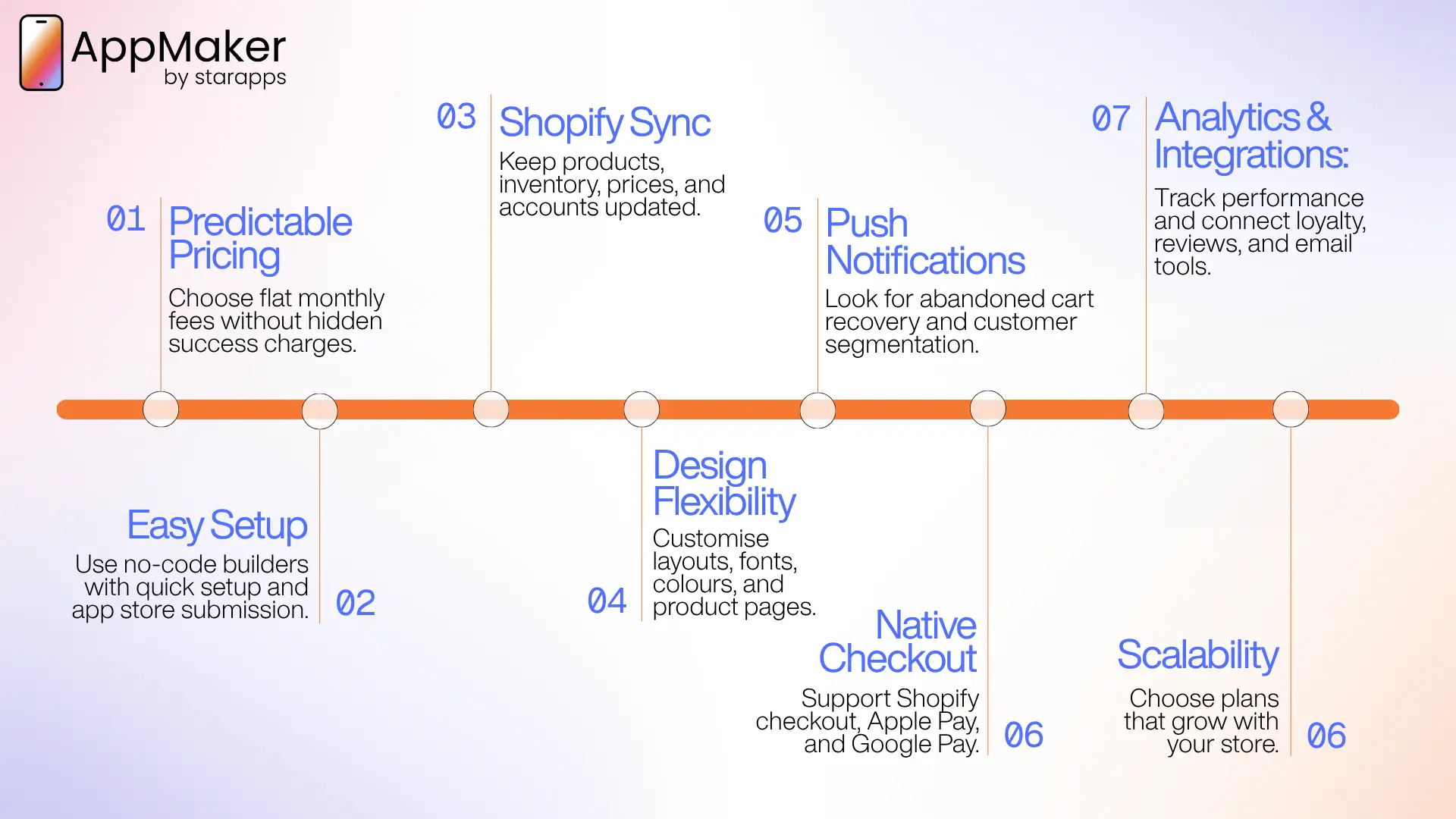
A small store does not need every enterprise feature. It needs the handful of things that drive repeat sales without draining time or cash. Judge every builder against these.
Predictable pricing: Cash flow is tight for most small stores. A flat monthly fee is easier to plan around than a percentage of app sales, which climbs as the app succeeds. Always check for a success fee on top of the subscription.
Simple, fast setup: You probably do not have a developer on staff. A no-code, drag-and-drop builder with real-time Shopify sync lets you launch in days. Builders that handle app store submission for you remove the step that trips up most first-time publishers.
Reliable Shopify integration: The app should mirror your store automatically. Products, collections, inventory, pricing, and customer accounts need to sync in real time so you are not maintaining two catalogues by hand.
Design flexibility: Your app should look like your brand, not a generic template. Check how much control you get over layout, fonts, colours, and product pages, and whether that control sits behind higher tiers.
Push notifications and retention tools: Push is the main reason to have an app. It is free to send, lands on the phone, and recovers abandoned carts. Unlimited push, abandoned cart flows, and basic segmentation belong on your checklist.
Native checkout: Shoppers abandon clumsy checkouts. A builder that uses Shopify's native checkout, with Apple Pay, Google Pay, and your existing payment providers, protects conversion and keeps you compliant.
Analytics and integrations: You need to see how the app performs and connect the tools you already use for reviews, loyalty, and email. Check which analytics are built in and which integrations each plan includes.
Room to grow: The app you launch today should still fit in two years. Check whether the builder adds deeper personalisation, more integrations, and higher tiers as you scale, so you are not forced to migrate later.
Shopify App Builder Comparison Table: Pricing at a Glance
The table below gives a side-by-side view, with pricing verified against each vendor's official page or Shopify App Store listing in October 2026. Prices exclude the Apple and Google developer fees that every option requires.
| Builder | Starting price | Pricing model | Shopify only | Best for |
|---|---|---|---|---|
| AppMaker | $999/month + 1% of in-app sales | Monthly plus revenue share | Yes | Custom, brand-unique app experiences |
| Plobal Apps | Free to install (3% of in-app sales) | Free tier with fee, then flat tiers | Yes | Testing an app with no upfront cost |
| MageNative | From about $99/month | Flat monthly, tiered | Yes | Cheapest flat route to a working app |
| Shopney | $149/month (Silver) | Flat monthly, tiered, no commission | Yes | Design and live chat at a fair price |
| Tapcart | $500/month (Growth) | Flat monthly, tiered | Yes | Fast launch with strong campaign tools |
| Superfans (formerly Vajro) | $1,000/month | Flat monthly, no success fee | Yes | Community and loyalty-led brands |
| MobiLoud | $1,499/month + one-time build fee | Managed service, monthly | No, multi-platform | Running your full website as an app |
Pricing in this category changes often, and several builders add a success fee on top of the base. Confirm the current figure on each vendor's page before committing.
Best Shopify App Builders for Small Stores: In-Depth Reviews
Each builder below is assessed against the same criteria: pricing, setup, Shopify integration, design, retention tools, support, and limitations. This shows where each one fits a small store, and where it does not.
AppMaker: Custom, brand-unique apps
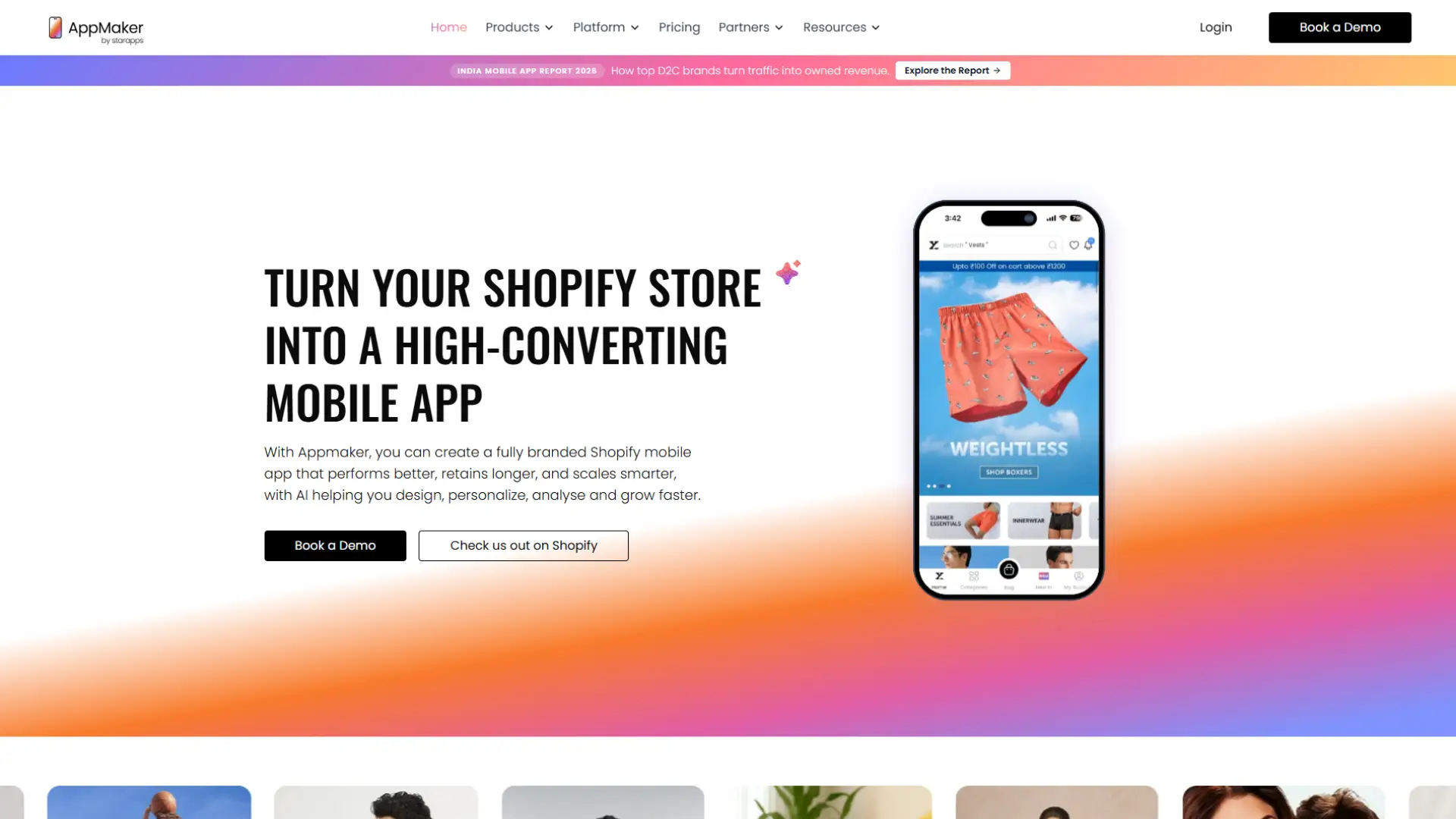
AppMaker, built by StarApps, is aimed at brands that want a custom app rather than a templated one. Its Growth plan is $999 per month plus 1 percent of in-app sales, and the Enterprise tier starts at $2,000 per month plus 1 percent. Both include native iOS and Android apps.
- Setup runs on real-time Shopify sync for products, orders, and customers, with a drag-and-drop CMS that needs no code.
- Design is the clearest point of difference from template-led tools.
- Its conditional blocks tailor the app using Shopify tags and metafields, so a returning customer can see different content from a first-time shopper, and its Eidolon AI design engine converts Figma files or your store theme into app-ready layouts, which cuts design time.
- Default themes come with Growth, custom themes with Enterprise.
- For retention, unlimited push notifications cover abandoned cart, back-in-stock, scheduled, and segmented campaigns, with built-in analytics.
AppMaker publishes case studies with reported outcomes, including Supertails at 67 percent of orders through the app and XYXX at 5.3 times higher conversion than mobile web. These are AppMaker's own figures, so treat them as vendor-reported rather than independent benchmarks. Growth includes email and chat support; Enterprise adds a dedicated account manager, custom APIs, full developer access, and WhatsApp or Slack support.
The limitation for a small store is cost. The revenue share and the higher entry price make AppMaker a poor fit for a first, tightest-budget launch. It earns its place once app sales are steady and you want a distinctive app rather than a template. You can compare plans with the AppMaker team to check whether your store is at that stage.
Best for: Brands that want a brand-unique, highly personalised app with room for custom development, and have app revenue to support it.
Plobal Apps: Free to start, pay as you sell
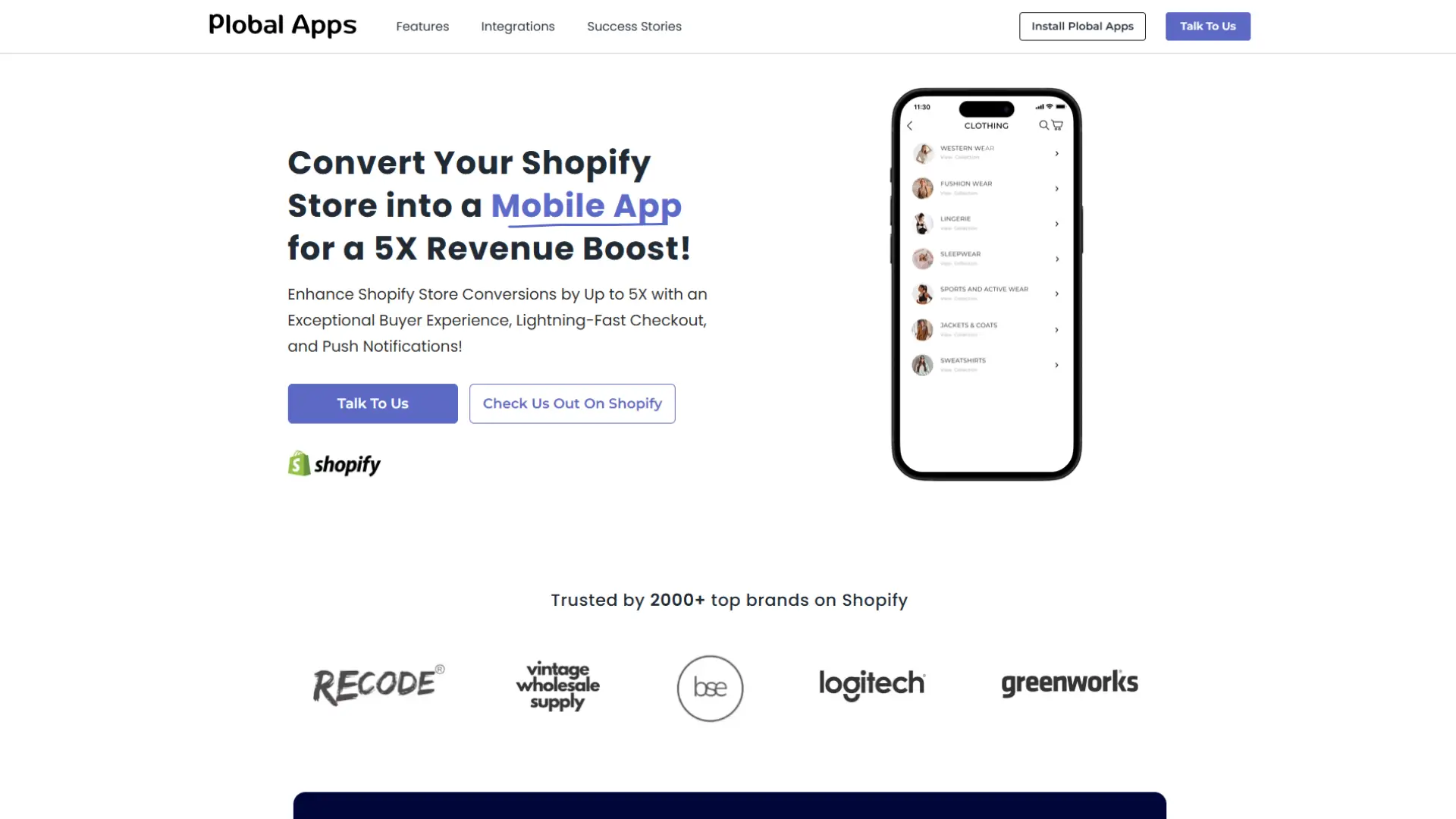
Plobal is one of the few builders a store can launch with no upfront subscription. Its Shopify App Store listing shows a free-to-install Starter plan that charges 3 percent of in-app sales instead of a monthly fee, then flat tiers at $199 (Growth), $499 (Essential), and $1,199 (Enterprise) per month. The Enterprise tier swaps the higher fee for 1 percent of in-app sales. It holds a 4.8 rating from 148 reviews and a 30-day trial on paid plans.
The free start is genuinely useful for a store testing whether app users return. The trade-off is the success fee: at higher volumes, 3 percent of app sales can cost more than a flat plan, so move to a paid tier once the app earns steadily. Plobal includes native iOS and Android apps, real-time sync, and segmented campaigns.
Best for: Stores that want to test an app with little or no upfront cost and accept a success fee early on.
MageNative: Lowest flat entry point
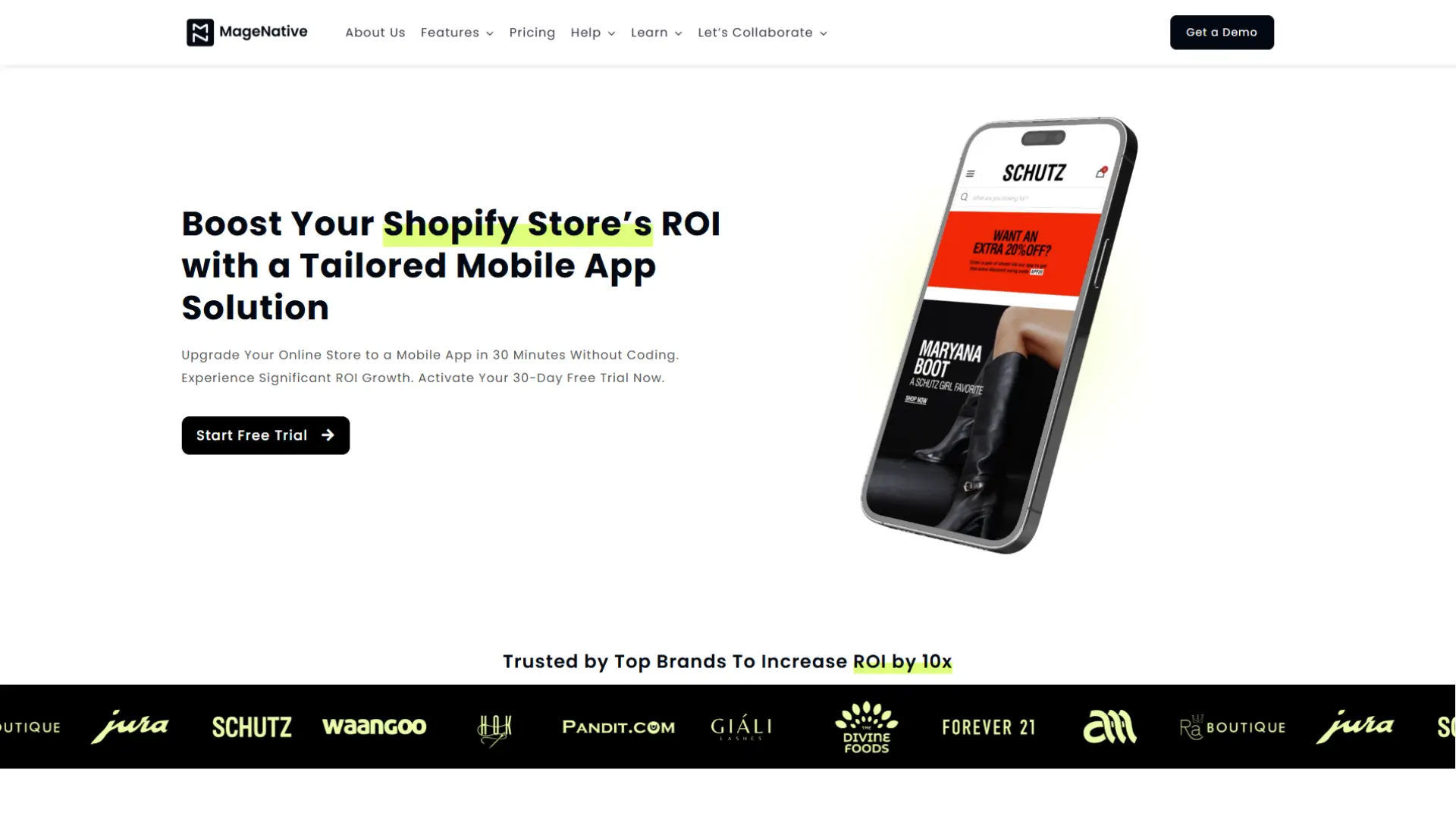
MageNative is a no-code builder aimed at budget-conscious merchants. Plans start at around $99 per month, among the cheapest ways to get a native iOS and Android app. It offers a drag-and-drop editor, real-time Shopify sync, unlimited push notifications on paid tiers, and multi-language and multi-currency support, with a 30-day free trial through the Shopify App Store.
The trade-off is depth. Lower tiers cap some features, templates can feel generic, and support is slower than premium tools. Confirm current tier pricing on the Shopify App Store, as MageNative's published plans have shifted over time. For a first app where the goal is a mobile presence and push notifications, it is a sensible, low-risk start.
Best for: Merchants who want the cheapest flat monthly route to a working app and accept template-led design.
Shopney: Strong all-round value
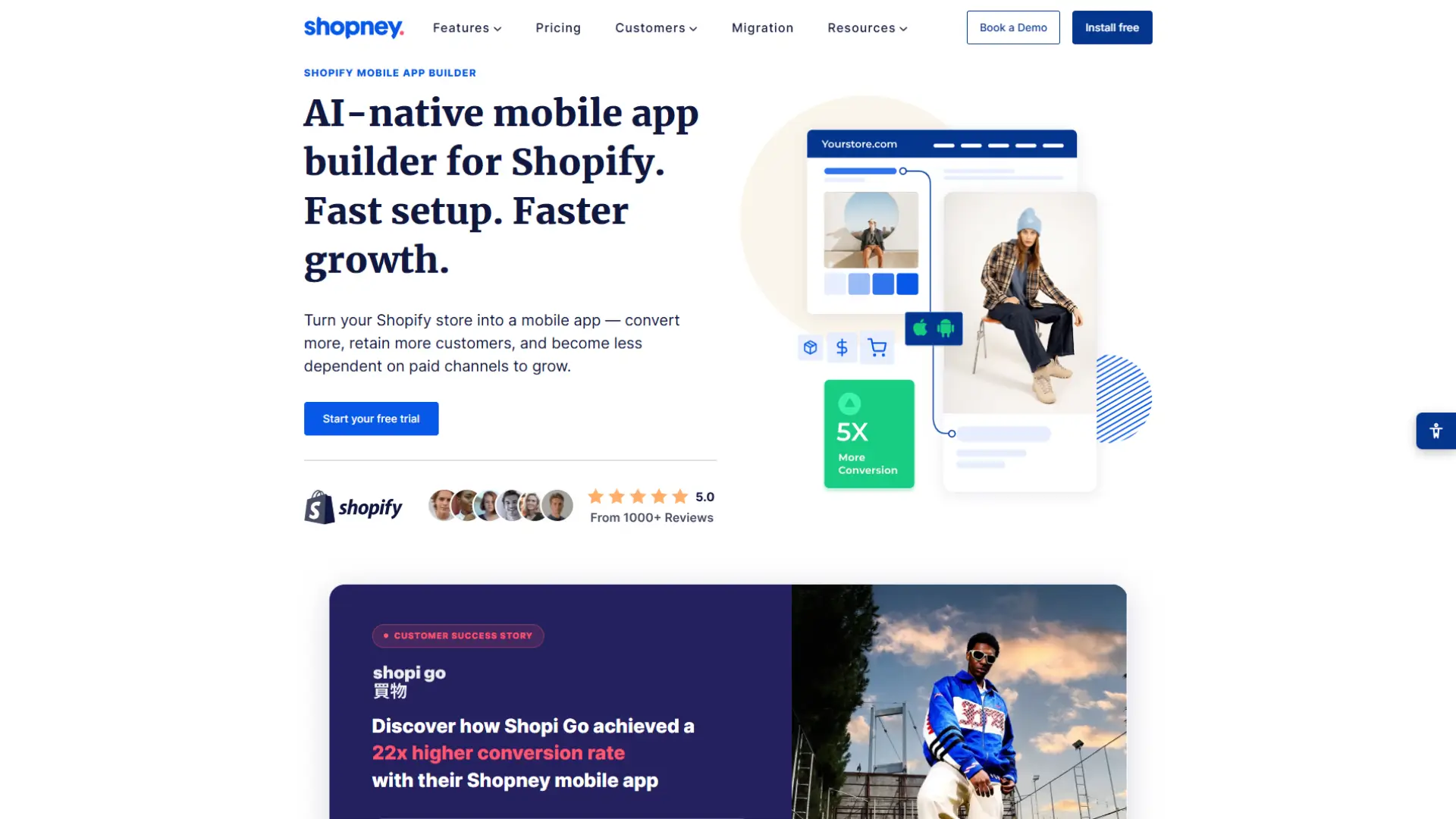
Shopney is one of the best-balanced options for a small store that wants quality without a premium price. Its Silver plan is $149 per month, Gold is $299, and Platinum is $599, with yearly billing lowering each. There is a 30-day free trial and no commission or success fee on any plan. It carries a 5.0 rating from more than 3,000 Shopify reviews.
Every plan includes a white-label iOS and Android app, a drag-and-drop editor, real-time sync, Shopify's native checkout, unlimited push notifications, and in-app chat, a feature many rivals reserve for higher tiers or skip. Higher plans add abandoned cart notifications, AI push, multi-language and multi-currency, loyalty and subscription integrations, and live selling.
A low entry price, included live chat, and strong design support make Shopney a standout for stores that want a polished app without four-figure monthly costs.
Best for: Small and growing stores that want design, live chat, and predictable pricing with no revenue share.
Tapcart: Fast launch with strong marketing tools
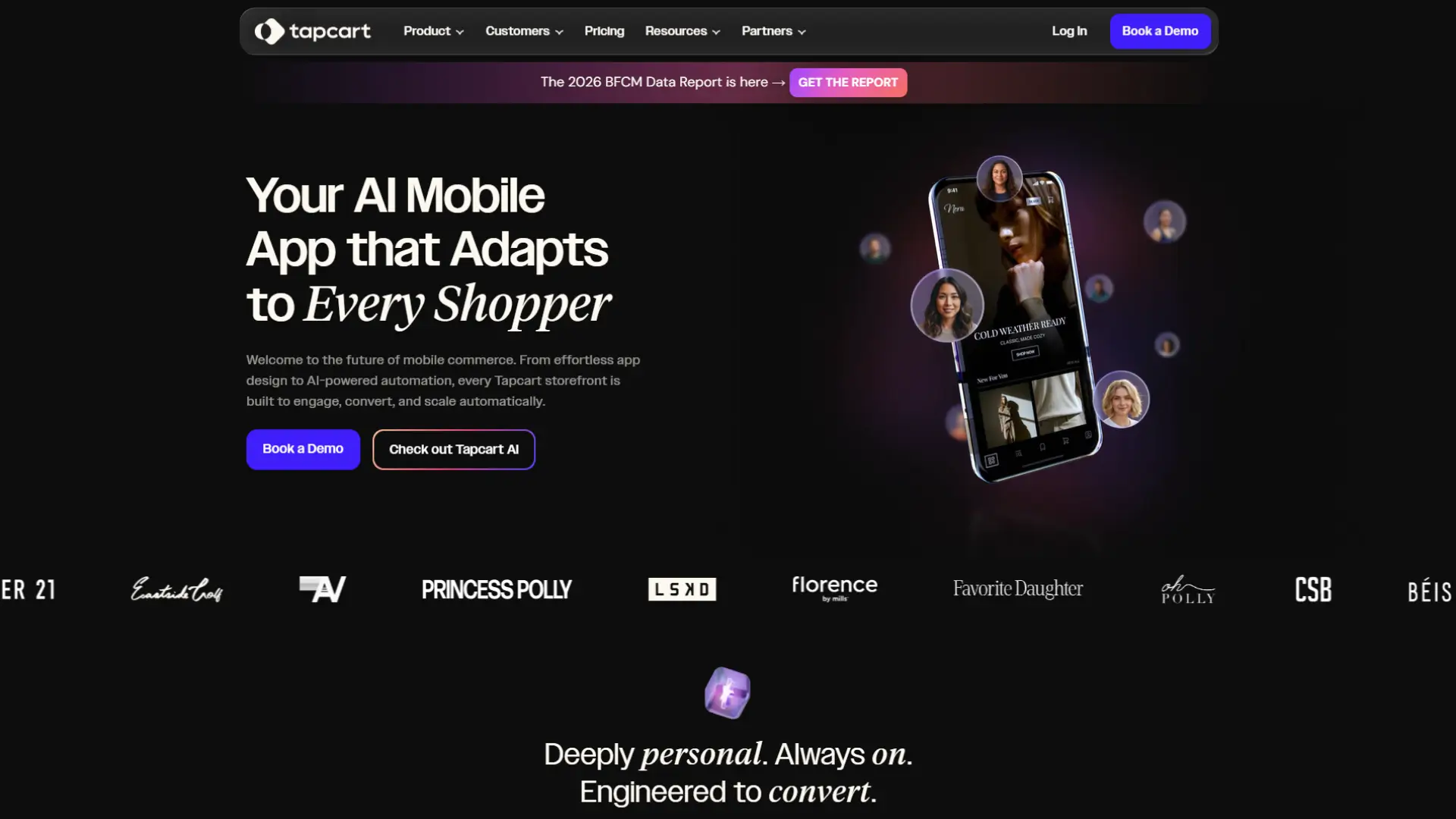
Tapcart is the most established self-serve builder and the name most merchants meet first. It is Shopify-only by design. Its Growth plan is $500 per month, Scale is $1,250, and Enterprise+ is $2,850, with a discount for annual billing and no revenue share. An AI add-on is $250 per month.
Every plan includes unlimited blocks, unlimited integrations, unlimited push notifications, a drag-and-drop App Studio, and 24/7 support. Higher tiers add advanced analytics, A/B testing, user segmentation, and heatmaps. Tapcart uses a one-step native checkout with Apple Pay, PayPal, Google Pay, and Amazon Pay, and the app is fully white-label.
For a small store, Tapcart sits at the upper end of the budget. It earns its place when marketing speed and polished campaign tools matter more than the lowest monthly cost.
Best for: Brands that want a proven, marketing-led app and can support a higher monthly spend.
Superfans (formerly Vajro): Community and loyalty focus
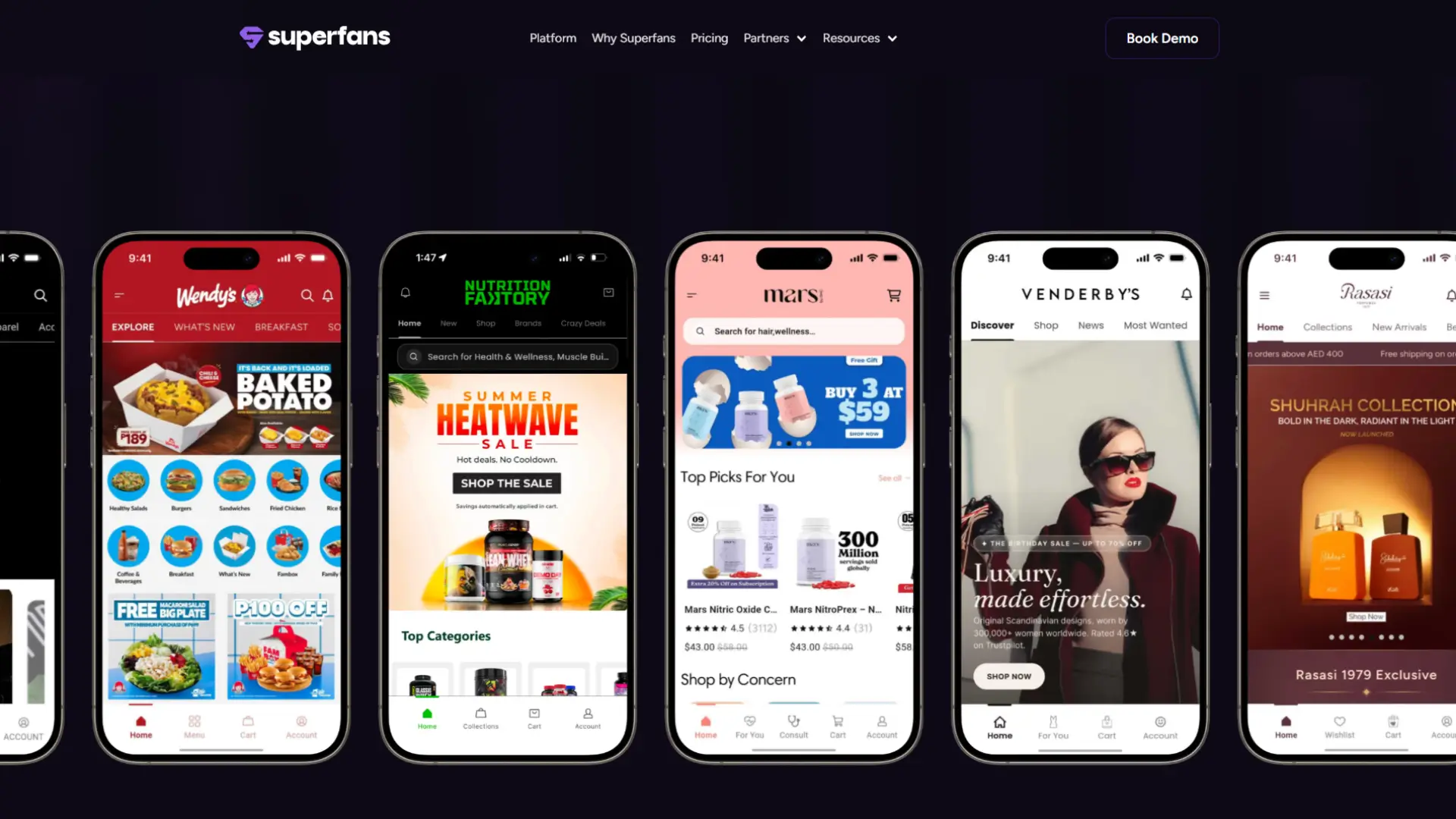
Vajro has rebranded to Superfans and now charges a flat $1,000 per month, with no tier gating, no lock-in contract, and no success fee. The platform leans into loyalty and community, with a social feed, shoppable user-generated content, daily streaks and games, quizzes and polls, app-exclusive drops, and full Shopify and Klaviyo integration.
The flat-fee, no-commission model suits brands that expect their app to grow, since the price stays the same as the app earns more. The community focus fits brands with a loyal base rather than stores still finding product-market fit.
Best for: Established small brands that want to build loyalty and community through their app.
MobiLoud: Your website as an app
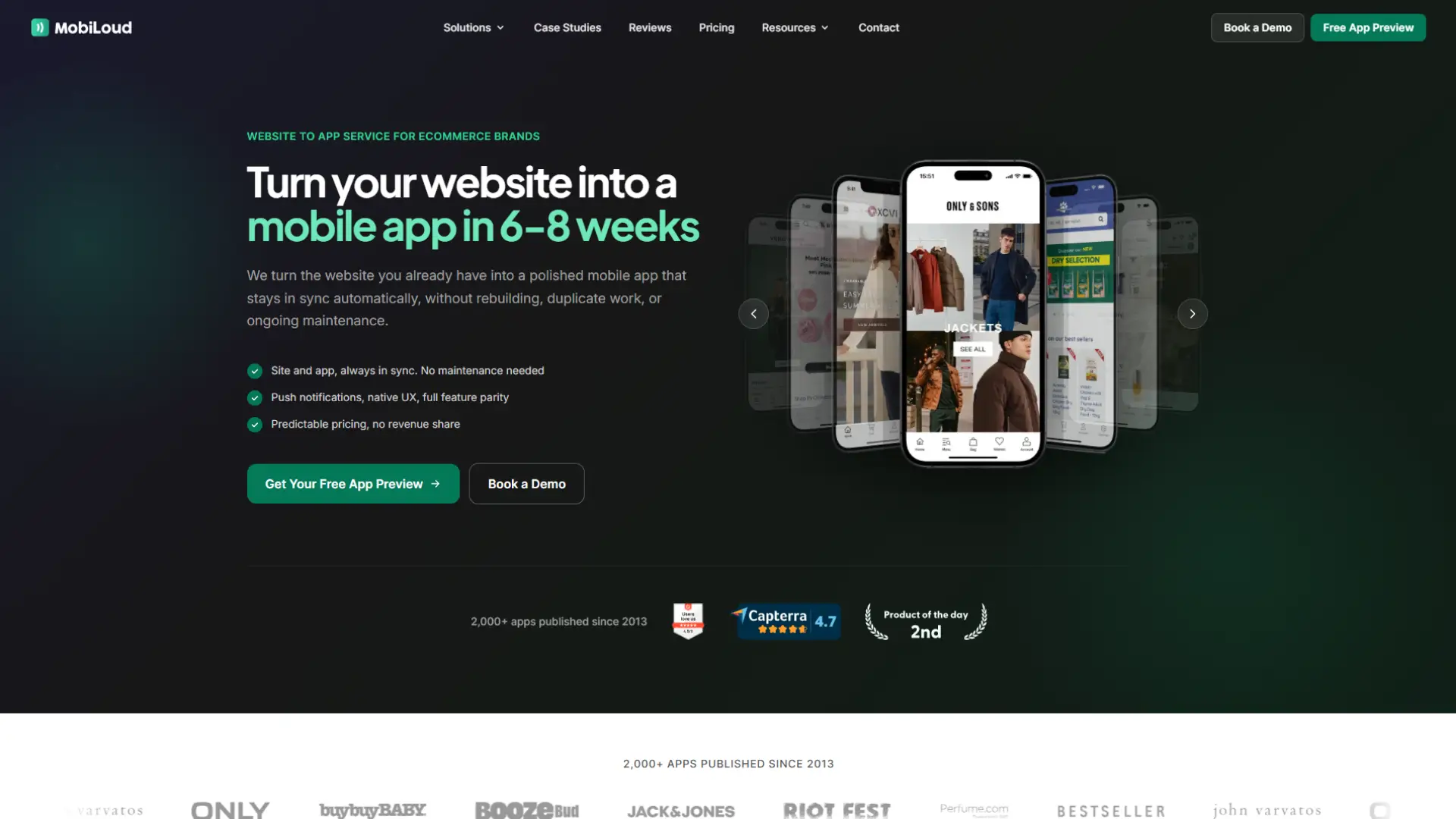
MobiLoud takes a different approach. Rather than rebuilding your catalogue inside an app, it builds native iOS and Android apps around your existing site and manages the whole process for you. Its Business plan is $1,499 per month, or $1,274 billed annually, plus a one-time app development and submission fee. Enterprise is custom priced, and there is no revenue share. It also supports platforms beyond Shopify.
Because the app keeps your existing website experience, features that work on your site generally work in the app, including custom checkout flows and third-party apps. MobiLoud handles the build, the app store submissions, and ongoing maintenance for every iOS and Android update. Push runs through your own OneSignal account, and the Business plan includes up to 10,000 monthly active users, with usage above that billed per thousand.
This is a managed service, not a self-serve builder, so it costs more and gives less hands-on control over a native-style layout. It suits stores that value their current website and want the work done for them.
Best for: Stores that want their full website delivered as an app, maintained as a managed service.
How to Choose Based on Budget and Growth Stage
The right builder depends on where your store is today. Match the decision to your stage.
Testing the idea, tightest budget: Start with Plobal's free-to-install plan or MageNative. You get a native app, real-time sync, and push for little or no upfront cost. Prove that app users return and buy more before spending more.
First real app, want support: Shopney Silver gives a polished app with live chat for a low monthly fee. It includes the features a small store actually uses day to day, without a revenue share.
Growing, marketer-led: Shopney Gold or Platinum, or Tapcart, add stronger design, AI tools, and campaign features. Expect to spend more as you ask the app to do more.
Scaling, want control: AppMaker, Tapcart, or Superfans give deeper design control, richer personalisation, and more advanced analytics. Expect four-figure monthly costs, and a revenue share in AppMaker's and Plobal's cases. These make sense once app revenue is already meaningful.
Want it done for you: MobiLoud delivers your website as an app and handles maintenance. It is the highest commitment here, suited to stores that want a hands-off result.
Technical Requirements and Ongoing Costs to Plan For
The monthly subscription is only part of the picture. Budget for these before you start, whichever builder you pick.
Developer accounts: To publish on the app stores, you need an Apple Developer account at $99 per year and a Google Play Developer account at a one-time $25. You pay Apple and Google directly, not the builder. Most builders help you set these up and submit the app for you.
No coding, but someone to manage it: Every builder here is no-code, so you do not need a developer to launch. You do need someone to design the app, send push campaigns, and keep the catalogue and promotions current. Treat it as a channel that needs an owner, not a set-and-forget tool.
App maintenance: Apple and Google update their systems regularly, and apps occasionally need rebuilding and resubmitting to stay compliant. Self-serve builders handle this on their platform, and managed services like MobiLoud include it in the fee. Confirm that updates are covered so your app does not break after launch.
Install marketing: The app only earns once customers download it. Budget time for smart app banners on your site, app-only offers, and promotion across email, SMS, and social. An app with few installs returns little.
Flat Fee vs Revenue Share: Which Pricing Model Is Better?
How the builder charges affects your long-term cost more than the headline price.
A flat fee means you pay the same amount every month regardless of app sales. Shopney, Tapcart, Superfans, and MobiLoud work this way. Your cost is predictable, and a successful app does not raise your bill.
A revenue share adds a percentage of in-app sales on top of, or in place of, the monthly fee. Plobal's free plan charges 3 percent, AppMaker charges 1 percent, and some builders apply other performance-based charges. A share can be fair when the app is small and unproven, since you pay more only as you earn more. At higher volumes, it can exceed a competitor's flat fee, so model the numbers at your expected app revenue before deciding.
Neither model wins in every case. A flat fee rewards a high-performing app. A revenue share lowers your risk while the app is finding its feet. Match the model to how confident you are in your app's sales.
The Limitations and Trade-offs of Building a Mobile App
An app is not right for every small store. Weigh these trade-offs before you commit.
It is an ongoing cost, not a one-off: Every builder is a subscription, and the cheapest still adds up over a year, plus the Apple and Google fees. If your margins are thin or your order volume is low, that money may do more elsewhere first.
You have to drive installs: Building the app is the easy part. Getting customers to download it takes smart banners, app-only offers, and steady promotion. Plan your launch marketing before you build.
Templated design has limits: Most no-code builders use templates. They look clean, but breaking out of the mould is hard without higher tiers or developer access. If a highly distinctive layout is essential to your brand, budget for a premium builder or custom development.
App store rules add friction: Apple and Google control what goes on their stores. Submission, review timelines, and policy changes can delay a launch or force rework. Builders that handle submission for you reduce this pain, so favour them if you are publishing for the first time.
Apps work best for repeat buyers: Apps shine at retention, not acquisition. New customers rarely download an app on their first visit. If most of your sales come from first-time buyers, a strong mobile website may serve you better until you have a base of repeat customers worth retaining. AppMaker's own analysis of how mobile apps drive repeat purchases and reduce churn makes a similar point.
Conclusion
The best Shopify app builder for a small Shopify store is the one that matches your budget, your stage, and how much design control you want. A lean store testing the idea can start with Plobal's free plan or MageNative for almost nothing. A store that wants a polished app without a four-figure bill is well served by Shopney. Brands ready to invest in a custom, branded experience will get more from AppMaker, Tapcart, or Superfans.
Whatever you choose, start from the numbers that matter: your repeat-purchase rate, your expected app revenue, and the full cost once the developer fees and any success fee are added. Pick the builder that fits those, not the one with the longest feature list.
If you want a native app with real-time Shopify sync, personalisation through conditional blocks, and AI-assisted design that shortens the build, book a demo with the AppMaker team to see whether it fits your store and stage.
Frequently Asked Questions
What is the best Shopify app builder for a small Shopify store?
There is no single best option, because it depends on your budget and stage. To start with little upfront cost, Plobal's free plan or MageNative work well. For a polished app at a fair price, Shopney is strong. For custom, premium apps, AppMaker, Tapcart, and Superfans fit brands ready to invest more.
How much does a Shopify mobile app builder cost?
Prices range from free-to-install with a success fee (Plobal) to about $49 per month (MageNative), $149 (Shopney), and $500 (Tapcart). Premium builders like AppMaker and Superfans sit near $1,000 per month, and MobiLoud starts at $1,499 plus a one-time fee. You also pay Apple $99 per year and Google a one-time $25.
Do I need coding skills to build a Shopify app?
No. Every builder in this guide is no-code and uses a drag-and-drop editor, so you can build and manage an app without a developer. Premium tools like AppMaker also offer optional developer access for teams that want custom logic.
Will a mobile app increase my sales?
An app mainly lifts retention and repeat purchases, not new-customer acquisition. Push notifications, faster loading, and a home-screen presence bring existing customers back more often. The gain depends on driving installs and using push and personalisation well, so plan your launch marketing before you build.
Is a flat fee or a revenue share better for a small store?
A flat fee keeps your cost predictable and does not rise as the app succeeds, which suits a growing app. A revenue share, like Plobal's 3 percent or AppMaker's 1 percent, lowers your risk while the app is small but costs more as sales grow. Model both at your expected app revenue before deciding.
Which Shopify app builders include push notifications?
All the major builders include push, and most offer it unlimited. Plobal, Shopney, Tapcart, AppMaker, and Superfans all include unlimited push. Advanced features like segmented, AI-generated, or abandoned cart push may need a higher tier, so check the specific plan.
Can I publish the app to the App Store and Google Play myself?
Yes, and most builders help. You need an Apple Developer account (99 per year) and a Google Play Developer account (25 one-time). Builders like Shopney, Tapcart, and MobiLoud guide you through or handle submission, which helps if you are publishing for the first time.
Is my store ready for an app yet?
Ask whether you have enough repeat customers to retain. Apps reward loyalty, so they pay off best once you have returning buyers and steady traffic. If most sales come from first-time visitors and margins are thin, improve your mobile website first, then revisit an app once repeat purchases grow.