

























Many businesses today rely on app builders to turn their websites into mobile apps quickly. AppMySite is one such option. However, not every brand finds it flexible enough, from limited customization to restrictions on advanced features, many brands consider looking beyond AppMySite.
As app-based engagement becomes essential for growth, choosing the right platform can make a huge difference in user experience, sales, and retention. The app builder software market is growing rapidly, expected to reach $6.89 billion by 2029, offering more tools and alternatives for brands seeking powerful, easy-to-use app solutions.
In this blog, we will explore the top 12 AppMySite alternatives that give businesses more control, features, and growth potential for their mobile apps.
Overview
- AppMySite alternatives let businesses create fully branded mobile apps without coding, offering more flexibility and customization than template-based platforms.
- App builders like AppMaker, Zoho Creator, and Buildfire provide advanced customization, visual drag-and-drop editors, workflow automation, and robust features to simplify app development.
- Shopney, GoodBarber, FlutterFlow, and Glide focus on e‑commerce and data-driven apps. They offer real-time Shopify integration, cross-platform deployment, PWA support, and seamless content management for faster app launches.
- Platforms like Apphive, Swiftspeed, Moxly, and StoreHippo combine no-code simplicity with native iOS/Android publishing, multi-language support, engagement tools, and integrations to meet diverse business needs efficiently.
- Choosing the right app builder requires evaluating ease of use, integration with your store, scalability, and engagement features to ensure it fits your business goals.
What is AppMySite, and Why do Shopify Merchants Search for AppMySite Alternatives?
AppMySite is a no-code platform that helps Shopify, WooCommerce, WordPress, and other website owners turn their sites into native mobile apps for iOS, Android, and PWAs. It offers drag-and-drop design tools, content sync, and push notifications to create functional apps without coding.
Why Some Users Look for an AppMySite Alternative
User feedback across review platforms, including G2, suggests that while AppMySite simplifies app creation, certain practical limitations can influence long-term platform choice.
- Advanced Features Often Tied to Higher Plans: Several users mention that core functionality is accessible on basic tiers, but unlocking more advanced capabilities requires plan upgrades, which can impact flexibility for early-stage builders and budget-conscious users.
- Customization Depth Compared to Native Apps: Reviewers highlight that apps created through builder-based frameworks may not offer the same level of flexibility or customization as fully native apps developed from scratch.
- Manual Effort for Multilingual Expansion: Some users report that supporting multiple languages requires manual setup and configuration, adding additional effort for businesses targeting international audiences.
- Monetization Workflow Limitations for Certain Models: Some users highlight challenges related to implementing native in-app purchases and subscription-based monetization within their apps.
Now that you understand these challenges, let’s dive into the top 12 AppMySite alternatives. They help provide greater customization, engagement, and growth opportunities for your apps.
Also Read: How to Improve App Engagement in 2026: 8 Proven Strategies
Top 12 AppMySite Alternatives to Build Mobile Apps in 2026
Before choosing an app builder, it’s important to explore options beyond AppMySite. The right tool lets you create fully branded mobile apps, integrate with your store, and deliver better user experiences. In this section, we will discuss 12 such alternatives that can be of great help.
With an overview of all alternatives complete, let’s check a detailed exploration of each, starting with AppMaker, known for its no-code flexibility and AI-driven engagement tools.
1. AppMaker
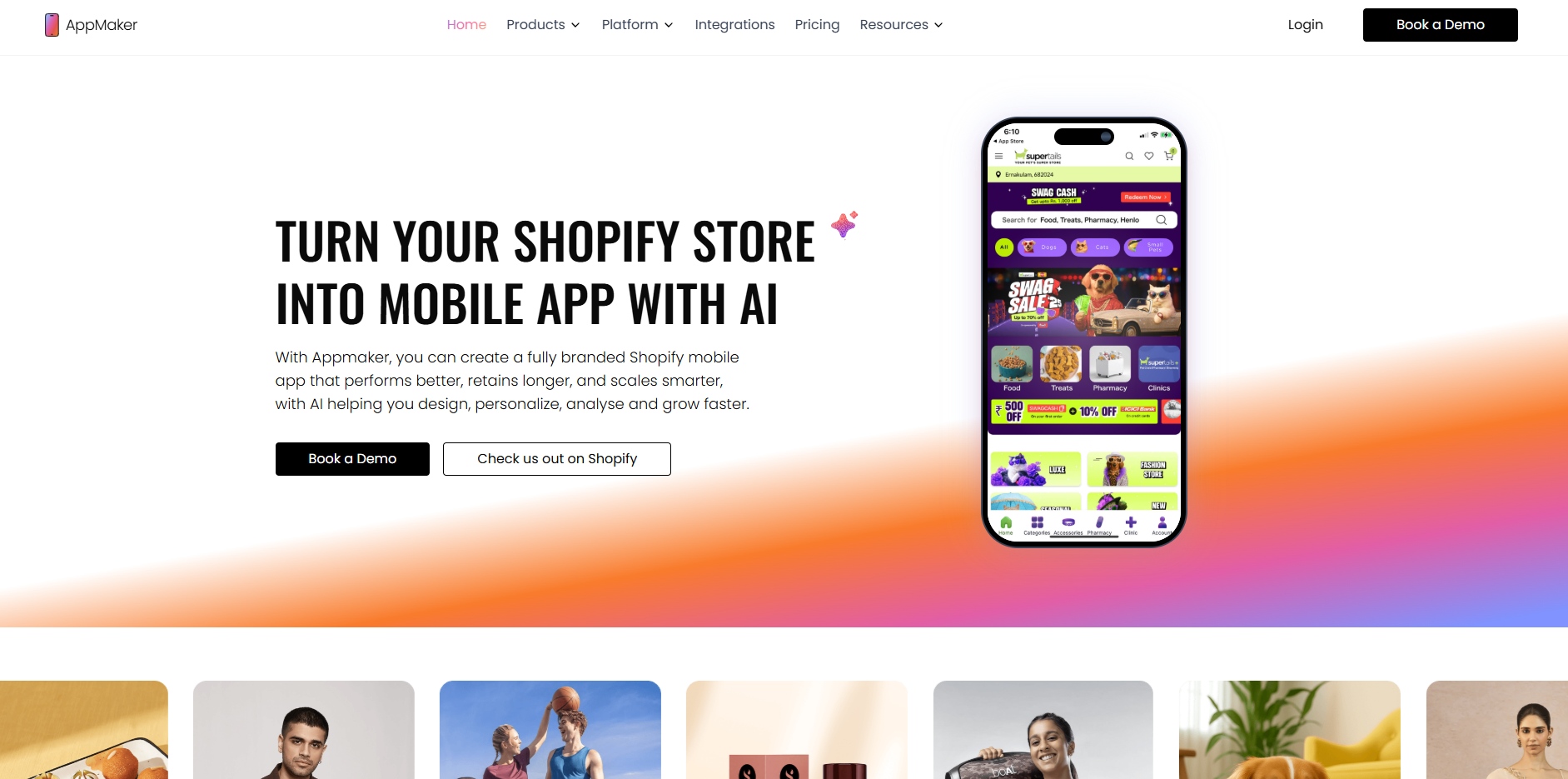
While many platforms are available for converting Shopify stores into mobile apps, some fall short when it comes to deep customization and advanced AI-driven personalization. Businesses aiming to create a mobile experience that truly reflects their brand identity often need greater flexibility and control.
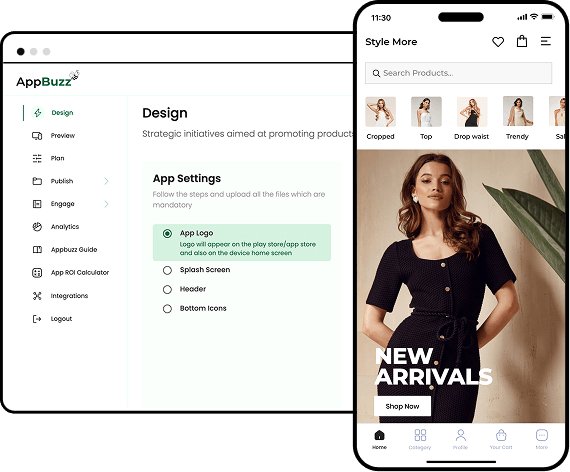
AppMaker addresses this as a no-code platform that enables businesses to quickly build and launch native mobile apps for iOS and Android. With extensive customization options, integration flexibility, and real-time publishing, AppMaker helps brands enhance engagement and simplify app development for better customer retention and growth.
To provide a clearer perspective, the table below compares AppMaker with AppMySite across key features that influence customization, personalization, scalability, and overall app performance.
Key Features of AppMaker
- Deep Customization: AppMaker Studio provides brands full creative control, from UI/UX design to custom code-level access, offering limitless flexibility.
- Growth Partnership: AppMaker works closely with brands to drive app performance, optimizing the platform to become a high-performing sales channel.
- AI-Driven Push Notifications: Enhance engagement with automated, personalized push notifications that bring customers back and keep them connected with your brand.
- Omni-Channel Loyalty Integration: AppMaker integrates loyalty programs across various channels, improving customer engagement and retention.
- Analytics and Reporting: John AI powers your dashboard with instant answers, always-on recovery campaigns, and automatic marketing launches.
Pricing: Starting at $599 per month + 2% of in-app sales, with a 14-day free trial option.
2. Zoho Creator
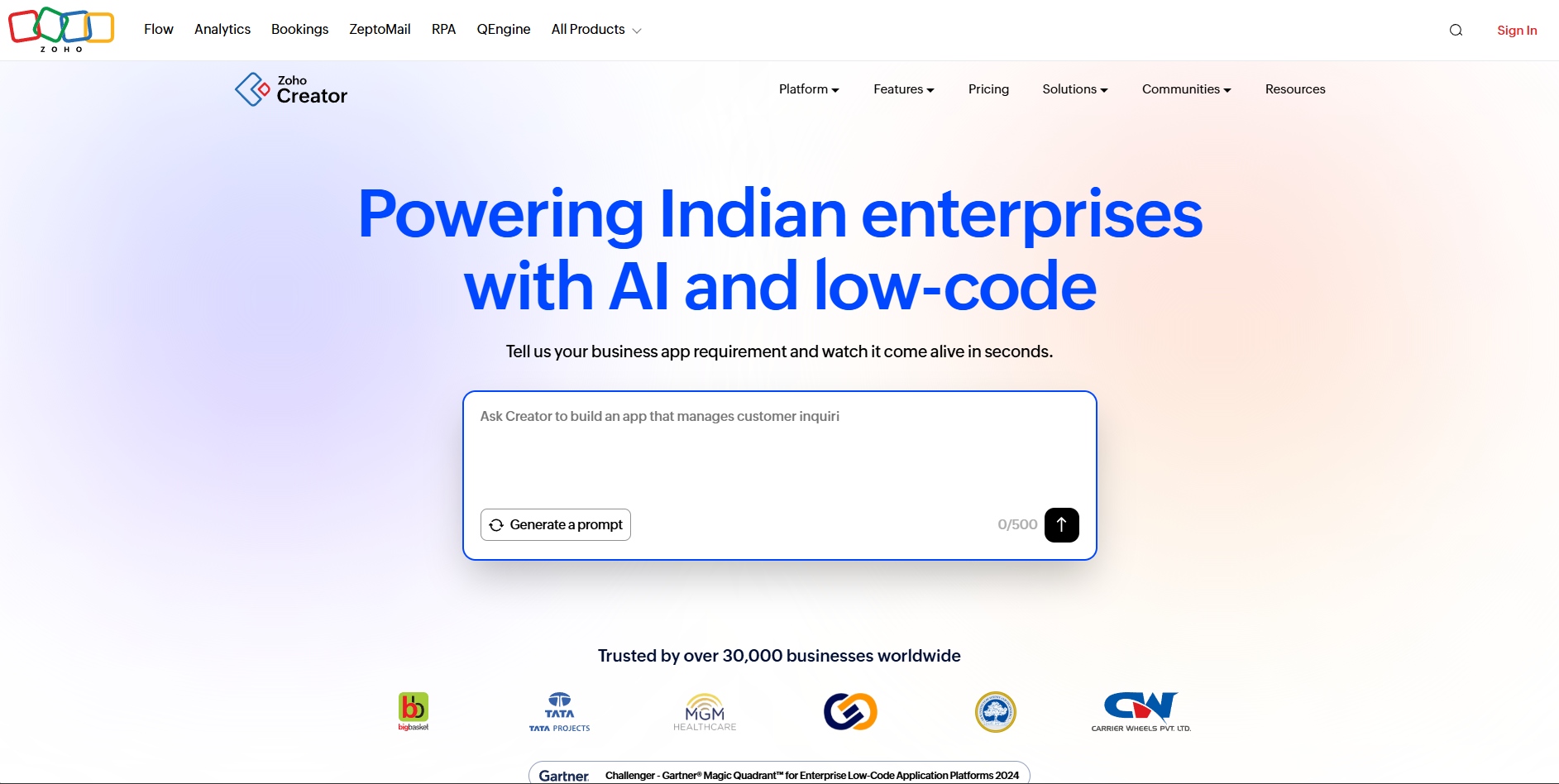
Zoho Creator is a low-code platform that helps businesses build custom mobile and web apps quickly, without deep coding skills. You can create forms, workflows, dashboards, and native apps for iOS and Android using visual tools, and connect your app with other systems for real-world business use.
Key Features of Zoho Creator
- Drag-and-Drop App Builder: Build mobile and web apps quickly using a visual interface. Add forms, pages, and features without coding, making app creation fast and accessible for teams.
- Workflow Automation: Automate approvals, notifications, and recurring tasks to reduce manual effort, improve accuracy, and ensure your business processes run smoothly without relying on constant human intervention.
- Cross-Platform Compatibility: Apps created on Zoho Creator run seamlessly on iOS, Android, tablets, and desktops, allowing employees or customers to access the app anytime, anywhere, on any device.
- Integrations With Other Tools: Easily connect your apps to third-party software, APIs, and Zoho ecosystem tools, enabling data synchronization, enhanced functionality, and smoother workflows across multiple platforms.
- Built-In Analytics & Reporting: Use dashboards and custom reports to monitor app performance, track key metrics, and gain actionable insights that help improve operations, optimize processes, and drive smarter decisions.
Pricing: Starts from $8/user/month, with a 15-day free trial.
3. GoodBarber
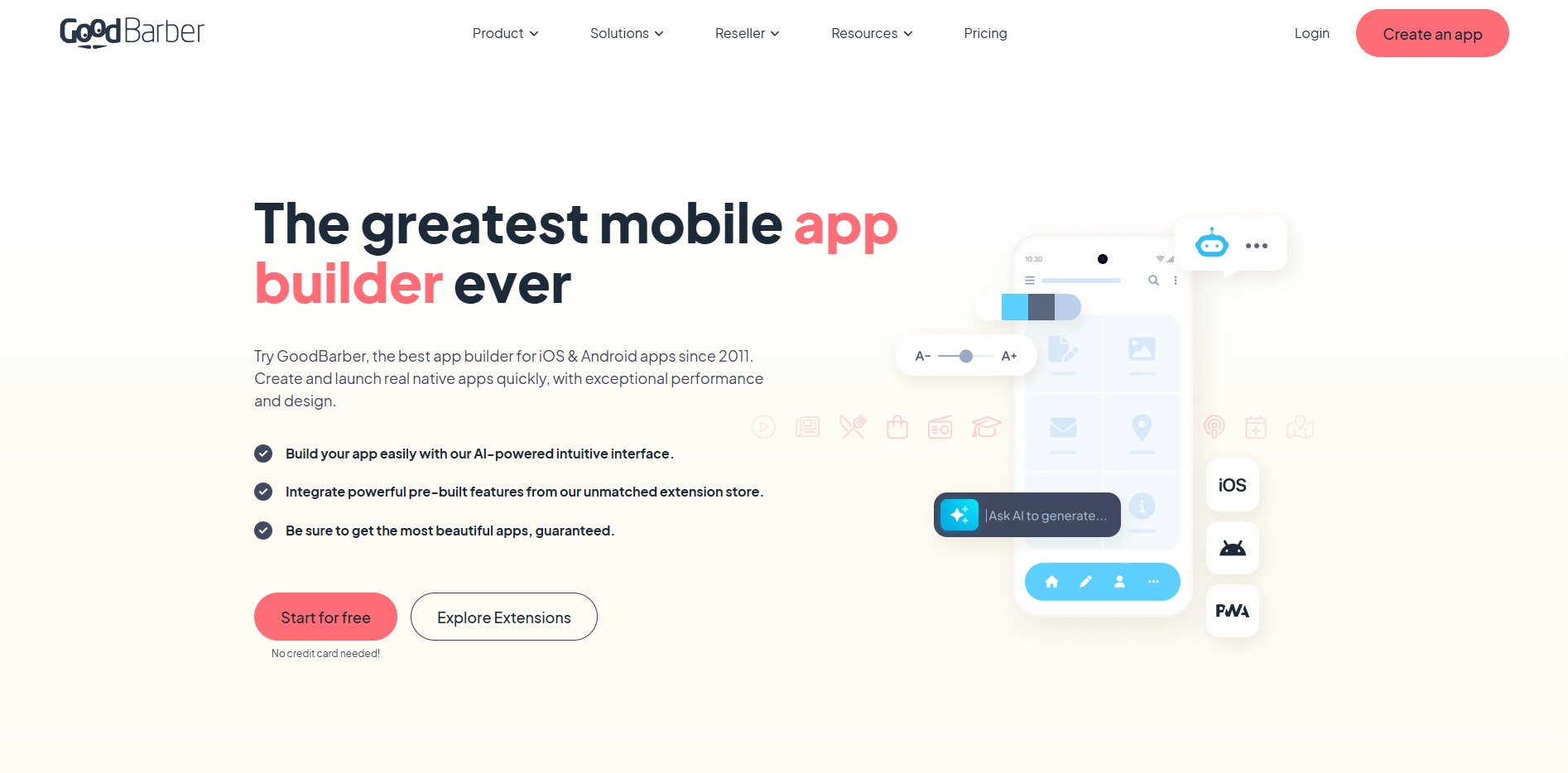
GoodBarber allows businesses to create mobile and web apps without coding. It supports native iOS, Android, and Progressive Web Apps (PWA). Its intuitive visual editor, design system, and templates help you build high‑performance mobile apps with rich features and smooth user experiences.
Key Features of GoodBarber
- Native iOS & Android Support: Create fully native mobile apps using established technologies for iOS and Android, ensuring fast performance, seamless integration with device features, and an optimized user experience on phones and tablets.
- PWA Builder: Build web‑based apps that work across browsers like mobile apps without installation, increasing accessibility while maintaining speed, offline support, and reliable performance.
- Intuitive Visual Interface: Design your app using a simple drag‑and‑drop editor with pre‑built templates and visual customization tools, allowing non‑technical users to build professional‑looking apps.
- Extensions & Integrations: Access a library of extensions and third‑party integrators like Zapier and Make, letting you add features, automate workflows, and connect external tools or services.
- Preview & Publish Tools: Preview changes in real time and use built‑in tools to test your app before publishing. GoodBarber supports publishing to app stores and managing app content from one dashboard.
Pricing: Starting from $35.53/month with a 30-day free trial.
4. Shopney
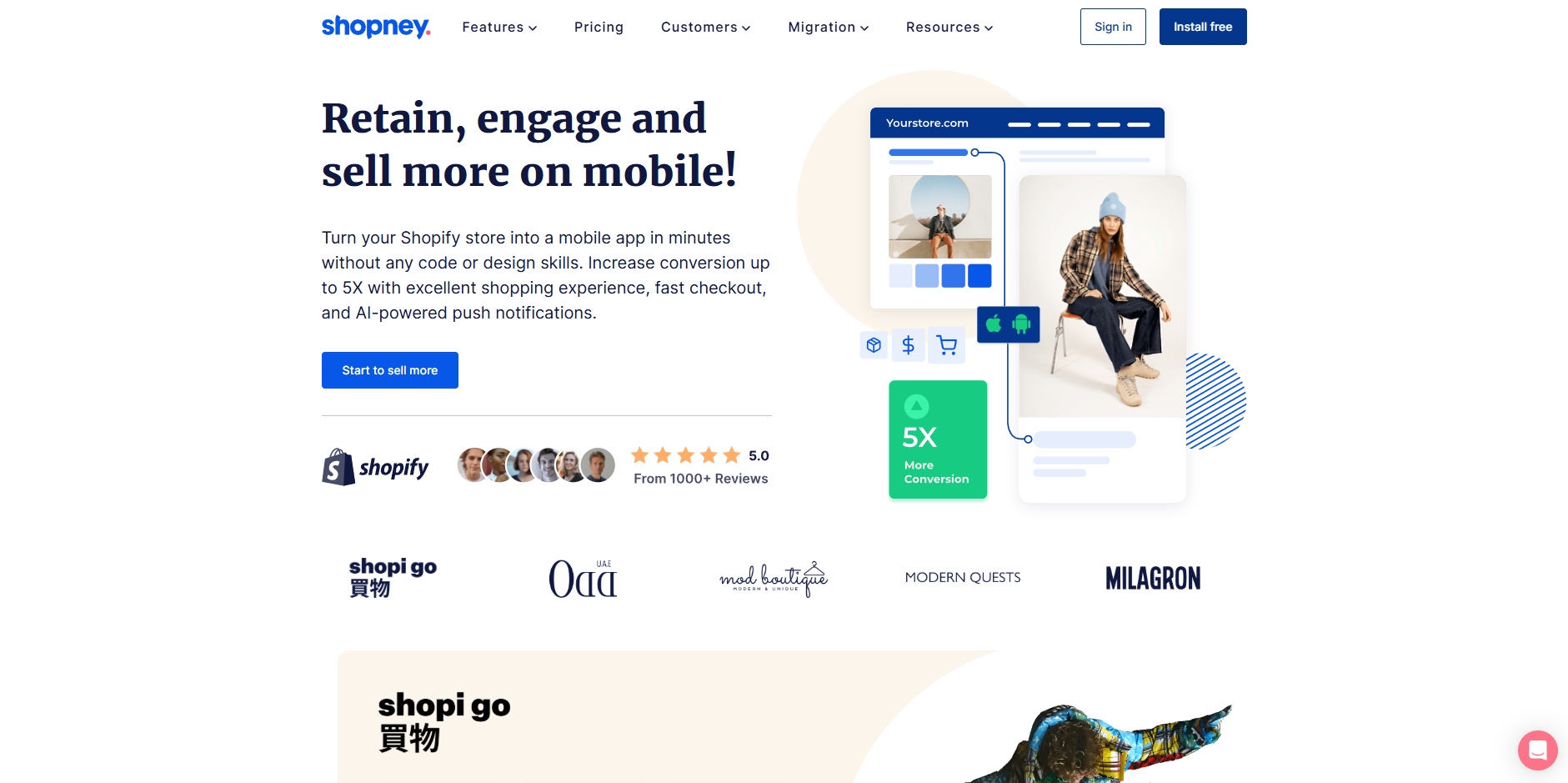
Shopney is another no‑code Shopify mobile app builder. It helps e‑commerce brands turn their Shopify stores into native iOS and Android apps. It provides real‑time sync, drag‑and‑drop design, and sales‑focused features to boost engagement, conversions, and repeat purchases without coding.
Key Features of Shopney
- Real-Time Shopify Sync: Connect your Shopify store to your mobile app in minutes. Products, collections, orders, and customer data stay synced automatically so your app always reflects your live store.
- Drag‑and‑Drop Design Editor: Build and customize your mobile app visually without coding or design skills. Use themes and layouts to create a branded shopping experience.
- Push Notifications & Campaigns: Send unlimited push messages to re‑engage users with promotions, offers, and back‑in‑stock alerts, helping increase conversions and retention.
- In‑App Chat & Customer Support Tools: Enable live chat within your mobile app to connect with customers instantly, improving support, engagement, and conversion rates.
- Multi‑Language & Global Support: Localize your app with multiple languages and currencies for global audiences, supporting Shopify Markets and expanding reach.
Pricing: Starting from $ 149 /month with a 30-day free trial.
5. Appy Pie
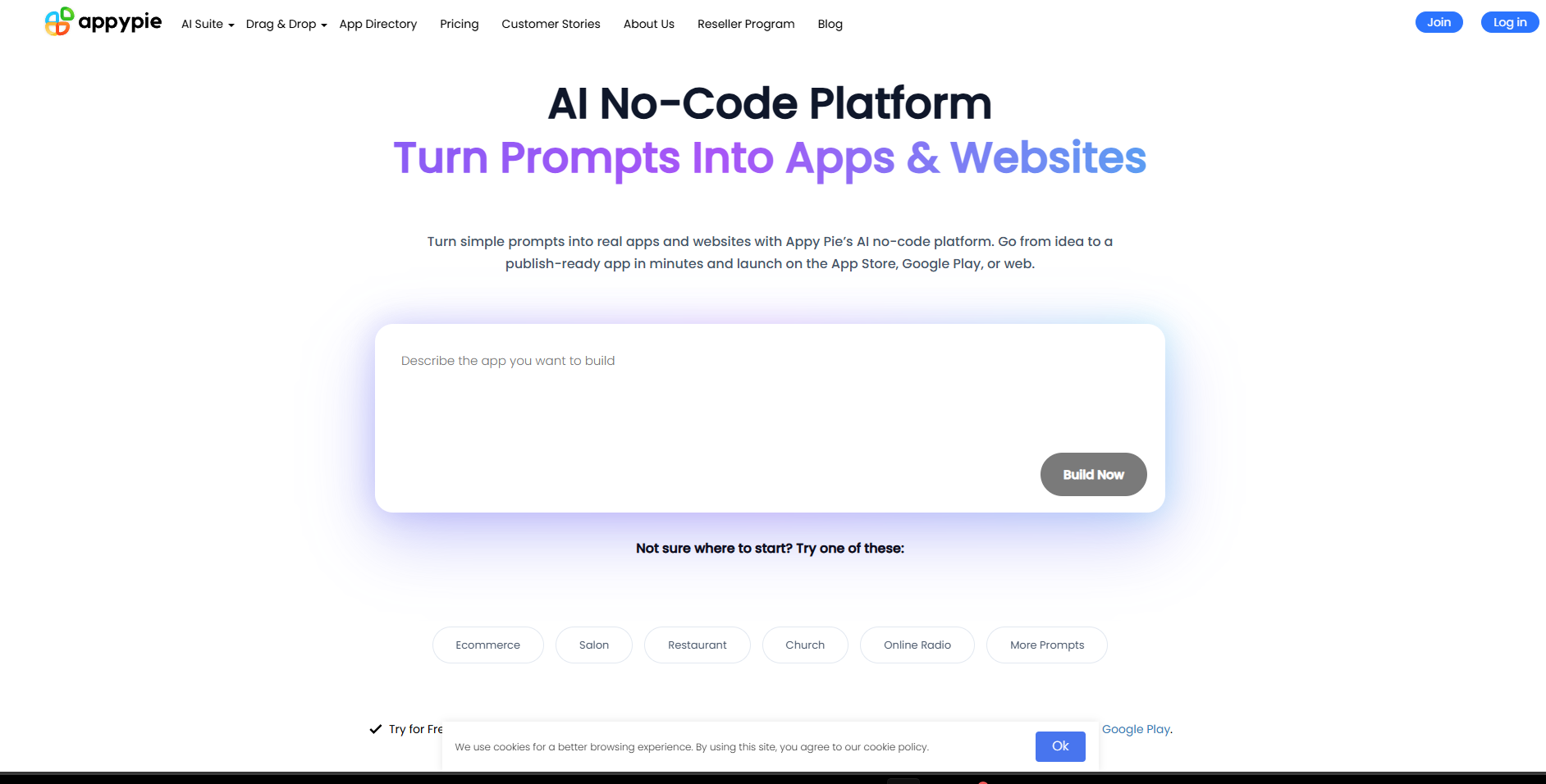
Appy Pie is an AI‑powered no‑code platform that helps anyone build mobile apps, websites, and PWAs without writing code. You can start with a simple idea or prompt, customize your app visually, and publish it to iOS, Android, or the web with built‑in tools and real‑time editing.
Key Features of Appy Pie
- AI‑Powered App Generation: Describe your app idea in simple language, and Appy Pie’s AI generates a working app draft that you can refine visually before publishing.
- Drag‑and‑Drop Visual Editor: Build and customize app screens, navigation, and layout with an intuitive editor that requires no technical or coding background.
- Cross‑Platform Publishing: Publish your app to Google Play, Apple App Store, or as a web‑based Progressive Web App, broadening reach across devices.
- Built‑In Engagement Tools: Add push notification support, user authentication, and analytics to engage users and monitor app performance.
- Website‑to‑App Conversion: Convert your existing website into a mobile app by entering the URL and customizing the app layout to match your brand.
Pricing: Starting from $77.12/app/year.
6. Buildfire
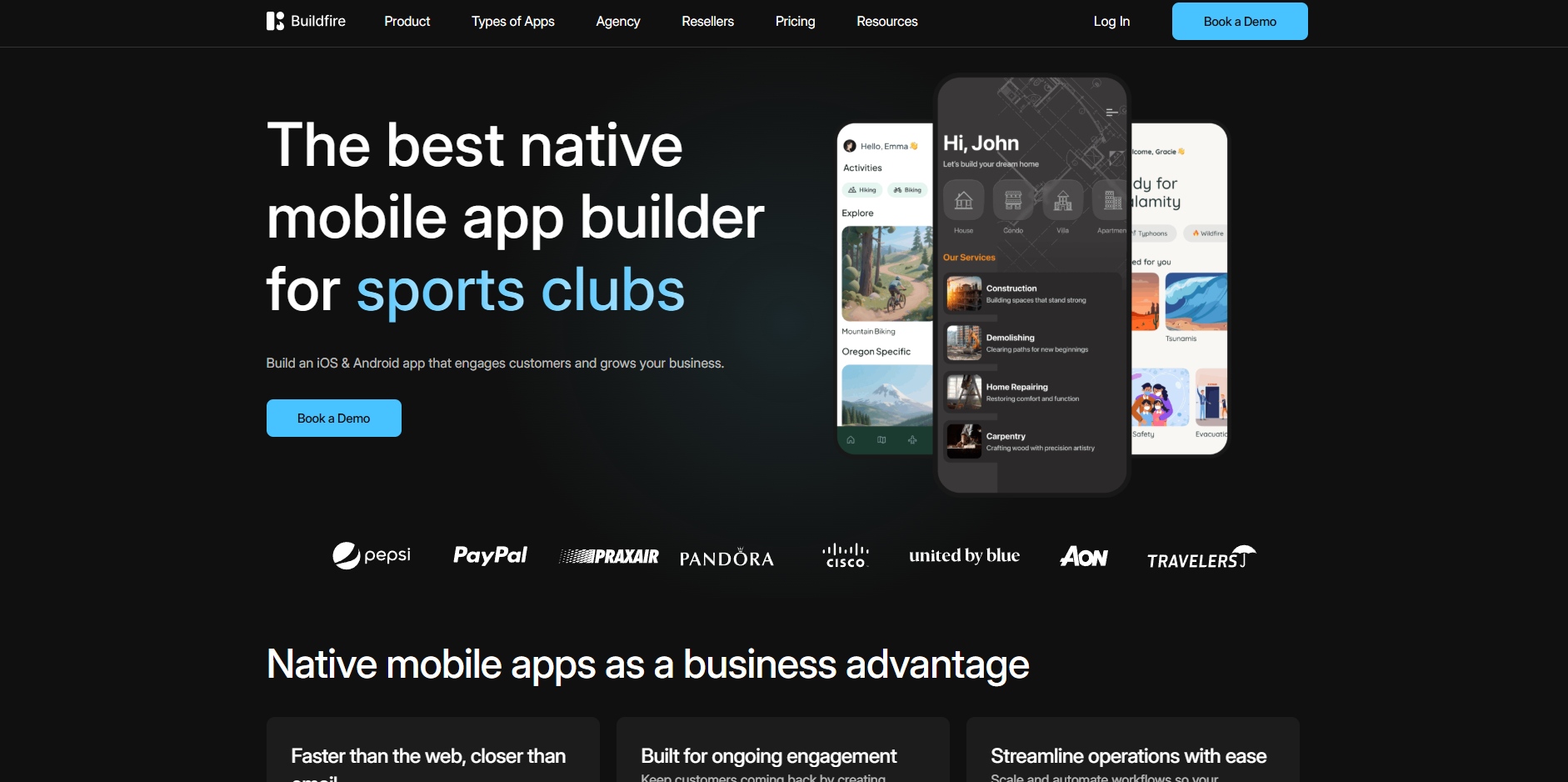
With Buildfire, building a mobile app doesn’t require coding or technical skills. Its visual editor and plugin marketplace let you create customized apps for iOS and Android, engage users with notifications, and manage content seamlessly. This makes app creation accessible, flexible, and suited for growing businesses.
Key Features of Buildfire
- Visual Drag‑and‑Drop Editor: Build your app quickly using an intuitive editor that lets you add screens, content, and custom elements without writing code.
- Extensive Plugin Marketplace: Choose from over 150 plugins to add features like chat, e‑commerce, and forms, or extend functionality with custom plugins via the Buildfire SDK.
- Native iOS & Android Publishing: Publish your app to the Apple App Store and Google Play directly, and let Buildfire assist with app submission and configuration.
- Advanced User Engagement Tools: Use targeted push notifications, user segmentation, and in‑app messaging to re‑engage users and boost retention.
- Analytics & Integrations: Connect analytics tools like Google Analytics or Mixpanel, track user behavior, and integrate with external services to monitor app performance.
Pricing: Starting from $165 / month.
Also Read: Mobile App Native vs Hybrid: Differences, Pros & Best Choice in 2026
7. FlutterFlow
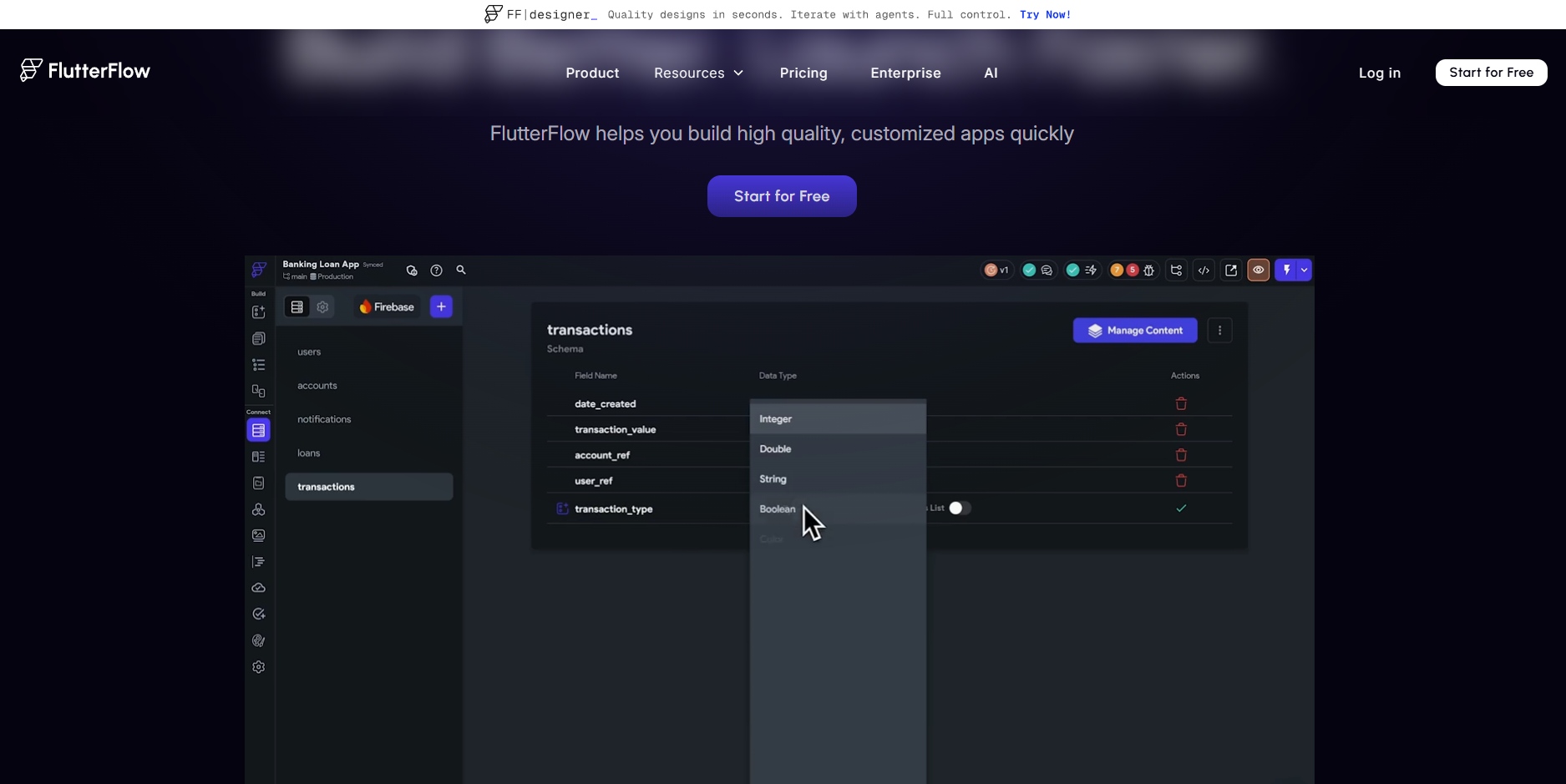
FlutterFlow helps you build high‑quality mobile and web apps visually using Google’s Flutter framework. You can drag and drop UI components, connect to backends like Firebase, export clean Flutter code, and deploy apps for iOS, Android, and the web without deep coding knowledge.
Key Features of FlutterFlow
- Visual Builder with Drag‑and‑Drop UI: Design app interfaces fast using a visual editor and prebuilt UI elements, reducing development time while giving you control over layout and responsiveness.
- Backend Integrations (Firebase & APIs): Link your app to real‑time databases, authentication, cloud storage, and REST APIs so it can handle dynamic content, users, and data.
- Code Export & Custom Code Support: Export your app’s source code in Flutter and optionally add custom Dart code or widgets to enhance functionality as your app grows.
- Cross‑Platform Deployment: Build apps that run on iOS, Android, and the web from the same project, helping you reach more users with one development effort.
- Collaborative and Testing Tools: Work with others in real time on your project and preview/test changes live before publishing to the stores.
Pricing: Starting from $39/month.
8. Glide
Glide lets you turn data like Google Sheets, Excel, or databases into custom apps without coding using a visual interface and responsive components. It’s designed to help teams build practical mobile and web apps fast, automate workflows, and manage information intuitively; all without writing code.
Key Features of Glide
- Spreadsheet‑First App Creation: Start app building directly from spreadsheets or databases. Connect data sources like Google Sheets or Glide Tables to instantly create a working, interactive app interface.
- Responsive Visual App Editor: Design app layouts and screens with a drag‑and‑drop interface. Pre‑built UI components adapt automatically across phone, tablet, and desktop.
- Workflow Automation & Logic: Use built‑in workflows and conditional logic to automate tasks, route data, and eliminate repetitive manual work.
- Integrations With Tools & APIs: Connect your app to external services like Slack, Stripe, Gmail, and more using out‑of‑the‑box integrations and APIs.
- AI‑Enhanced Functionality: Utilize AI features to automate actions, generate custom components, and build intelligent workflows that help your apps do more with less effort.
Pricing: Starting from $199 per month, with a 14-day free trial.
9. Apphive
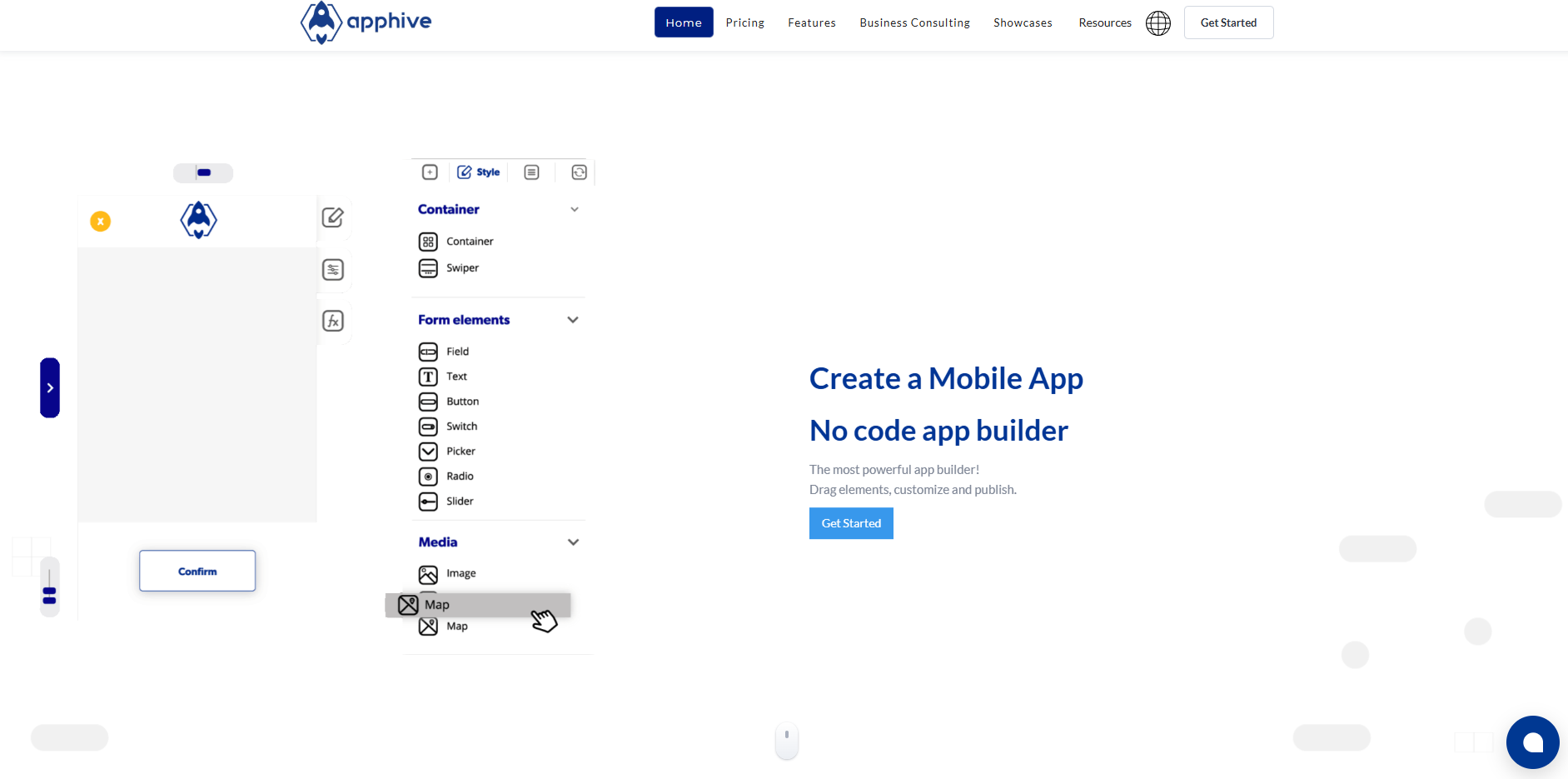
Apphive is a no‑code mobile app builder that lets you visually design functional iOS and Android apps without writing code. It offers drag‑and‑drop tools, real‑time previews, templates, and native features like maps, notifications, and payments to help you launch apps quickly.
Key Features of Apphive
- Visual Drag‑and‑Drop Builder: Create interactive app screens and logic visually without coding, using prebuilt elements and templates to design layouts and workflows fast.
- Real‑Time Preview & Testing: See changes instantly with a live previewer that shows how your app behaves on devices as you build and refine features.
- Native iOS & Android Publishing: Publish your finished app directly to the Google Play Store and Apple App Store with support for store submission and configuration.
- Built‑In Functional Features: Add native functions like GPS, maps, push notifications, login, and payments to create robust, real‑world apps for users.
- API Integrations & Extensions: Connect to external services, databases, and third‑party APIs to enhance app functionality and sync data across systems.
Pricing: Starting from $58/month.
10. Swiftspeed
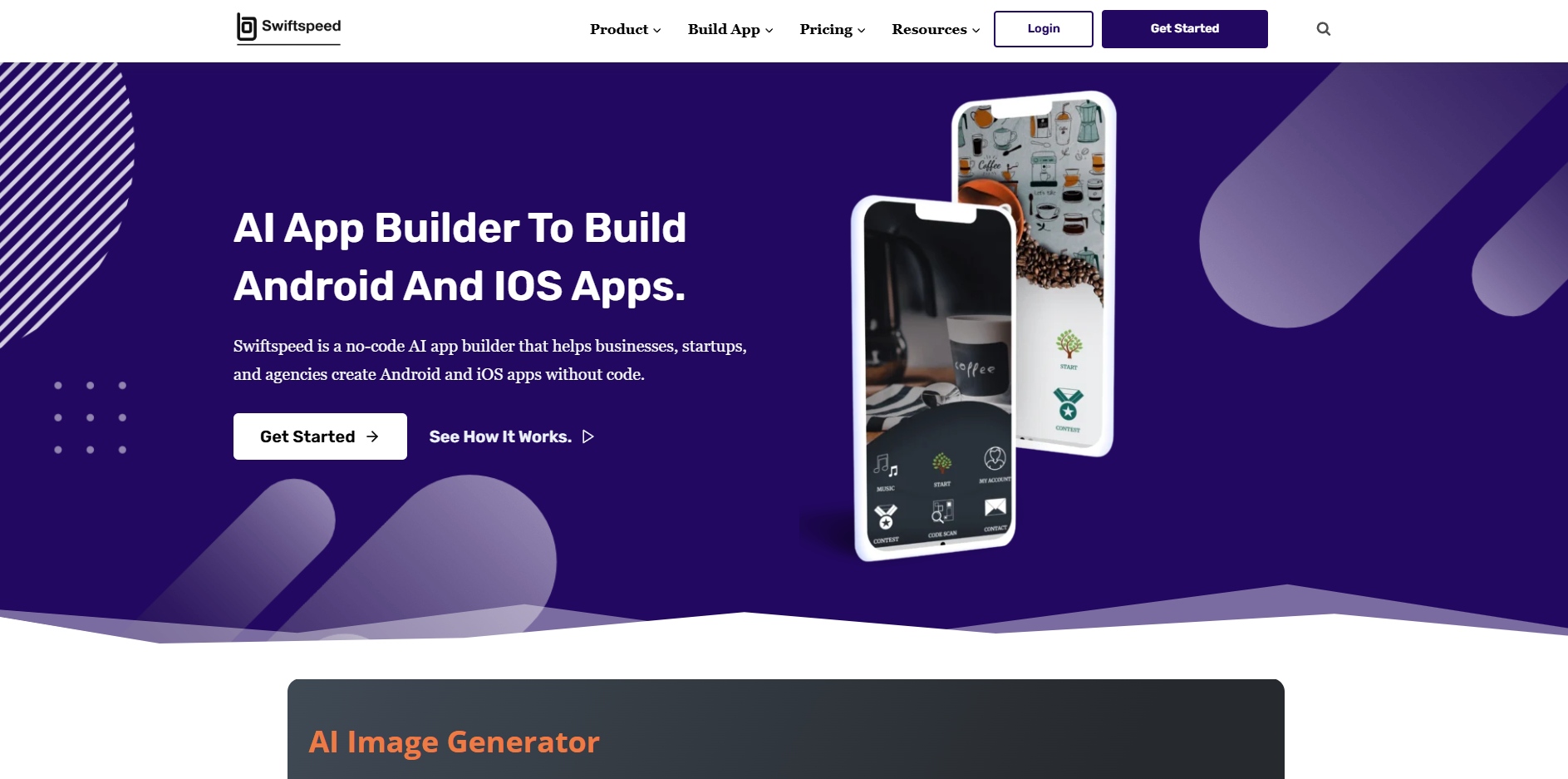
Swiftspeed makes creating mobile apps simple, even without coding experience. Using its AI-powered platform, you can design branded Android and iOS apps, convert websites into apps, and manage features and content in real time. It helps businesses launch functional apps quickly and effortlessly.
Key Features of Swiftspeed
- AI‑Powered No‑Code App Creation: Use Swiftspeed’s AI‑assisted platform and visual editor to design and build mobile apps quickly without technical skills, from business tools to e‑commerce or content apps.
- Web‑to‑App Conversion: Convert an existing website into a native Android or iOS app by linking your web content, so your mobile app mirrors your web presence without rebuilding from scratch.
- Publish & Manage Apps: Generate ready‑to‑publish app builds for the Google Play Store and Apple App Store, manage releases, and update content instantly from one control panel.
- Engagement & Analytics Tools: Track installs, user behavior, and in‑app actions with built‑in analytics dashboards, and re‑engage users with push notifications and personalized updates.
- Customization & Templates: Adjust layouts, colors, and app structure to match your brand, use templates for faster builds, and include features like forms, bookings, and media without coding.
Pricing: Starting from $105/Year, with a basic free plan available.
11. StoreHippo
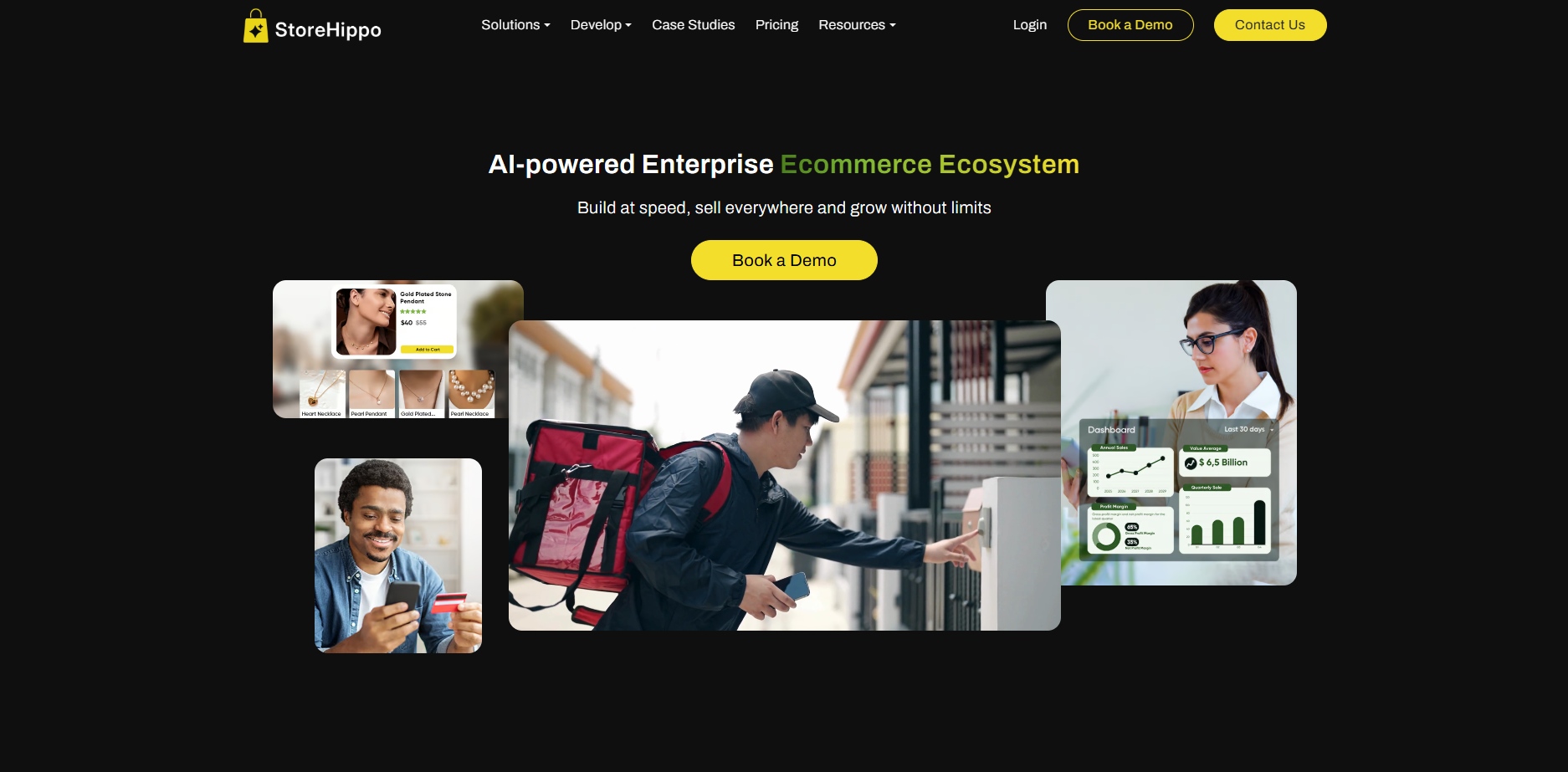
StoreHippo lets e‑commerce businesses build fully branded Android and iOS mobile apps without coding using its built‑in app builder. It’s part of a flexible commerce platform that supports setups from single stores to complex multi‑vendor marketplaces with real‑time sync across devices and channels.
Key Features of StoreHippo
- No‑Code Mobile App Builder: Build Android and iOS apps directly from your dashboard without writing code. Create apps that match your brand and sell seamlessly to mobile customers.
- Customizable Brand Experience: Tailor design, layout, themes, icons, and splash screens so your app reflects brand identity and enhances user engagement.
- Support for Multiple App Types: Create buyer or seller apps, marketplace apps, sub‑store apps, and multi‑model mobile commerce experiences from a unified backend.
- Real‑Time Sync & Backend Integration: Products, orders, and customer data sync automatically across mobile and web experiences, ensuring accurate inventory and user information.
- Engagement & Commerce Tools: Get push notifications, multilingual support, and built‑in ecommerce features for product catalogs, search, carts, and secure checkout.
Pricing: Starting from $299 monthly.
12. Moxly
Moxly is a no‑code and low‑code mobile app platform that helps you visually build cross‑platform apps for iOS, Android, PWAs, and web without coding. It offers drag‑and‑drop tools, AI assistance, integrations, and real‑time publishing to turn ideas into functional apps faster.
Key Features of Moxly
- Visual Drag‑and‑Drop Building: Design app screens and workflows using a simple visual interface without coding, letting you create interactive and branded apps quickly.
- AI‑Assisted Development Tools: Use AI helpers like an assistant for generating app components, creating color palettes, and connecting APIs to speed up development.
- Cross‑Platform Deployment: Build once and deploy your app on iOS, Android, and as a PWA, reaching users across devices without extra work.
- Content Management & Database Support: Manage text, images, videos, products, and other app content with an internal dashboard, and connect to external data sources.
- Integrations With Tools & Services: Connect to Firebase, Google Sheets, Airtable, Figma, and other tools to sync data and extend your app’s functionality.
Pricing: Starting from $30/month.
With all 12 alternatives explored, let’s discuss how to choose the right app builder that aligns with your business goals, engagement needs, and growth plans.
How to Choose the Right Alternative to AppMySite?
Choosing the right alternatives to AppMySite can save you time, money, and frustration. The best tool should match your business needs, integrate smoothly with your store, and help you create a mobile app that engages customers without requiring coding skills.
Key factors to consider:
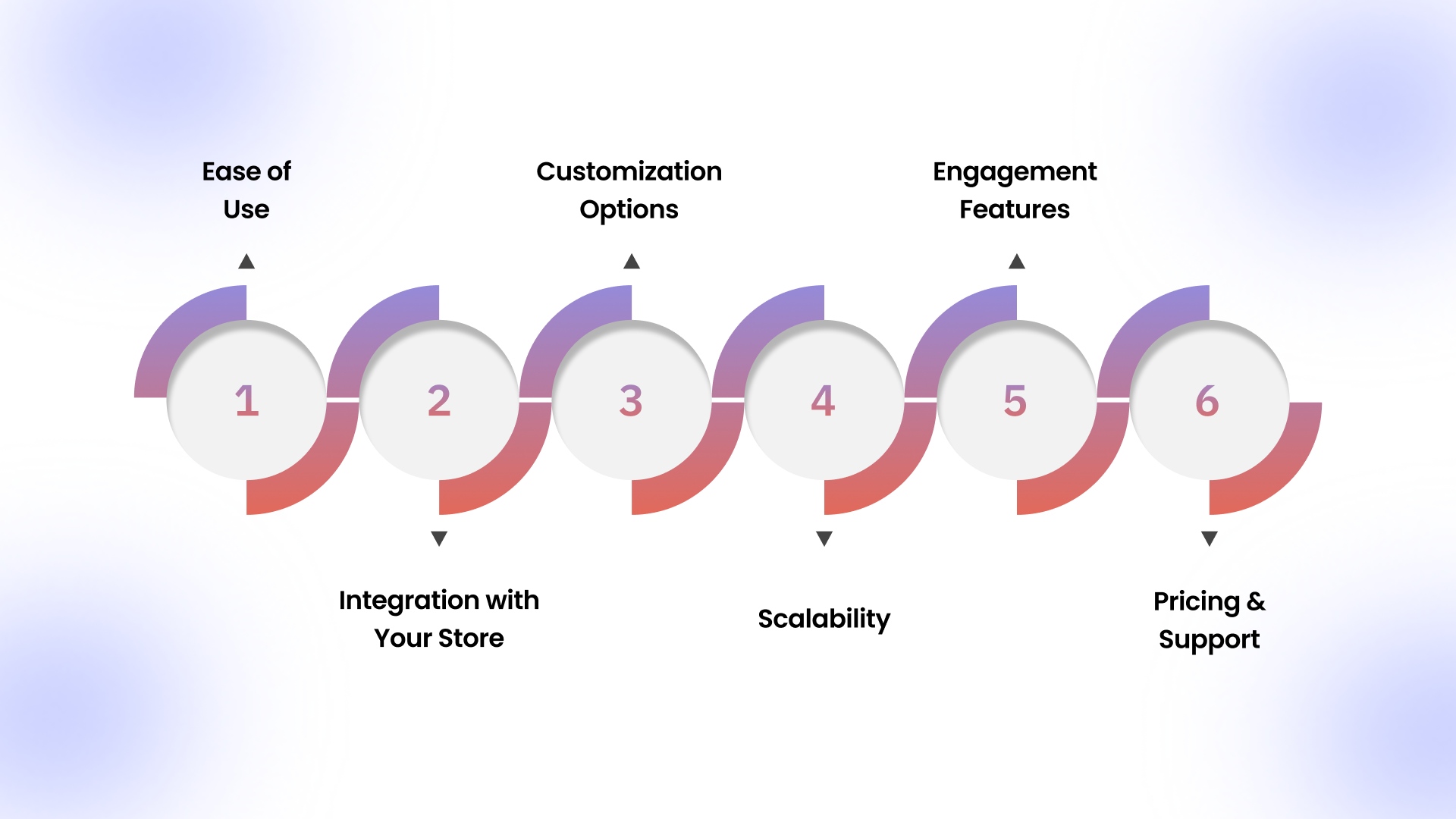
- Ease of Use: Look for a drag-and-drop interface or visual builder that lets you design your app without technical expertise.
- Integration with Your Store: Ensure the app builder syncs with Shopify, WooCommerce, or your platform for real-time updates on products and orders.
- Customization Options: Check if you can modify layouts, colors, branding, and features to match your store’s look and unique needs.
- Scalability: Pick a platform that can handle growing product catalogs, more users, or advanced functionality as your business expands.
- Engagement Features: Push notifications, in-app promotions, and personalized recommendations can help retain users and boost sales.
- Pricing & Support: Compare plans, hidden costs, and customer support quality to ensure long-term reliability.
With the right tools in hand, you can launch engaging, high-performing mobile apps that delight users, boost conversions, and grow your business confidently in 2026.
Also Read: Tips to Improve Customer Loyalty with A Shopify Mobile App
Conclusion
If you’re exploring AppMySite alternatives, it’s clear that no-code and low-code app builders offer far more flexibility, customization, and e-commerce capabilities than traditional template-based solutions. By considering multiple platforms, businesses can find tools that match their unique needs, whether it’s real-time store sync, cross-platform deployment, or advanced engagement features.
Among these options, AppMaker shines for brands looking to replace or upgrade from AppMySite. Its drag-and-drop editor, AI-powered push notifications, deep customization capabilities, 160+ integrations, loyalty program integrations, and analytics make creating native iOS and Android apps straightforward, efficient, and performance-focused.
Contact us today to explore the features, customization options, and engagement tools that can enhance your mobile app strategy.
FAQs
1. Which platform is best for making an application without coding?
AppMaker, GoodBarber, Appy Pie, and Shopney are top no-code platforms. They let you build fully functional mobile apps with drag-and-drop tools, customizable layouts, and seamless integration with Shopify or WooCommerce.
2. Can I migrate my Shopify store to these apps?
Yes. Most platforms, including AppMaker, Shopney, and Buildfire, allow you to sync your Shopify store products, orders, and customer data in real time. They create a fully functional mobile app without manual migration.
3. What are the benefits of using no-code app builders for e-commerce?
No-code app builders save time and cost, improve customer engagement through push notifications, and allow easy branding. They also offer personalization and help Shopify or WooCommerce stores launch mobile apps without hiring developers.
4. Do these apps support push notifications?
Yes. Platforms like AppMaker, GoodBarber, and Shopney support push notifications to re-engage users, promote offers, alert about abandoned carts, and boost retention and repeat purchases.