




























Traffic growth is exciting, but many scaling brands notice that revenue per visitor does not always rise at the same pace. This is often where conversion rate optimization becomes valuable. Mobile shopping is becoming the preferred channel, with a 44% increase in orders over the past two years, which means more buying decisions now happen on smaller screens.
You may have already improved acquisition, but are mobile visitors finding it easy to complete their purchases? Even small checkout improvements can make a meaningful difference, especially since orders using Shop Pay have a 1.72x higher checkout-to-order rate, rising to 1.91x higher for mobile users. In this blog, we will walk through the foundations, 20+ best practices, a practical checklist, and a mobile-focused path forward.
Key Takeaways:
- Conversion growth comes from improving the entire shopping journey, not redesigning individual pages in isolation. Small friction points across stages quietly influence buying decisions.
- Strong conversion performance depends on reducing effort for shoppers while reinforcing confidence through clarity, transparency, and predictable experiences.
- Mobile behavior now shapes purchasing outcomes, which means navigation simplicity, fast interactions, and streamlined checkout flows have a direct revenue impact.
- Consistent testing matters more than one-time optimization. Structured experimentation helps you learn what works for your specific customers instead of relying on assumptions.
- Sustainable growth comes from combining usability improvements with personalization and retention strategies that keep customers engaged beyond their first purchase.
What Is E-Commerce CRO and How It Helps Scaling E-commerce Brands Grow Revenue
Conversion rate optimization (CRO) helps you turn more existing visitors into customers by improving how easily they can complete a purchase. Instead of increasing traffic, you improve clarity, reduce friction, and strengthen buyer confidence at key decision moments. For scaling e-commerce brands, this directly improves revenue efficiency because stronger conversions increase returns from the same acquisition spend.
CRO improves revenue by strengthening the buying experience at critical points:
- Reduces decision friction: Clear product information, visible pricing, and intuitive navigation help shoppers move forward without hesitation.
- Improves marketing efficiency: When more visitors convert, paid acquisition becomes more profitable without increasing ad budgets.
- Supports mobile shoppers: Faster loading pages and simplified layouts prevent drop-offs during browsing and checkout.
- Builds purchase confidence: Reviews, policies, and transparent delivery expectations reduce perceived risk.
- Creates compounding gains: Small improvements across product pages, carts, and checkout stages collectively increase total revenue.
You are not redesigning your store for aesthetics. You are improving how confidently and quickly customers complete actions.
What a Strong Conversion Rate Looks Like for Growing Online Stores
There is no single conversion rate that qualifies as “good.” Performance varies widely depending on your product category, price point, audience intent, and brand familiarity. A store selling replenishable goods will behave differently from one selling premium or considered purchases.
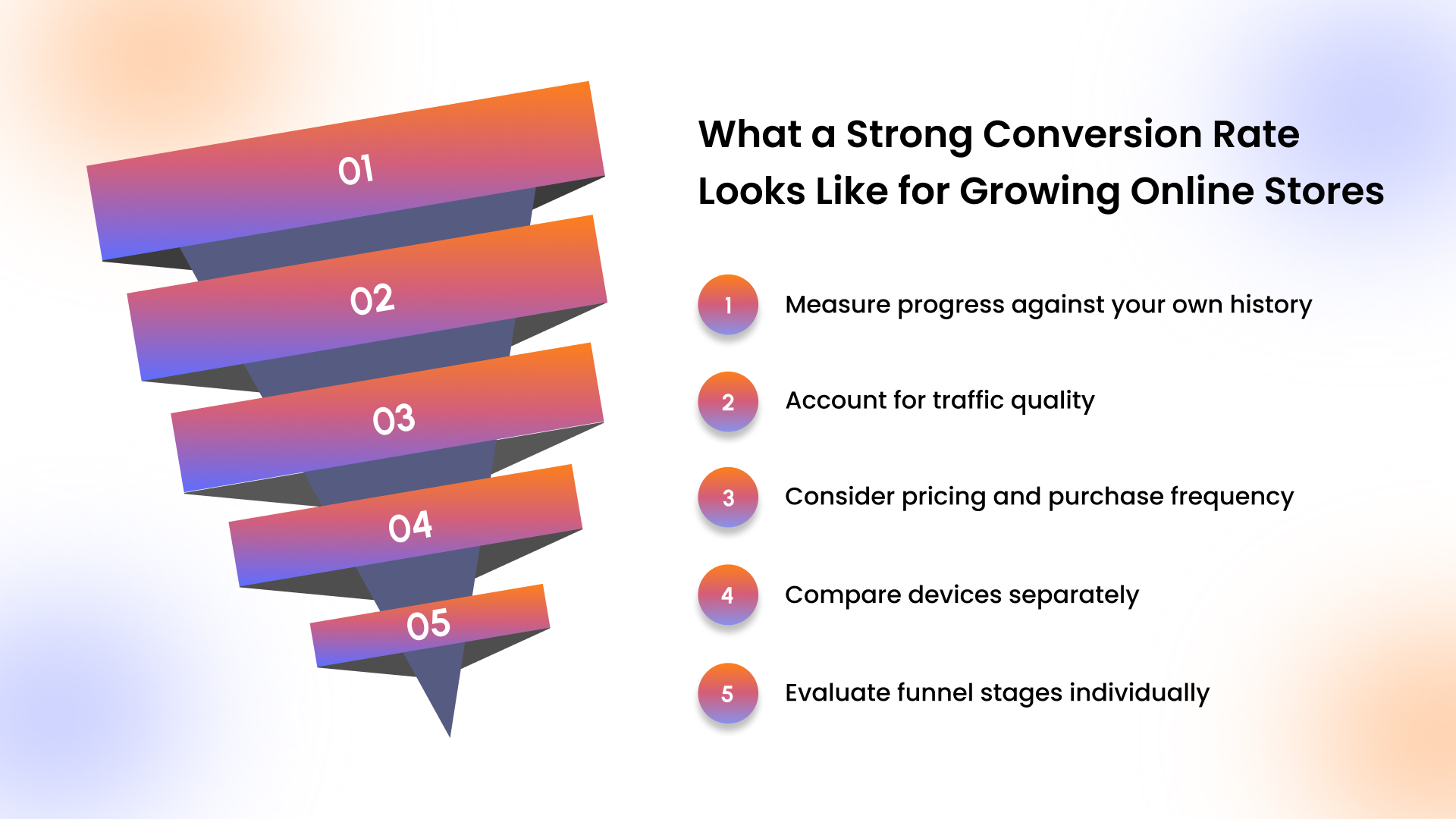
Instead of chasing industry averages, focus on meaningful benchmarks:
- Measure progress against your own history: Month-over-month improvement matters more than external comparisons.
- Account for traffic quality: Email or returning visitors typically convert higher than cold paid traffic.
- Consider pricing and purchase frequency: Higher-priced products naturally require longer decision cycles.
- Compare devices separately: Mobile conversion rates often reveal usability gaps rather than demand issues.
- Evaluate funnel stages individually: A strong product page with weak checkout performance signals friction late in the journey.
A healthy approach treats benchmarks as context, not targets. The most reliable signal of success is steady improvement within your own data.
How E-Commerce Brands Can Calculate Conversion Rate Accurately
Conversion rate measures the percentage of visitors who complete a desired action, usually a purchase. It provides a simple way to evaluate whether shoppers can move smoothly from browsing to buying.
Conversion Rate Formula:
Conversion rate = (conversions / total visitors) x 100%
To calculate accurately, focus on these fundamentals:
- Define conversions clearly: For e-commerce, this typically means completed orders, not clicks or page views.
- Understand visitors vs. sessions:
- Visitors represent unique people.
- Sessions include repeat visits by the same person.
- Use consistent time ranges: Compare weekly or monthly periods rather than mixed timelines.
- Pair conversion rate with supporting metrics: Add-to-cart rate and checkout completion often reveal where friction exists.
- Segment results by device: Mobile performance frequently differs from desktop behavior and should be analyzed separately.
Example calculation:
- Visitors: 10,000
- Orders: 300
- Conversion rate: 3%
Tracking conversion rate alone is not enough. Its value comes from identifying where shoppers slow down or abandon the process.
How A/B Testing Helps E-Commerce Teams Improve Store Performance
A/B testing compares two versions of a page or element to determine which performs better based on customer behavior. Rather than relying on opinions, you validate improvements using measurable outcomes.
Effective A/B testing follows a disciplined structure:
- Test one variable at a time: Changing multiple elements makes results unclear.
- Start with a clear hypothesis: Simplifying checkout fields may increase completion rates.
- Choose one primary success metric: Checkout completion, purchase conversion rate, or add-to-cart rate.
- Run tests long enough: Ending tests early often produces misleading conclusions.
- Document both wins and losses: Unsuccessful tests still reveal valuable customer behavior patterns.
- Prioritize high-impact areas first: Product pages, mobile navigation, and checkout flows typically influence results most.
Common testing opportunities include:
- Adjusting call-to-action placement.
- Simplifying mobile layouts.
- Reordering checkout fields.
- Changing product information hierarchy.
Before improving results, it helps to see where conversions are actually won or lost across the customer journey.
How the Modern E-commerce Funnel Impacts Conversions
Conversions rarely depend on a single page. They improve when the shopping journey feels clear and reassuring from the first visit to purchase. Each interaction either builds confidence or creates hesitation. Most e-commerce journeys follow a progression where small improvements early help increase results later.
Below is a simplified view of the e-commerce journey and what shoppers need at each stage:
To strengthen each stage, focus on removing effort for the shopper:
- Discovery works best when navigation is intuitive. Clear categories and mobile-friendly layouts help visitors find products quickly without searching repeatedly.
- Product evaluation improves when information answers common questions upfront. Size guides, usage details, and customer photos reduce uncertainty.
- Decision confidence increases with transparency. Showing delivery timelines and return options near purchase buttons reassures buyers.
- Checkout completion depends on simplicity. One-tap payments and minimal form fields reduce interruptions during purchase.
- Retention grows through continued engagement. Push notifications and personalized recommendations encourage repeat visits after the first order.
For brands investing in mobile growth, dedicated app experiences often strengthen multiple funnel stages at once. Features such as push notifications and behavior-based personalization, available through platforms like AppMaker, help maintain engagement after discovery while supporting smoother repeat purchases.
Also Read: Push Notification Strategy: 9 Best Practices to Drive Engagement in 2026
Now that you know where conversions happen, let’s look at the practical changes that help improve them.
23 Best Practices That Improve E-Commerce Conversions
These practices focus on practical improvements you can apply across your store. Each one either removes friction that slows shoppers down or increases confidence at key decision points. When you improve multiple stages together, conversion gains compound naturally.
Below, the practices are organized by where they influence the journey most.
1. Improve Site Speed Across Mobile and Desktop
Speed shapes first impressions. If your pages load slowly, visitors hesitate before they even explore your products. Faster experiences keep attention focused on buying instead of waiting.
To reduce early exits, prioritize:
- Compressing images without reducing visual clarity.
- Minimizing heavy scripts and third-party tools.
- Testing load time on real mobile devices, not only on desktop.
- Reviewing performance regularly using tools such as Google PageSpeed Insights.
Even small speed improvements often increase engagement and reduce bounce rates.
2. Design Mobile-First Navigation Structures
Most shoppers browse on mobile first. If navigation feels cramped or hard to tap, users abandon before evaluating products.
Focus on:
- Large, thumb-friendly buttons.
- Clear menu categories with logical grouping.
- Sticky navigation elements where helpful.
- Avoiding dropdown overload on small screens.
When navigation is intuitive, visitors reach product pages faster and stay engaged longer.
3. Use High-Intent On-Site Search Functionality
Search users often show strong buying intent. If search results are irrelevant or slow, you lose highly motivated shoppers.
Strengthen search performance by:
- Enabling typo tolerance and autocomplete.
- Displaying product thumbnails in results.
- Ranking products by relevance and availability.
- Tracking common search terms with no results.
A well-structured search experience turns intent into revenue more consistently.
4. Build Filters Around Shopper Decision Criteria
Filters reduce cognitive load. When filters reflect how customers think, they help shoppers narrow options confidently.
Optimize filters by:
- Prioritizing attributes such as size, color, price, and availability.
- Showing product counts beside each filter option.
- Allowing multi-select filters without resetting results.
- Keeping filter panels easy to close and adjust on mobile.
Clear filtering shortens decision time and improves product discovery.
Also Read: How Much Does It Cost to Build a Shopify App in 2026?
5. Enable Category-Level Search for Large Catalogs
Large catalogs benefit from focused search within categories. This prevents confusion when shoppers only want results from a specific section.
Implement:
- Search bars within high-volume categories.
- Auto-suggestions relevant to that category only.
- Quick refinement options based on browsing context.
When shoppers find results faster, engagement increases naturally.
6. Use Clear Product Photography and Visual Context
Product visuals answer questions quickly. If shoppers cannot clearly see features, they hesitate before adding items to the cart.
Improve visual clarity through:
- Multiple angles and zoom functionality.
- Lifestyle context images showing real use.
- Consistent lighting and background presentation.
- Image placement above the fold on mobile.
Strong visuals reduce uncertainty and support confident decisions.
7. Write Descriptions That Answer Buying Questions
Product descriptions should help shoppers decide, not persuade through vague claims. Clear information removes hesitation.
Structure descriptions to include:
- Benefits and intended use.
- Dimensions, materials, or ingredients.
- Compatibility or sizing guidance.
- Care instructions where relevant.
When information feels complete, customers move forward without needing extra research.
8. Place Reviews Near Price and Call to Action
Reviews build reassurance, especially when positioned where decisions happen. Visibility matters more than volume alone.
Increase impact by:
- Displaying average rating near the product title.
- Showing review count beside pricing.
- Highlighting recent or photo-based reviews.
- Allowing sorting by relevance or rating.
Reviews close to the purchase button strengthen buyer confidence.
9. Show Stock Levels and Delivery Timelines Early
Uncertainty about availability delays purchases. When delivery expectations appear late in the process, shoppers reconsider.
Reduce hesitation by:
- Displaying stock status directly on product pages.
- Showing estimated delivery windows before checkout.
- Clarifying backorder policies clearly.
- Avoiding promotional emphasis on unavailable products.
Clear timelines reduce friction during final decision steps.
Also Read: 8 Must-Have Shopify Apps to Increase Sales in 2026
10. Reveal Total Costs Before Checkout Surprise
Unexpected fees disrupt purchase intent. When the total cost appears only at the final step, shoppers feel uncertain.
Create pricing transparency by:
- Estimating shipping costs early.
- Showing tax calculations clearly.
- Communicating free shipping thresholds.
- Avoiding hidden service charges.
When shoppers understand the full price upfront, checkout completion rates improve.
11. Reinforce Payment Security at Checkout Fields
Shoppers look for reassurance right before entering payment details. Security signals work best when placed exactly where customers pause to evaluate risk.
Strengthen confidence by adding visible cues near payment areas:
- Display trusted payment logos such as Visa, PayPal, Apple Pay, or Shop Pay.
- Add short reassurance microcopy like “Secure encrypted checkout.”
- Keep security messaging close to form fields rather than hidden in footers.
- Maintain consistent branding throughout checkout to avoid visual uncertainty.
These small confirmations help shoppers proceed without hesitation.
12. Make Return and Shipping Policies Easy to Find
Policies reduce perceived risk when shoppers are unsure about sizing, fit, or delivery timelines. Easy access to this information supports faster decisions.
Improve visibility by:
- Linking return policies directly to product pages.
- Showing delivery estimates near pricing or Add to Cart buttons.
- Using plain language summaries before linking to detailed policy pages.
- Including quick policy reminders during checkout.
When customers understand what happens after purchase, confidence increases naturally.
13. Personalize Recommendations to Reduce Effort
Personalization works best when it simplifies choices. Relevant suggestions guide shoppers toward products they are already likely to consider.
Use personalization thoughtfully:
- Show “Frequently bought together” items that match intent.
- Recommend complementary products instead of unrelated promotions.
- Adjust homepage or category layouts based on browsing behavior.
- Highlight recently viewed products to help shoppers resume decisions.
Behavior-based personalization tools, such as dynamic layout adjustments supported through platforms like AppMaker, allow you to tailor experiences without rebuilding pages manually.
14. Offer Helpful Support Without Interrupting Users
Support should feel available but never disruptive. Shoppers appreciate assistance when they request it, especially during product comparison or checkout questions.
Provide assistance through:
- Clearly visible help icons or chat entry points.
- FAQ links near complex product information.
- Size guides and comparison tables are embedded on product pages.
- AI-assisted chat that answers common questions instantly.
This approach keeps shoppers in control while ensuring help is always accessible.
15. Reduce Checkout Steps and Simplify Progress
Each additional step increases mental effort. Clear progress indicators help shoppers understand how close they are to completion.
Simplify checkout by:
- Combining shipping and billing steps when possible.
- Showing a clear progress bar.
- Keeping primary actions visually prominent.
- Removing unnecessary redirects between pages.
Predictable flow keeps momentum strong during purchase.
16. Enable Guest Checkout by Default
Many shoppers prefer speed over account creation. Allowing guest checkout removes an unnecessary decision during purchase.
Encourage smoother completion by:
- Offering account creation after purchase instead.
- Saving order details automatically for confirmation emails.
- Explaining optional account benefits post-checkout.
- Avoiding forced login requirements.
This approach respects shopper intent and maintains momentum.
17. Remove Unnecessary Checkout Form Fields
Long forms slow mobile users. Each field adds typing effort and increases the chance of errors.
Streamline forms by:
- Using autofill and address lookup tools.Requesting only essential information.
- Clearly labeling required fields.
- Displaying inline validation to prevent repeated corrections.
Shorter forms create faster and more comfortable checkout experiences.
Also Read: Mobile App Conversion Rate: Key Insights and Strategies
18. Optimize Wallet Payments for Mobile Users
Mobile wallets reduce typing and speed up transactions. When payment feels effortless, completion rates improve.
Support mobile payments by:
- Prioritizing Apple Pay, Google Pay, or PayPal buttons.
- Displaying express checkout options above traditional forms.
- Showing preferred payment methods based on device type.
- Limiting payment choices to commonly used options.
Express payments help customers complete purchases with fewer steps.
19. Hide Promo Code Fields Behind a Toggle
Visible promo fields can distract shoppers and trigger coupon searches. A cleaner layout keeps focus on completing the purchase.
Improve checkout flow by:
- Collapsing promo entry under “Have a code?” links.
- Keeping checkout visually simple.
- Showing applied discounts clearly once entered.
This maintains flexibility while reducing unnecessary interruptions.
20. Add Relevant Upsells Without Distraction
Upsells work best when they feel helpful rather than promotional. Suggestions should match the shopper’s current intent.
Use subtle recommendations such as:
- Accessories related to selected products.
- Bundles that naturally complement purchases.
- Add-ons are placed near cart summaries instead of interrupting checkout.
Relevant suggestions increase order value while preserving purchase momentum.
21. Encourage Account Creation After Purchase
Post-purchase is the lowest-friction moment to introduce accounts. Customers already trust your store after completing an order.
Encourage sign-ups by:
- Offering order tracking benefits.
- Saving shipping details for faster reorders.
- Highlighting loyalty or rewards opportunities.
- Using one-click account activation from confirmation pages.
This builds long-term engagement without slowing checkout.
22. Maintain Cross-Device Cart Consistency
Shoppers often switch between devices before buying. Consistent carts help customers continue where they left off.
Support continuity by:
- Saving carts across logged-in sessions.
- Syncing pricing and promotions consistently.
- Sending reminder emails linked directly to saved carts.
- Maintaining consistent product availability messaging.
Cross-device consistency removes friction from multi-session buying behavior.
23. Treat Optimization as an Ongoing Process
Conversion improvement works best when treated as a continuous practice. Regular testing and refinement keep performance moving forward.
Maintain momentum through:
- Monthly audits of drop-off points.
- Tracking micro-metrics like add-to-cart and checkout completion.
- Documenting test outcomes for future learning.
- Iterating layouts and messaging based on customer behavior insights.
Tools that allow rapid layout adjustments, such as modular builders or reusable content blocks, help teams implement improvements faster without heavy development cycles.
Also Read: Tips to Improve Customer Loyalty with A Shopify Mobile App
If you want to turn these ideas into action quickly, this checklist gives you a clear place to start.
E-Commerce CRO Checklist for Scaling Brands to Start Testing Improvements Faster
A strong CRO program typically involves research, experimentation, and ongoing refinement. However, you can begin improving conversions immediately with focused actions that influence shopper decisions across your store. This checklist gives you practical starting points that help you test improvements while building a structured optimization process over time.
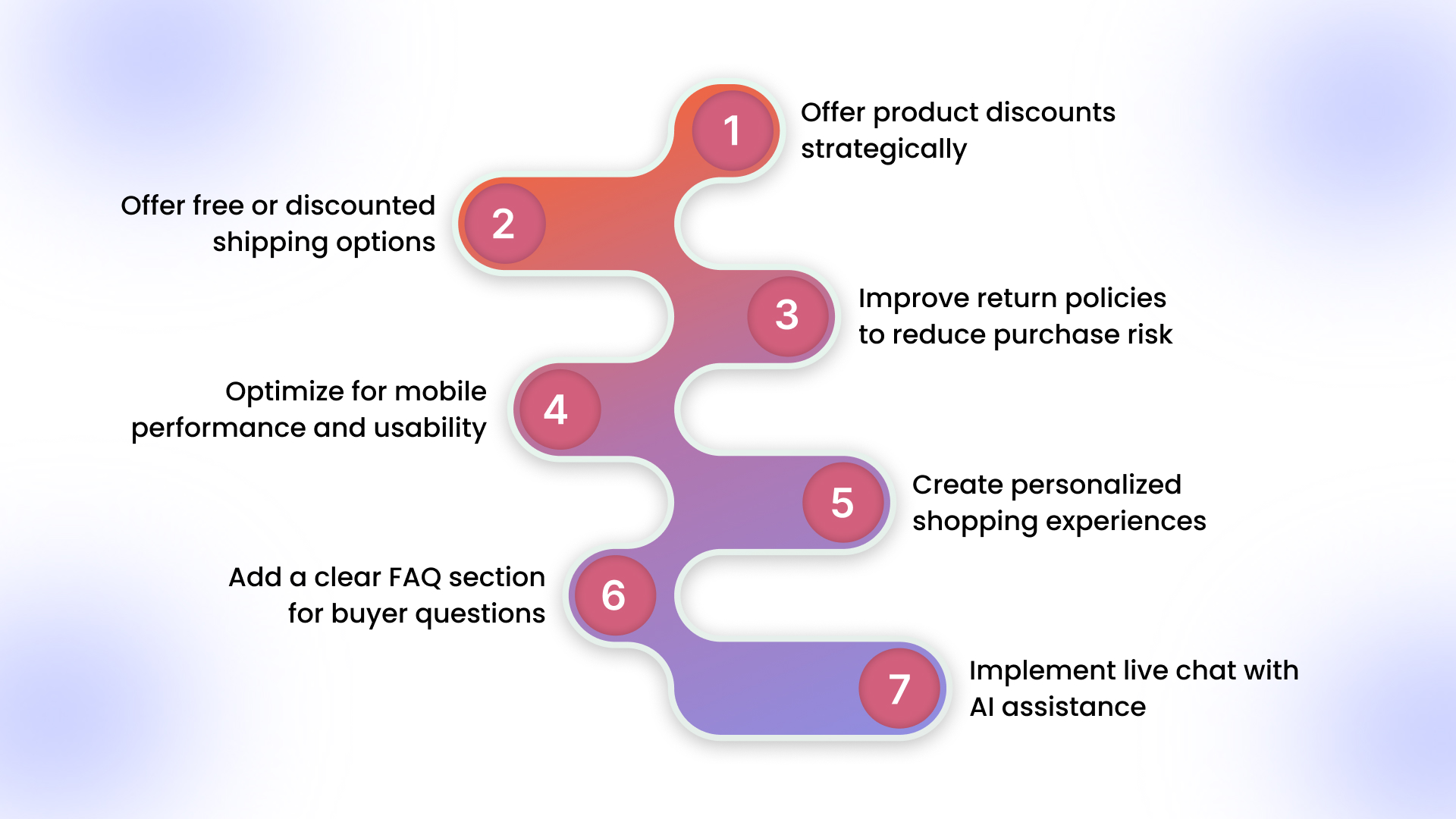
- Offer product discounts strategically: Use limited-time promotions to encourage action without relying on constant markdowns. Loyalty rewards, seasonal campaigns, and repeat-customer incentives often drive stronger engagement than broad discounts.
- Offer free or discounted shipping options: Shipping costs can interrupt purchase momentum. Test free shipping thresholds or reduced shipping tiers to encourage larger cart sizes while minimizing fee surprise.
- Improve return policies to reduce purchase risk: Clear and flexible return messaging reassures shoppers before they commit. Highlight timelines and conditions directly on product pages instead of hiding policies in footer links.
- Optimize for mobile performance and usability: Mobile purchases represent a significant share of e-commerce sales. Ensure navigation, page speed, and checkout interactions feel simple and responsive on smaller screens.
- Create personalized shopping experiences: Relevant product recommendations help customers find items faster. Behavior-based suggestions or dynamic layouts reduce browsing effort and support quicker decisions.
- Add a clear FAQ section for buyer questions: Many shoppers hesitate due to unanswered questions. Address sizing, delivery expectations, product usage, and warranty concerns in a centralized FAQ section.
- Implement live chat with AI assistance: AI-supported chat helps shoppers resolve doubts instantly. Quick answers reduce abandonment during product comparisons or checkout decisions.
Measurement and Testing Checklist to Maintain Continuous Optimization
Alongside tactical improvements, consistent measurement ensures progress stays structured and repeatable. Use the following operational checklist to guide ongoing optimization work:
- Track add-to-cart and checkout completion rates weekly.
- Review top exit pages and drop-off points monthly.
- Run one controlled experiment at a time.
- Document outcomes, including unsuccessful tests.
- Maintain a prioritized backlog of testing ideas.
Before moving forward, it helps to spot the small issues that may already be holding your conversions back.
Common E-Commerce Experience Mistakes That Quietly Reduce Conversion Performance & How to Fix Them
Many conversion losses come from small experience gaps rather than large design problems. These issues often remain unnoticed because they seem minor individually, yet they compound across the buying journey. Addressing them early helps maintain steady conversion growth.
Below are common mistakes along with practical fixes you can apply immediately:
1. Hidden fees at checkout: Unexpected shipping or taxes introduced late in the process interrupt purchase intent.
- Solution: Display estimated shipping and taxes earlier on product or cart pages. Show free shipping thresholds clearly to set expectations before checkout
2. Forced account creation: Mandatory registration adds friction when shoppers want to complete purchases quickly.
- Solution: Enable guest checkout by default and offer account creation after purchase with benefits like faster reorders and tracking.
3. Slow mobile pages: Delays during loading or navigation reduce engagement, especially for mobile-first shoppers.
- Solution: Compress images, remove heavy scripts, and regularly test performance using tools like Google PageSpeed Insights to maintain fast loading times.
4. Aggressive popups: Frequent interruptions distract shoppers and break decision flow during browsing.
- Solution: Trigger messages based on behavior instead of timing. Use subtle banners or exit-intent prompts instead of immediate overlays.
5. Weak product information: Missing details about sizing, materials, or usage cause shoppers to pause purchases or leave to research elsewhere.
- Solution: Add structured descriptions, comparison charts, sizing guides, and customer photos that answer common buying questions upfront
6. Overloaded checkout forms: Excessive form fields increase typing effort and raise the likelihood of input errors, particularly on mobile devices.
- Solution: Remove non-essential fields, enable autofill, and use address lookup tools to shorten completion time
Most of these fixes require refinement rather than redesign. When you reduce effort and clarify decisions, shoppers move through checkout with greater confidence and consistency.
Also Read: How to Create a Business Mobile App Easily in 2026
Once those friction points are clear, the next step is choosing tools that help you fix them more effectively on mobile.
How AppMaker Helps Improve Mobile Conversion Rates
Mobile websites help you reach customers, but they often limit speed, personalization, and long-term engagement. Native mobile apps remove many of these constraints by creating faster interactions and more consistent user experiences. When shoppers encounter fewer delays and more relevant content, completing purchases feels easier and more natural.
AppMaker improves mobile conversion performance through capabilities designed for scaling Shopify brands:
- Native app performance improves loading speed and responsiveness compared to mobile browsers, helping shoppers move quickly between discovery and checkout.
- Real-time Shopify sync keeps products, inventory, and customer data updated automatically, preventing inconsistencies between store and app.
- AppMaker Studio gives you direct control over layouts, banners, and content without developer dependency.
- Conditional Blocks allow personalized experiences based on user behavior, location, or customer segments.
- Rubik’s AI dynamically adjusts layouts and product recommendations to match browsing intent.
- John AI analytics insights help you understand performance trends using plain-language queries instead of complex reports.
- Push notifications support retention through reminders, restock alerts, and targeted promotions.
Most mobile app builders rely heavily on fixed templates. AppMaker supports deeper customization and ownership, allowing brands to shape mobile experiences around their customers instead of adapting to rigid layouts.
Conclusion
Conversions improve when shopping feels simple and reassuring at every step. The best practices covered here focus on reducing effort, strengthening confidence, and creating consistent improvements across the customer journey. Applying these changes steadily helps you build long-term growth instead of short-term wins. As e-commerce continues moving toward mobile-first buying behavior, brands that prioritize speed, usability, and personalization will see stronger results over time.
Mobile apps help support this shift by delivering faster experiences, deeper personalization, and better retention. AppMaker enables Shopify brands to achieve this through native app performance, flexible layout control, real-time sync, and actionable insights that support ongoing optimization.
Ready to improve your mobile conversion rates? Contact us to explore how AppMaker can support your growth.
FAQs
Q: How can scaling Shopify brands prioritize e-commerce conversion improvements without increasing ad spend?A: Focus on improving revenue efficiency by analyzing buyer behavior signals such as hesitation points, repeat visits, and device-specific engagement patterns. Small operational adjustments often increase revenue from existing traffic.
Q: What role does customer intent analysis play in advanced e-commerce conversion optimization strategies for growing brands?A: Intent analysis helps you identify whether visitors are researching, comparing, or ready to purchase. Aligning page content and recommendations with intent improves decision speed and purchase likelihood.
Q: How should e-commerce teams structure conversion experiments when multiple departments manage the online store?A: Establish a shared testing roadmap with clear ownership and measurable success criteria. Centralized documentation prevents conflicting changes and ensures learning compounds across teams.
Q: How can e-commerce brands evaluate mobile buying behavior differences between new and returning customers?A: Segment analytics by customer type and device usage to identify behavioral patterns. Returning shoppers often respond better to personalization and faster purchase paths.
Q: What operational metrics indicate long-term e-commerce conversion health beyond immediate sales growth?A: Monitor repeat purchase rate, browsing depth, and checkout completion consistency over time. These signals reveal whether improvements are sustainable rather than temporary spikes.
Q: How do personalized mobile shopping experiences influence purchasing decisions for high-growth e-commerce brands?A: Personalized layouts reduce decision fatigue by surfacing relevant products earlier. When shoppers encounter fewer choices, purchase confidence increases, and buying journeys become shorter.