




























Most Shopify stores rely on mobile traffic, but mobile websites still have limits. Slow load times, repeated logins, and browser-based checkout friction hurt conversions. This is why many growing Shopify brands are moving toward dedicated mobile apps built with React Native.
React Native isn’t an experiment anymore. Shopify itself migrated its core apps, Shopify Mobile and Shopify Point of Sale (POS), to React Native’s new architecture while continuing weekly releases and supporting millions of merchants. That decision proves React Native can power large, revenue-essential Shopify experiences.
However, building a Shopify mobile app with React Native requires more than just frontend skills. You need to understand Shopify’s Storefront API, checkout flow, caching, and mobile UX constraints.
In this blog, we break down how a Shopify React Native app works, how data flows from Shopify, and how to build a stable, conversion-focused mobile app step by step.
Overview
- React Native lets you build a single Shopify mobile app for iOS and Android while retaining full control over UI, APIs, and checkout flow.
- The app runs on Shopify’s Storefront API, using GraphQL for products and carts, tokens for authentication, and WebView-based checkout for PCI compliance.
- A production-ready build follows a strict sequence: environment setup → dev store → API connection → discovery → cart → checkout.
- Performance and conversions rely on fast product loading, cached data, optimized images, and frictionless cart interactions.
- Long-term scalability depends on choosing between custom React Native development or an app builder based on control, speed, and growth goals.
Why React Native Is a Smart Choice for Shopify Mobile Apps?
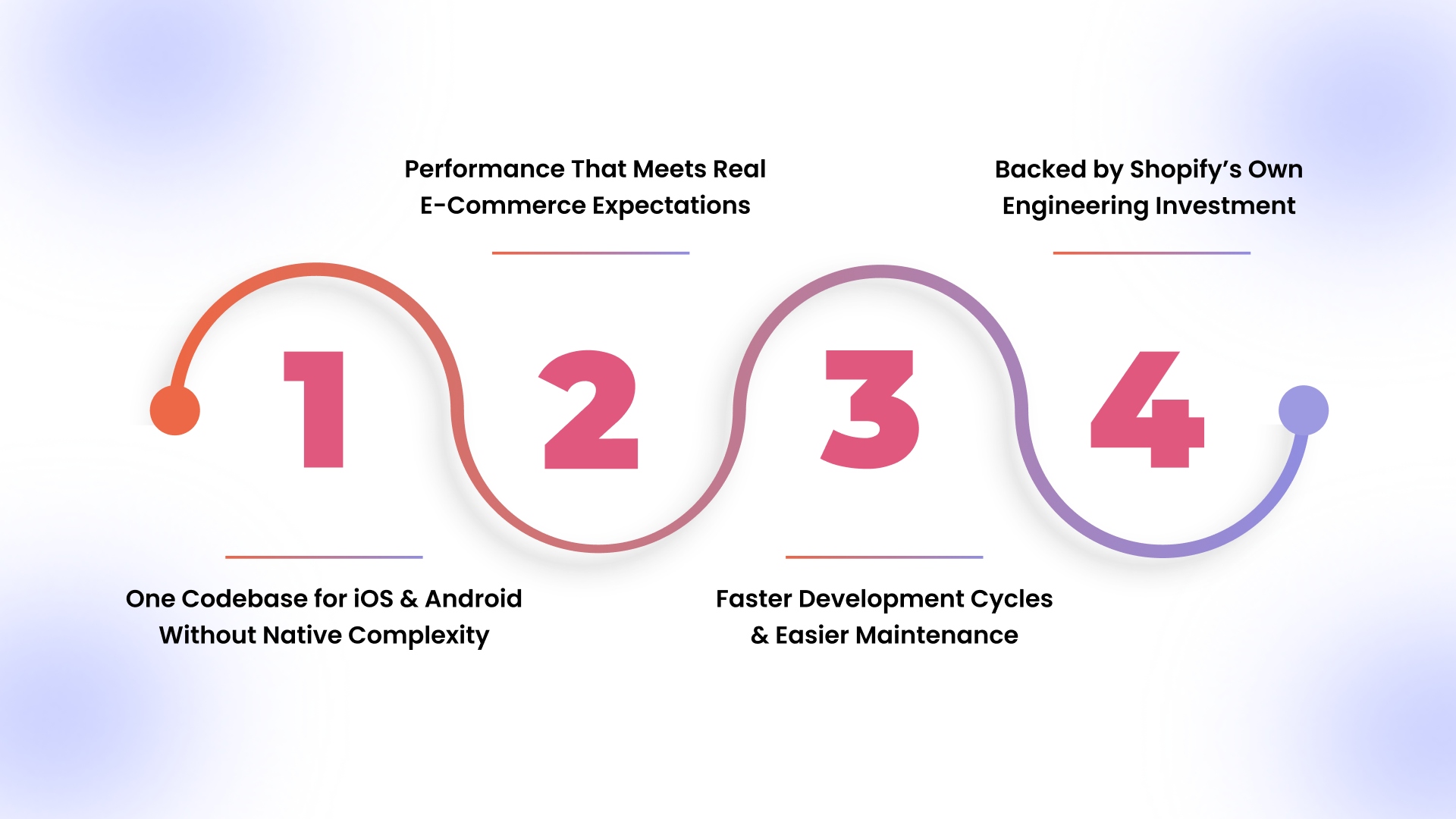
React Native provides a practical approach for building Shopify mobile apps. It lets you maintain full control over design and functionality while avoiding duplicated native app development or restrictive templates. Here’s why it is an ideal choice:
1. One Codebase for iOS and Android Without Native Complexity
React Native lets you manage Shopify product listings, cart flows, and checkout logic from a single codebase. Any update, like adjusting variant selection or pricing logic, instantly applies to both iOS and Android apps, avoiding duplicate development effort.
2. Performance That Meets Real E-Commerce Expectations
With proper caching and optimized image handling, React Native delivers smooth product browsing, cart updates, and checkout interactions. In fact, mobile apps convert 3–8% of users compared to much lower mobile web conversion rates, directly boosting sales and lowering acquisition costs. Users experience near-native performance for typical Shopify stores, even with image-heavy catalogs or promotional banners running in real-time.
3. Faster Development Cycles and Easier Maintenance
Sharing logic across platforms reduces debugging and iteration time. Updates to promotions, cart behavior, or checkout flows can be implemented once and deployed to both iOS and Android simultaneously, speeding post-launch optimization and feature rollouts significantly.
4. Backed by Shopify’s Own Engineering Investment
Shopify actively maintains the Storefront APIs and Buy SDK, ensuring seamless integration with React Native. This ongoing support minimizes technical debt, guarantees compatibility with future Shopify updates, and reduces long-term risks for custom mobile apps.
Now that you understand why React Native excels for Shopify mobile app development, let’s examine the essential skills, access, and resources required before writing a single line of code.
Also Read: Mobile App Conversion Rate: Key Insights and Strategies
What You Need Before You Start Building?
Before writing code, it’s important to understand what skills and access you’ll actually need. This avoids stalled builds and incomplete integrations later.
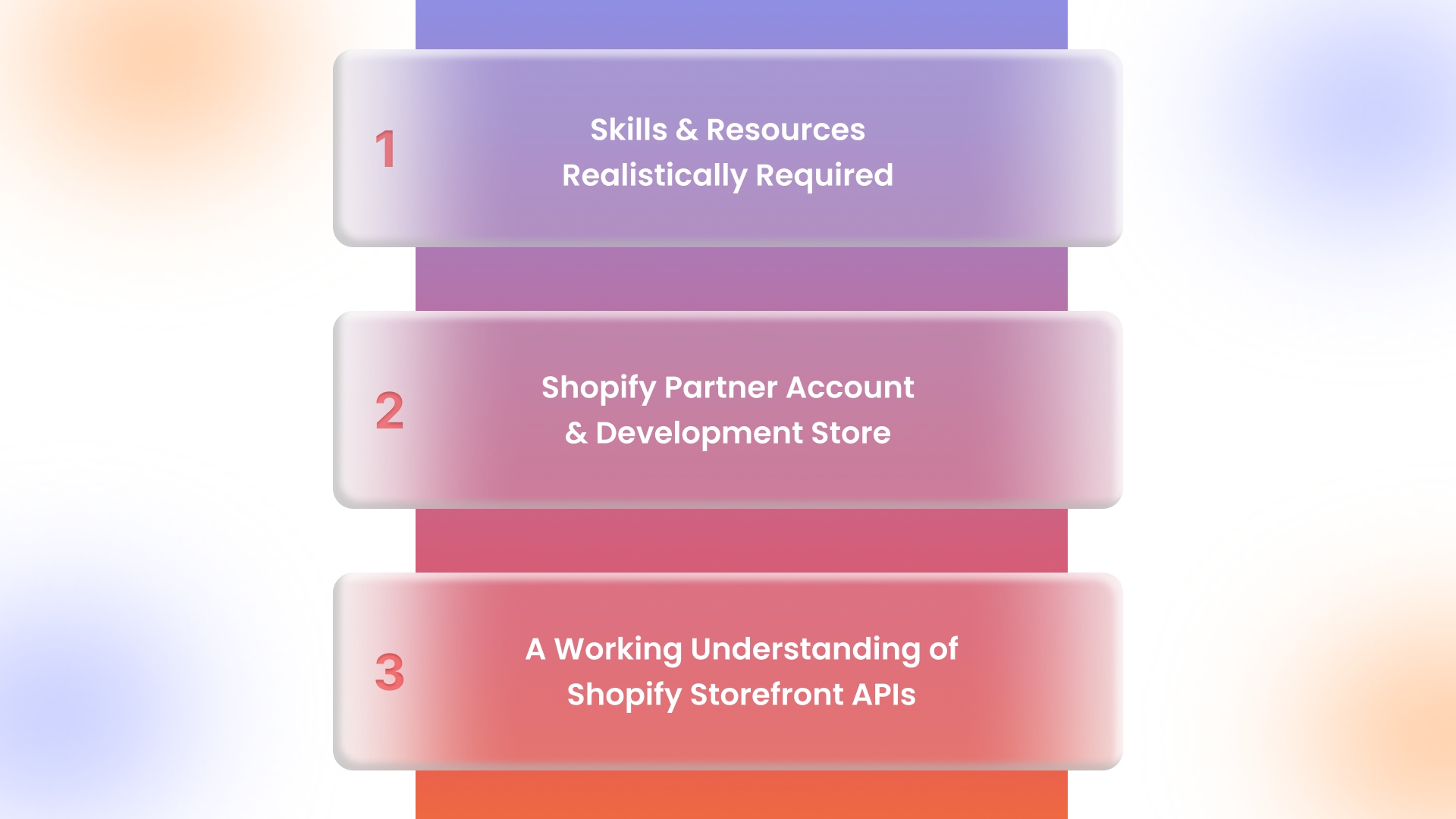
1. Skills and Resources Realistically Required
You’ll need working knowledge of JavaScript, React fundamentals, and React Native navigation patterns. You don’t need deep native expertise, but you should understand how iOS and Android differ in builds and permissions.
2. Shopify Partner Account and Development Store
A Shopify Partner account lets you create a development store to test APIs, products, and checkout flows. This is where you’ll generate API credentials and simulate real orders without touching live data.
3. A Working Understanding of Shopify Storefront APIs
The Storefront API is how your app fetches products, collections, carts, and customer data. You don’t need to memorize every endpoint, but you must understand how queries, pagination, and access tokens work.
Having set up accounts, permissions, and API knowledge, the next step is understanding how your React Native app interacts with Shopify’s APIs, carts, and checkout behind the scenes.
How a Shopify React Native App Works?
At its core, a Shopify React Native app acts as a client that reads and writes data to your store. Understanding this interaction helps you avoid unnecessary architectural complexity while keeping the app fast, scalable, and aligned with Shopify best practices.
App Communicates with Shopify
Your app uses GraphQL queries to interact with Shopify’s Storefront API, fetching product details, collections, and inventory. Authentication is handled via a public access token linked to your development store, ensuring secure, controlled access without exposing sensitive credentials.
Handling Products, Cart, Checkout, and Customers
Products and collections are read-only from the API, while cart interactions create or update checkout sessions stored on Shopify. Customer accounts, if enabled, sync order history, saved addresses, and loyalty data automatically, giving users a seamless mobile shopping experience.
APIs, WebViews, and Caching Roles
Checkout is routed through Shopify-hosted WebViews to meet security and PCI compliance standards. Meanwhile, caching frequently accessed product and collection data locally minimizes API calls, improves load times, and keeps the app responsive, even on slower networks.
Once you grasp the app’s architecture and API flow, it’s time to translate theory into action with a structured, step-by-step approach to building your Shopify mobile app.
Step-by-Step: Building the Core Shopify App Experience
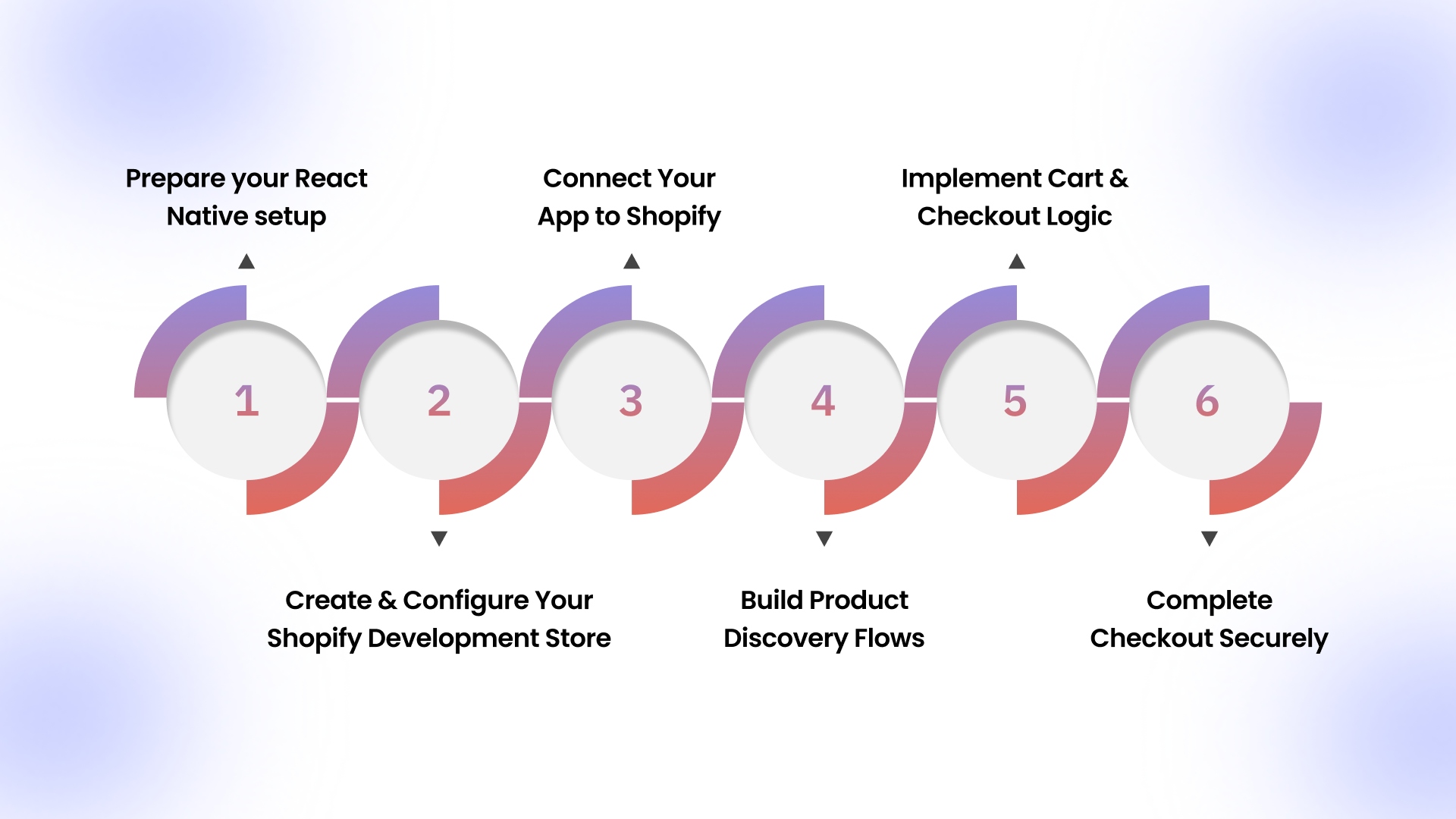
Building an app on Shopify requires a thorough understanding of the important steps. Each one builds on the previous one, mirroring how real projects move from setup to checkout.
Step 1: Prepare your React Native setup
Before building your Shopify mobile app, setting up a reliable development environment is needed. With nearly 90% of shoppers browsing through mobile web, it’s important to ensure your app setup is optimized for a seamless mobile experience. Once your setup is ready, you can follow these essential steps to start coding efficiently and avoid common pitfalls:
- Install Node.js and React Native CLI: Use the latest LTS Node.js, then run npm install -g react-native-cli to scaffold and run projects without errors.
- Configure iOS and Android environments: Install Xcode and CocoaPods for iOS, Android Studio with SDKs, and an emulator for Android. Verify with react-native doctor.
Step 2: Create and Configure Your Shopify Development Store
A development store is essential for testing your React Native Shopify app without affecting live sales. Proper setup ensures API access, product management, and secure checkout testing. Follow these steps to get it ready:
- Generate Storefront API access: In your Shopify Partner dashboard, create a private app, enable Storefront API, and copy the access token securely for your React Native app.
- Set permissions for product and checkout data: Ensure read access for products, collections, and customer accounts, and write access for checkout and cart actions. Test API keys in Postman before integration.
Step 3: Connect Your App to Shopify
Linking your React Native app to Shopify allows real-time product, collection, and cart interactions. Correct authentication and initial data fetches prevent runtime errors and improve development efficiency.
- Authenticate using Storefront API or Buy SDK: Use your API token with graphql-request or Shopify’s Buy SDK to establish secure app-to-store communication.
- Fetch initial product and collection data: Query collections and products on app launch, cache results locally for offline browsing, and handle errors gracefully for smooth UX.
Step 4: Build Product Discovery Flows
Your app’s product discovery experience directly affects engagement and conversions. Well-structured lists and dynamic details keep users browsing longer, increasing the likelihood of purchases. Here’s how to implement it:
- Display collections and product lists: Fetch and render Shopify collections dynamically, use FlatList or SectionList in React Native for smooth scrolling, and include filters for categories or tags.
- Load product details dynamically: On product tap, fetch detailed data via Storefront API, including images, variants, and inventory, and cache for offline viewing.
Step 5: Implement Cart and Checkout Logic
Cart and checkout flows are your core revenue drivers. Clear, responsive, and accurate cart interactions prevent abandonment and ensure smooth conversions. Implement these steps carefully:
- Create a checkout session: Initiate checkout via Storefront API, storing checkout IDs in state for later updates and payment handling.
- Add, update, and remove cart items: Implement functions to modify items in the session, reflecting changes in the UI immediately. Handle quantity changes and zero-item removals seamlessly.
Step 6: Complete Checkout Securely
Ensuring a secure and compliant checkout builds trust and reduces abandoned carts. Shopify-hosted solutions handle sensitive data while your app maintains a smooth flow:
- Redirect users to Shopify-hosted checkout via WebView: Open checkout URLs in a WebView to securely process payments without handling PCI-sensitive data in your app.
- Handle order completion and confirmations: Listen for WebView redirects or callbacks, update order status, and display confirmation screens with order details and next steps.
With the technical foundation in place, the next focus is designing intuitive, high-converting screens that guide users seamlessly from discovery to checkout on your mobile Shopify app.
Also Read: Complete Guide to Ecommerce App Development Cost in 2026
How to Design Shopify Screens That Actually Convert?
A Shopify mobile app is about guiding users seamlessly from discovery to purchase. Each screen should reduce friction and help shoppers take action quickly.
Three Key Principles for High-Converting Shopify Apps to Follow
- Focus on Revenue-Driving Screens: Home, product listing, product detail, cart, and checkout capture most transactions. Keep navigation simple to avoid distractions.
- Prioritize Mobile UX: Large tap targets, clear pricing, and prominent call-to-action buttons support purchase decisions and reduce cart abandonment.
- Use UI Libraries Smartly: Tools like React Native Paper or NativeBase speed development, but customize components for brand consistency and optimal performance.
Additionally, no-code app builders like AppMaker provide a no-code layer to refine key screens like home, product, and cart, so updates and tests can happen quickly while keeping the app’s core code intact.
After crafting a conversion-focused UI, optimizing performance, and implementing offline caching ensures your Shopify app remains fast, responsive, and usable, even during connectivity drops.
Boost Shopify App Performance with Offline Support and Smart Caching
Offline readiness is about keeping the shopping experience smooth, responsive, and frustration-free, even when connectivity drops.
Practical Strategies for Performance and Offline Support:
- Improve UX with Offline Capability: Cache product data to prevent blank screens during connectivity loss, keeping users browsing and engaged until the connection returns.
- Cache the Right Data: Store product lists, images, and essential details locally. Exclude dynamic data like inventory or pricing unless refresh logic is applied.
- Reduce API Calls and Optimize Media: Batch API requests, lazy-load images, and use optimized formats to improve performance, especially on lower-end devices.
Once performance and offline strategies are set, rigorous testing and deployment planning help catch issues early. It ensures your app passes both iOS and Android store approvals.
Test and Launch Your Shopify React Native App Confidently
Launching without thorough testing risks costly post-launch fixes. Focus on flows that matter, platform-specific requirements, and store compliance to deliver a polished Shopify mobile app.
Key Testing and Deployment Practices to Follow:
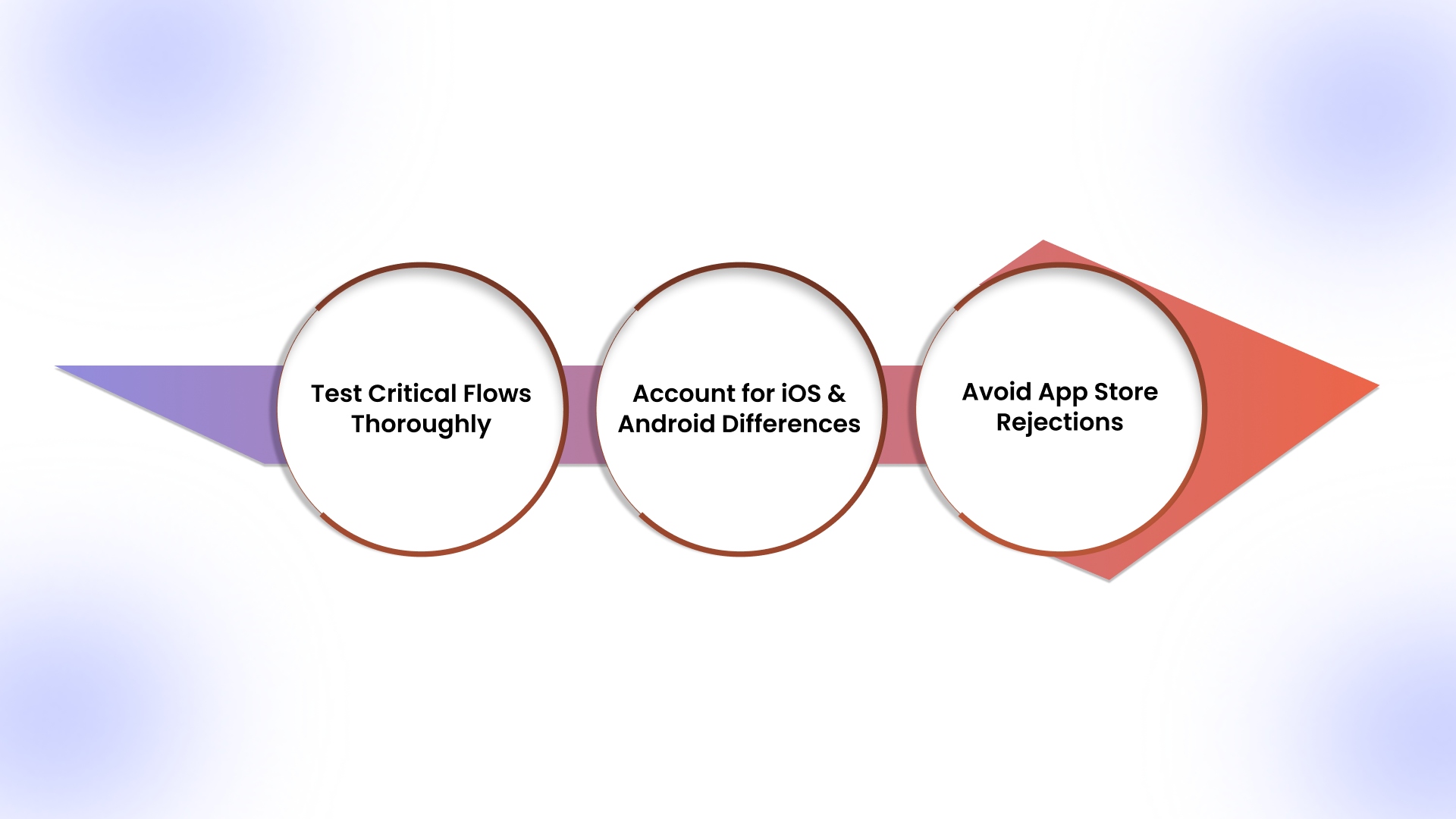
- Test Critical Flows Thoroughly: Validate cart persistence, checkout redirection, and error handling. Simulate slow networks to catch performance issues early.
- Account for iOS and Android Differences: iOS requires strict privacy disclosures and review approval; Android needs broader device testing due to varied hardware.
- Avoid App Store Rejections: Ensure metadata is accurate, checkout works flawlessly, and privacy policies are complete to reflect the Shopify store authentically.
Having successfully launched your Shopify app, the next priority is continuous optimization, analyzing user behavior, iterating features, and using targeted engagement strategies to boost growth.
Optimize and Grow Your Shopify Mobile App After Launch
Launching your Shopify app is just the beginning. Continuous improvement, user insights, and strategic app engagement drive higher conversions and sustained retention.
Follow this Post-Launch Strategies:
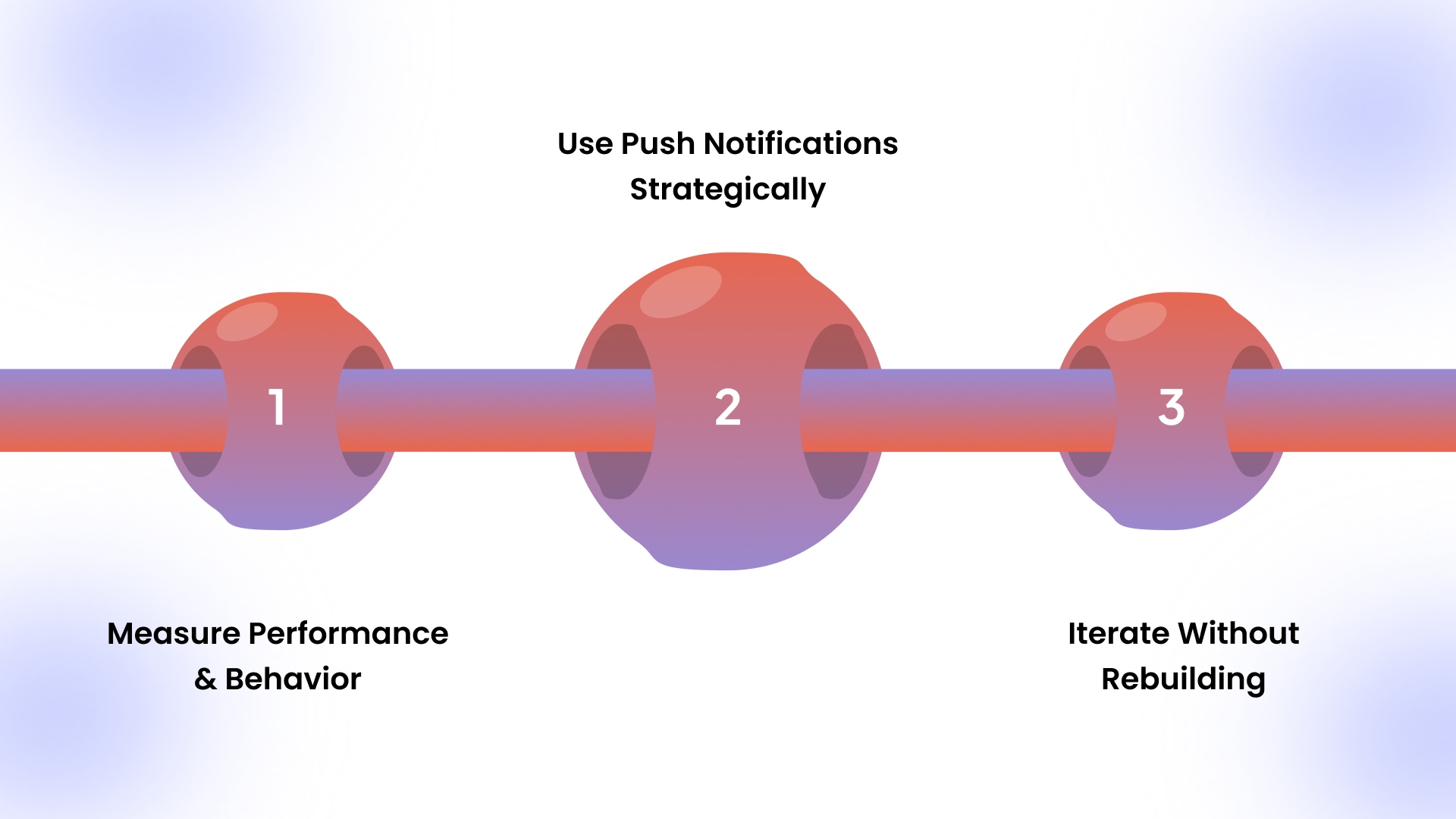
- Measure Performance and Behavior: Track screen views, add-to-cart actions, and checkout completions to identify drop-offs and prioritize improvements.
- Use Push Notifications Strategically: Notify users about restocks, order updates, and limited promotions, avoiding overuse that leads to uninstalls. It delivers 5–10X higher CTRs than email/paid marketing.
- Iterate Without Rebuilding: React Native enables incremental updates to UI flows or features without rewriting core logic, saving time and resources.
At this stage, many Shopify teams look for ways to execute analytics, messaging, and UI updates faster without touching core React Native code. Platforms like AppMaker help teams manage engagement, push notifications, and iteration from a centralized dashboard while retaining native app performance.
With a working, optimized app, it’s important to evaluate whether custom development or no-code platforms best align with your store’s long-term control, speed, budget, and scalability needs.
Choosing Between Custom React Native Apps and No-Code Builders
Deciding whether to build a fully custom Shopify React Native app or use a no-code builder depends on control, speed, budget, and long-term growth plans. Each approach serves different business goals and operational needs:
Whether you choose a fully custom React Native app or a no-code builder, the next step is ensuring your mobile experience not only launches quickly but also drives retention, engagement, and revenue; exactly where AppMaker excels.
How AppMaker Helps Boost Mobile Revenue?
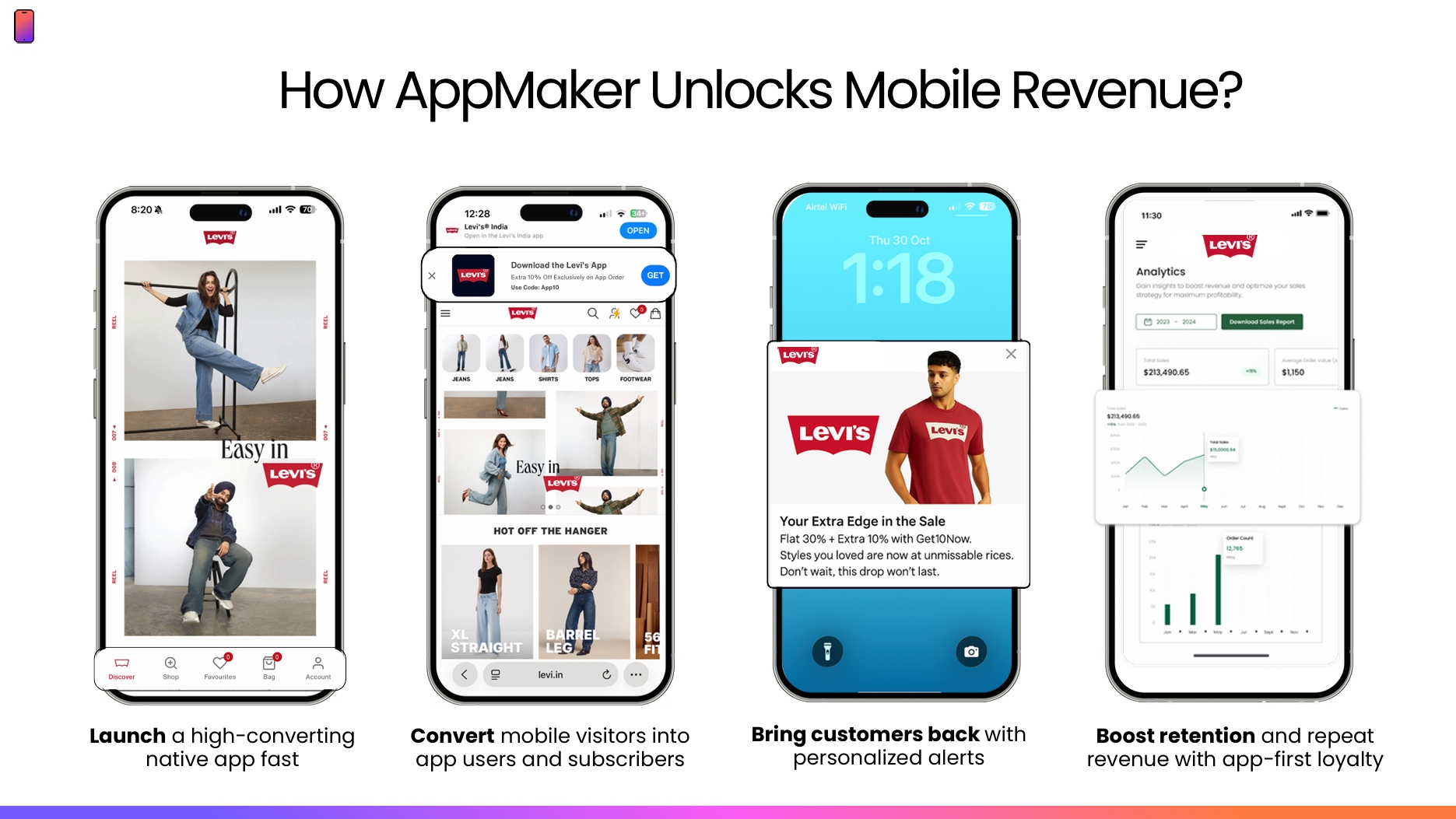
AppMaker allows you to launch high-converting native mobile apps quickly. We help you turn your mobile visitors into engaged users. With personalized alerts and app-first loyalty features, our platform boosts retention and drives consistent repeat revenue for your business. Additionally, we have already generated over 1,000Cr+ GMV (Gross Merchandise Value) through mobile apps for our customers in 2025.
However, launching a Shopify app is only the first step; maximizing conversions and repeat purchases depends on real-time insights, AI personalization, and seamless mobile optimization. AppMaker lets D2C and ecommerce brands turn every app interaction into measurable growth, combining React Native speed with no-code agility.
Key Features of AppMaker:
- Real-Time Shopify Sync: Automatically update products, inventory, and user activity to support timely engagement.
- AI-Powered Personalization: Eidolon AI and Rubik AI deliver behavior-driven product recommendations and adaptive layouts.
- John AI Analytics Assistant: Provides predictive insights and actionable suggestions to improve retention, engagement, and conversions.
- Push Notifications & In-App Messaging: Behavior-triggered messages that outperform email 5–10x for repeat purchases.
- Deep Customization: AppMaker Studio offers full creative control, from UI/UX to code-level integrations, ensuring limitless flexibility.
AppMaker ensures your Shopify mobile app not only runs flawlessly but also actively drives sales, repeat usage, and long-term customer loyalty, with brands seeing repeat purchase rates rise by up to 70% and conversion rates increase by up to 4x across categories like fashion, personal care, and food.
Also Read: Mobile App Native vs Hybrid: Differences, Pros & Best Choice in 2026
Conclusion
Building a Shopify mobile app with React Native allows merchants to create a fast, reliable, and conversion-focused mobile experience. By integrating directly with Shopify Storefront APIs, managing products, carts, and checkout efficiently, and optimizing for offline usage and caching, brands can offer seamless performance across iOS and Android without maintaining separate native codebases.
For Shopify merchants seeking speed, customization, and scalability, AppMaker provides a no-code solution that uses React Native under the hood. It converts your store into a fully branded mobile app with real-time product sync, AI-powered personalization, push notifications, and flexible developer tools. Our platform allows even non-technical teams to manage and enhance their mobile presence effectively.
Contact us now to build your Shopify mobile app with AppMaker and take your store’s mobile experience to the next level.
FAQs
1. Is React Native suitable for large Shopify stores?
Yes. Large Shopify stores can use React Native effectively when APIs are optimized, images are properly handled, and caching is implemented. Many high-traffic commerce apps rely on it without performance bottlenecks.
2. Can Shopify apps work offline?
Shopify apps can support offline product browsing using cached data and local storage. However, cart synchronization, pricing accuracy, and checkout always require an active internet connection to maintain data integrity.
3. How long does it take to build a Shopify mobile app?
A basic Shopify mobile app typically takes six to ten weeks, covering design, API integration, testing, and deployment. Advanced features like personalization, offline support, or custom flows increase timelines significantly.
4. Do Shopify mobile apps convert better than websites?
Often, yes. Mobile apps usually convert better due to faster performance, persistent sessions, saved preferences, and push notifications that drive repeat engagement and reduce friction during the purchasing journey.