




























Your team wants to build an app, but choosing the right approach can feel confusing. Some tools promise fast launches, while others focus on flexibility and long-term growth. You may be asking whether speed or scalability should come first.
The key differences between low-code and no-code development come down to how apps are built, who can build them, and how much customization is possible later. No-code platforms enable quick app creation through visual tools, while low-code platforms allow added customization as needs grow.
In the second quarter of 2025, mobile devices accounted for 62.54% of global website traffic, highlighting the shift toward mobile-first experiences. This blog explains low-code vs no-code development in practical terms so you can decide which approach fits your project, team structure, and long-term plans.
Quick Snapshot
What Low-Code vs No-Code Development Means?
Low-code and no-code platforms both replace traditional software setup with visual configuration. Instead of writing most functionality manually, you assemble interfaces, workflows, and data connections through guided tools. The distinction comes from control.
Low-code keeps the option to extend functionality with programming when requirements expand. No-code relies entirely on built-in configuration and predefined components managed by the platform.
What is Low-Code Development?
Low-code development combines visual building with optional custom logic. Teams create the main application through visual tools, then developers extend specific parts when deeper integrations or specialized behavior becomes necessary. Typical use cases include customer portals, data dashboards, or systems that must evolve after launch.
How low-code development works in practical situations
Low-code platforms divide responsibilities between business teams and developers practically. You begin visually, then add deeper functionality only when needed. Here is what that looks like during actual app creation:
- Visual builders automatically generate application structure, allowing you to design screens and workflows without starting from raw code.
- Developers can introduce custom logic when workflows require behavior beyond built-in components.
- Reusable modules help teams apply the same functionality across multiple areas, reducing repeated setup work.
- Integrations with external tools can expand through APIs or scripted extensions as operational needs grow.
- Teams often launch an application visually first and refine advanced capabilities later without replacing the original system.
Features similar to Code Blocks in AppMaker reflect this model well. You begin with visual configuration and introduce custom behavior only where it meaningfully improves the experience, allowing your application to expand alongside your business needs.
Pros and Cons of Low-Code Development
What is No-Code Development?
No-code development allows applications to be created entirely through configuration. Users define screens, workflows, and rules using predefined building blocks provided by the platform. It works best when processes follow predictable structures and frequent updates are handled by operational teams rather than developers.
Common examples include approval workflows, internal dashboards, and coordination tools.
How no-code development supports everyday business app creation
In practice, you will typically work with systems like these:
- Drag-and-drop interfaces that let you design screens, navigation, and layouts using ready-made components.
- Workflow builders that define actions such as approvals, notifications, or updates through logical conditions.
- Automatic hosting and performance management are handled entirely by the platform.
- Built-in templates that help you assemble functional applications quickly while maintaining a consistent structure.
- Immediate publishing options that allow teams to update content or workflows without waiting for development cycles.
Pros and Cons of No-Code Development
No-code platforms help you move from idea to working application through structured configuration, allowing you to focus on organizing experiences while the platform manages technical execution.
Also Read: How to Create a Business Mobile App Easily in 2026
Now that you’ve seen how each approach works on its own, it helps to step back and look at what they actually have in common before comparing where they begin to diverge.
Similarities Between Low-Code and No-Code Development Approaches
Low-code and no-code platforms are built on shared principles that make application creation more accessible and structured for teams. Both approaches simplify development by shifting repetitive engineering work into guided systems that support faster progress and clearer collaboration.
- Visual abstraction of engineering work: You design screens, workflows, and logic through visual interfaces while the platform converts those actions into functioning application behavior. This allows you to focus on structure and experience rather than setup tasks.
- Faster iteration cycles: Changes can be tested quickly because updates are made directly inside the visual builders. Adjustments to layouts, workflows, or content can be reviewed immediately without long rebuild processes.
- Reduced repetitive setup tasks: Common elements such as authentication flows, integrations, or publishing processes are already prepared within the platform, helping you avoid repeating foundational configuration work.
- Earlier testing and feedback: Applications become usable sooner in the build process, allowing teams to validate flows and gather feedback while development is still in progress.
- Collaboration across roles: Business teams, designers, and developers can contribute within the same environment. Visual tools make workflows easier to understand, which improves communication and shared ownership.
These shared strengths explain why both approaches often appear together in discussions around low-code vs no-code development, since they rely on similar operational foundations even though their long-term usage patterns differ.
The similarities set the stage, but the differences start to matter once your application begins to grow and change.
Key Differences Between Low-Code and No-Code Development
The real separation between low-code and no-code development becomes visible after the first release. Initial setup often feels similar, but differences appear as applications expand, integrate with other systems, and require ongoing ownership. Over time, decisions around flexibility, control, and scalability shape how each approach performs in practice.
The table below outlines how both models behave as applications grow.
To understand how these differences affect daily development decisions, let’s look at each area individually.
1. Customization and Configuration Flexibility
This difference determines how easily an application can adapt when requirements change.
Low-code platforms typically allow you to:
- Add custom logic when workflows become more specialized.
- Create reusable components that support complex processes.
- Extend functionality without rebuilding the application.
- Adjust behavior as business rules evolve.
No-code platforms typically focus on:
- Structured configuration using predefined options.
- Faster setup for predictable workflows.
- Consistency through standardized templates.
- Simpler maintenance when requirements remain stable.
What this means in practice:
- No-code works well when workflows stay consistent.
- Low-code becomes useful when applications must evolve beyond predefined logic.
2. Integration Depth and Data Architecture
Applications rarely operate alone. As systems grow, data must move reliably across tools and departments.
With low-code development, you can:
- Connect systems using APIs and custom integrations.
- Structure complex data relationships across platforms.
- Sync operational, marketing, and analytics systems together.
- Adapt integrations as infrastructure changes.
With no-code development, you typically rely on:
- Built-in connectors designed for common use cases.
- Simplified data models suited for operational workflows.
- Platform-supported integrations that require minimal setup.
Operational impact:
- Integration flexibility becomes increasingly important as data complexity increases.
- Build speed matters early, but data control matters later.
3. Scalability and Performance Over Time
Both approaches enable fast launches, but scaling behavior differs as adoption increases.
Low-code environments support scaling through:
- Architectural flexibility for growing workloads.
- Optimization opportunities as usage expands.
- Cross-platform or extended implementations when needed.
- Developer-led performance improvements.
No-code environments emphasize:
- Managed infrastructure handled by the platform.
- Predictable performance within supported limits.
- Minimal configuration during early growth stages.
What teams usually notice:
- Performance differences rarely appear during launch.
- They become visible when user volume, automation, or data processing increases.
4. Governance, Security, and Ownership Structure
Ownership models influence how safely applications grow within organizations.
Low-code environments often include:
- IT oversight and structured approval workflows.
- Permission management and audit tracking.
- Controlled release cycles for updates.
- Shared responsibility between technical and business teams.
No-code environments often enable:
- Independent creation by operational teams.
- Faster experimentation without engineering dependency.
- Direct workflow updates by non-technical users.
Practical outcome:
- Clear governance improves reliability as applications become business-critical.
- Faster independence benefits early experimentation and internal tooling.
5. Vendor Dependency and Long-Term Flexibility
Long-term planning depends on how adaptable the application remains over time.
Low-code platforms generally provide:
- Greater flexibility through customizable logic.
- Partial portability of integrations and workflows.
- Easier transition paths if systems change later.
No-code platforms typically involve:
- Strong reliance on proprietary platform features.
- Limited migration flexibility outside the ecosystem.
- Faster development in exchange for tighter platform coupling.
Strategic takeaway:
- Simplicity supports experimentation and operational efficiency.
- Flexibility supports long-term growth and deeper system integration.
If an application is expected to grow, integrate across systems, or become central to operations, architectural flexibility becomes increasingly important. When the goal is speed, experimentation, or internal efficiency, structured simplicity often delivers faster results.
Also Read: Complete Guide to Ecommerce App Development Cost in 2026
With those differences in mind, it helps to zoom out and see where low-code and no-code sit alongside traditional development as part of the same spectrum.
Low-Code vs No-Code vs Traditional Development
Many teams evaluating visual development tools are actually comparing three paths, not two: building without code, building with assisted code, or building entirely from scratch. Seeing all three together clarifies where each approach fits in real project planning.
The distinction becomes clearer when thinking about change over time.
No-code prioritizes immediate usability. Low-code balances speed and adaptability. Traditional development prioritizes control. Every behavior, integration, and performance decision is engineered directly, making it suitable for platforms where architecture itself is the product.
Once you understand where each development model sits on the spectrum, the next step is choosing which one actually fits the kind of app you plan to run day to day.
When to Use Low-Code vs When to Use No-Code
For ecommerce teams, the decision is less about technical ability and more about how the store experience will evolve campaigns, integrations, retention features, and operational ownership. Evaluate based on how your store app will grow after launch.
Situations Where No-Code Development Works Best
No-code development works well when you want to move quickly from idea to usable software using structured workflows. In these scenarios, speed and clarity of setup matter more than deep customization because the application follows predictable processes.
You will likely remain comfortable with no-code if:
- The catalog structure rarely changes
- Products are mostly static listings
- Campaigns are manual (banner updates, seasonal drops)
- Customer segmentation is not required
- Push notifications are broadcast, not behavior-based
- Shopify admin alone controls operations
- The app does not affect checkout logic or pricing rules
The app becomes a viewing layer, customers browse, occasionally purchase, and the team updates content during campaigns. The platform handles most behavior automatically, but you cannot reshape how customers move through the buying journey.
This is common for:
- early-stage brands
- catalogue showcase apps
- short-term engagement experiments
In these cases, visual configuration allows you to build confidently and begin using the application immediately, helping teams learn and adjust quickly.
Situations Where Low-Code Development Fits Perfectly
Low-code development becomes useful when applications need to support ongoing improvements or deeper system connections. You still benefit from visual building, but developers can extend functionality as requirements become more detailed.
You will need low-code capabilities when:
- Product data must sync instantly (inventory, variants, pricing)
- Customer groups require different experiences
- You run lifecycle marketing (abandoned cart, win-back, loyalty)
- Multiple tools connect to the app (CRM, analytics, support, subscriptions)
- Merchandising layouts change based on behavior
- Checkout incentives depend on user actions
- The app becomes a primary shopping channel
No-code is often the fastest and most efficient choice for brands focusing on communication, promotions, and simple purchasing journeys. Low-code becomes valuable when the app begins coordinating multiple systems and personalized experiences.
Many teams combine approaches by starting with visual configuration and introducing developer extensions later. Platforms that support both configuration and extensibility, such as tools offering programmable components alongside visual builders, make this hybrid progression practical while keeping development organized.
Also Read: Mobile App Native vs Hybrid: Differences, Pros & Best Choice in 2026
Once the right build approach is clear, it helps to see how automation and AI now enhance what these platforms can do during everyday app creation.
The Role of Automation and AI in Modern App Creation and Ongoing Application Updates (2026)
Automation and AI now act as supportive layers that help you build and refine applications with greater consistency and speed. Instead of replacing decision-making, these systems assist by organizing patterns, suggesting configurations, and reducing manual adjustments during development. In low-code and no-code environments, AI improves how layouts, workflows, and user experiences are created and maintained over time.
- Workflow automation improvements: Automation tools analyze workflow behavior and help configure triggers, approvals, or notifications more efficiently, reducing setup repetition when processes follow recognizable patterns.
- Behavioral personalization: Applications can adjust content or recommendations based on user activity, allowing experiences to respond dynamically to engagement patterns without manual reconfiguration.
- AI-supported decision assistance: Tools such as Eidolon AI help translate visual designs into usable layouts, John AI assists with interpreting operational insights, and systems like Rubik’s AI guide layout and content adjustments based on user behavior signals.
These capabilities help you focus on shaping application outcomes while automation supports configuration accuracy and ongoing refinement. Alongside these advantages, it is equally useful to consider the operational factors that shape how smoothly your application runs over time.
Risks and Operational Considerations to Evaluate Before Choosing Low-Code vs No-Code
Speed during development is helpful, but most challenges appear after people start using the app every day. Thinking about operations early prevents messy handovers, broken workflows, and rebuilding later.
1. Governance and Ownership
Someone needs to be clearly responsible for changes. If everyone can edit workflows freely, small updates can quietly break existing processes.
2. Platform Dependency
The platform controls hosting, updates, and technical limits. Moving away later can be difficult, so it helps to know how flexible the system really is before committing.
3. Maintenance Responsibility
Even visual apps need care over time. Workflows evolve, edge cases appear, and features require testing whenever updates are made.
4. Data Access and Integrations
Multiple tools sharing the same data need rules. Without defined permissions, integrations can overwrite or expose information unintentionally.
5. Scaling Expectations
A tool used by five people behaves very differently for five hundred users. Planning for growth early avoids performance issues and rushed redesigns.
With these considerations in mind, you can now confidently decide which approach fits your application best.
Also Read: Tips to Improve Customer Loyalty with A Shopify Mobile App
How AppMaker Helps You Combine No-Code Speed With Customization for App Development
When comparing low-code vs no-code development, many teams want fast app launches without losing flexibility later. AppMaker first supports visual app building while enabling deeper customization as requirements grow.
This balance helps Shopify brands adapt their mobile apps over time without rebuilding systems or slowing marketing execution. Brands using this approach have seen conversion rates increase by up to 4x and repeat purchase rates improve by as much as 70%, showing how speed and adaptability can support long-term growth.
Here is how AppMaker aligns with your needs:
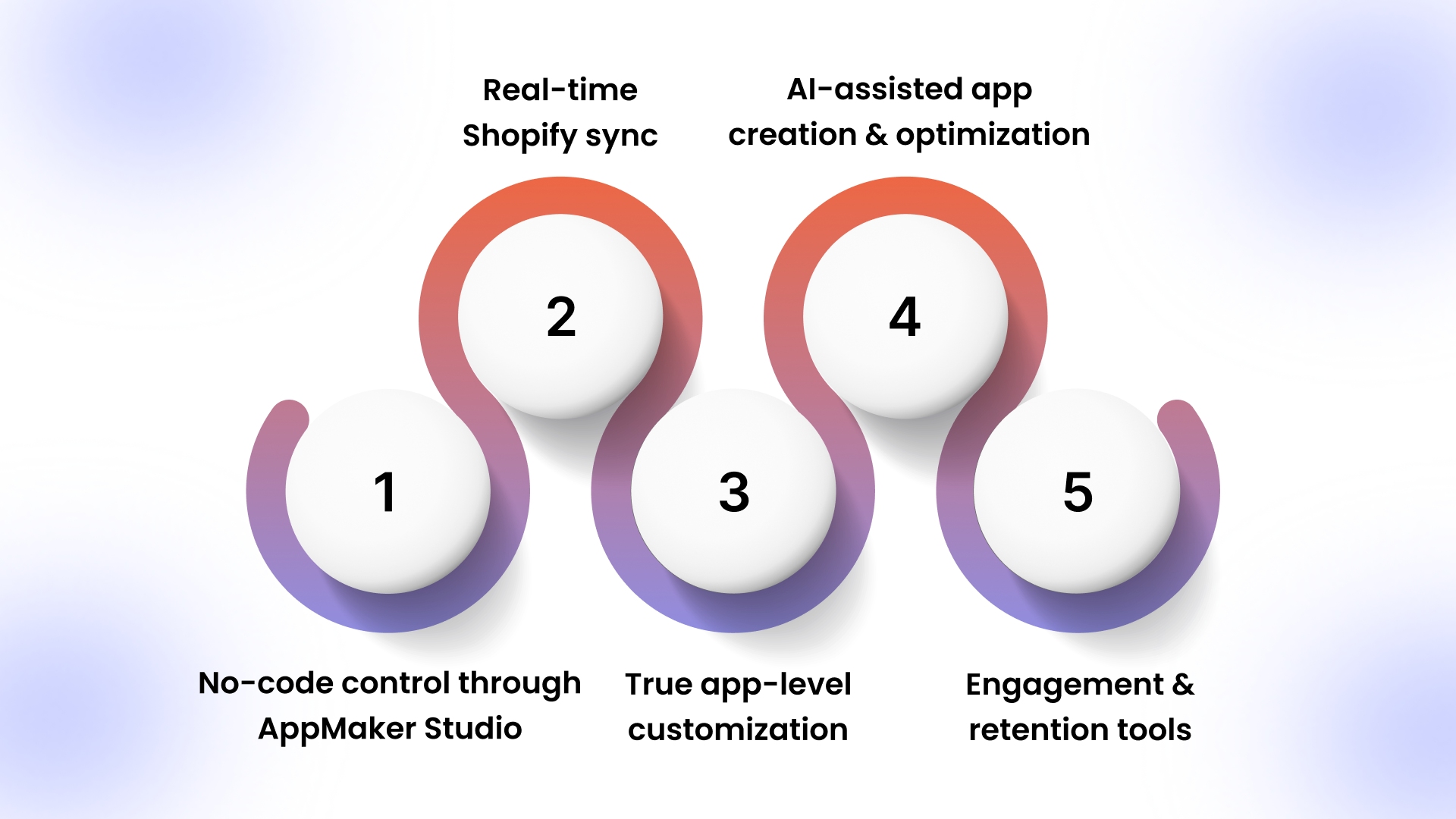
- No-code control through AppMaker Studio: Manage homepages, product displays, banners, and content using a drag-and-drop CMS without developer involvement.
- Real-time Shopify sync: Products, inventory, customers, and orders automatically stay aligned between your store and mobile app, reducing manual updates and inconsistencies. Support for 160+ integrations connects your app with marketing, analytics, loyalty, and operational tools, allowing teams to expand functionality without custom engineering.
- True app-level customization: Use Code Blocks and Conditional Blocks to create reusable logic such as segmented home layouts, loyalty workflows, or subscription-based experiences tailored to different customer groups.
- AI-assisted app creation and optimization:
- Eidolon AI converts Figma designs or screenshots into reusable app layouts, reducing design setup time.
- John AI answers analytics questions in plain language, helping you understand product performance and customer behavior.
- Rubik’s AI adapts layouts, recommendations, and content based on user activity inside the app to support more personalized shopping experiences.
- Engagement and retention tools: Push notifications enable targeted campaigns such as restock alerts, abandoned cart reminders, and personalized promotions that encourage repeat purchases.
AppMaker works especially well for Shopify brands focused on improving repeat purchases, strengthening retention, and delivering personalized mobile experiences while keeping marketing teams in control without adding engineering overhead.
Conclusion
Low-code vs no code development is a choice about control, ownership, and scale, not just speed. Use no-code for fast internal tools and simple workflows. Choose low-code or a hybrid approach when you need custom logic, deeper integrations, and structured releases that support long-term growth.
For Shopify brands building customer-facing mobile apps, this balance becomes especially important. AppMaker supports teams that want no-code simplicity for everyday updates while still enabling customization, personalization, and structured growth as customer expectations increase.
Thinking about building a mobile app that goes beyond templates? Contact us to see how AppMaker can support your Shopify app journey.
FAQs
Q: Which is cheaper long-term: low-code or no-code?A: No-code usually costs less initially since it requires minimal development effort. Over time, low-code can become more economical for growing applications because customization prevents rebuilding or platform limitations.
Q: Will low-code and no-code development replace traditional software developers?
A: Low-code vs no code development changes how developers contribute rather than replacing them. Developers increasingly focus on architecture design, integrations, performance optimization, and governance, while business teams manage visual configuration and interface updates within controlled environments.
Q: What is the difference between low-code and no-code development in practical use?
A: The difference becomes clearer after launch. No-code platforms emphasize structured configuration for predictable workflows, while low-code platforms allow extension through custom logic when applications expand, integrate with more systems, or require specialized functionality.
Q: How do you become a low-code or no-code developer without a computer science background?
A: Start by learning workflow logic, data relationships, and API fundamentals instead of traditional programming syntax. Building small automation tools, dashboards, or internal apps helps you understand deployment, permissions, and lifecycle management used in modern application development.
Q: When should a business move from spreadsheets or automation tools to a dedicated app platform?
A: Teams usually transition when workflows involve multiple users, approval layers, or recurring manual coordination. App platforms centralize processes, improve visibility, and reduce reliance on individual spreadsheet owners managing critical operations.
Q: How can companies evaluate whether a visually built app is ready for production use?
A: Production readiness depends on governance and operational controls rather than development method. Teams typically evaluate monitoring capability, access permissions, deployment workflows, integration stability, and data reliability before releasing an application to users.