




























High-revenue eCommerce brands often see weak mobile engagement despite steady site traffic, which wastes acquisition spend and stalls growth. Push notifications give a direct line to active customers, but generic blasts get ignored or trigger opt-outs.
According to the U.S. Census Bureau, e-commerce sales accounted for 16.4% of total U.S. retail sales in Q3 2025, highlighting how much commerce now runs through digital channels.
When mobile apps become a core revenue channel, well-timed, relevant messages can convert casual browsers into repeat buyers and lift retention. The real challenge is knowing which signals to act on, when to send a message, and how to write copy that prompts action without annoying customers.
In this article, you’ll see specific best practices, five real notification examples, and practical steps to set up personalized notifications that increase clicks and repeat purchases.
Key Takeaways
- Generic push notifications fail because they ignore intent, timing, and context, which leads to low engagement and higher opt-outs.
- Personalized notifications work by using real user signals like browsing behavior, cart actions, purchase history, and activity patterns.
- Effective personalization depends on action-based triggers, precise timing, clear copy, and alignment with the buying journey.
- App-first push notifications outperform email and SMS by reacting instantly to behavior and driving repeat purchases through relevance.
What are Personalized Push Notifications?
Personalized push notifications are app messages tailored to a user’s behavior, preferences, and real-time actions instead of being sent as the same message to everyone. They use signals like browsing history, past purchases, location, or app activity to deliver content that feels timely and relevant.
This approach increases engagement because the message aligns with what the user actually wants or needs at that moment.
Why Generic Push Notifications Fail to Engage Users?
Generic push notifications fail to engage users because they ignore intent, timing, and context, which makes messages feel disruptive rather than helpful.Here are the main reasons generic push notifications stop working as your app audience and message volume increase.
- Messages reach users without reflecting recent actions, so you might receive a promotion for winter jackets right after browsing summer footwear.
- Alerts arrive at the wrong moment, such as late-night discount pushes or mid-workday reminders, making it easier to dismiss them without reading.
- Repetitive discount-focused pushes show up across multiple days with the same wording, which slowly conditions users to ignore every notification.
- Checkout reminders appear even after an order is completed, creating confusion and reducing confidence in the app experience.
- Engagement drops when notifications fail to help you make quicker decisions, like missing a timely reminder when a frequently purchased item runs low.
- Control feels limited when relevance and frequency cannot be adjusted, leading many users to mute or disable notifications altogether.
This pattern explains why relevance-driven personalization becomes critical for improving engagement, retention, and long-term app value.
User Data Signals That Power Personalization
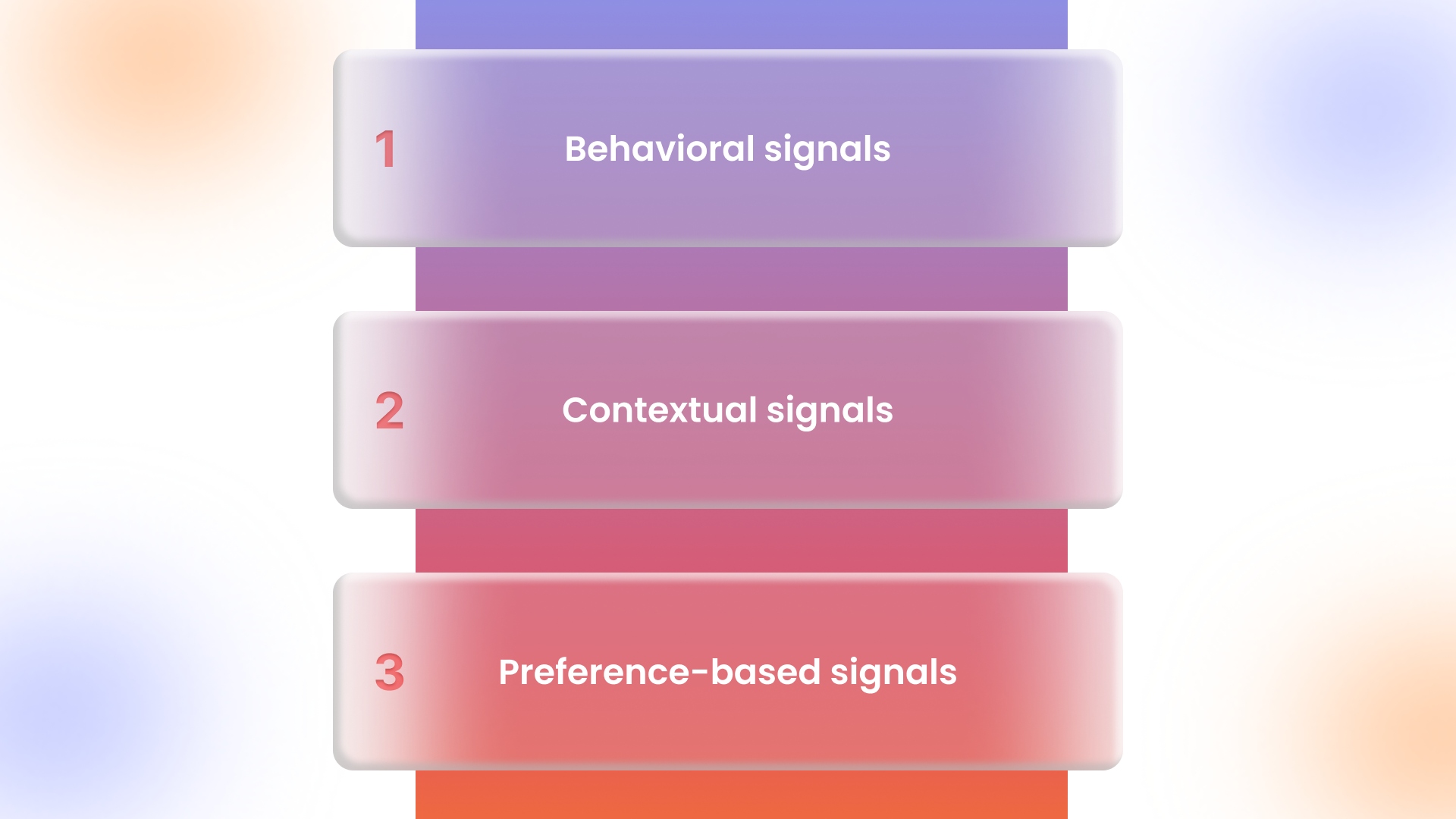
User data signals power personalization by helping notifications reflect real intent instead of assumptions, which makes messages feel timely and relevant.Here are the key user data signals that shape personalized notifications and how each one influences what gets sent.
- Behavioral signals
- Browsing activity
- Pages viewed, categories explored, and time spent indicate current interest.
- Repeated views of the same product suggest comparison or buying intent.
- Cart actions
- Add-to-cart, remove-from-cart, and cart abandonment reveal hesitation points.
- Cart value changes hint at price sensitivity or deal readiness.
- Purchase history
- Past orders show preferred product types, price ranges, and buying cycles.
- Repeat purchases help predict replenishment or upgrade timing.
- Contextual signals
- App activity
- Recent app opens show engagement momentum worth acting on.
- Long inactivity signals the need for a softer re-engagement approach.
- Time and day patterns
- Usage trends reveal when notifications are most likely to be seen.
- Shopping behavior often differs between workdays and weekends.
- Device and session context
- Device type and session length hint at browsing versus buying intent.
- Short sessions may call for reminders, while longer sessions support discovery nudges.
- Preference-based signals
- User-selected interests
- Chosen categories or brands help narrow message relevance.
- Opted-in interests reduce guesswork and improve click-through rates.
- Notification controls
- Frequency limits signal tolerance levels for messaging.
- Opt-in and opt-out behavior reflects trust and perceived value.
Together, these signals make it possible to send notifications that align with real behavior, reduce noise, and support higher engagement across the app journey.
Best Practices for Sending Personalized Notifications
Personalized notifications work only when every message reflects intent, context, and timing rather than message volume. Here are the best practices that explain how to send personalized notifications that users actually respond to.
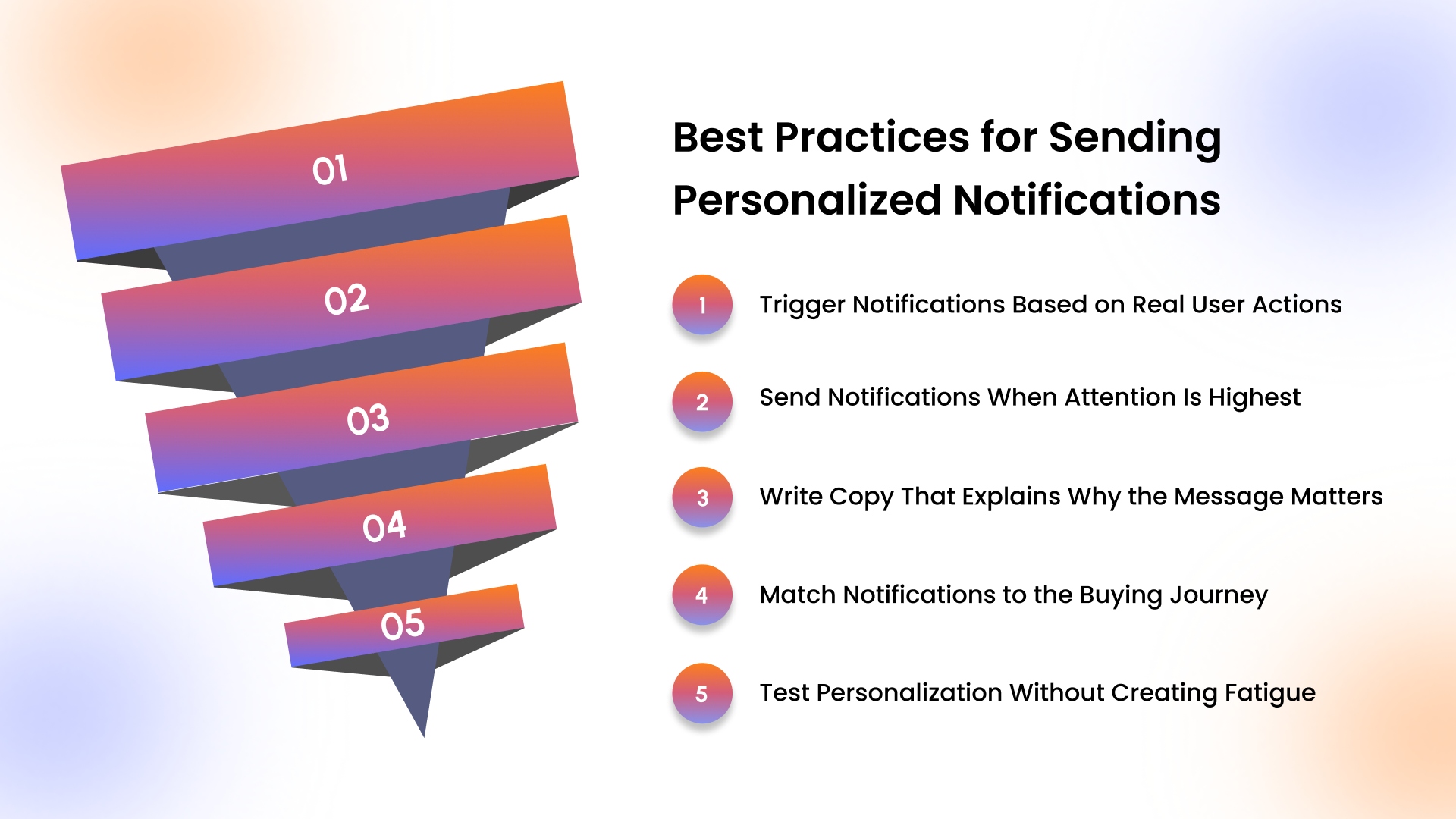
Trigger Notifications Based on Real User Actions
Personalized notifications perform better when they are triggered by live user behavior instead of preset schedules. Here’s how action-based triggers improve relevance and response rates.- Notifications tied to product views, repeated browsing, or cart changes align closely with current intent.
- Real-time triggers reach users when interest is still fresh, increasing the chance of engagement.
- Action-driven messages reduce unnecessary sends compared to calendar-based promotional pushes.
Send Notifications When Attention Is Highest
Notification timing directly affects whether a message gets opened or ignored. This is where understanding usage patterns makes a measurable difference.- App activity data shows when users are most likely to browse or shop.
- Messages delivered during high-attention windows are more likely to be read instead of dismissed.
- Off-hour notifications should be reserved for urgent updates like order status or stock alerts.
Write Copy That Explains Why the Message Matters
Notification copy performs best when it clearly communicates value in a few seconds. This clarity helps users decide quickly whether to act or ignore the message.- Mentioning the action that triggered the notification reinforces relevance.
- Specific language builds confidence compared to vague promotional wording.
- Short, focused copy works better when it highlights one clear next step.
Match Notifications to the Buying Journey
Notification effectiveness depends on how well messages align with the user’s current stage. This alignment prevents confusion and reduces unnecessary friction.- Early-stage browsers respond better to discovery or reminder messages.
- Checkout-related nudges work only when purchase intent is already visible.
- Post-purchase messages should shift toward reorders, usage reminders, or complementary products.
Test Personalization Without Creating Fatigue
Testing helps improve personalization only when user tolerance is respected. This approach keeps engagement steady while refining message performance.- Testing one element at a time makes results easier to evaluate.
- Engagement drops signal when messaging frequency or relevance needs adjustment.
- Removing low-performing variations protects long-term notification trust.
Push notifications perform best inside mobile apps, where brands often see higher conversions and stronger engagement than on the mobile web. This is where AppMaker’s push notification engine supports behavior-driven messages that lift order value and repeat purchases.
5 Personalized Push Notification Examples That Work
Personalized push notifications deliver results when timing, relevance, and execution stay closely connected inside the mobile app experience. These scenarios show how intent-driven messaging works in practice without turning campaigns into manual or fragmented efforts.
1. Abandoned Cart Reminder With Product Context
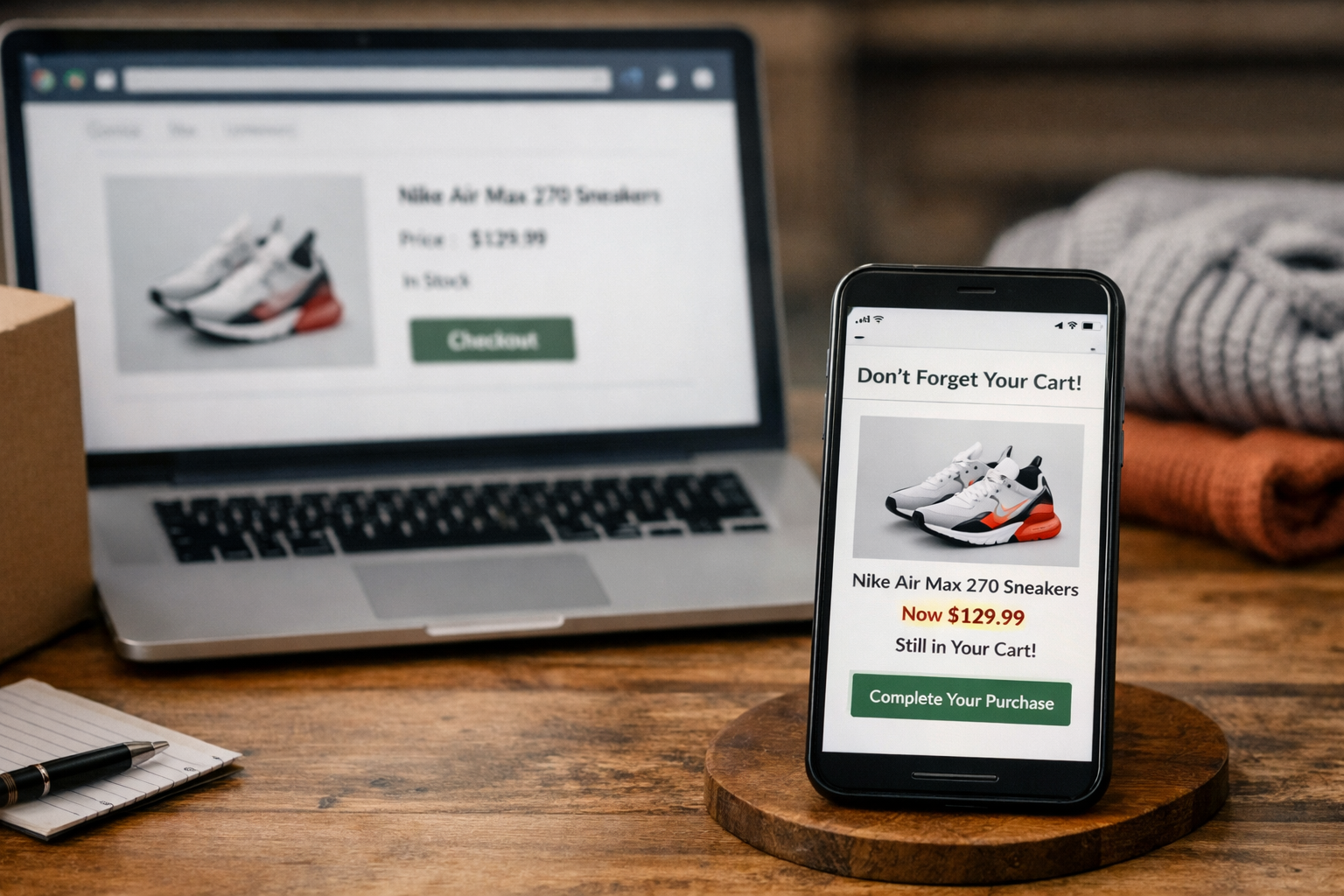
A reminder is sent shortly after checkout is abandoned, reflecting the exact product, price, and availability. This keeps the message timely and relevant instead of feeling generic. When cart data and campaigns are managed within the same app environment, recovery messages can be triggered instantly without relying on delayed or manual follow-ups.
2. Back-in-Stock Alert Based on Browsing History
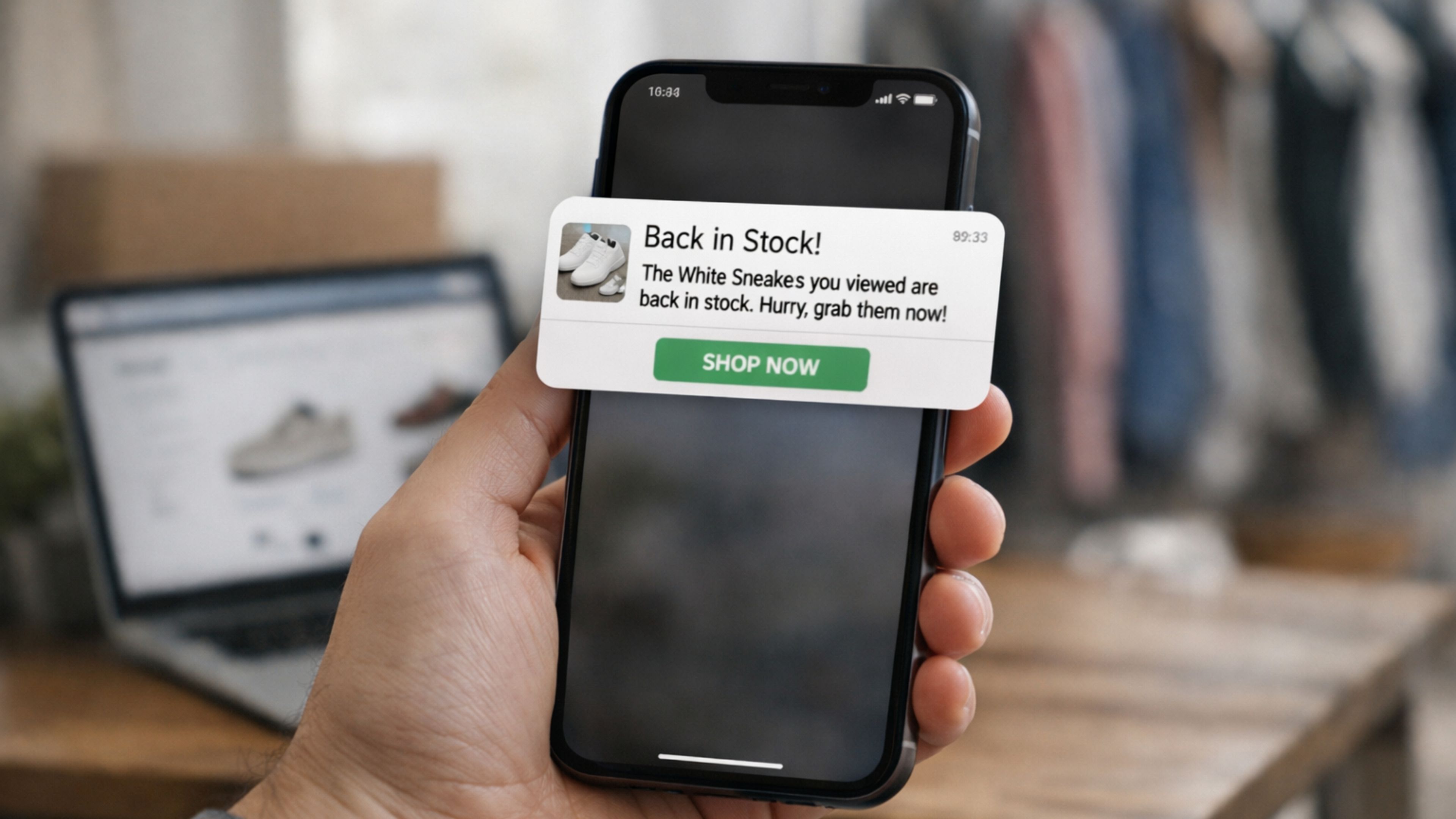
A notification goes out the moment a previously viewed product is restocked, helping customers return before interest fades or inventory runs low again. Real-time catalog sync ensures availability messages stay accurate rather than delayed or outdated.
3. Replenishment Reminder From Purchase Cycles
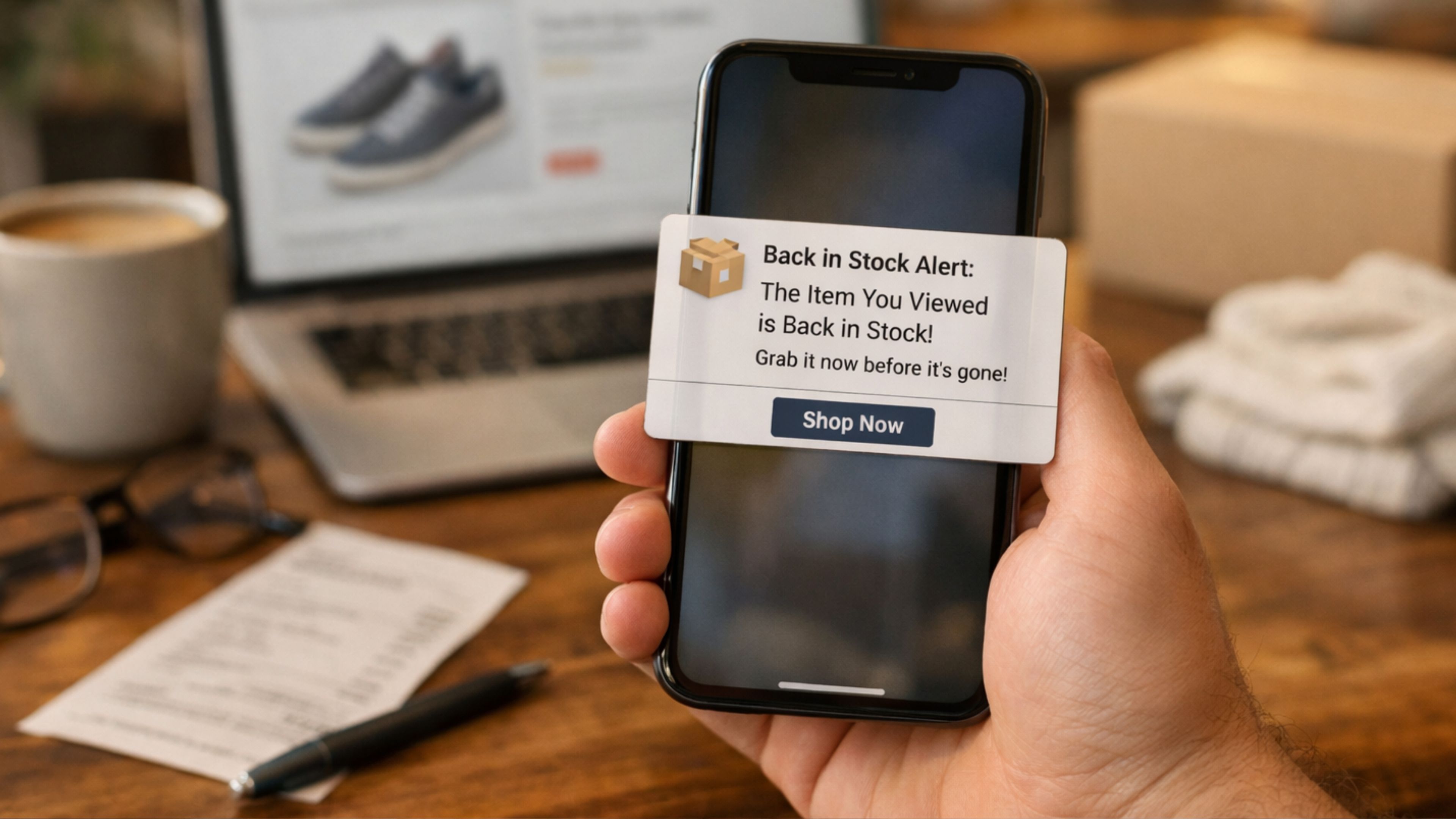
A restock nudge appears based on past buying behavior, adjusting naturally as purchase frequency changes. This approach removes guesswork and helps repeat purchases happen at the right time, without relying on fixed reminder schedules.
4. Price Drop Alert for High-Intent Products
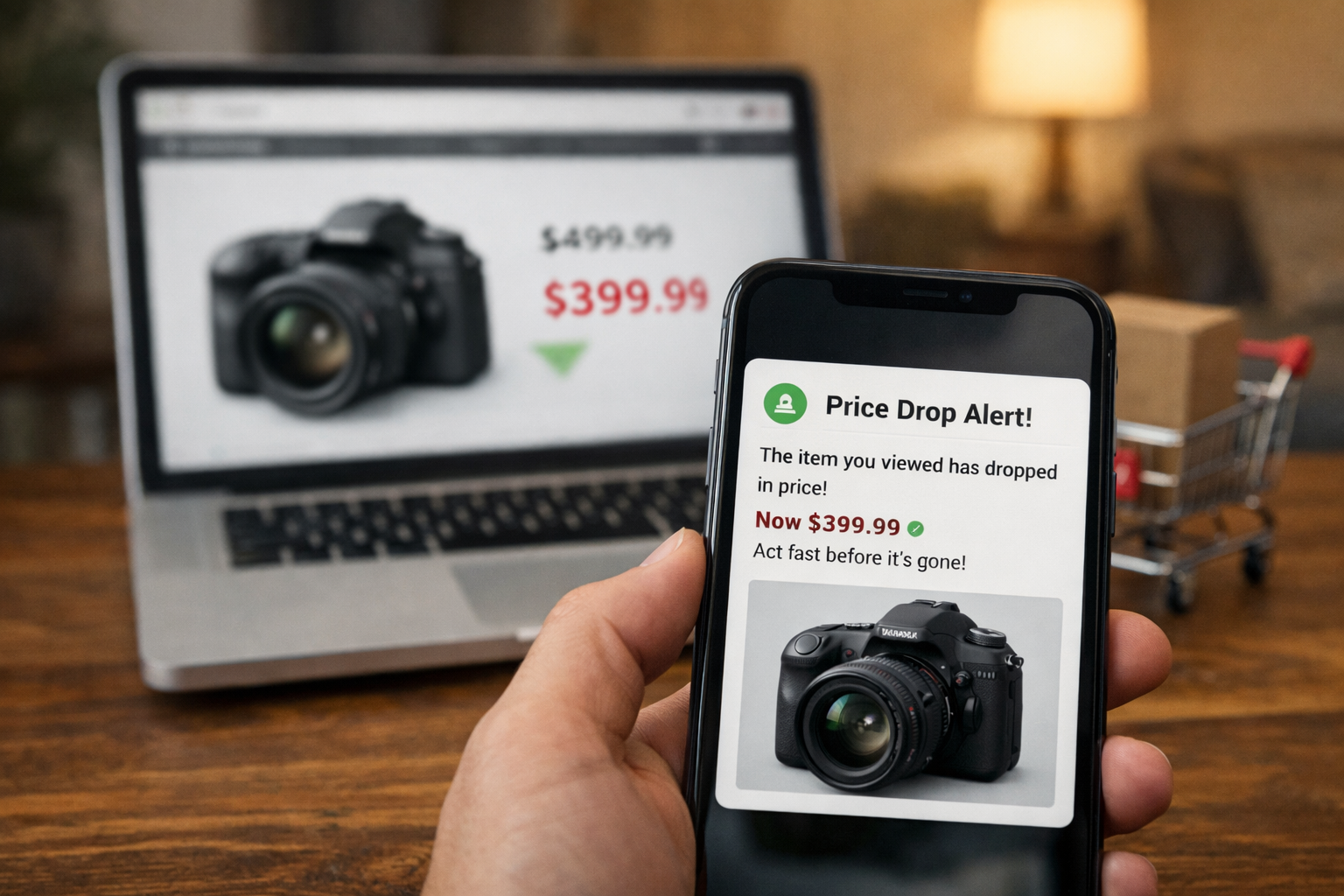
A price-drop message is triggered when an item viewed multiple times becomes more affordable, using live pricing updates to capture high-intent moments that are often missed with manual campaign setups.
5. Re-Engagement Message Tied to Past Activity
.jpg)
An inactive app user receives a re-engagement message that highlights new arrivals from a category they previously browsed, rather than a broad, untargeted promotion. To make this kind of targeting practical at scale, teams need quick visibility into browsing and engagement patterns.
Assistants like AppMaker's John AI help by surfacing these insights in plain language, allowing teams to identify re-engagement opportunities faster and act on them without spending time digging through dashboards or reports.
These patterns show how notification relevance improves when store data, user behavior, and messaging logic stay connected in real time.
Common Mistakes With Personalized Notifications
Personalized notifications fail when execution drifts away from intent, context, and user control, even if the strategy looks sound on paper.Here are the most common mistakes that reduce engagement and trust with personalized notifications.
- Sending messages based on assumptions instead of real behavior, which leads to notifications that feel random despite appearing “personalized.”
- Acting on outdated product or inventory data, causing users to see availability or pricing that no longer reflects the current store state.
- Relying on fixed schedules rather than real-time triggers delays messages until interest has already faded.
- Overloading users with too many notifications in a short time span increases fatigue and opt-outs.
- Pushing checkout or promotional messages after a purchase is completed breaks confidence in the app experience.
- Treating analytics and campaign execution as separate workflows slows response time and causes high-intent moments to be missed.
- Ignoring performance signals, such as declining open rates, makes it harder to course-correct before engagement drops further.
These issues highlight why personalized notifications work best when insights, data, and execution stay connected rather than operating in isolation.
How App Notifications Differ From Email and SMS?
App notifications differ from email and SMS because they operate inside an active app environment where intent, timing, and context are easier to capture.Here’s how app notifications compare to email and SMS in real usage scenarios.
- App notifications reach users when they are already interacting with the app or have it installed, which makes messages feel more relevant than emails that sit unread in crowded inboxes.
- Messages appear instantly on the device screen, unlike emails that depend on opens or SMS messages that often blend in with transactional texts.
- App notifications can react to live behavior, such as browsing, cart activity, or price changes, while email and SMS usually rely on delayed or batch-based triggers.
- Personalization runs deeper inside apps because messaging can reflect in-app actions, not just profile data or past campaigns.
- App notifications support richer journeys by linking directly to specific screens, products, or carts, reducing friction compared to email links or plain-text SMS.
- Frequency control feels more natural in apps, where users expect ongoing engagement, while repeated emails or texts often trigger unsubscribes faster.
This distinction explains why brands focused on retention and repeat purchases rely on app notifications as a primary engagement channel rather than a supporting one.
How AppMaker Helps Brands Send Smarter Personalized Notifications?
Smarter personalized notifications depend on how closely user behavior, store data, and campaign execution are connected. When Shopify brands run these workflows inside a no-code mobile app environment like AppMaker, messages can react to real actions in the moment rather than relying on generic schedules.
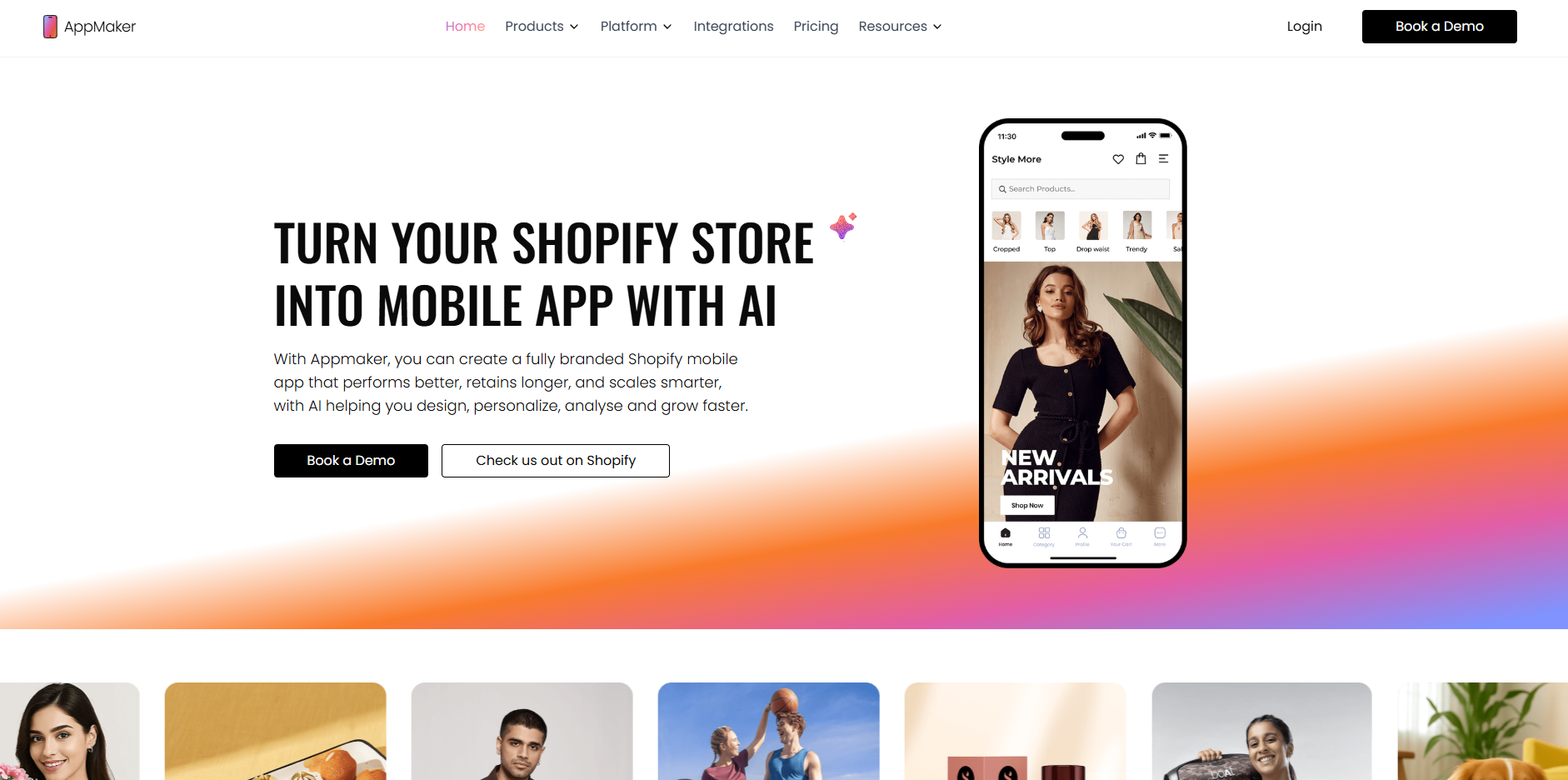
This setup keeps notifications relevant, timely, and accurate as engagement and order volumes scale.
- Push notifications trigger from live user signals, not preset rules, so messages respond to cart abandonment, restocks, or repeat buying patterns at the moment intent is highest, instead of firing generic reminders on a schedule.
- Real-time Shopify sync preserves message accuracy, ensuring every notification reflects current pricing, availability, and product context, which prevents mismatches that reduce trust and conversion.
- AppMaker Studio links notification logic to the in-app experience, allowing teams to align what a user sees after tapping a message with the exact offer, category, or product referenced in the notification.
- AI-driven personalization improves targeting depth, with tools like Eidolon AI accelerating design workflows and Rubik’s AI adjusting layouts, recommendations, and content based on how different users actually browse and buy.
- Reusable code blocks scale personalization, enabling different notification paths for new users, loyal customers, or inactive segments without duplicating campaigns or templates.
Conclusion
Personalized notifications work best when messages respect intent, timing, and context rather than relying on volume or generic promotion. When behavior, data, and execution stay connected, notifications shift from being ignored interruptions to helpful prompts that drive engagement and repeat purchases.
By keeping store data, app behavior, and campaigns in sync, AppMaker makes it easier to turn personalized notifications into a consistent revenue channel instead of a manual task.
Book a demo to see how smarter, behavior-driven push notifications can help bring customers back to your app at the right moment.
FAQ
How long does it take to set up personalized push notifications?
Setup time depends on how quickly app data, behavior tracking, and campaigns are connected. For most Shopify brands, initial personalization can start once the app is live and store data is syncing in real time. More advanced scenarios, like behavior-based segmentation or adaptive timing, usually build gradually as more user data becomes available.How do you measure the ROI of personalized push notifications?
ROI is measured by tracking metrics such as conversion rate, revenue per session, repeat purchase frequency, and recovery from abandoned carts. Comparing app performance before and after personalization helps isolate the impact. Over time, trends in retention and average order value provide a clearer picture than one-off campaign results.Do users need to opt in for personalized push notifications?
Yes, users must grant notification permissions at the device level before receiving push messages. Clear value at opt-in, such as order updates or restock alerts, increases acceptance rates. Ongoing relevance is key to keeping notifications enabled over time.How is user segmentation created for personalized notifications?
Segmentation is built using behavioral signals like browsing patterns, purchase history, and app activity. These segments evolve as users interact with the app, making targeting more accurate over time. Dynamic segments help avoid static lists that quickly become outdated.Can AI help decide what message and timing work best?
AI can analyze patterns across campaigns to identify which messages, audiences, and send times perform better. Instead of manually reviewing reports, insights surface faster and guide next actions. This helps reduce guesswork while keeping personalization aligned with real user behavior.