




























Online shopping is everywhere, and customers hop between sites and apps all the time. Often, they leave without buying, even after showing interest in products. That’s where push notifications come in.
These messages pop up directly on a user’s phone or browser, grabbing attention instantly and reminding them about items left in the cart, special offers, or new arrivals. More brands are seeing the value of this direct connection, which is why the web push notification software market is growing fast, expected to reach 7.152 USD Billion by 2035.
In this blog, we’ll explore how push notifications work on web and mobile, why they matter for ecommerce, and how you can use them to boost engagement and sales.
Overview
- Push notifications connect ecommerce brands to users in real time across web and mobile, driving engagement, conversions, and repeat purchases.
- Web push is ideal for acquiring and re-engaging site visitors, while mobile push delivers personalized alerts directly to lock screens.
- Effective notifications combine clear titles, contextual messaging, rich media, action buttons, deep links, and behavior-triggered triggers for higher clicks.
- Opt-in strategies, technical setup, and platform selection are essential to ensure notifications reach the right users at the right time.
- Omnichannel, personalized campaigns using AI and segmentation maximize push impact, integrating with email, SMS, and in-app messaging for cohesive engagement.
What Are Push Notifications?
Push notifications are real-time messages delivered to users through mobile apps or web browsers. They are designed to trigger immediate action without relying on inbox opens or ad impressions. The average US smartphone user receives 46 app push notifications per day.
In 2026, ecommerce brands use push notifications to connect web visitors and app users across devices with time-sensitive, behavior-driven messaging.
Web push helps re-engage anonymous site visitors, while mobile push reaches logged-in users directly on their lock screens. For example, a Shopify fashion brand can send a web push for a sneaker restock and follow up with a mobile push offering free shipping. This cross-device approach consistently drives higher clicks and faster conversions than email alone.
Also Read: How to Create a Business Mobile App Easily in 2026
Web Push vs Mobile Push
Web and mobile push notifications serve different goals across the ecommerce funnel. Here’s how they differ:
In short, you can use web push for acquisition and mobile push for retention and revenue growth.
Anatomy of a Push Notification
Every high-performing push notification is built from deliberate, conversion-focused components. This includes:
- Title: The attention hook. Keep it action-oriented and specific, such as “Sneakers Back in Stock” instead of vague alerts.
- Message Body: Adds context and urgency. Highlight one clear value: price drop, limited stock, or time-bound offer.
- Icon or Image: Reinforces brand recall or showcases the product visually, especially effective for ecommerce launches.
- Action Buttons: Enable instant responses like “Buy Now” or “View Cart” without friction.
- Deep Links: Send users directly to a product page, checkout, or personalized screen, not the homepage.
- Rich Elements: Emojis, product images, or countdown timers boost visibility and CTR when used sparingly.
Now that we understand the types and anatomy of push notifications, let’s explore why these tools are required for driving engagement, conversions, and retention for ecommerce brands.
Why Push Notifications Matter for Ecommerce Brands?
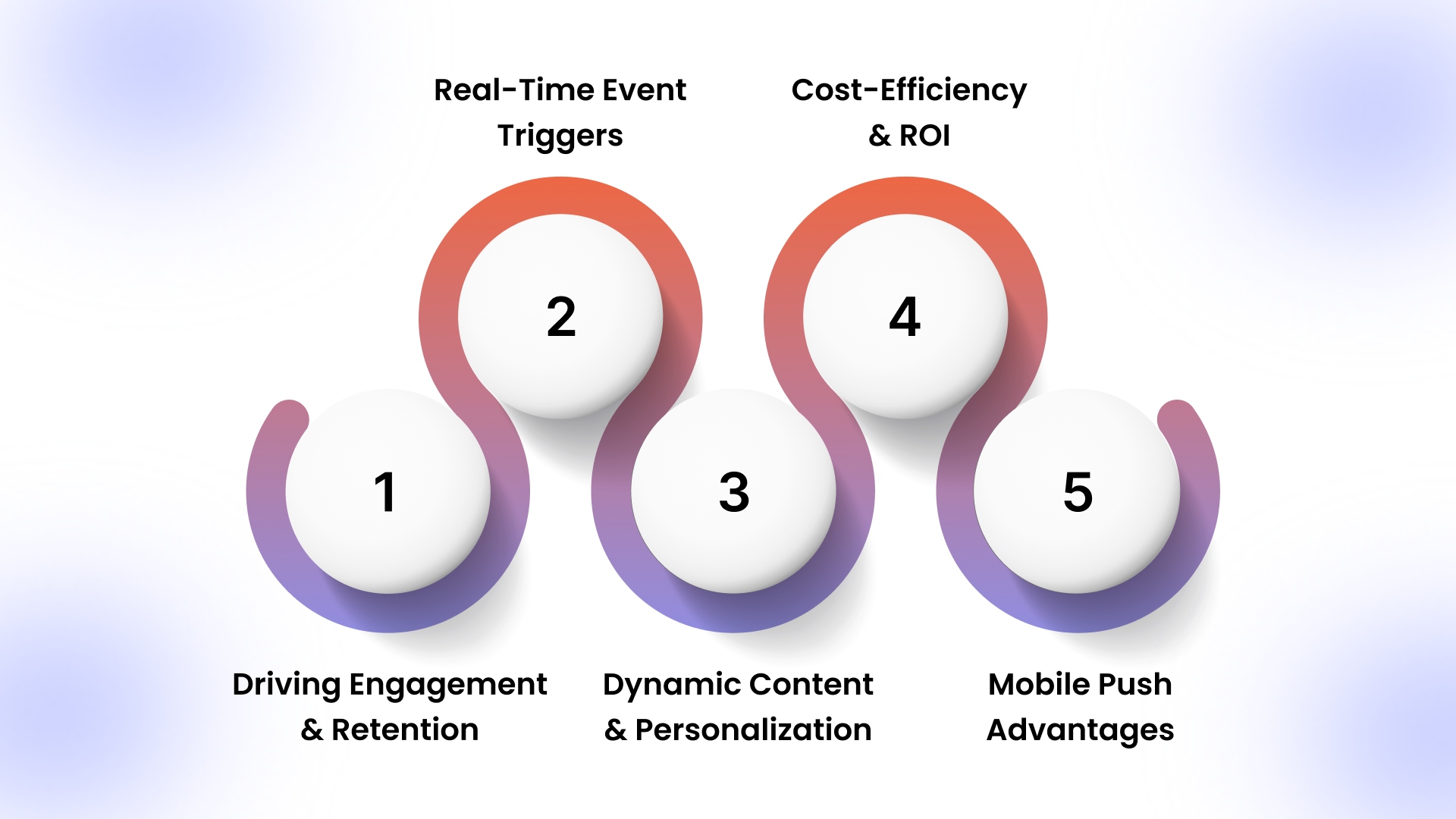
With rising ad costs, declining email opens, and stricter privacy rules, ecommerce brands now rely on push notifications to drive real-time engagement, recover lost carts, and generate repeat revenue across web and mobile touchpoints.
1. Driving Engagement and Retention
Push notifications give ecommerce brands a direct re-engagement channel outside email and ads. Mobile push reactivates logged-in customers with personalized product reminders, while web push brings back high-intent visitors who browsed categories but never installed the app, reducing drop-off across the funnel.
2. Real-Time Event Triggers
Event-triggered push notifications react instantly to shopper behavior. Cart abandonment pushes recover lost revenue within minutes (can drive up to 1000% more revenue per send), restock alerts capture pent-up demand, and flash sale notifications drive immediate traffic spikes. This is especially essential for limited inventory and time-sensitive ecommerce campaigns.
3. Dynamic Content and Personalization
In 2026, effective push campaigns adapt content per user. Brands personalize messages using viewed SKUs, cart value, and purchase cadence. AI engines like AppMaker’s Rubik AI dynamically select products, copy tone, and layout, ensuring each push reflects current user intent.
4. Cost-Efficiency and ROI
Push notifications deliver revenue without rising acquisition costs. Unlike paid ads, pushes target owned audiences, and unlike email, they bypass inbox fatigue. On top of that, the Master CS Strategy Draft by Plobal Apps suggests that the cost of sending a push notification is $0 per send. Ecommerce teams track push-driven purchases directly, making push one of the highest-ROI retention channels available.
5. Mobile Push Advantages
Mobile push notifications appear instantly on lock screens via APNs and FCM, guaranteeing visibility even when apps remain unopened. This makes mobile push ideal for order updates, payment alerts, and urgent offers where delivery speed directly impacts customer experience and conversions.
Having discussed their value, let’s dive into specific push notification use cases, showing exactly how brands can use them.
Key Use Cases of Push Notifications
Push notifications support different stages of the ecommerce lifecycle, from first-time onboarding to long-term retention, when deployed intentionally across web and mobile touchpoints.
- Welcome Campaigns: Trigger web or mobile pushes after signup or app install with first-order incentives to boost activation.
- Promotions: Send urgent, relevant pushes, app-exclusive discounts on mobile, web alerts for browsing visitors, boosting immediate purchase intent.
- Transactional Updates: Notify users about orders, shipping, and delivery milestones via push, reducing support queries and improving trust.
- Education: Deliver short, behavior-triggered pushes with tips, reminders, or feature highlights to increase product adoption and reduce returns.
- Retention: Use pushes to re-engage past visitors, remind loyalty points, and send personalized restock or product recommendations.
Once you know how push notifications can be used strategically, it’s essential to understand how they actually appear across mobile and desktop devices for maximum impact.
How Push Notifications Appear on Different Devices?
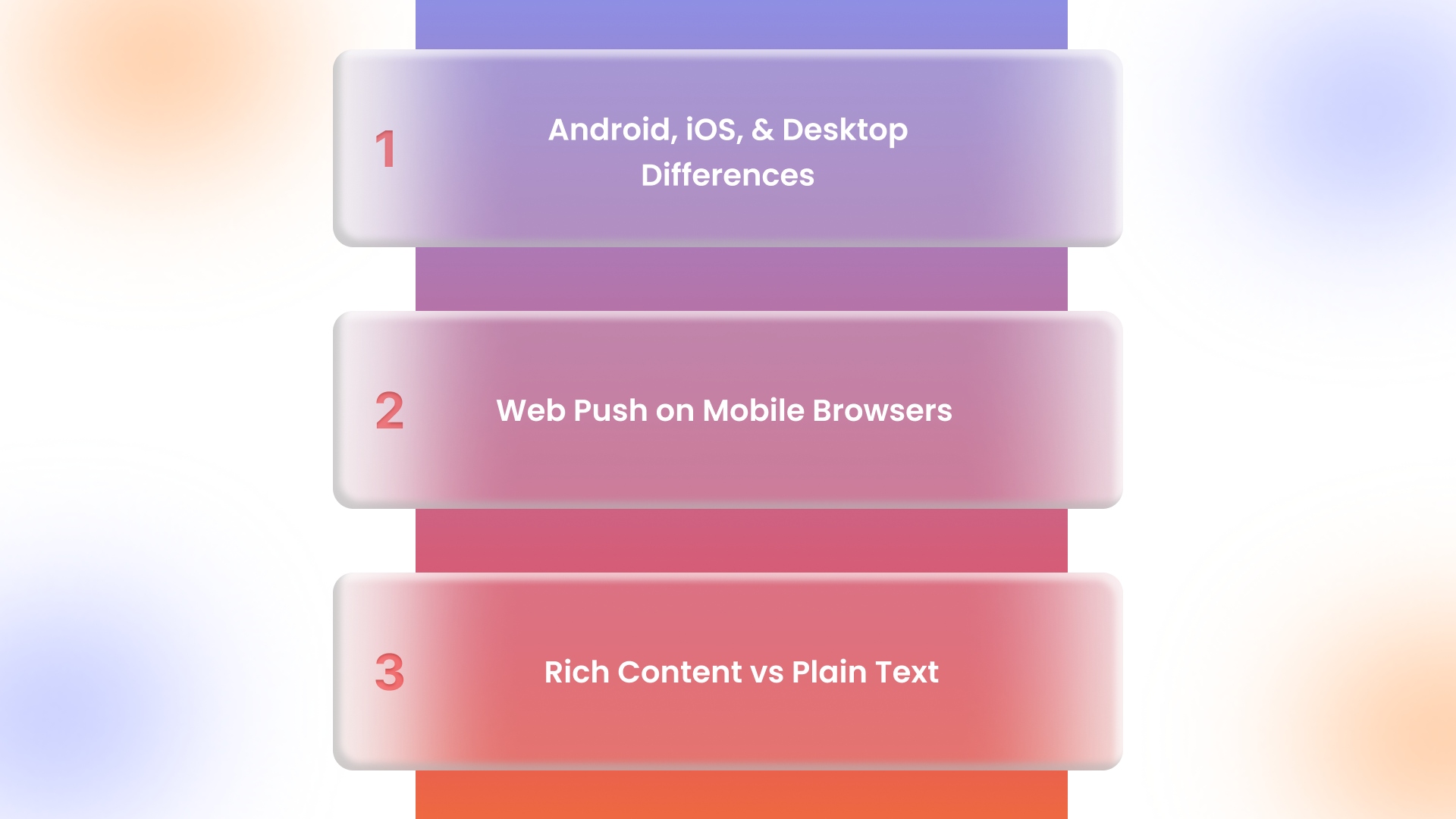
In 2026, push notification performance depends heavily on where and how messages are displayed. Ecommerce brands must design campaigns differently for mobile apps, mobile browsers, and desktop setups to ensure visibility, clarity, and action across every touchpoint.
1. Android, iOS, and Desktop Differences
Android supports both web and mobile push with rich media, action buttons, and background delivery. iOS prioritizes mobile app push via APNs, while web push works only through installed PWAs. Desktop web push varies by browser but remains effective for re-engaging returning shoppers.
2. Web Push on Mobile Browsers
Android enables native web push without friction, making it ideal for acquiring non-app users. On iOS, web push requires users to install a PWA to the home screen. Brands use soft prompts and incentives to guide users through this step.
3. Rich Content vs Plain Text
Rich push notifications consistently outperform text-only alerts. Product images, urgency emojis, and clear CTAs like “View Cart” or “Buy Now” improve clarity and intent. Thus, it's ideal to always incorporate rich content.
Having explored device-specific delivery, the next step is securing user consent. Let’s cover opt-in strategies that increase subscriptions while staying compliant with legal frameworks.
Also Read: Complete Guide to Ecommerce App Development Cost in 2026
Opt-In Permission: How to Get Users to Subscribe
Push notification opt-ins must be engineered, not requested, by aligning compliance, timing, and clear value across web and mobile. Here’s how you should go about it:
- Start With Consent, Not Just Compliance: Regulations like CCPA require explicit permission, but clarity drives acceptance. Clearly state what users will receive: price drops, restock alerts, or order updates, so consent feels beneficial, not forced.
- Warm Users With a Soft Ask Before the Native Prompt: Native browser prompts are often dismissed. Use a soft ask, explaining benefits first.
- Trigger Permission Requests After Intent Signals: Ask for permission only after users show interest, such as viewing multiple products or completing checkout. Avoid page-load prompts, which result in higher denial rates and long-term opt-out bias.
- Segment Opt-In Messaging by Platform and Behavior: App users respond to mobile-specific value like order tracking, while web visitors prefer deal and restock alerts. Tailoring opt-in messaging by device and intent improves acceptance and engagement quality.
With permission secured, the next focus is on implementation. Here’s how to set up web and mobile push notifications correctly to maximize engagement and conversions.
How to Send Push Notifications?
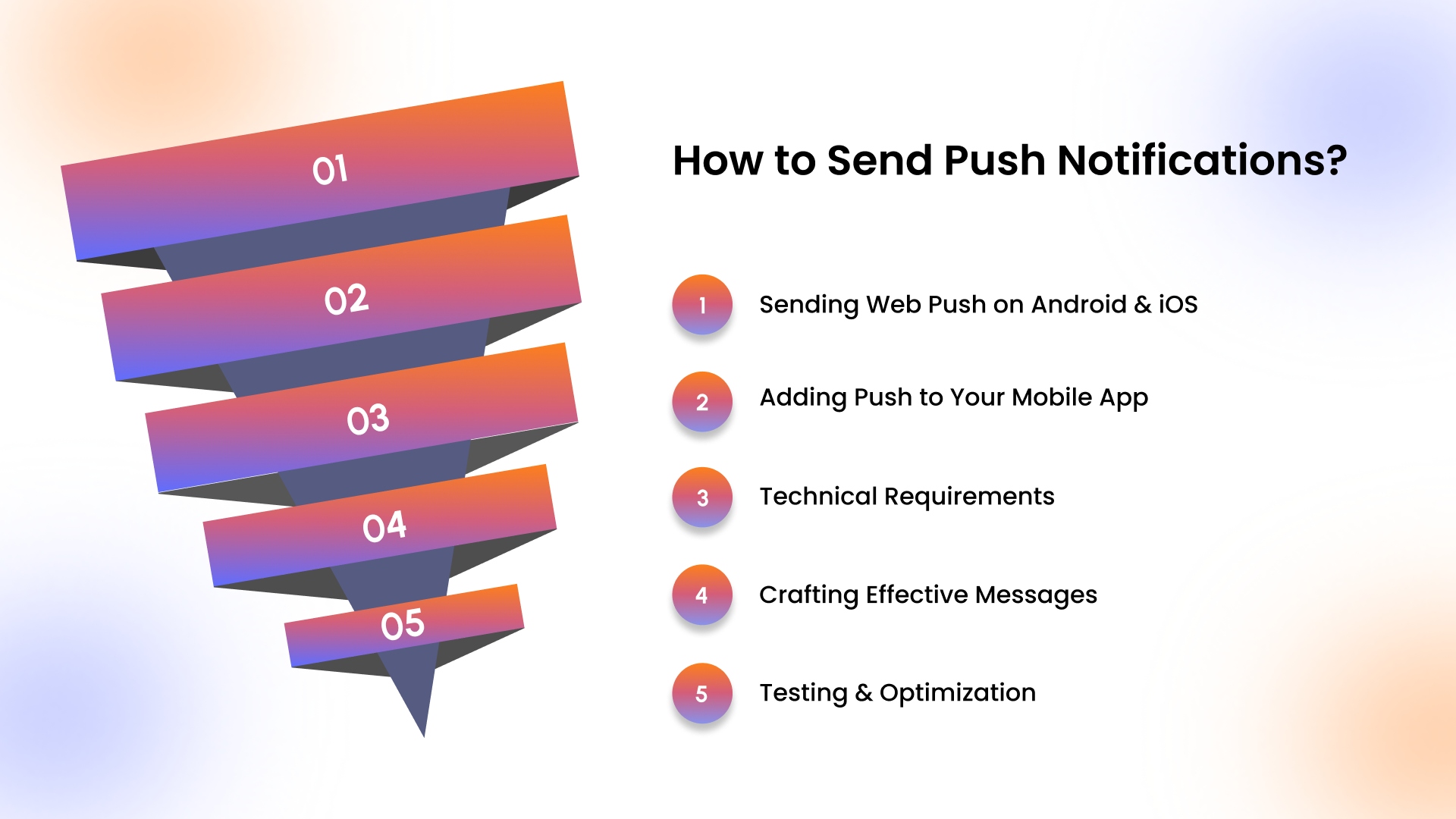
Sending push notifications is a combination of technical readiness and message engineering. Ecommerce brands must configure delivery correctly across web and mobile, then design messages that respond to real user behavior, device context, and timing.
1. Sending Web Push on Android and iOS
Web push requires enabling HTTPS, registering service workers, and implementing the Push and Notification APIs. Android supports browser push natively, allowing instant subscription. On iOS, web push works only through PWAs added to the home screen, requiring guided user flows and incentives.
2. Adding Push to Your Mobile App
Mobile push delivery depends on integrating APNs for iOS and FCM for Android. Ecommerce apps must manage device tokens, permission states, and environments carefully to ensure notifications reach users consistently across app sessions and operating system updates.
3. Technical Requirements
Reliable push delivery depends on secure infrastructure. HTTPS enables encrypted communication, service workers handle background execution, and Push and Notification APIs manage subscriptions, payloads, and user interactions even when apps or browsers are inactive.
4. Crafting Effective Messages
High-performing push messages combine multiple elements. Personalization uses product names, categories, or price points. Behavioral triggers respond to actions like cart abandonment or product views. Real-time content adds urgency, while clear CTAs guide action. Besides, frequency caps prevent fatigue.
5. Testing and Optimization
Optimization requires continuous testing. Ecommerce teams experiment with copy length, personalization depth, timing, and rich media usage. Performance is measured through CTR, conversion rate, revenue per push, and opt-out trends to refine long-term push strategies.
Once you have push campaigns running, the next step is selecting the right platform. Let’s examine the top three providers for ecommerce brands.
Top 3 Push Notifications Providers in 2026
For Shopify and DTC brands, selecting a push notification platform is about delivering timely cart reminders, flash sale notifications, and personalized product suggestions across web and mobile seamlessly. Let’s take a closer look at the three top tools that excel at this.
1. AppMaker
AppMaker enables Shopify brands to send synchronized web and native app push notifications triggered by cart activity, product restocks, and browsing behavior. By supporting both acquisition through web push and retention through mobile push, it helps brands run unified push strategies across devices.
2. OneSignal
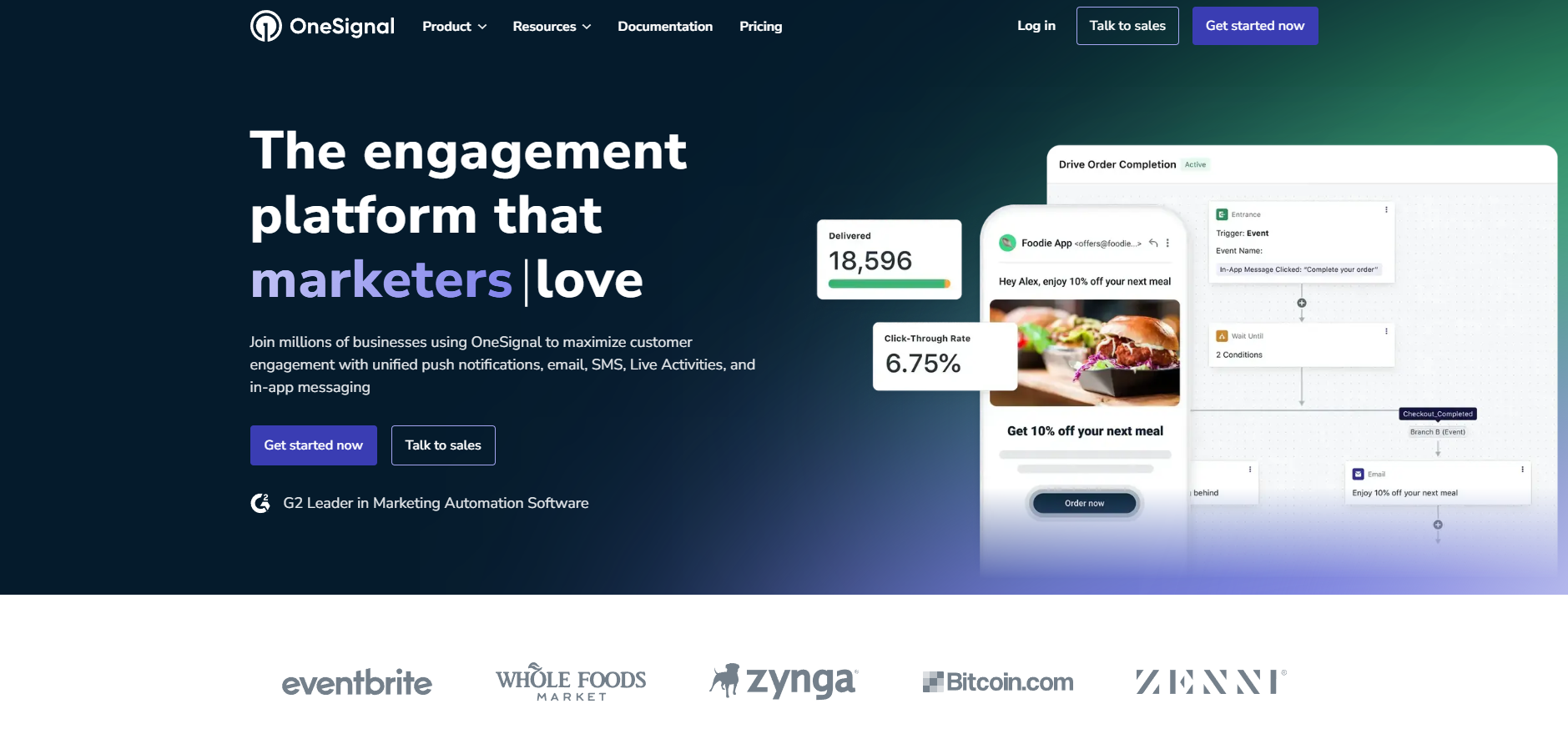
OneSignal powers web and mobile push with advanced segmentation, automated journeys, A/B testing, and analytics for ecommerce brands. It supports timed delivery, behavior triggers, and multi‑channel messaging, enabling targeted notifications that increase engagement, retention, and conversions across browsers and apps.
3. MobiLoud
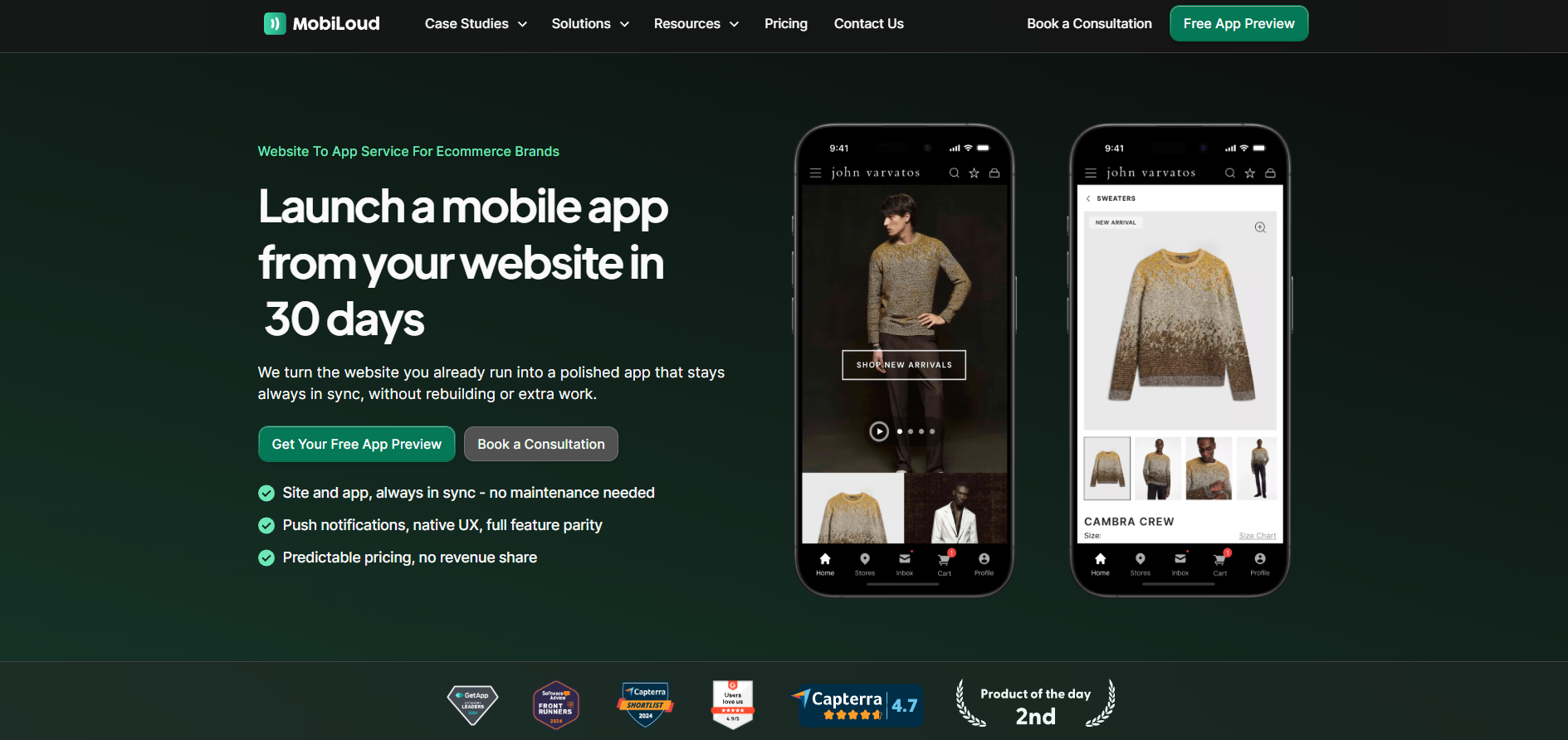
MobiLoud converts ecommerce sites into branded native apps with built‑in push support, delivering lock‑screen engagement, abandoned cart recovery, and lifecycle campaigns. It integrates with tools like OneSignal or Klaviyo, enabling automated, behavior‑based mobile push that drives repeat purchases and higher customer lifetime value.
With a strong platform in place, it’s time to follow some of the best practices now!
Best Practices for Push Notifications
Ecommerce brands must maximize push ROI by using omnichannel presence, combining precise targeting, AI personalization, optimal timing, and data-driven measurement across web and mobile campaigns.
- Omnichannel Integration: Align push notifications with email, in-app, and SMS campaigns to create a seamless customer journey across platforms. Retargeting push notifications are reported to be up to 6× more effective than SMS and email.
- Relevance and Segmentation: Target users based on browsing behavior, location, and purchase history for higher engagement.
- Personalization and AI Tools: Use AppMaker’s Rubik AI to dynamically recommend products aligned with past purchases.
- Timing and Frequency: Schedule pushes during peak engagement windows while limiting notifications to prevent fatigue.
- Measuring Success: Track CTR, opt-in rates, conversions, and retention to optimize campaigns and strategy.
Applying these best practices at scale, across web and mobile, with real-time data and personalization, requires more than campaign intent; it requires a platform built for behavior-driven engagement.
Also Read: How to Improve App Engagement in 2026: 8 Proven Strategies
Turning Push Notifications Into a Scalable Revenue Channel with AppMaker
Push notifications perform best when they are tied to real user behavior and delivered consistently across web and mobile apps. AppMaker enables Shopify brands to run web and native app push notifications from a single platform, helping teams re-engage visitors, retain app users, and drive repeat purchases without engineering effort.
Our platform supports deep customization of app experiences, allowing push campaigns to lead users into tailored screens, offers, and journeys instead of generic pages. Its open architecture also allows in-house teams or agency partners to extend integrations and build advanced push-driven flows as engagement strategies evolve.
Relevant AppMaker capabilities include:
- Native iOS and Android push notifications
- Web push notifications for non-app users
- Behavior-based triggers synced with Shopify events
- Real-time data sync for inventory and product updates
- Centralized campaign management without custom code
By combining web reach with mobile app engagement, AppMaker helps brands turn push notifications into a reliable owned channel that supports retention, conversion, and long-term customer value.
Conclusion
Push notifications are an essential channel for ecommerce brands to engage users across web and mobile, drive repeat purchases, and recover abandoned carts. Strategic use of web and mobile push, combined with personalization, behavioral triggers, and device-specific optimization, ensures messages reach the right users at the right moment.
AppMaker supports Shopify and DTC brands by enabling synchronized web and mobile push notifications triggered by cart events, restocks, and browsing behavior. This allows brands to engage users consistently across devices while improving retention and repeat purchases.
Contact AppMaker today to implement cross-device push notifications that increase engagement, revenue, and customer loyalty.
FAQs
1. Can you send push notifications from a website?
Yes. Web push notifications can be sent via browsers using the Push API and service workers. It helps in reaching users without app installation, and can deliver real-time updates, promotions, or alerts efficiently.
2. Is it possible to create a web push notification on mobile that shows once every day, even after the user has closed the browser and gone offline?
Partially. Android supports persistent web push via service workers and notifications, but iOS requires a PWA installed on the home screen. Offline delivery depends on browser and platform capabilities.
3. How can I send push notifications to 2000 people on a daily basis for free?
You can send push notifications using AppMaker’s 14-day free trial, which lets you test web and mobile push campaigns, including daily notifications, without any upfront commitment or payment.
4. How reliable are Push Notification Systems for Real-time Data availability for mobile apps?
Push systems like APNs (iOS) and FCM (Android) are highly reliable for near real-time updates. However, delivery speed depends on device connectivity, platform throttling, and app background policies.