
























Key Takeaways
- The best Shopify subscription apps are Loop, Recharge, Appstle, Seal, Skio, Recurpay, and Shopify Subscriptions, each suited to a different stage.
- Shopify Subscriptions, Seal, Recurpay, and Appstle suit tight budgets. Loop, Recharge, and Skio suit brands needing deeper retention tools.
- Buying a subscription in a mobile app relies on Shopify selling plans. Managing it in the app needs a dedicated integration.
- In-app subscription management comes in three forms: native screens, an embedded web portal, or a link out to a browser.
- AppMaker is the mobile app builder, and Loop is the subscription platform. Both companies publicly list their integration.
- With AppMaker and Loop, subscribers can pause, skip, swap, and reorder inside the app, with push reminders and in-app card updates.
- Before committing, test product page options, checkout, renewals, and every management action on iOS and Android with a real subscription.
What Are The Best Shopify Subscription Apps?
The best Shopify subscription apps in 2026 are Loop Subscriptions, Recharge, Appstle Subscriptions, Seal Subscriptions, Skio, Recurpay, and Shopify Subscriptions. All seven offer subscribe-and-save, automatic renewals, and a customer portal. They differ in price, retention tools, supported subscription models, and how much of the subscription experience carries into a mobile app.
A Shopify subscription app adds recurring purchase options to your products, bills customers on schedule, and lets them manage deliveries. Shopify provides the checkout and stores the subscription contract. The app provides the plans, billing logic, portal, and retention features.
| If you need | Start with | Why |
|---|---|---|
| Retention tools and a branded mobile app | Loop Subscriptions | Cancellation flows, payment recovery, bundles, and a publicly listed AppMaker integration |
| A large integration ecosystem | Recharge | Long-established platform with POS support that now also owns Skio |
| Strong value as you grow | Appstle Subscriptions | Prepaid and build-a-box, with 0% transaction fees on paid plans |
| The lowest-cost start | Seal Subscriptions | Free for 50 subscriptions, then priced by subscription count |
| A budget app with an AppMaker integration | Recurpay | Plans from $9 per month and a publicly listed AppMaker integration |
| A passwordless subscriber experience | Skio | Passwordless login and quick actions in the portal |
| A free, Shopify-built option | Shopify Subscriptions | No app fee, managed through Shopify customer accounts |
How we compared them: We reviewed each app's Shopify App Store listing, pricing page, and help documentation on 26 November 2026. Every app was judged on the same criteria: subscription models, customer self-service, pricing, Shopify compatibility, and publicly documented mobile app integrations. The best-for labels reflect our judgement against those criteria.
5 Part Strategy:
Subscription purchases usually carry over to a mobile app because they run on Shopify's own building blocks. Subscription management only carries over when your app builder has an integration with your specific subscription app. That difference should shape which tools you pick.
Buying a subscription runs on Shopify selling plans
Most Shopify subscription apps create selling plans in Shopify. A selling plan is the option a shopper picks, such as "Deliver every 30 days, save 10%." Shopify's Storefront API lets a custom storefront, including a mobile app, read a product's selling plans and add a subscription line to the cart. After checkout, Shopify records a subscription contract and the subscription app takes over renewals.
Managing a subscription runs on each app's own portal
Skips, swaps, cancellation flows, box builders, and rewards belong to the subscription app, not to Shopify. Loop, for example, offers a storefront API that lets customers view and manage their own subscriptions. A mobile app has to connect to that layer, which is why in-app management depends on a platform-specific integration.
Native, embedded, or external: three ways apps handle management
| Approach | What the subscriber sees | Trade-off |
|---|---|---|
| Native integration | App screens that read and update the subscription app's data | Feels like part of the app, but only exists for platforms the builder supports |
| Embedded web portal | The subscription app's web portal loaded inside the app | Faster to set up, but can look like a website and may ask for a second login |
| External link | A link that opens the portal in a browser | Simplest, but the subscriber leaves the app at the moment they are most likely to cancel |
Builders differ even for the same subscription app. Some show native subscription screens, while others load the subscription app's portal in a web view. Ask which approach a builder uses for your platform.
The subscriber journey inside a mobile app
| Step | What the subscriber does | Handled by | What to verify |
|---|---|---|---|
| 1. Discover | Finds subscription products through banners, collections, or push notifications | Mobile app | Subscription products are easy to find |
| 2. Choose options | Picks one-time or subscription, then a delivery frequency | Selling plans, shown by the app | Every frequency and label matches the website |
| 3. See the offer | Sees the subscribe-and-save price | Discount set in the subscription app, shown by the app | The app price matches the checkout price |
| 4. Add to cart | Adds the product with the chosen plan | Mobile app and Shopify cart | Mixed carts keep one-time and subscription items |
| 5. Check out | Pays and saves a payment method for renewals | Shopify checkout | Subscription lines and the saved card come through |
| 6. Manage | Views the next order, items, and payment method | Integration between the app and the subscription app | Screens are native or embedded, not a browser link |
| 7. Change | Skips, pauses, swaps, or cancels | Subscription app, triggered from the mobile app | Changes appear in the subscription app and website portal |
| 8. Get reminders | Receives renewal and delivery updates | Subscription app messages, plus app push if integrated | Each message is sent once, by the right system |
| 9. Renew and pay | Renewals bill on schedule and failed cards are retried | Subscription app | The app offers an easy way to update a card |
Subscription apps on Shopify also need one of Shopify's supported payment gateways, so confirm yours first.
Example: the same skip, three different experiences
Imagine a customer who subscribes to a monthly protein powder and wants to skip next month.
- Native integration: They open the app, tap Subscriptions in their account, and tap Skip. The next order date moves.
- Embedded portal: They tap Subscriptions and the subscription app's web portal loads inside the app. They may need to sign in again before they can skip.
- External link: They tap Manage subscription, a browser opens, and they have to find or request a login link before skipping.
All three can work. Only the first two keep the subscriber inside your app, where pause and swap options sit one tap away from the cancel button.
What Should You Look For In A Shopify Subscription App?
Look for an app that fits your subscription model, helps you keep subscribers, and works in every channel you sell through, including your mobile app. The table below covers the features that matter most and what to check for mobile.
| Feature | What it means | What to check for mobile |
|---|---|---|
| Recurring billing and automatic renewals | The app charges the saved payment method on schedule and creates each renewal order | Renewals run in the subscription app, so they work no matter where the customer subscribed |
| Subscribe-and-save | A discounted price for choosing a subscription over a one-time purchase | The discounted price shown in the app matches the price at checkout |
| Flexible billing and delivery frequencies | Options such as every 2 weeks, monthly, or every 3 months | Every frequency you offer on the website also appears in the app |
| Prepaid subscriptions | The customer pays upfront for several deliveries | Prepaid plans show clearly in the app's product page and order history |
| Subscription boxes and bundles | Curated boxes or build-a-box selections | Box builders can depend on custom web pages, so confirm they work in the app |
| Customer self-service portal | Where subscribers view and change their plan | Whether the portal opens inside the app or sends customers to a browser |
| Skips, pauses, swaps, and cancellations | Changes customers can make without contacting support | Each action works in the app and updates the subscription app's records |
| Failed payment recovery | Automatic retries and dunning messages after a card fails | Customers have an easy path to update their card from the app |
| Discounts, upsells, and retention offers | Cancellation offers, add-ons, and loyalty rewards | Retention offers still trigger when a customer cancels inside the app |
| Analytics and reporting | Churn, retention, revenue, and cohort reporting | You can still attribute subscriptions started in the app |
| Shopify and mobile app compatibility | Support for Shopify checkout, customer accounts, and app builders | The app builder lists a working integration with your subscription app |
Best Shopify Subscription Apps Compared
Loop and Recharge offer the deepest retention tools. Appstle, Seal, and Recurpay are the most affordable. Skio stands out for passwordless login, and Shopify Subscriptions is the free baseline. Figures come from each app's Shopify App Store listing and pricing page on 26 November 2026. Plans change often, so check them before you buy.
| App | Best for | Subscription models | Customer self-service | Starting price | Transaction fee | AppMaker integration |
|---|---|---|---|---|---|---|
| Loop Subscriptions | Retention-focused DTC brands | Standard, prepaid and gift (Pro), bundles, build-a-box, memberships | Mobile-friendly portal: skip, swap, pause, cancel | Free up to 50 active subscriptions; Starter $99/month | 1% on Starter, 0.75% on Pro | Publicly listed |
| Recharge | Established brands that need ecosystem depth | Replenishment, curated, memberships, bundles, digital products | No-code portal: skip, swap, reschedule | Starter $149/month, 60-day trial | 1.50% + 20¢ on Starter | Not publicly listed |
| Appstle Subscriptions | Growing stores that want value | Pay-as-you-go, prepaid, build-a-box, memberships, donations | Shopify-native portal, passwordless on paid plans | Free up to $500/month subscription revenue; Starter $10/month | 0% on paid plans | Not publicly listed |
| Seal Subscriptions | The lowest-cost start | Classic, prepaid, subscription boxes, memberships | Magic links; passwordless portal on paid plans | Free up to 50 subscriptions; $5.95/month | 0% | Not publicly listed |
| Recurpay | Budget brands that want hands-on support | Pay-as-you-go, prepaid, bundles, boxes, memberships | Portal: skip, pause, swap, cancel | Launch $9/month | 0% (listed as a limited-time offer) | Publicly listed |
| Skio | A passwordless subscriber experience | Prepaid, build-a-box, bundles, memberships | No-code portal with passwordless login | Scale $599/month | 1.25% + 20¢ | Not publicly listed |
| Shopify Subscriptions | Simple, free subscribe-and-save | Subscribe-and-save, fixed and custom pricing | Shopify customer accounts: skip, resume, cancel | Free | None | Not publicly listed |
Which subscription apps have verified mobile app integrations?
AppMaker publicly lists integrations with two apps on this list: Loop and Recurpay. Loop also lists AppMaker in its own technology partner directory. For the other five, in-app support depends on your builder. With AppMaker, a platform without a listed integration can still be connected through Code Blocks, which let developers build custom subscription modules. That is additional development, not a ready-made integration.
| Subscription app | AppMaker | Other mobile app builders | What in-app support takes with AppMaker |
|---|---|---|---|
| Loop | Listed on AppMaker's site and in Loop's partner directory | Loop's partner directory lists more than one builder | Connect accounts and configure the integration |
| Recurpay | Listed, with subscription details on product pages and a custom checkout for subscription products | Check with your builder | Connect accounts and configure the integration |
| Recharge | No public integration page found | Documented by other app builders | Confirm with AppMaker, or plan custom development |
| Appstle | Not publicly listed | Documented by other app builders | Confirm with AppMaker, or plan custom development |
| Seal | Not publicly listed | Seal's partner page lists several builders | Custom development using Seal's API and webhooks |
| Skio | Not publicly listed | Documented by other app builders | Confirm with AppMaker, or plan custom development |
| Shopify Subscriptions | Not publicly listed | Documented by other app builders | Depends on how the app handles Shopify customer accounts |
Loop Subscriptions
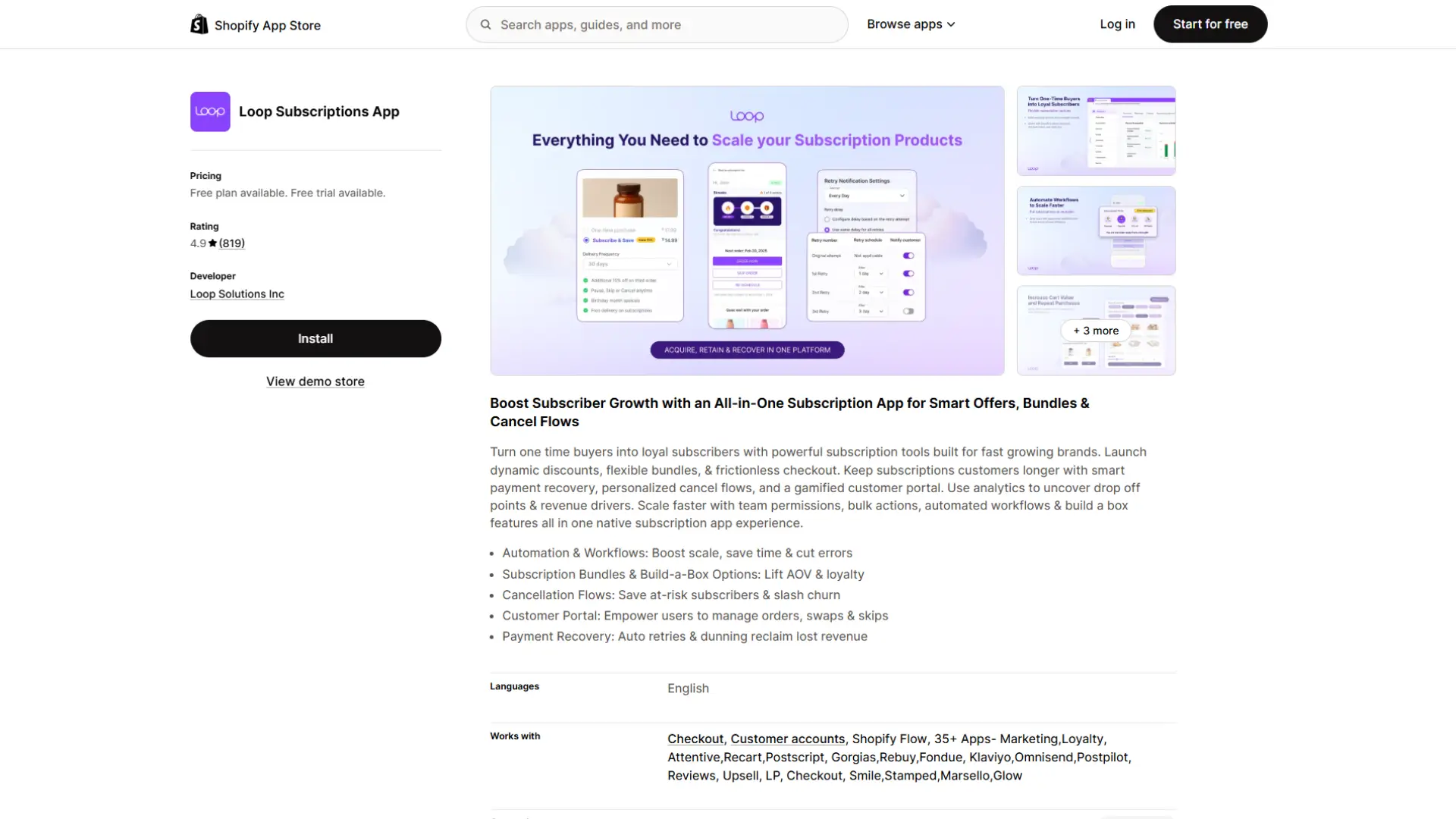
What it does: Loop is a Shopify subscription app built around retention. It focuses on cancellations, failed payments, upsells, and rewards after the first order.
Standout features: Cancellation flows and winbacks, advanced payment recovery, build-your-own and preset bundles, native loyalty and referrals, and a branded portal with upsells. The Pro plan adds subscriber journeys, streak rewards, A/B testing, and API and webhook access.
Subscription models: Standard, prepaid, gift, build-a-box, membership, and trial subscriptions. Loop's pricing page places prepaid and gifting on the Pro plan.
Customer portal: Subscribers can pause, resume, skip, swap, and manage deliveries. Pauses can resume automatically on a set date.
Pricing and limits: Free up to 50 active subscriptions. Starter costs $99 per month plus 1%, and Pro costs $399 per month plus 0.75%. Both also charge a small fee on loyalty orders. Bundles and upsells are not supported on prepaid subscriptions.
Shopify compatibility: Works only inside Shopify, with checkout, customer accounts, Shopify Flow, and more than 35 apps, including Klaviyo, Attentive, Gorgias, and Rebuy. Rated 4.9 on the Shopify App Store.
Mobile app: Integration listed on AppMaker's site and in Loop's partner directory. The AppMaker and Loop section below covers what it does.
Recharge Subscriptions
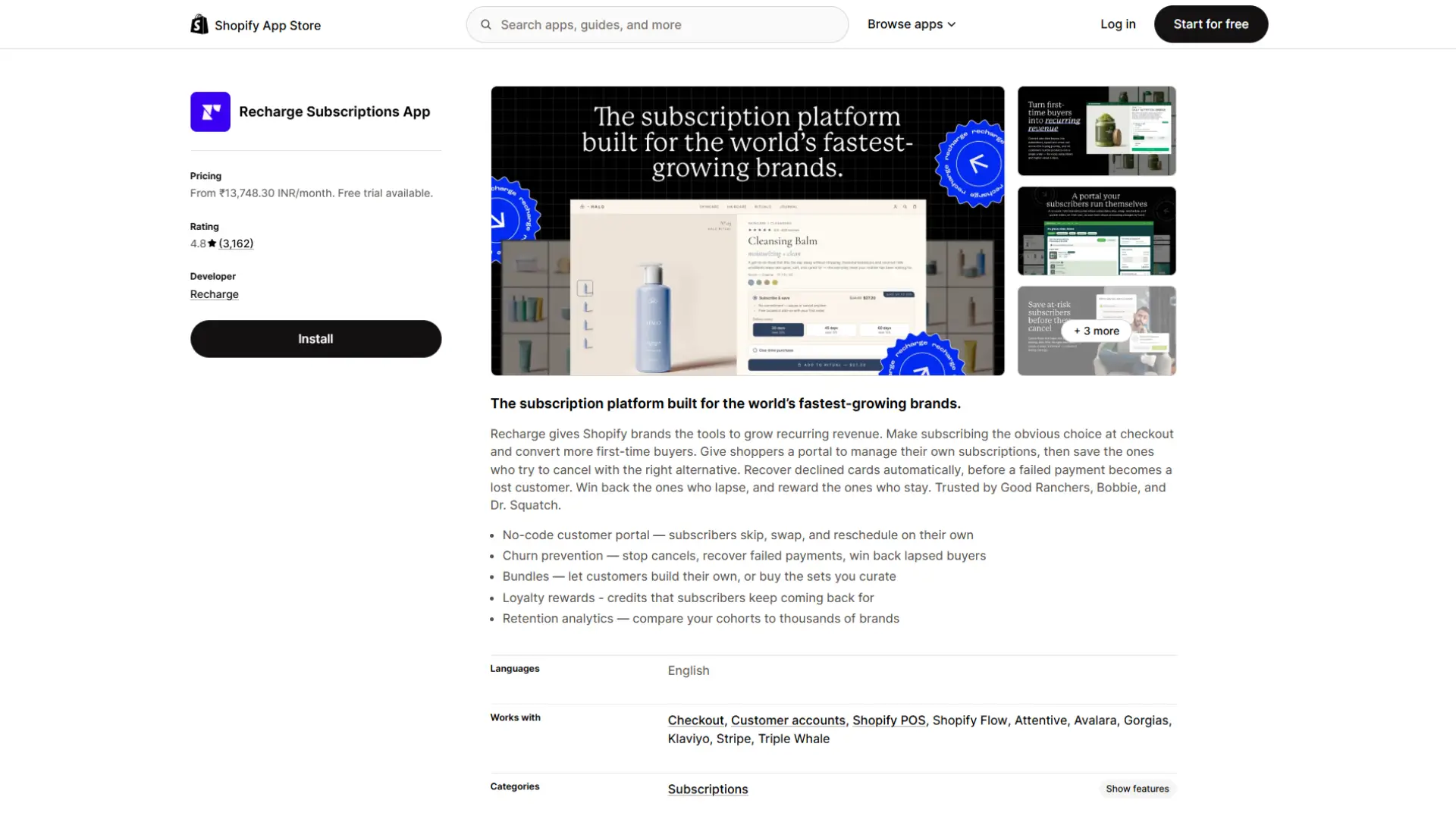
What it does: Recharge is one of the longest-running Shopify subscription platforms. It acquired Skio in April 2026.
Standout features: A no-code portal, churn prevention (cancellation saves, failed payment recovery, and winbacks), build-your-own and curated bundles, loyalty credits, and retention analytics benchmarked against other brands.
Subscription models: Curated, replenishment, access, memberships, services, product bundles, subscription boxes, digital products, and physical products.
Customer portal: Subscribers can skip, swap, and reschedule orders.
Pricing and limits: Recharge's pricing page lists Starter at $149 per month plus 1.50% + 20¢, with a 60-day free trial, and Scale at $499 per month plus 1.25% + 20¢. Custom volume pricing sits above that. Some charges are billed outside your Shopify invoice.
Shopify compatibility: Works with checkout, customer accounts, Shopify POS, and Shopify Flow. Rated 4.8 on the Shopify App Store.
Mobile app: Other app builders document Recharge integrations. AppMaker does not list a Recharge integration publicly, so ask the AppMaker team about your setup if you run Recharge.
Appstle Subscriptions
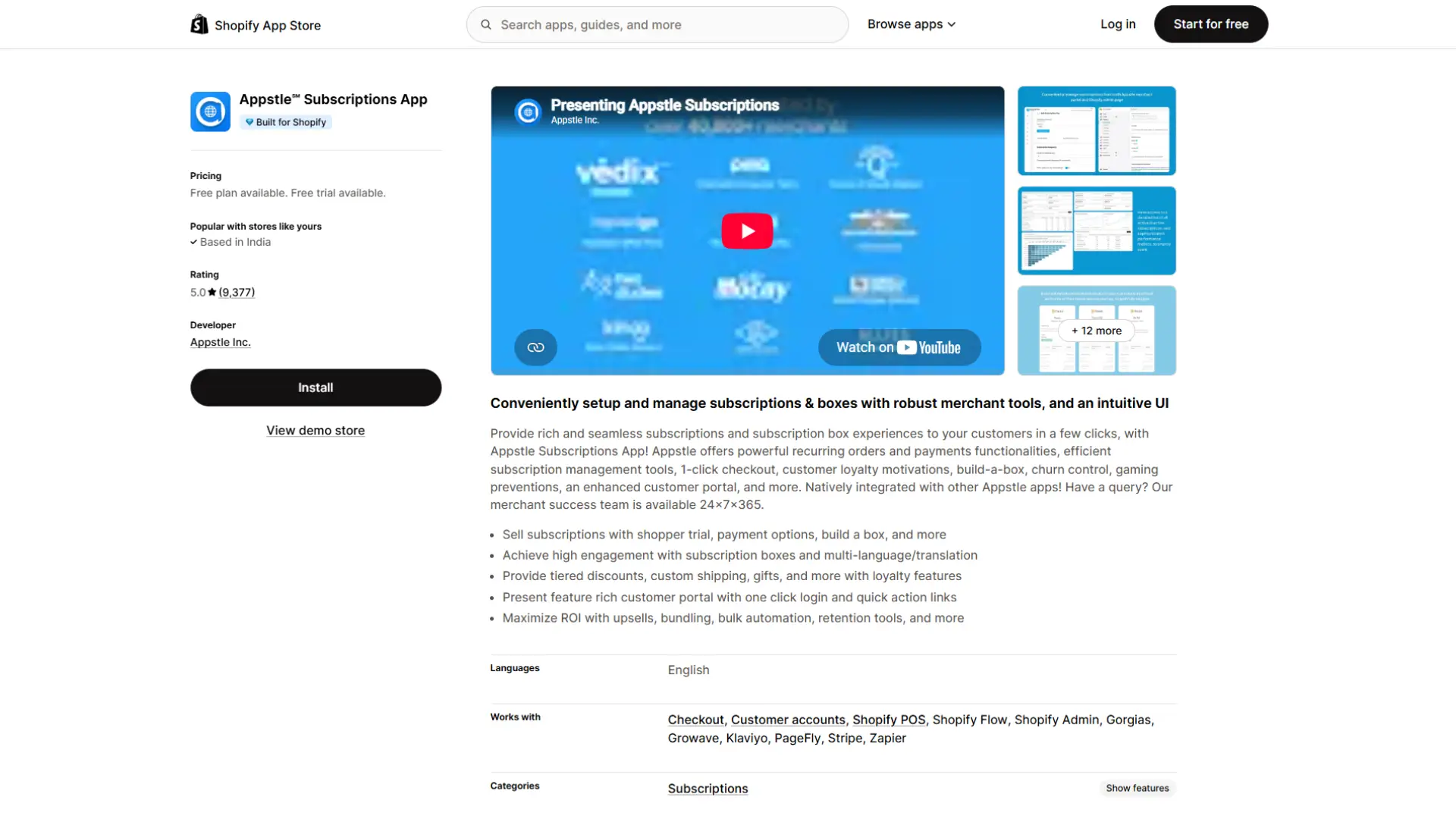
What it does: Appstle is a feature-rich, low-cost subscription app with plans priced by monthly subscription revenue.
Standout features: Pay-as-you-go and prepaid plans, build-a-box on the Business plan and above, loyalty discounts, cancellation control, product swaps on Business Premium, and 24/7 human support.
Subscription models: Curated, replenishment, access, memberships, services, product bundles, subscription boxes, donations, digital products, and physical products.
Customer portal: A Shopify-native portal, with passwordless login on Starter and above.
Pricing and limits: The Shopify App Store listing shows a free plan up to $500 per month in subscription revenue. Paid plans cost $10, $30, and $100 per month, covering up to $5,000, $15,000, and $100,000 in monthly subscription revenue, all with 0% transaction fees. Several retention features sit on higher tiers.
Shopify compatibility: Works with checkout, customer accounts, Shopify POS, and Shopify Flow. Rated 5.0 on the Shopify App Store.
Mobile app: Other app builders document Appstle integrations. Not publicly listed by AppMaker.
Seal Subscriptions
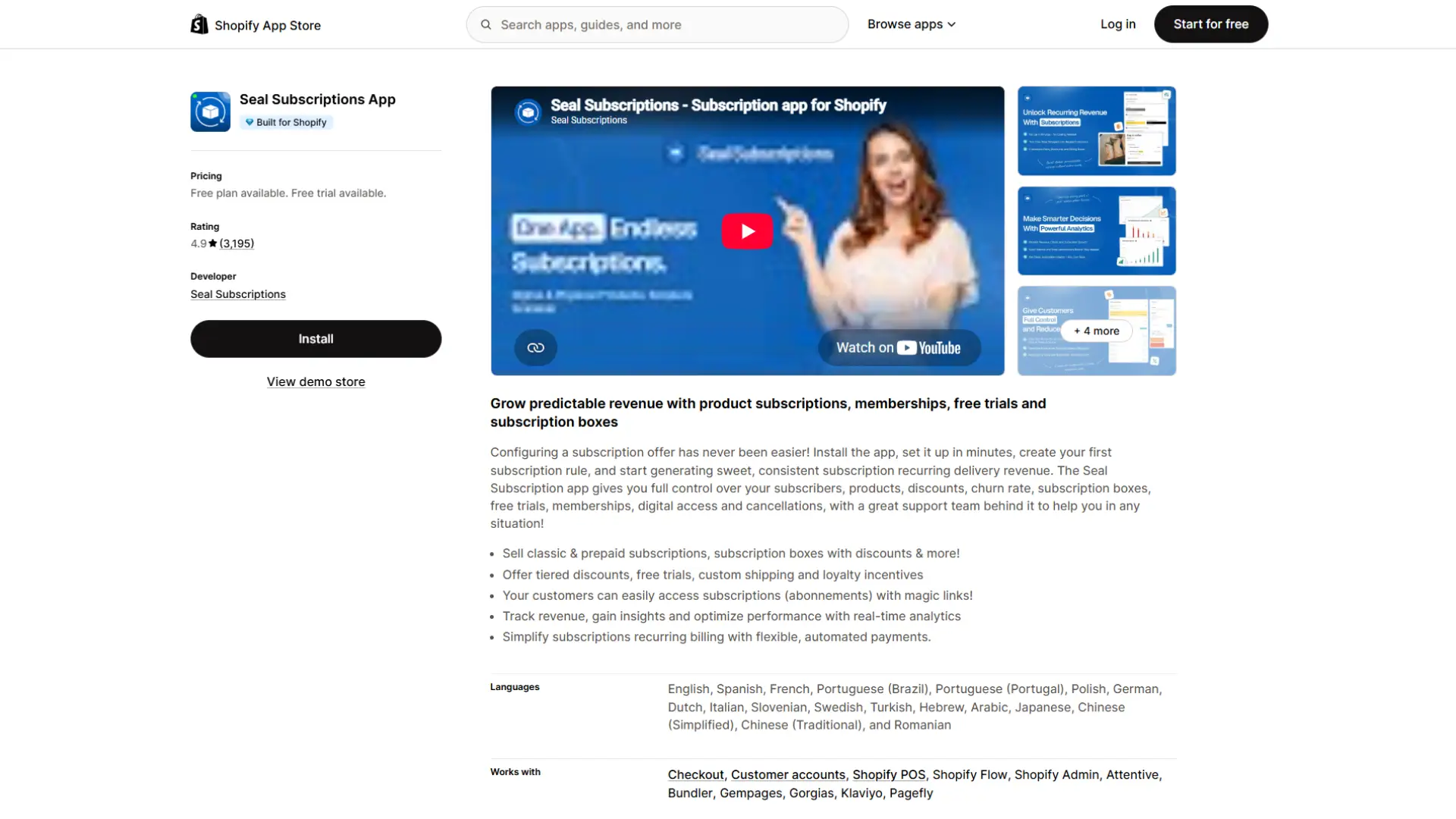
What it does: Seal is a budget-friendly app priced by the number of subscriptions, with unlimited revenue on every plan.
Standout features: Classic and prepaid plans, subscription boxes with discounts, tiered discounts, free trials, magic links, product swaps, multi-language translations, and full API and webhook access.
Subscription models: Curated, replenishment, access, memberships, services, subscription boxes, donations, digital products, and physical products.
Customer portal: Magic links give customers access without a password. The passwordless portal, payment calendar, custom cancellation flow, and one-click checkout links sit on paid plans.
Pricing and limits: The Shopify App Store listing shows a free plan for 50 subscriptions, then $5.95 per month for up to 100, $9.95 for up to 250, and $24.95 for up to 500, all with 0% transaction fees.
Shopify compatibility: Works with checkout, customer accounts, Shopify POS, and Shopify Flow. Rated 4.9 on the Shopify App Store.
Mobile app: Seal's partner page lists several mobile app builders. Not publicly listed by AppMaker, but Seal's API and webhooks make a custom build possible.
Recurpay
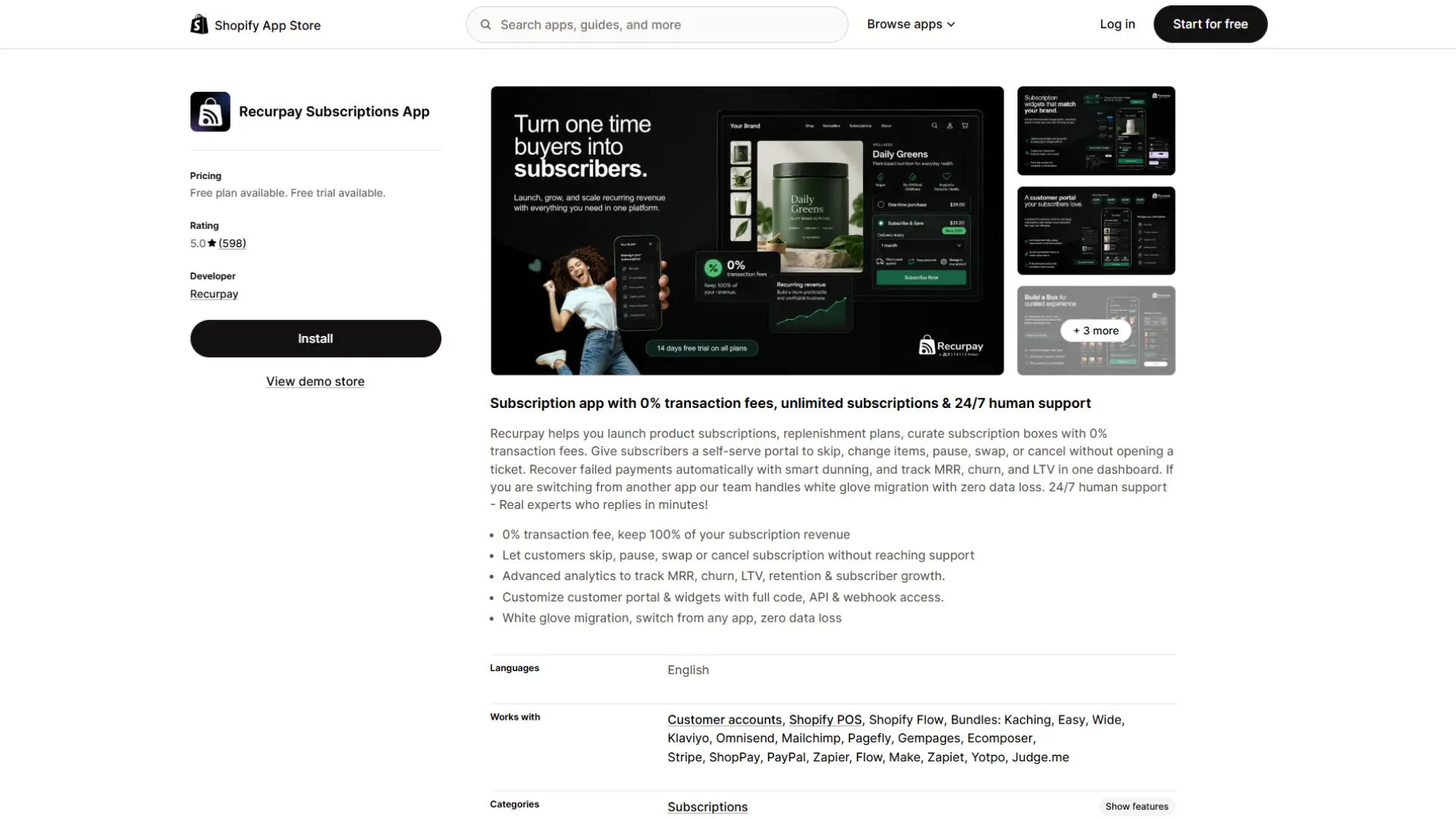
What it does: Recurpay is a low-cost subscription app that leads with 24/7 human support and free migration from other apps.
Standout features: Tiered discounts, gift and swap tools, Build a Box, cancellation flows, analytics and forecasting, and API and webhook access on the Growth plan.
Subscription models: Curated, replenishment, access, memberships, services, product bundles, subscription boxes, donations, digital products, and physical products, on pay-as-you-go or prepaid plans.
Customer portal: Subscribers can skip, pause, swap, or cancel.
Pricing and limits: The Shopify App Store listing shows Launch at $9 per month and Growth at $19 per month, each with a 14-day trial. The free plan is for development stores only. Transaction fees were listed at 0% as a Black Friday offer at the time of writing, so check current terms.
Shopify compatibility: Works with customer accounts, Shopify POS, and Shopify Flow. Rated 5.0 on the Shopify App Store.
Mobile app: AppMaker lists a Recurpay integration that shows subscription details on the product page and uses a custom checkout for subscription products.
Skio
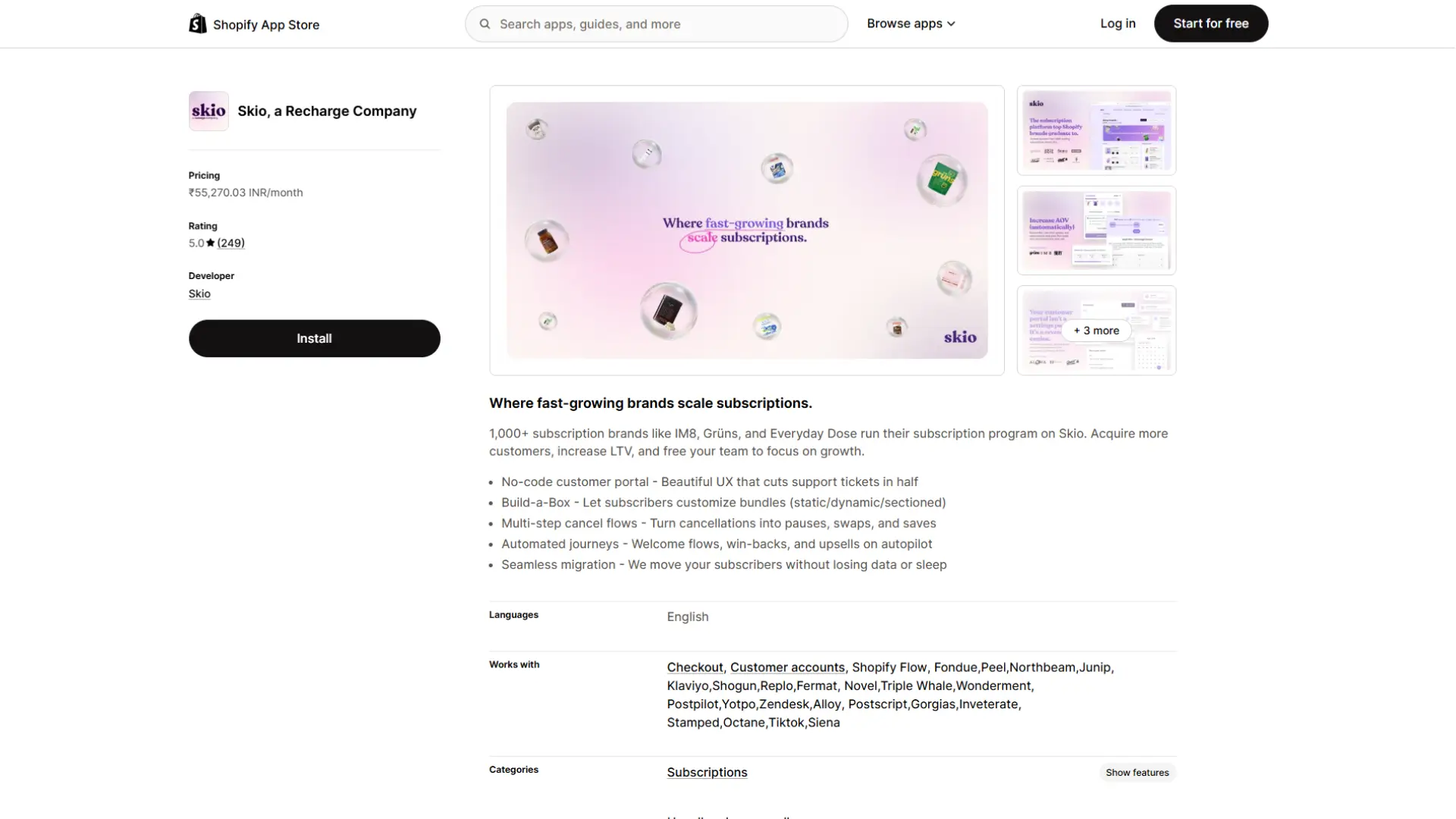
What it does: Skio is a subscription platform known for its subscriber experience. Its App Store listing now reads "Skio, a Recharge Company."
Standout features: Passwordless login and quick actions, a multi-step cancel flow builder, static and dynamic build-a-box, smart payment recovery, automated lifecycle journeys, and zero-downtime migration.
Subscription models: Curated, replenishment, access, memberships, services, product bundles, subscription boxes, donations, digital and physical products, and prepaid subscriptions.
Customer portal: A no-code portal with passwordless access.
Pricing and limits: The Shopify App Store listing shows a Scale plan at $599 per month plus 1.25% + 20¢. Recharge has said more details on joint offerings will follow, so check the roadmap before signing a long contract.
Shopify compatibility: Works with checkout, customer accounts, Shopify Flow, and a long list of DTC tools. Rated 5.0 on the Shopify App Store.
Mobile app: Other app builders document Skio integrations. Not publicly listed by AppMaker.
Shopify Subscriptions
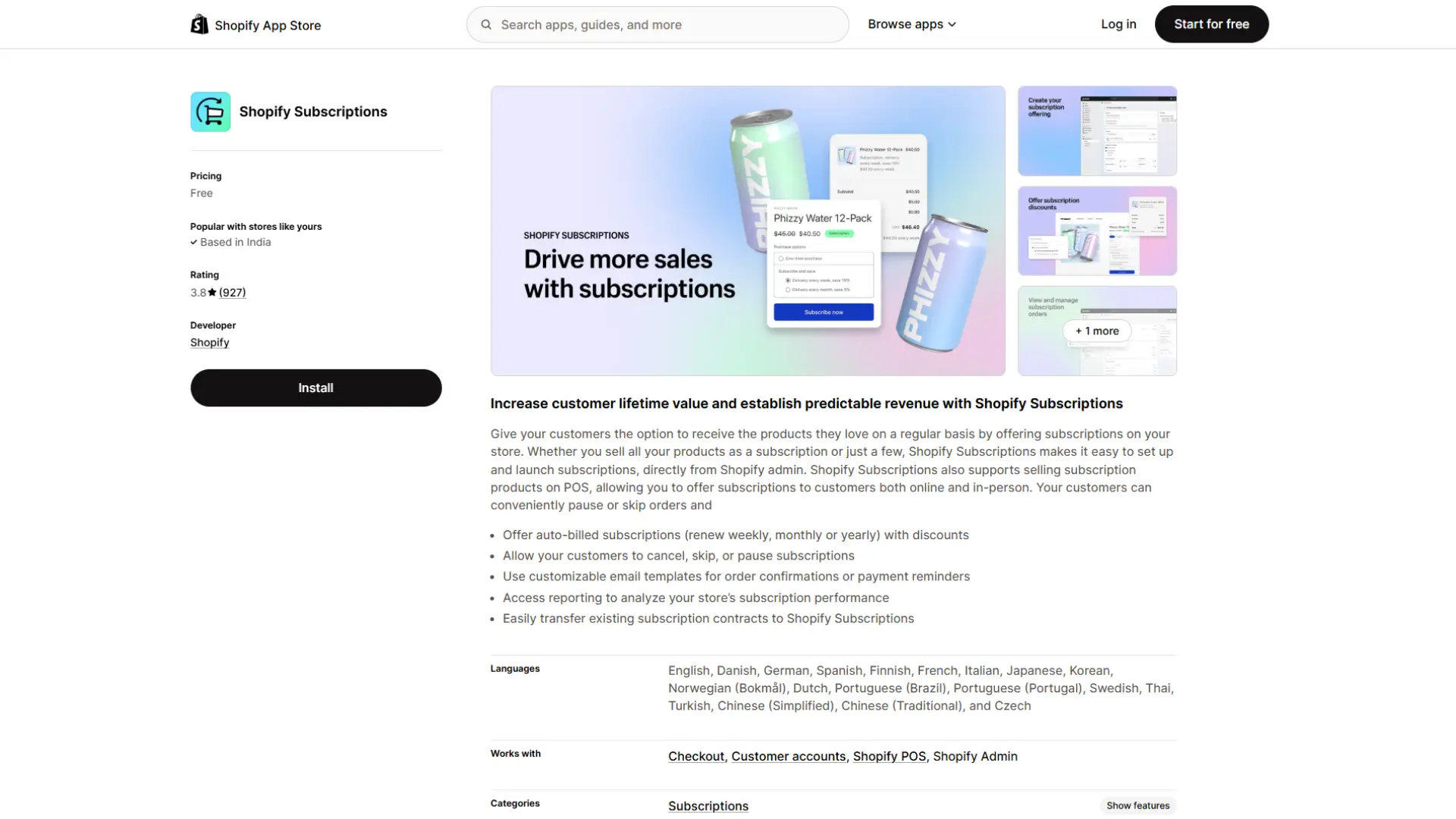
What it does: Shopify's own free subscription app, launched in January 2024.
Standout features: According to the Shopify Help Center, you can offer several plans with different frequencies and discount types, bill renewals weekly, monthly, or yearly, and sell subscriptions in-store through Shopify POS.
Subscription models: Subscribe-and-save, fixed pricing, and custom pricing for physical and digital products. Shopify's main help page does not cover prepaid plans or build-a-box bundles.
Customer portal: Customers signed in to their Shopify customer account can resume, skip, or cancel subscriptions and update payment and shipping details.
Pricing and limits: Free. Rated 3.8 on the Shopify App Store, and some reviewers report gaps, such as not being able to align renewals to a common date.
Shopify compatibility: Native to Shopify checkout, customer accounts, POS, and the admin.
Mobile app: Self-service lives in Shopify customer accounts, so in-app support depends on how your app builder handles those account pages.
Other apps you may see on shortlists
Bold Subscriptions also appears on many lists. Its listing shows paid plans from $24.99 per month plus 2% on subscription orders, lower fees on higher plans, and a 4.2 rating. We left it out of the main comparison because its use cases overlap with the seven apps above and it has no publicly listed AppMaker integration.
How AppMaker and Loop Subscriptions Bring Subscriptions Into A Mobile App
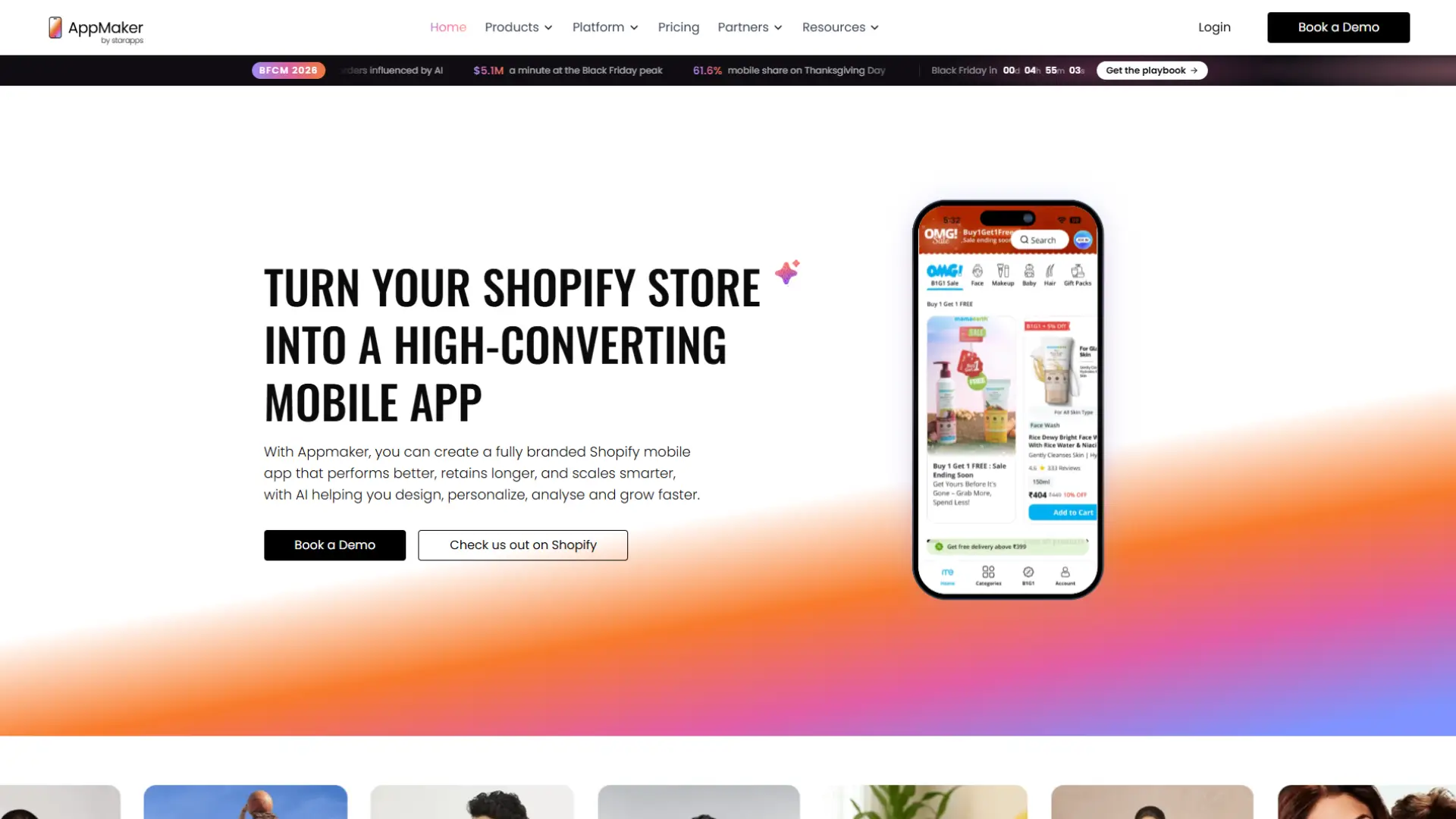
AppMaker and Loop Subscriptions have an integration that both companies list publicly. Loop runs the subscription program. AppMaker builds the branded iOS and Android app where subscribers buy and manage their subscriptions.
Mobile app builder vs subscription platform
- Loop Subscriptions is the subscription platform. It creates the plans, bills renewals, runs the portal logic, retries failed payments, and runs cancellation flows, bundles, and rewards.
- AppMaker is the mobile app builder. AppMaker builds custom native apps for Shopify brands, with a drag-and-drop studio, personalisation by Shopify tags and metafields, and automated push notifications. It does not bill subscriptions or replace Loop.
- Shopify sits underneath both. It holds products, selling plans, checkout, customer and order records, and subscription contracts.
The app sends the subscription purchase through Shopify checkout, Shopify records the contract, and Loop runs everything after that, with its data synced back to the app.
What the integration does
The integration is confirmed on both sides. AppMaker has a Loop Subscriptions integration page, and Loop lists AppMaker in its technology partner directory, describing the integration as bringing subscription experiences, from management to re-engagement, into mobile apps.
Setup takes three steps, according to AppMaker's integration page: authorise AppMaker to access your Loop account, set integration preferences and data mapping rules, then let data sync automatically between the two.
With Loop connected to an AppMaker app, subscribers can:
- Manage their plan inside the branded app instead of following an email link to a separate portal.
- Pause, skip, swap, and reorder from the app.
- Get renewal, trial-end, and delivery reminders as push notifications.
- Update a failed card in the app while Loop's dunning retries the payment.
- See Loop's cancellation flow, with a pause, discount, or frequency change, when they try to cancel in the app.
- See Loop's bundles and rewards in the app, with AppMaker's personalisation choosing the offer.
AppMaker's guide to subscriptions and mobile app retention explains how each of these supports retention.
What to see in a demo
Some details depend on your catalogue, plans, and app design. A demo is the best way to see them with your own setup before launch:
- How Loop's subscription options and subscribe-and-save price appear on the app product page. On the website, Loop's subscription widget is added as a block in your Shopify theme, so the app needs its own way to show those options.
- How checkout works for subscription products.
- Whether subscription management screens are native or Loop's portal embedded in the app.
- How prepaid, gift, and build-a-box plans appear. On any channel, Loop does not support bundles or upsells on prepaid subscriptions.
- Which Loop events trigger push notifications, and which messages still come from Loop by email or SMS.
Who handles each part of the subscription?
| Capability | Loop (subscription platform) | AppMaker (mobile app) | Status |
|---|---|---|---|
| Plans and subscribe-and-save discounts | Creates them as Shopify selling plans | Displays them in the app | Supported; check the app display in a demo |
| Recurring billing and renewals | Bills and creates renewal orders | Not involved | Loop feature on every channel |
| Skip, pause, swap, and reorder | Applies the change to the subscription | Provides the in-app action | Supported by the integration |
| Failed payment recovery | Runs retries and dunning | Prompts the customer to update their card | Supported by the integration |
| Cancellation offers | Runs the cancellation flow | Triggers it from the in-app cancel | Supported by the integration |
| Reminders | Sends its own notifications and subscription events | Sends push notifications | Supported by the integration |
| Bundles and rewards | Defines bundles, rewards, and streaks | Surfaces and personalises them | Supported by the integration |
| Prepaid, gift, and build-a-box plans | Supported, with documented limits | Displays them in the app | Confirm in a demo |
Two example subscriber journeys with AppMaker and Loop
These are illustrative scenarios based on the capabilities described above, not customer case studies.
Skipping a delivery. A supplement subscriber opens the brand's app and sees their next refill ships in three days. They still have half a bottle, so they tap Skip. Loop moves the next order. Because one Loop subscription sits behind both channels, the website portal shows the same change.
Trying to cancel. A coffee subscriber taps Cancel in the app. Loop's cancellation flow offers a pause or a lower frequency instead. If they accept, the subscription stays active, and the customer never leaves the app.
Why bring Loop subscriptions into a branded app
Because subscribers buy on a regular schedule, they are a natural audience for a brand's app. A home screen icon and push reminders make changes faster than hunting for an old email link. When skipping or pausing takes a couple of taps, subscribers have an easy alternative to cancelling, and Loop's retention offers get a chance to work.
Loop's partner directory lists more than one mobile app builder, so compare how deep each integration goes. Ask every builder you evaluate to demonstrate the same checks. To see the AppMaker and Loop flow in a working app, explore the integration or book a demo with AppMaker.
What Should Shopify Brands Check Before Choosing A Subscription App For Mobile?
Test the whole subscriber lifecycle in the mobile app, not just the product page. Use a development store or a real test subscription, and run each check on both iOS and Android.
| Check | How to test it | Red flag |
|---|---|---|
| The subscription app integrates with the app builder | Find the integration on the builder's site, ideally on the subscription app's partner directory too, then ask for a live demo | Only one side mentions it, or support depends on custom development you did not plan for |
| Subscription options appear correctly | Open every subscription product and compare frequencies and labels with the website | Missing frequencies, wrong labels, or no one-time option |
| Recurring billing works | Buy a test subscription in the app and check the renewal date in the subscription app | The order shows as a one-time purchase |
| Management screens are native or embedded | Open the subscription area from the app's account page | It opens a browser or asks for a separate login |
| Customers can change their subscription in the app | Skip, pause, swap, change frequency, and cancel | Any action fails, or retention offers do not appear on cancel |
| Discounts and rules carry over | Check subscribe-and-save pricing, tiered discounts, and minimum commitments | The app price differs from the checkout price |
| Data stays in sync | Make a change in the app, then check the website portal and the subscription app admin | The change appears in one place only, or after a long delay |
| Checkout works | Check out with a saved card, a new card, and a mixed cart | Subscription lines drop out, or the card is not saved for renewals |
| Your subscription model is supported | Test prepaid, gift, bundle, or build-a-box plans if you sell them | Your main model only works on the website |
Choosing The Right Subscription And Mobile App Combination
Choose the subscription app for your model and stage, then confirm your mobile app builder supports it before you sign. Switching subscription platforms later means migrating live subscribers. Loop's getting started guide notes that uninstalling it stops active subscriptions from processing, and the same caution applies to any platform.
| Brand type | Subscription apps to shortlist | Mobile app consideration |
|---|---|---|
| Testing subscriptions on a few products | Shopify Subscriptions, Seal | Check how the app handles Shopify customer accounts or magic links |
| Growing store on a tight budget | Appstle, Seal, Recurpay | Recurpay has a listed AppMaker integration; confirm portal support for the others |
| Scaling DTC brand focused on retention | Loop, Recharge, Skio | Ask for a demo of skip, pause, swap, and cancel inside the app |
| Brand launching or running a branded mobile app | Loop | Integration listed by both AppMaker and Loop |
| Brand already invested in Recharge | Recharge or Skio | Check your builder's Recharge support and the post-acquisition roadmap |
| Replenishment brand (supplements, coffee, pet food) | Loop, Recharge, Appstle, Recurpay | Skips and frequency changes matter most, so test them first |
| Subscription box or curated brand | Loop, Recharge, Skio, Appstle | Box builders often need extra work in apps, so test early |
Conclusion: Choose Your Subscription App With The Mobile Experience In Mind
For most Shopify brands, the shortlist is Loop or Recharge for retention depth, Appstle, Seal, or Recurpay for value, Skio for subscriber login, and Shopify Subscriptions for a free start. Any of them can run a solid subscription program on your website.
The mobile app is where the choice narrows. Subscription purchases carry over through Shopify selling plans, but management only carries over through a real integration. Each skip, swap, or cancel request is a chance to keep a subscriber, and that chance is easier to take when the request happens inside your app rather than in a browser tab.
For brands that want subscriptions inside a branded mobile app, Loop and AppMaker are a combination worth exploring. Loop runs the subscription program, and AppMaker brings it into a native iOS and Android app built around your brand. To see it with your own catalogue, review the integration or book a demo with AppMaker.
Frequently Asked Questions
What is the best subscription app for Shopify?
There is no single best app for every store. Loop and Recharge are the usual shortlist for scaling DTC brands that need deep retention tools. Appstle, Seal, and Recurpay offer the best value, and Shopify Subscriptions is the best free option. If you run a branded mobile app, Loop's integration with AppMaker makes it a strong fit.
Which Shopify subscription apps support mobile apps?
Support depends on the mobile app builder as much as the subscription app. AppMaker publicly lists integrations with Loop and Recurpay. Other app builders document integrations with Recharge, Appstle, Seal, Skio, and Shopify Subscriptions, at different depths. Always ask for a demo of in-app subscription management.
Can Shopify subscriptions work in a mobile app?
Yes. Most Shopify subscription apps create selling plans, which a mobile app can read through Shopify's Storefront API and pass to checkout. Buying a subscription in the app is the easier part. Managing it in the app needs a dedicated integration.
Can customers manage subscriptions through a mobile app?
Yes, when the app builder integrates with the subscription platform. The experience can use native screens, an embedded web portal, or a link to a browser. With AppMaker and Loop, subscribers can pause, skip, swap, and reorder inside the app.
What is the difference between Loop and Recharge?
Loop is built around retention, with cancellation flows, gamified rewards, and a free plan for up to 50 active subscriptions. Paid plans start at $99 per month plus 1%. Recharge is the larger, longer-running platform, with POS support, benchmark analytics, and Skio now part of the company. Paid plans start at $149 per month plus 1.50% + 20¢.
Can I offer subscribe-and-save products in my Shopify mobile app?
Yes. Subscribe-and-save discounts are set in your subscription app as part of its selling plans. A mobile app that supports selling plans can show the one-time and subscription options with the discounted price. Check that the app price matches checkout.
Do Shopify subscription apps integrate with mobile app builders?
Some do, at different depths. Many builders support subscription checkout through selling plans, but fewer support in-app management for a given platform. Confirm the exact integration before you choose, such as the AppMaker and Loop integration.