




























Slow mobile pages and abandoned carts are quietly eating into your revenue, even while you keep spending more on ads to drive traffic.
A well-built mobile app turns casual browsers into repeat buyers by speeding checkout and keeping offers front and center. Shopify merchants often worry about setup costs, app-store rejections, and handing design off to engineers.
The U.S. Census reports e-commerce accounted for 16.4% of total retail sales in the third quarter of 2025. That number shows how many purchases already happen on phones, so moving your Shopify store into an app helps you meet customers on their preferred device.
Understanding when and how to convert Shopify into an app helps you pick the right approach, estimate ROI, and avoid costly rework. In this article, you’ll get a step-by-step build plan, realistic cost ranges, a store-submission checklist, and a retention playbook that keeps customers coming back.
Quick Overview
- Mobile apps help Shopify brands reduce cart drop-offs, speed checkout, and drive repeat purchases from high-intent mobile shoppers.
- Mobile apps consistently outperform mobile web, with conversion rates ranging between 3% and 8%, and some brands seeing up to 4x higher conversion rates after launch.
- Converting Shopify into an app can cost anywhere from $49–$999 per month with revenue share using no-code builders, while custom development can range from $25,000 to $100,000+ upfront.
- Post-launch success depends on faster performance, push-driven re-engagement, and tighter control over the mobile shopping experience.
Why Shopify Brands are Moving to Mobile Apps in 2026?
Many growing Shopify stores are shifting focus to mobile apps to capture more sales and build stronger customer relationships. Here are the key reasons brands are choosing apps over mobile websites:
- E-commerce sales grew 5.1% year-over-year in Q3 2025 compared to Q3 2024, showing steady online spending growth across U.S. retail.
- Shoppers often make purchases through apps more frequently, meaning apps can drive higher engagement than responsive sites alone.
- Push notifications on apps deliver 5–10x higher click-through rates than email or paid marketing, giving brands a direct way to bring customers back while reducing ad dependency.
- Native apps can remember user preferences and carts, cutting down abandoned carts compared with browser sessions.
- Apps tend to load faster and feel more intuitive on phones, which increases conversion rates over mobile web.
- With mobile-first traffic accounting for over half of e-commerce traffic, brands without an app risk losing relevance in a competitive mobile shopping landscape.
Seeing the shift toward mobile apps raises an obvious question about the feasibility for Shopify stores.
Can a Shopify Store be Converted Into an App?
A Shopify store can be turned into a mobile app without rebuilding your catalog, checkout logic, or backend systems from scratch. Here’s what that conversion actually looks like in practice for growing Shopify brands:
- Your existing products, collections, pricing, and inventory sync directly into the app, avoiding duplicate store management.
- Customer accounts, order history, and saved carts carry over, so returning buyers do not start fresh every time.
- Store updates like price changes, new launches, and promotions are reflected inside the app without manual uploads.
- Checkout remains connected to Shopify, which means taxes, payments, and compliance stay consistent across channels.
- The app becomes an extension of your store, not a separate system that demands additional operational overhead.
Once the possibility is clear, the next step is choosing the right path to make that conversion happen.
For brands seeking this level of control, Appmaker helps convert Shopify into an app with real-time store sync and native performance.
3 Ways to Convert Shopify Into a Mobile App
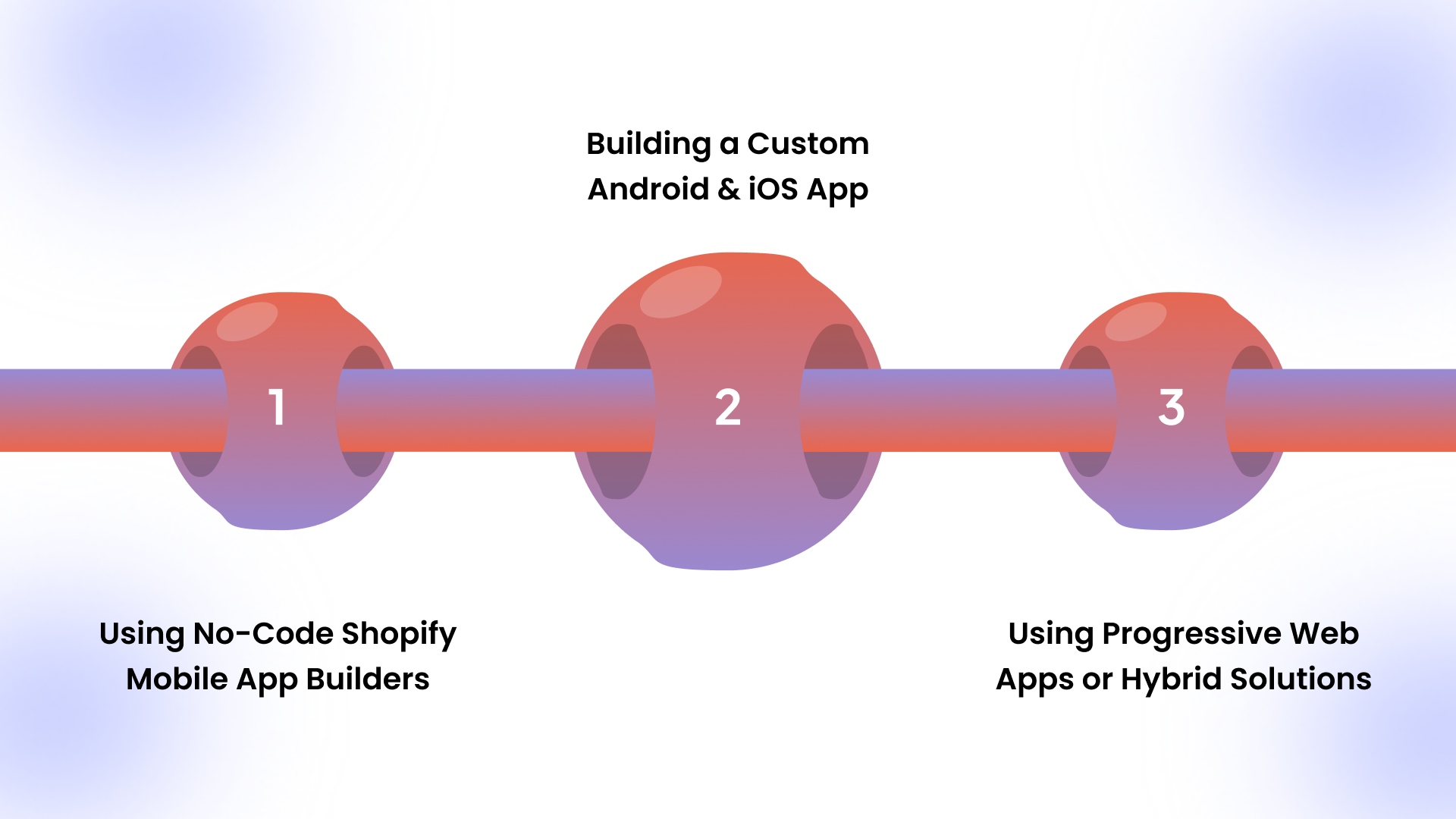
There are a few practical ways to convert Shopify into an app, and the right choice depends on scale, speed, and control. Here’s how most revenue-driven Shopify brands approach this decision in real scenarios.
Using No-Code Shopify Mobile App Builders
No-code builders connect directly to your Shopify store and turn existing data into a native mobile app. You keep control over layouts, promotions, and updates without relying on developers for every change.This approach works best when speed, predictable costs, and ongoing iteration matter more than deep custom logic.Building a Custom Android and iOS App
Custom development means hiring engineers to recreate the storefront, checkout, and integrations from the ground up. This route demands higher budgets, longer timelines, and ongoing technical ownership after launch.It usually makes sense only when your business model requires features unavailable through Shopify-connected builders.Using Progressive Web Apps or Hybrid Solutions
PWAs behave like apps inside a browser but lack a full app-store presence and push notification depth. Hybrid solutions reduce costs but often compromise performance and long-term retention capabilities.Brands focused on repeat purchases often outgrow this option once mobile traffic becomes a primary revenue driver.
Among these options, no-code builders like Appmaker fit Shopify brands that want native iOS and Android apps without the cost, timelines, or long-term dependence that come with custom development.
How No-Code Shopify App Builders Work?
No-code Shopify app builders convert your existing store into a mobile app by reusing data, logic, and storefront connections. To understand why this model works for scaling brands, here’s how the process functions behind the scenes.
- The builder connects directly to your Shopify backend, pulling products, collections, pricing, and inventory through secure APIs.
- Store updates like launches, price changes, and promotions sync automatically, so mobile apps never drift from your live storefront.
- Layouts and navigation are configured visually, allowing teams to adjust banners, collections, and campaigns without developer involvement.
- Appmaker supports Code Blocks and Conditional Blocks, letting teams reuse logic across screens and show different content based on customer behavior or conditions.
- Checkout, payments, taxes, and customer accounts remain powered by Shopify, keeping compliance and reporting consistent across channels.
Knowing how these builders function behind the scenes makes the actual build process easier to follow
5 Step-by-Step Process to Convert Shopify Into an App
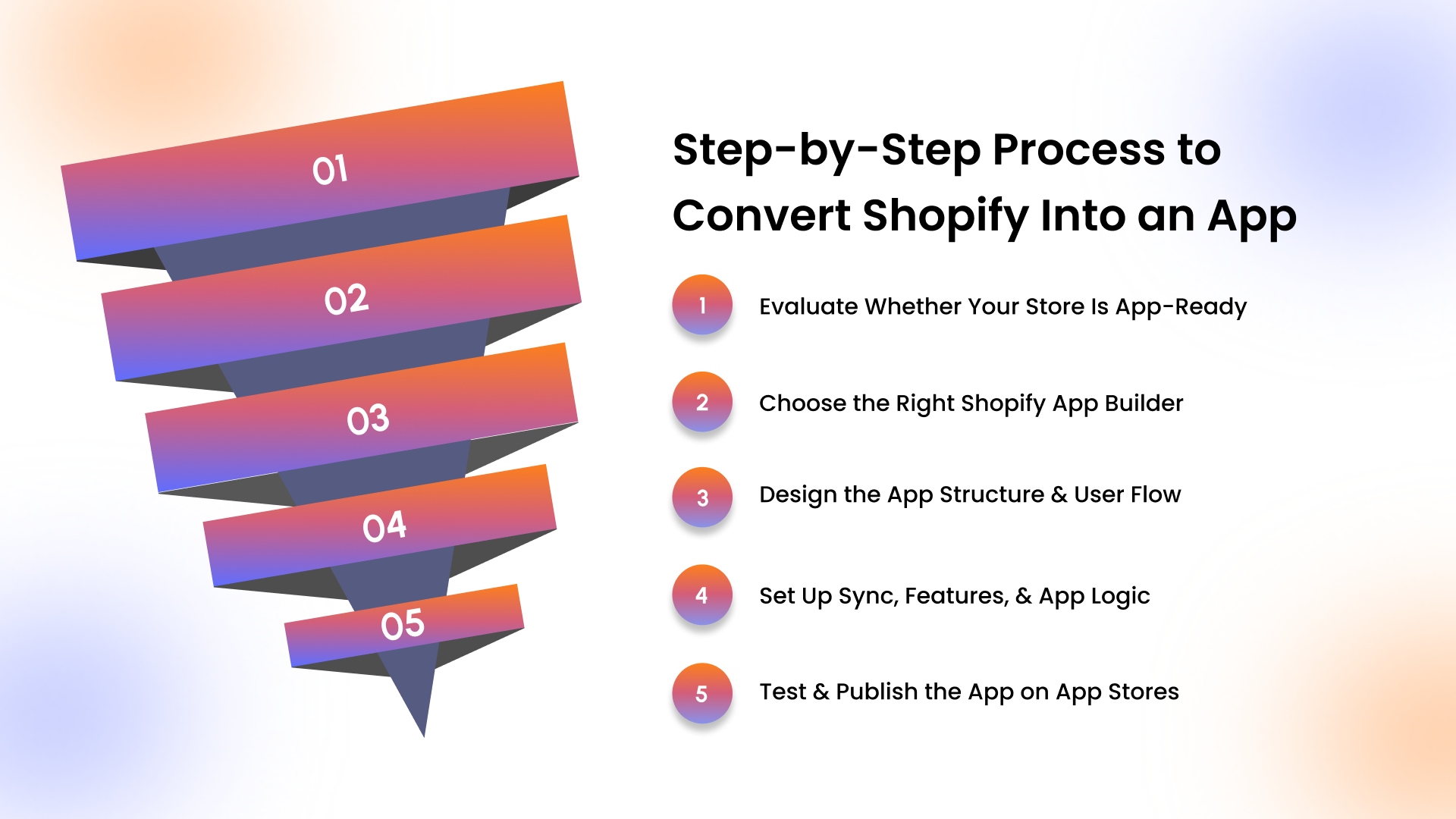
Converting a Shopify store into an app follows a clear sequence, especially when the goal is speed without losing operational control. Here’s how scaling Shopify brands usually approach the process, from evaluation to launch.
Evaluate Whether Your Store Is App-Ready
Review mobile traffic, repeat purchase rates, and cart abandonment to confirm an app solves an actual revenue problem. Check whether product discovery, navigation, and checkout flows translate well to smaller screens and frequent usage.Choose the Right Shopify App Builder
Shortlist builders that offer real-time Shopify sync, push notifications, analytics, and flexibility for future customization. Avoid tools that lock layouts or logic, since growth-stage brands often need adjustments after launch.Design the App Structure and User Flow
Define how customers move from the home screen to products, collections, and checkout without unnecessary friction. Configure banners, collections, and promotions visually so updates do not depend on development timelines.Set Up Sync, Features, and App Logic
Connect products, inventory, pricing, and customer accounts so the app mirrors the live Shopify store continuously. Use reusable and conditional elements to control what different customers see based on behavior or status.Test and Publish the App on App Stores
Test performance, navigation, checkout, and edge cases across devices before submitting to Apple and Google. Prepare store listings, screenshots, privacy details, and review notes to reduce approval delays during submission.
With the process laid out, timing becomes the next concern for most teams planning a launch.
Benefits of Turning Shopify Into a Mobile App
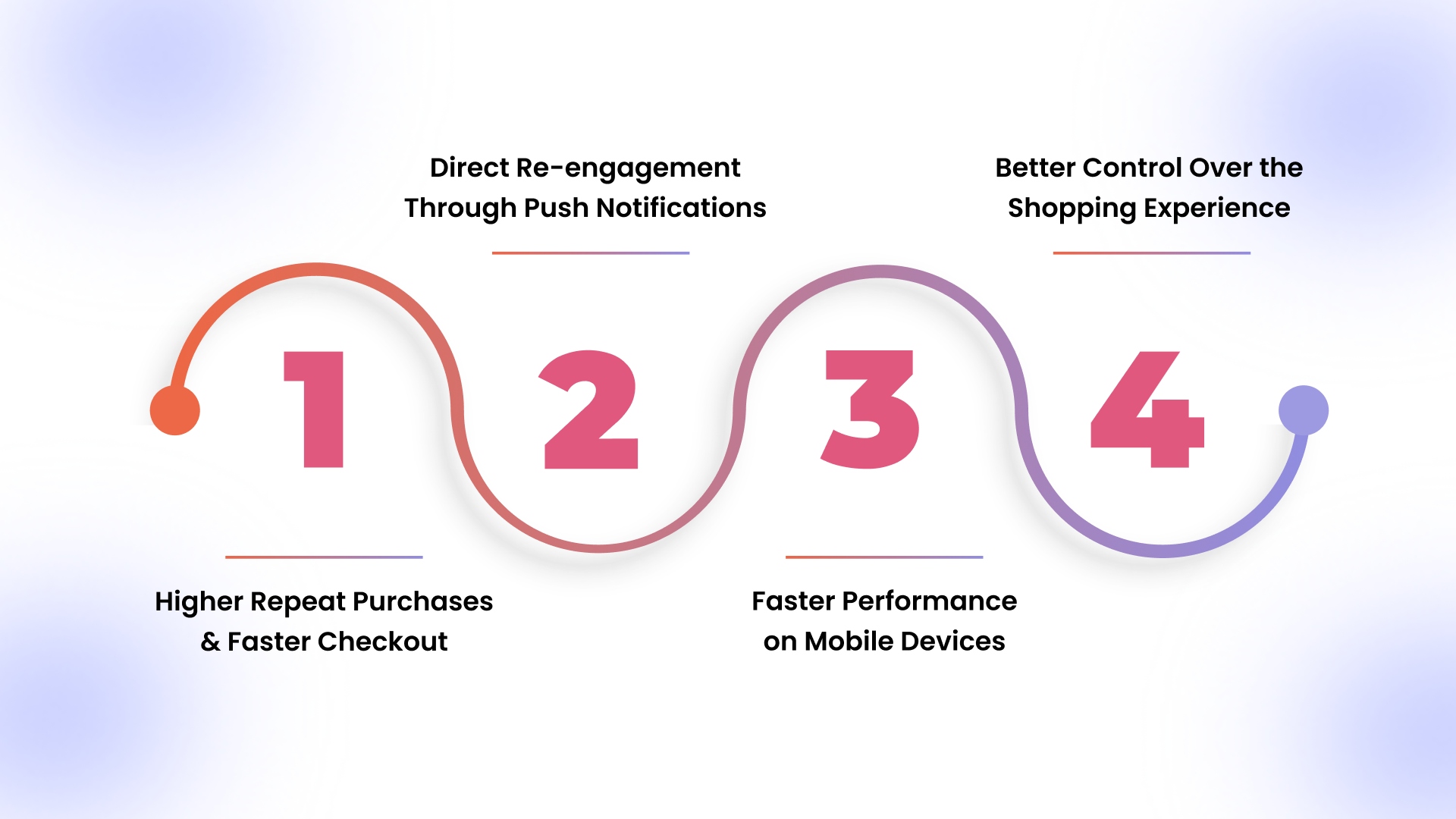
A mobile app changes how customers interact with your Shopify store beyond simple browsing and one-time purchases. Here are the main benefits brands usually see once an app becomes part of their sales strategy.
Higher Repeat Purchases and Faster Checkout
Apps make repeat purchases easier by saving logins, addresses, and carts across every shopping session. Returning customers face fewer steps to checkout, which reduces friction during high-intent buying moments online.In Q3 2025, estimated U.S. retail e-commerce sales totaled $310.274 billion, showing how much revenue flows through online channels where faster checkout directly impacts conversion. This convenience matters most for brands selling frequently replenished products or running regular promotions online.Direct Re-engagement Through Push Notifications
Push notifications give direct access to customers without relying on paid ads or crowded email inboxes. Campaigns like cart reminders, restocks, and price drops reach buyers exactly when interest is highest.This control over timing helps brands drive repeat revenue without increasing acquisition spend on ads.Faster Performance on Mobile Devices
Mobile apps load faster than mobile websites, especially on repeat visits and weaker network connections. Faster load times keep shoppers focused, reducing drop-offs during browsing and checkout flows on mobile.Performance improvements often translate directly into higher conversion rates for mobile-first product catalogs at scale.Better Control Over the Shopping Experience
Apps allow richer layouts and navigation patterns that feel natural for thumbs and small screens. Home screens can highlight collections, offers, and campaigns without competing browser distractions for shoppers today. This level of control helps brands guide discovery instead of reacting to unpredictable web behavior.
Timelines often lead straight into budgeting discussions, especially for brands planning a serious mobile channel.
How Long Does It Take to Launch a Mobile App?
The timeline to launch a Shopify app depends on how much customization you need and how prepared your store already is. Here’s a realistic breakdown of what the launch process looks like for growth-stage Shopify brands who chose for custom mobile apps.
Cost alone doesn’t tell the full story, so it’s important to look at what brands gain after launch.
How Much Does It Cost to Convert Shopify Into an App?
The cost depends on whether you choose a no-code builder or commit to custom development long term.Here’s how pricing typically breaks down for Shopify brands building a serious mobile channel.
No-Code Shopify App Builders
- Most no-code builders range between $49 to $499 per month, depending on features and support levels.
- Many platforms also charge 1% to 3% of in-app revenue, which scales with your mobile sales growth.
- Appmaker’s Growth plan starts at $599 per month plus 2% of in-app sales, designed for brands launching a dedicated mobile channel.
- Higher tiers often range from $999 per month and above, offering advanced personalization, segmentation, and customization control.
- This model keeps upfront costs low but increases operating expenses as mobile revenue grows.
Hybrid or Progressive Web Apps (PWA)
- Hybrid builds typically cost between $5,000 and $20,000 upfront, depending on UI and feature complexity.
- Monthly hosting and maintenance can range from $200 to $1,000 per month.
- These builds reduce app store complexity but limit deep push notification and personalization capabilities.
Custom Android and iOS App Development
- Fully custom native apps usually cost between $25,000 and $100,000+ upfront, depending on scope.
- Ongoing maintenance, bug fixes, OS updates, and feature enhancements may cost $1,000 to $5,000 per month.
- Larger builds involving subscriptions, loyalty systems, or custom APIs increase budgets significantly.
Outsourcing Development Costs
- Hiring freelance developers can range from $25 to $100 per hour, depending on experience and region.
- Agency development projects often start around $30,000 and scale upward based on integrations and support requirements.
- Delays, scope changes, and design revisions often push final costs beyond initial quotes.
Feature Add-On Costs
- Advanced push segmentation tools may add $50 to $300 per month.
- Loyalty modules, subscriptions, or advanced analytics often require additional monthly or setup fees.
- Custom integrations with CRMs, ERPs, or marketing platforms may require one-time development charges.
Hidden Costs to Factor In
- Apple Developer Program fee: $99 per year.
- Google Play Developer fee: $25 one-time registration.
- Design assets, screenshots, and video production for app store listings may cost $500 to $3,000.
- Internal team time for testing, QA, and campaign setup adds indirect operational cost.
Understanding the upside naturally leads to the question of which tools support this growth without adding complexity.
How Appmaker Helps Convert Shopify Brands Into an App?
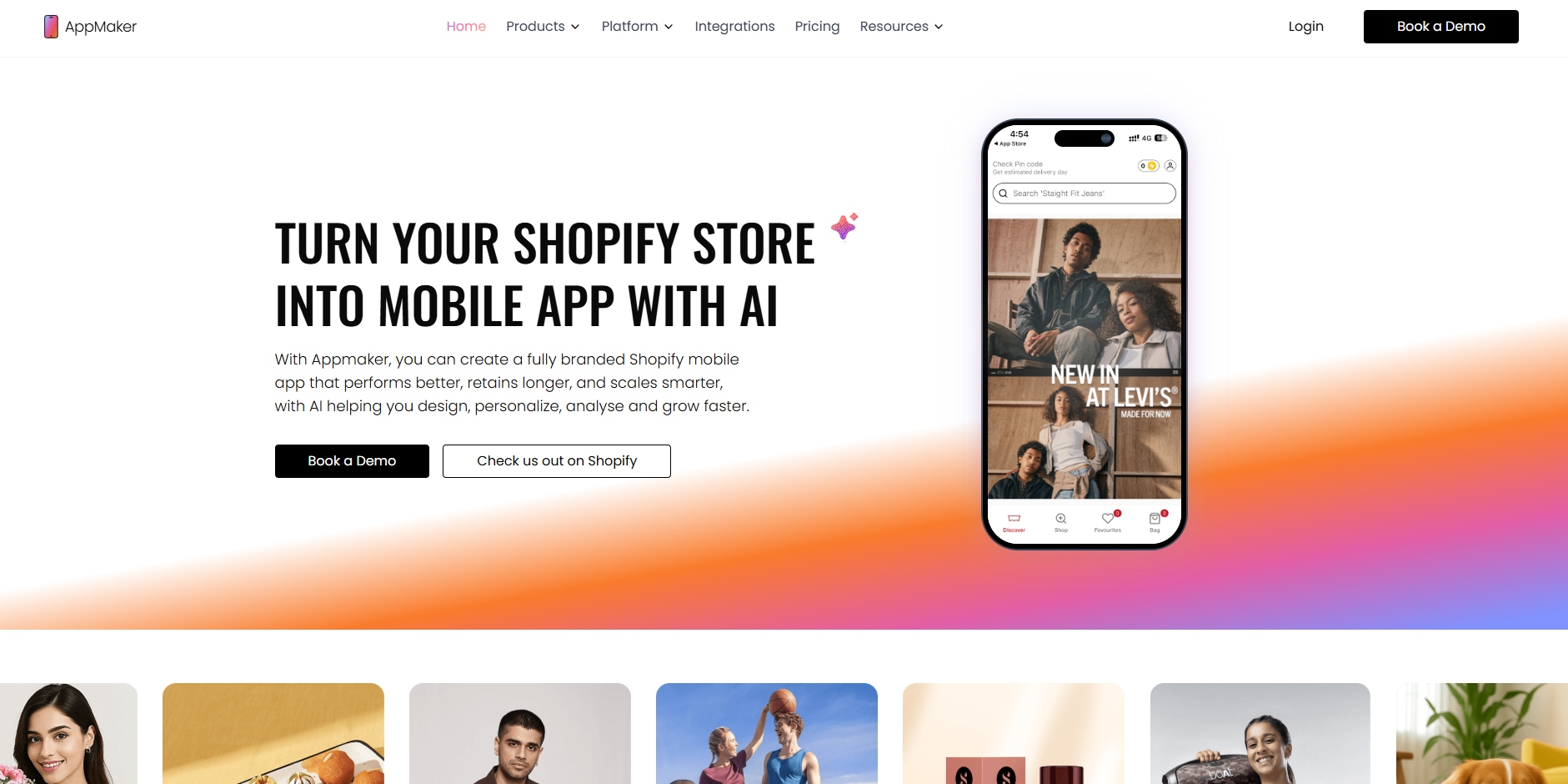
Appmaker supports Shopify brands that want a native mobile app without adding development overhead or slowing internal teams. Here’s how Appmaker fits naturally into the app-building paths discussed earlier.
- A no-code, drag-and-drop builder lets teams manage layouts, banners, collections, and campaigns without developer involvement.
- Brands using Appmaker have seen repeat purchase rates rise by up to 70%, with conversion rates increasing up to 4x across categories like fashion, personal care, pet supplies, and food.
- Real-time Shopify sync keeps products, orders, pricing, and customers aligned across web and app without manual updates.
- Mobile-first traffic often exceeds 80% of total visits, and Appmaker helps convert those visitors into loyal app users instead of one-time browsers.
- Code Blocks and Conditional Blocks allow reusable logic and rule-based displays, supporting growth without rebuilding features repeatedly.
- AI tools like Eidolon AI and Rubik’s AI help convert Figma files or screenshots into live app layouts while dynamically adjusting product recommendations and content based on user behavior, reducing design back-and-forth during launches.
- Push notifications through the app can generate 5–10x higher click-through rates compared to email and paid channels.
- Analytics with John AI gives clear answers on sales trends, engagement, and performance without digging through dashboards.
Wrapping Up
Turning a Shopify store into a mobile app is no longer a side experiment; it’s a practical move for brands chasing repeat revenue and stronger mobile loyalty. From choosing the right approach to managing cost, launch timelines, and post-launch growth, clarity at each step prevents wasted spend and missed opportunities.
Appmaker supports this journey by helping you convert Shopify into an app with real-time sync, customization control, and tools built for scaling mobile sales.
Book a demo with Appmaker to see how your Shopify store can become a high-performing iOS and Android app without adding development overhead.
FAQs
1. Can I convert Shopify into an app for free?
Free options exist, but they usually come with limited features, branding restrictions, or missing app-store readiness. Most free tools work for testing ideas, not running a serious mobile sales channel.
2. How long does Shopify app approval take on app stores?
App review timelines vary, but approvals typically take a few days once submissions meet platform guidelines. Delays often happen due to missing privacy details, screenshots, or incomplete metadata.
3. Does a Shopify mobile app replace a mobile website?
A mobile app does not replace your website but works alongside it as a retention channel.Websites capture discovery traffic, while apps drive repeat purchases and faster checkouts.
4. Is Android or iOS more important for Shopify apps?
Importance depends on your customer base, but most U.S. brands launch on both platforms together.iOS often drives higher-order values, while Android delivers broader reach.
5. What features matter most in a Shopify mobile app?
Fast performance, saved carts, push notifications, and clean navigation influence conversions most.Personalized layouts and campaigns help returning customers shop with less effort.