

























Key Takeaways
- Mobile converts about 40% worse than desktop (2% vs. 3.4%) despite driving about 70% of ecommerce traffic, per Contentsquare's 2026 benchmark.
- Mobile drop-off isn't one problem; it's usually one of seven: speed, layout, search, cart, checkout, trust, or offers.
- A 0.1-second mobile speed improvement lifted retail conversion 8.4% and AOV 9.2% in Google and Deloitte's Milliseconds Make Millions study.
- Install one app per diagnosed leak, not several overlapping ones; every app adds load weight that can offset its benefit.
- Enabling Shop Pay is free and can lift conversion up to 50% versus guest checkout, per Shopify's own research.
- Cart abandonment averages 70.22% (Baymard); top fixable causes are extra costs, forced accounts, and overly long checkout forms.
- Always measure mobile conversion, add-to-cart, and checkout completion by device; a blended number hides whether a fix worked.
Quick answer: There's no single "best" app, because mobile conversion loss isn't one problem; it's usually one of seven: slow load times, a desktop-shaped layout, weak on-site search, cart friction, a clunky checkout, missing trust signals (including unclear delivery times), or offers that don’t fit a phone screen. The fix is to diagnose which one is actually costing you sales, then install the one app built for that specific leak. Below, we break down the highest-rated app for each leak, based on live Shopify App Store data, plus the free native fixes (like Shop Pay) most stores overlook entirely.
Most of your traffic shops on a phone, and most of it leaves without buying. The gap is real, well documented, and larger than most merchants assume. According to Contentsquare's 2026 Digital Experience Benchmark built from 99 billion web and app sessions across more than 6,500 sites in nine industries, desktop converts at roughly 3.4% versus 2% on mobile, meaning desktop converts about 74% better. In retail specifically, that's 3.7% on desktop against 2% on mobile, and in travel and hospitality it widens to 4.5% versus 2.1%.
The same report found desktop visitors spend roughly twice as long on-site as mobile visitors (4 minutes 46 seconds versus 2 minutes 20 seconds) and scroll about 5 percentage points deeper, even though mobile now drives around 70% of all traffic. In other words, you're bringing in the majority of your visitors on a device that converts them at roughly half the rate and paying full price to acquire that traffic either way.
That gap isn't fixed. It's a symptom of friction, and friction is fixable. The rest of this guide walks through where that friction actually lives, and which app (if any) is worth installing to close it.
The 7 Places Mobile Shoppers Actually Drop Off
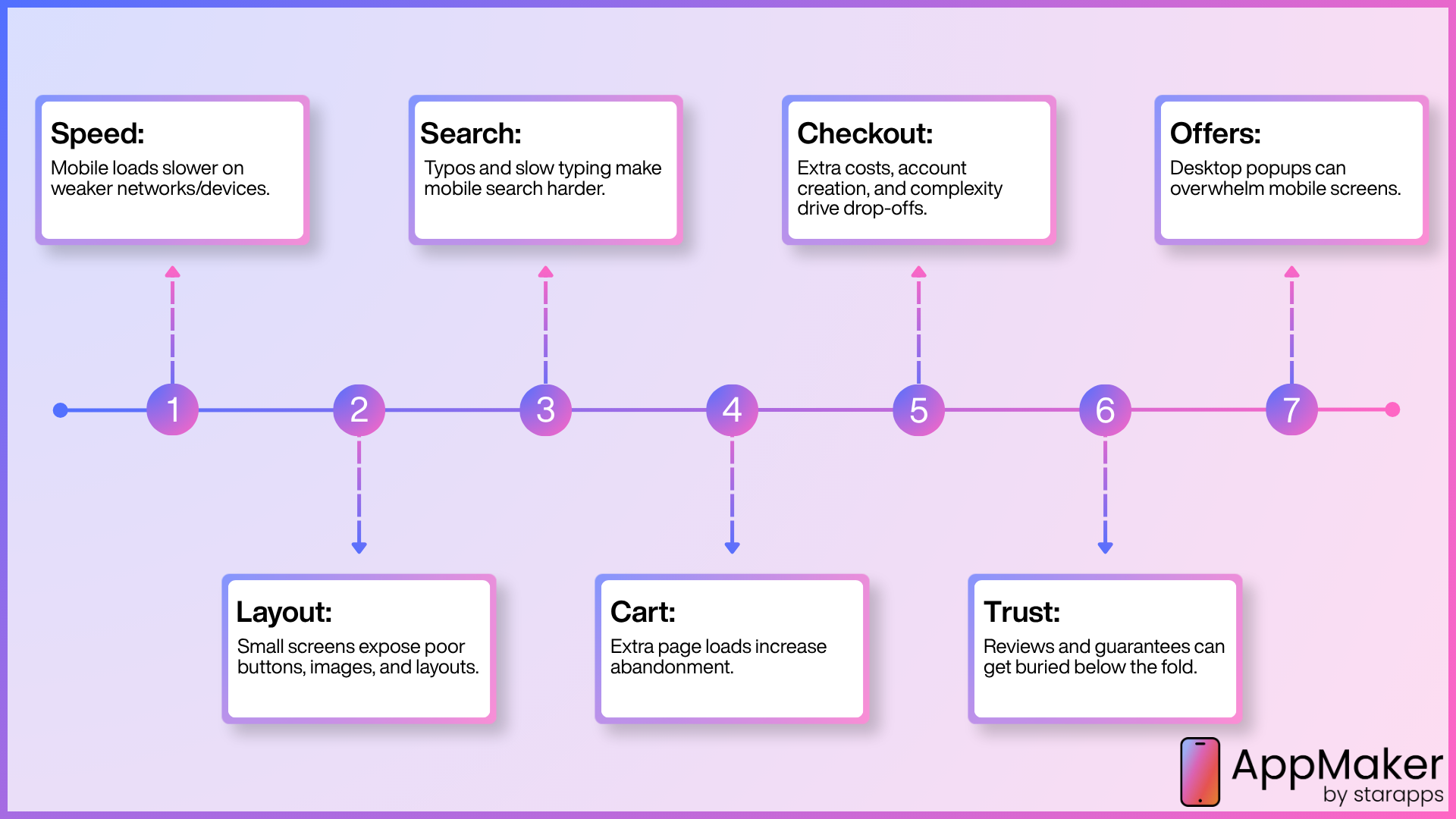
Before you install anything, diagnose where your specific leak is. Installing a random "conversion booster" app without knowing your bottleneck is how stores end up with six overlapping apps and a slower site than when they started.
Speed: Mobile devices run on slower networks and weaker processors than the desktop you're testing on. A store that feels instant on your laptop can take 4–6 seconds to become interactive on a mid-range Android phone.
Layout: Themes are frequently designed and tested on a desktop monitor first. That leaves small tap targets, an add-to-cart button that scrolls off-screen, and images that don't reflow cleanly on a 6-inch display.
Search: Typing on a phone keyboard is slower and more error-prone than on a desktop, so a search box that can't handle typos, synonyms, or partial matches sends shoppers away empty-handed.
Cart friction: Many default Shopify carts still push shoppers to a separate cart page and back, costing an extra full page load, and every additional page load is another chance to abandon.
Checkout: This is the last stretch of the cart journey, and where most fixable abandonment sits. Baymard Institute's meta-analysis of 50 abandonment studies puts the average cart abandonment rate at 70.22%, and among shoppers who abandon for a reason other than "just browsing," 39% cite extra costs, 19% cite forced account creation, and 18% cite a checkout that's too long or complicated.
Trust: On a narrow screen, reviews, guarantees, delivery details, and policy information get pushed below the fold, so hesitation wins right at the point of decision. A shopper who can’t see when an order will arrive has one more reason to leave and compare elsewhere.
Offers: A promotion that works on desktop can actively hurt you on mobile; a popup sized for a 27-inch monitor can cover the entire screen on a phone, and Google has penalised intrusive mobile interstitials that block content immediately after a search click since 2017.
How We Evaluated These Mobile-Conversion Apps
We didn't rank these by affiliate payout or a generic "best of" template. Every app below was checked directly against its live Shopify App Store listing for its current star rating, review count, and pricing tier, not a cached screenshot from a competitor's blog, which is where a lot of "best Shopify apps" roundups quietly go stale. We prioritised apps that:
- Solve one of the seven friction points above without requiring you to rebuild your theme
- Carry a strong, high-volume rating on the Shopify App Store (ideally with the Built for Shopify badge, which Shopify awards for meeting its own performance, design, and integration standards)
- Have a clear, published pricing structure so you can judge cost against expected lift before installing
- Show a track record of real merchant reviews, not just marketing copy
We also read through recent negative reviews for each app, not just the highlights, because a 4.9-star average with a handful of unresolved billing or support complaints tells you something a star rating alone doesn't.
The Best Shopify Apps to Improve Mobile Conversion Rate
Here is the shortlist at a glance, grouped by the friction each one solves, before we go deeper on each. Pricing and ratings are current at the time of writing; always confirm on the App Store listing, since plans change.
| App | Best for | Key mobile feature | Starts at | Rating (reviews) |
|---|---|---|---|---|
| Appmaker | A dedicated app channel for repeat buyers | Native iOS/Android app, push | From $1,000/mo | 4.9★ |
| Estimated Delivery Date ‑ ETA | Delivery clarity and shipping trust | ETA on product, cart and checkout pages | Free plan | 4.9★ |
| BOGOS | Offers and gifts | Responsive gift popup, progress bar | Free plan | 5.0★ |
| TinyIMG | Image weight and page speed | Auto image compression, lazy loading | Free to install | 5.0★ |
| Hyperspeed | Script and render speed | JS deferral, critical CSS, minification | $59/mo (7-day trial) | 4.8★ |
| PageFly | Mobile page layout | Per-device editing, sticky sections | Free plan | 4.9★ |
| Searchanise | Product discovery | Instant search, mobile filters | Free to install | 4.7★ |
| UpCart | Cart friction and AOV | Sticky slide cart, in-cart upsell | Free (dev), $29.99/mo | 4.7★ |
| Judge.me | Trust and hesitation | Photo/video reviews, rich snippets | Free plan | 5.0★ |
| ReConvert | Post-purchase revenue | One-click thank-you-page upsell | Free (dev), $4.99/mo | 4.8★ |
Ratings, review counts, and starting prices are as listed on the Shopify App Store as of October 2026 and are subject to change; confirm current figures on each app's listing before you buy.
Now let's go through each one, what it actually fixes, and where it falls short.
Best Shopify Apps to Improve Your Mobile Conversion Rate
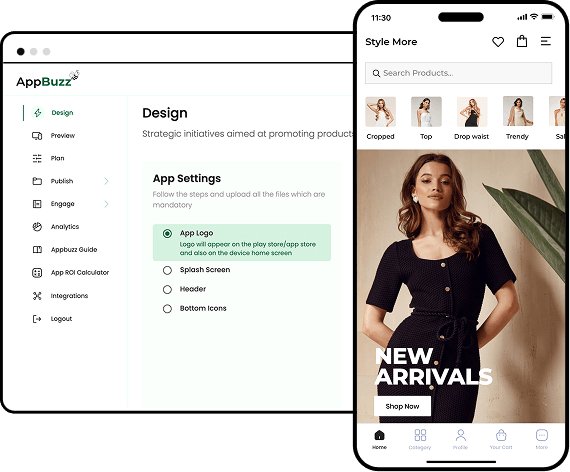
#1 Appmaker - Native mobile app builder, push notifications
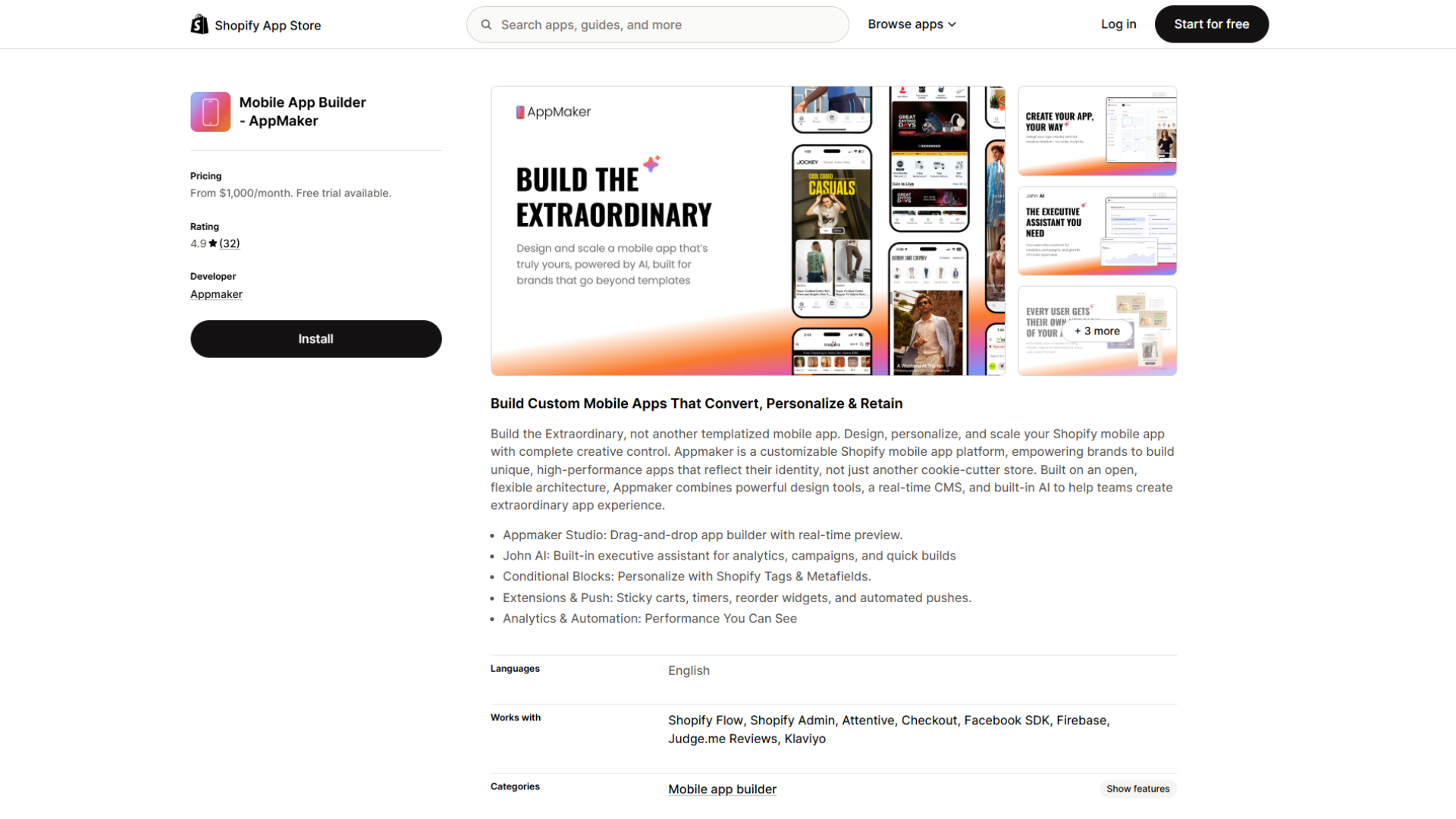
This one is a different kind of lever. Instead of fixing on-site friction, Appmaker gives your most loyal shoppers a dedicated native iOS and Android app, which removes browser friction entirely and opens a push-notification channel that mobile web cannot match. It suits high-repeat-purchase brands where a fast, app-only experience and direct re-engagement can outperform another round of on-site tweaks. It is a bigger commitment than the tools above, in both price and setup.
Key features:
- No-code drag-and-drop app builder with real-time preview
- Native iOS and Android apps synced to your Shopify catalogue
- Automated and segmented push notifications
- Personalisation with Shopify tags and metafields
- App extensions such as sticky carts, timers, and reorder widgets
- Integrates with tools like Klaviyo, Judge.me, and Firebase
Rating & reviews:
- 4.9 stars across a smaller base of around 34 reviews
- Not Built for Shopify certified; check integration support before committing.
Pricing: From $1,000/mo, with a free trial. Priced for scaling brands rather than early-stage stores.
#2 Estimated Delivery Date ‑ ETA - Delivery estimates, cut-off times, ZIP checker
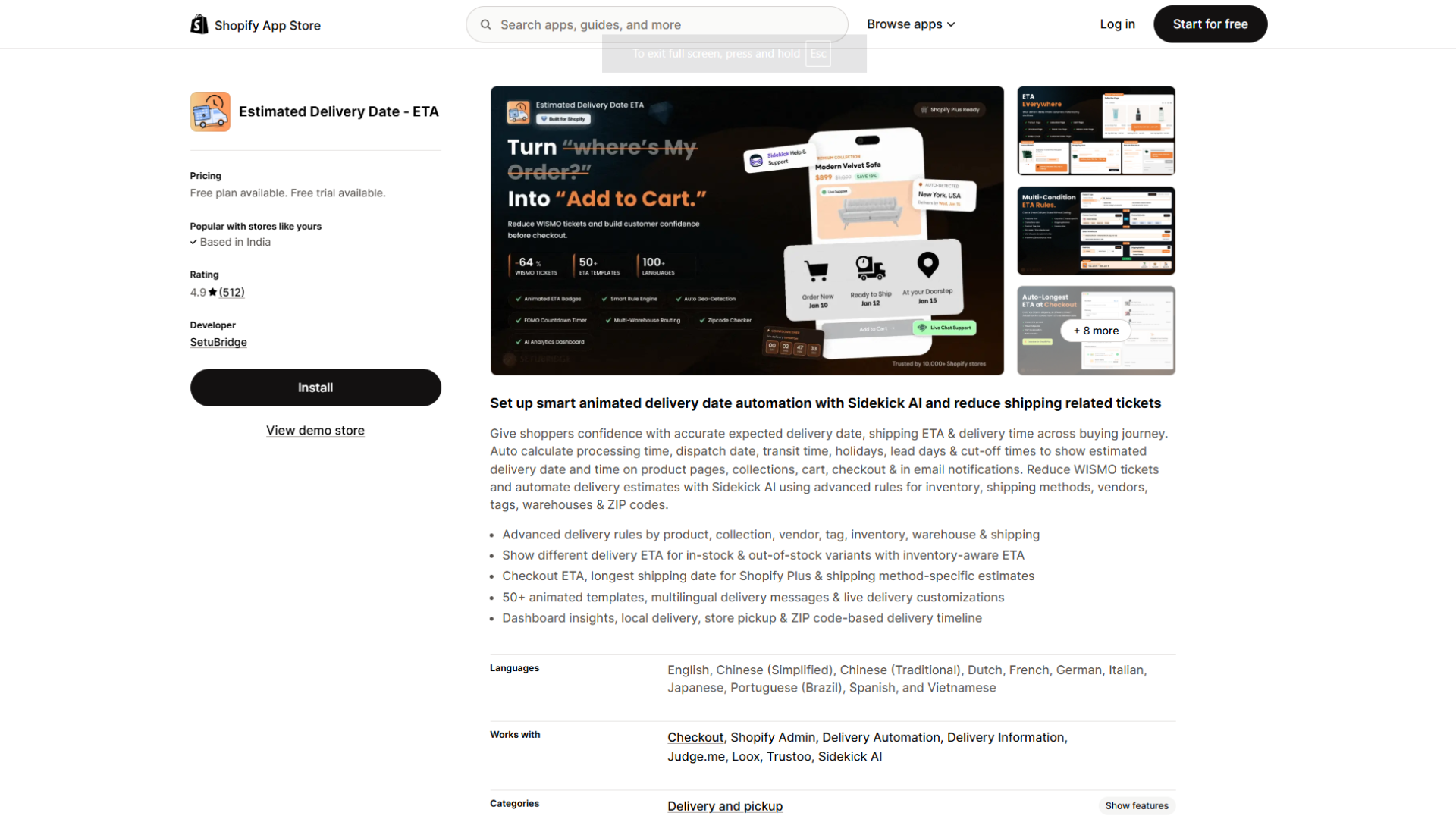
Reviews answer “is this store legit?”, but they don’t answer the other question a mobile shopper is quietly asking at the buy button: when will this actually arrive? When the answer isn’t visible, hesitation fills the gap. Estimated Delivery Date ‑ ETA, built by SetuBridge, shows a delivery date right on the product page and carries it through the collection pages, cart, checkout, and order emails. It calculates the date from your processing time, dispatch days, transit time, holidays, and cut-off times, so shoppers see a date you can actually meet. It also helps on the support side, because a clear estimate cuts down on “where is my order?” emails.
Key features:
- Delivery estimates on product pages, collections, cart, checkout, and email notifications
- Rules by product, collection, vendor, tag, inventory, warehouse, and shipping method
- Different ETAs for in-stock and out-of-stock variants
- Cut-off times, holiday and vacation scheduling, and countdown timers
- ZIP/postal code checker and auto-detection by country, state, or ZIP code
- Local delivery and store pickup estimates, plus multilingual delivery messages
Rating & reviews:
- 4.9 stars across roughly 512 reviews, about 91% of them 5 stars
- Reviewers frequently praise the quick setup and the hands-on support from the SetuBridge team
- Lists compatibility with review apps including Judge.me, Loox, and Trustoo
- No Built for Shopify badge shown on its listing, so check its impact on mobile load speed after installing
Pricing: Free plan (up to 100 ETA views, unlimited products). Startup $6.99/mo (unlimited ETA views, inventory-based ETA, multi-language support, 7-day trial). Growth $14.99/mo (auto geo-detection, ZIP/pincode checker, analytics report). Premium $19.99/mo (warehouse-based ETA, in-store pickup estimates, checkout ETA for Shopify Plus).
Worth knowing: The free plan’s 100-view cap means most stores with real traffic will need a paid tier, and the ZIP checker, which matters most if you ship across regions, starts at Growth. An estimate is only as good as your rules, so set realistic processing and transit times, because a missed date hurts trust more than no date at all. Check on a real phone that the delivery line sits near the add-to-cart button without pushing it down. It complements Judge.me rather than overlapping with it, since reviews and delivery dates settle two different doubts.
#3 BOGOS - Bundle, free gift, upsell
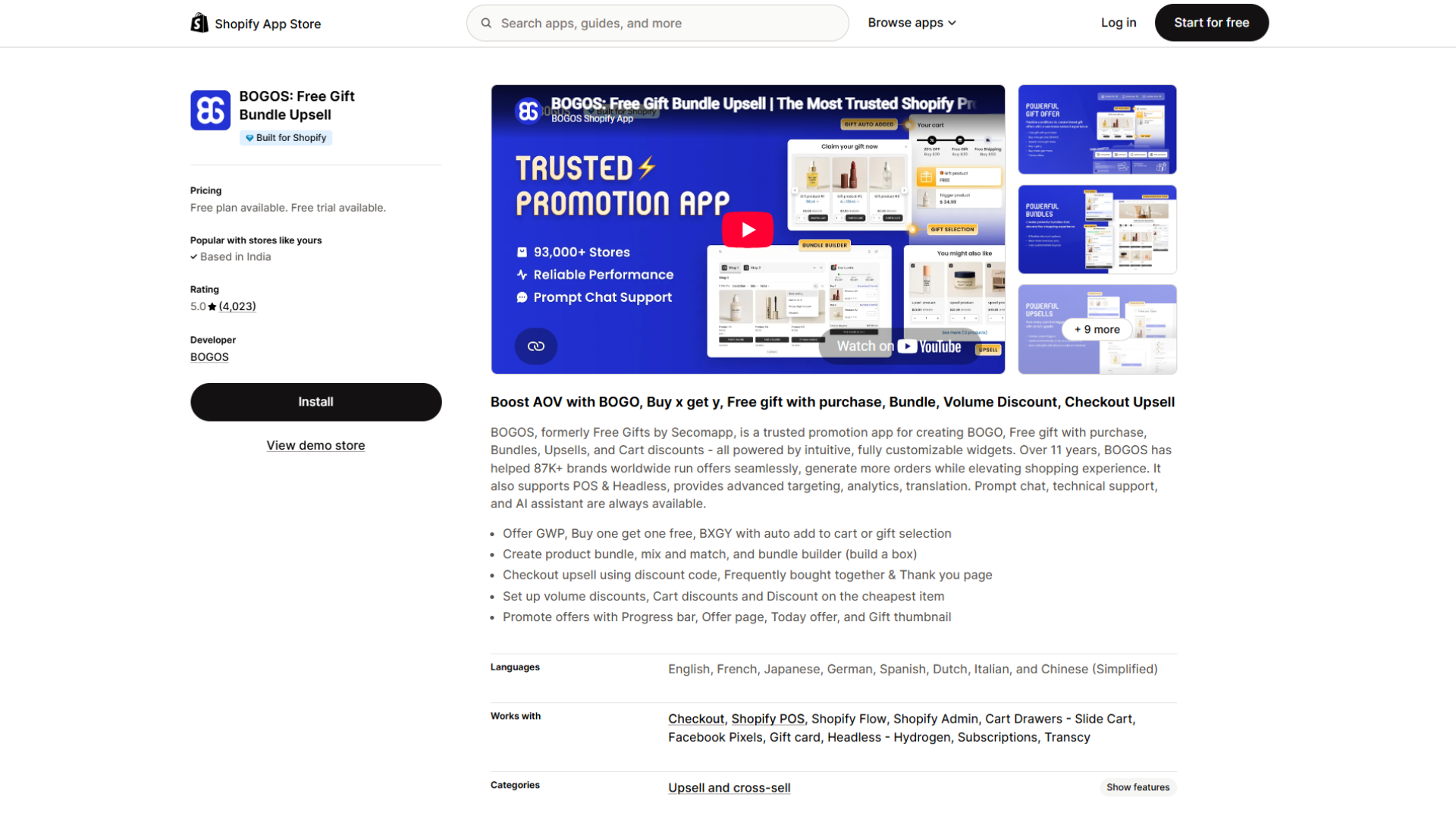
The problem BOGO solves: a promotion can lift conversion or actively kill it, depending entirely on whether it fits a mobile screen; a gift popup or discount bar sized for a desktop monitor can cover the entire viewport on a phone and become the exact kind of intrusive interstitial Google has flagged in mobile search guidelines since 2017.
Key features:
- Free gift with purchase, BOGO, and buy-x-get-y with auto-add-to-cart
- Responsive gift popup or slider that fits a small screen
- Gift progress bar toward a reward or free-shipping threshold
- Bundles, mix-and-match, and a build-a-box bundle builder
- Volume discounts, plus checkout and thank-you-page upsells
- Targeting by location, cart, and customer history, with real-time analytics and A/B testing
- Supports POS and headless setups
Rating & reviews:
- 5.0 stars across more than 3,749 reviews
Pricing: Free plan available; paid tiers scale by monthly order volume, with an Advanced/Unlimited tier around $69.99/month for higher-volume stores
Worth knowing: Support responsiveness comes up repeatedly and positively in recent reviews, which matters for an app whose core value depends on the widget rendering correctly across every theme.
#4 TinyIMG - Image optimisation, page speed, SEO
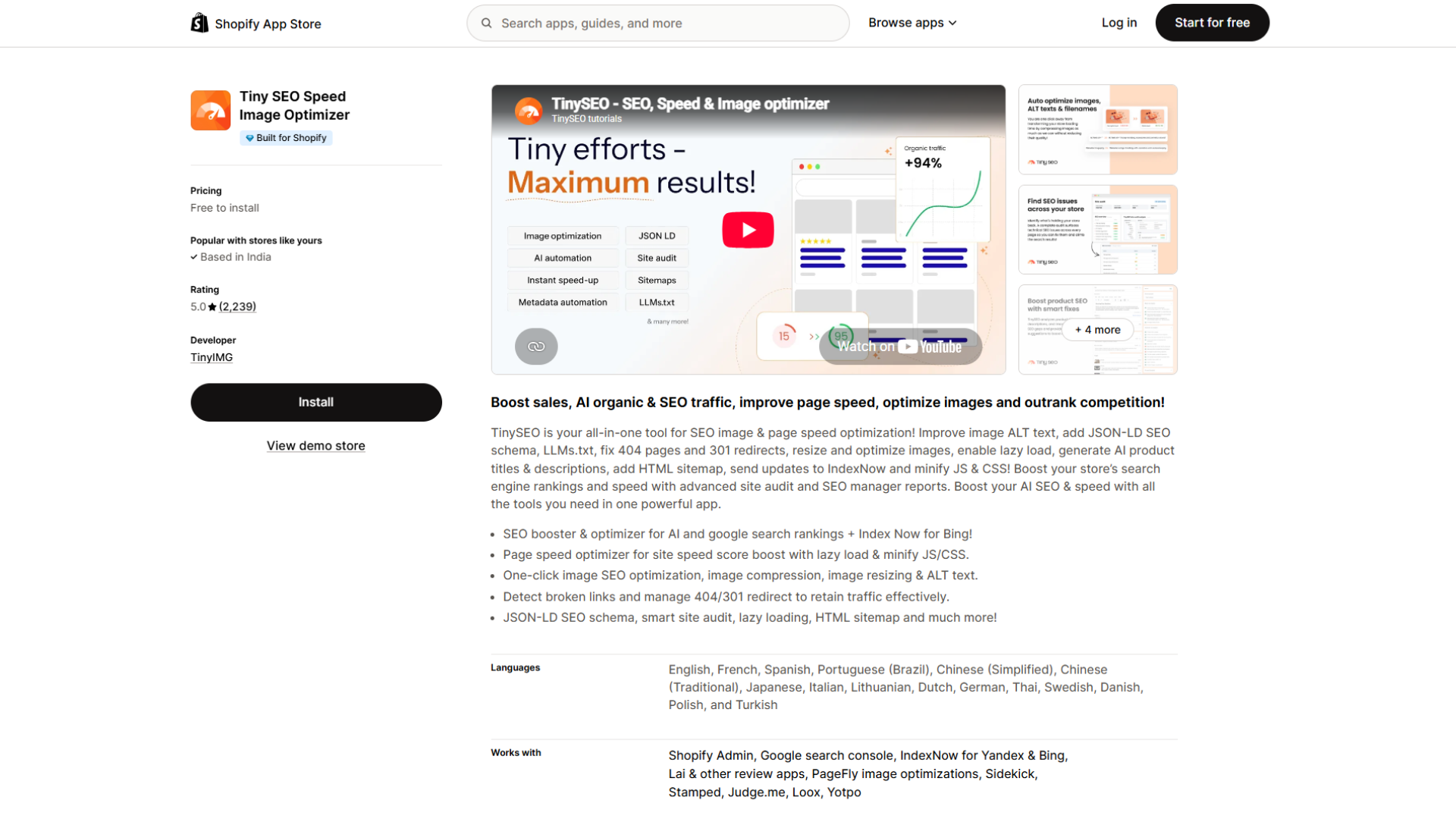
Images are usually the heaviest thing on a mobile product page, and heavy pages are where the funnel starts leaking. TinyIMG (listed as Tiny SEO Speed Image Optimizer) compresses and resizes images automatically as you upload them, then adds lazy loading so the phone only downloads what it needs. The payoff is measurable: Google and Deloitte's Milliseconds Make Millions study, across more than 30 million mobile sessions, found that a 0.1 second improvement in mobile load time lifted retail conversion by 8.4% and average order value by 9.2%.
Key features:
- Automatic image compression and resizing (including WebP) on upload
- Lazy loading and asset preloading
- JavaScript and CSS minification on higher tiers
- Broken-link detection and 404/301 redirects
- JSON-LD structured data and a full site audit
Rating & reviews:
- 5.0★ from 2,331 reviews, and it carries Shopify's Built for Shopify badge
- Merchants highlight faster load times and hands-off automation; note that plans are metered by image volume
Pricing: Free to install (50 image optimizations/month); Beginner $14/month (1,500 optimizations, lazy loading, asset preloading); Advanced $23/month (5,000 optimizations, CSS/JS minification, broken-link detection, IndexNow indexing); Expert $49/month (15,000 optimizations, extended structured data, priority support)
#5 Hyperspeed - Page speed, lazy loading, script deferral
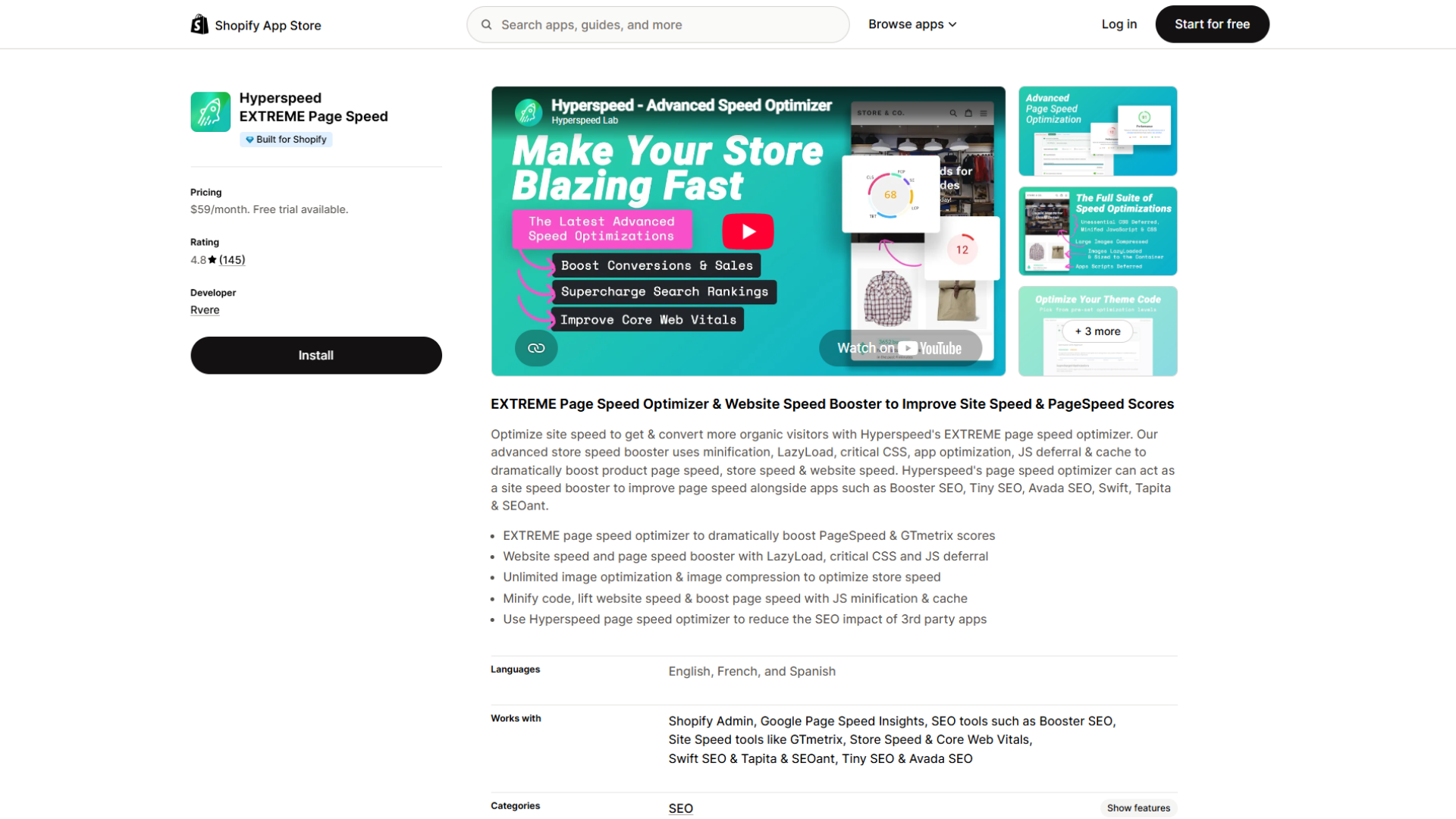
When the slowdown comes from scripts rather than images, a dedicated speed app does more than an optimizer can. Hyperspeed EXTREME Page Speed, built by Rvere, focuses on the render path: it defers non-critical JavaScript, inlines critical CSS, minifies code, and reins in the third-party app scripts that quietly pile up on every store. That script control is what usually moves mobile Lighthouse scores, especially Total Blocking Time.
Key features:
- Smart JavaScript deferral and critical CSS inlining
- Code minification and third-party app-script optimization
- Unlimited image compression and responsive images
- Lazy loading and link preloading
- A theme-copy preview so you can test before publishing
Rating & reviews:
- 4.8★ from 145 reviews, Built for Shopify badge
- Reviewers cite large gains in Lighthouse scores and Total Blocking Time
- It modifies a theme copy, so test in preview and re-check after theme updates
Pricing: One Essentials plan at $59/mo, with a 7-day free trial.
#6 PageFly - Landing page builder, mobile editor
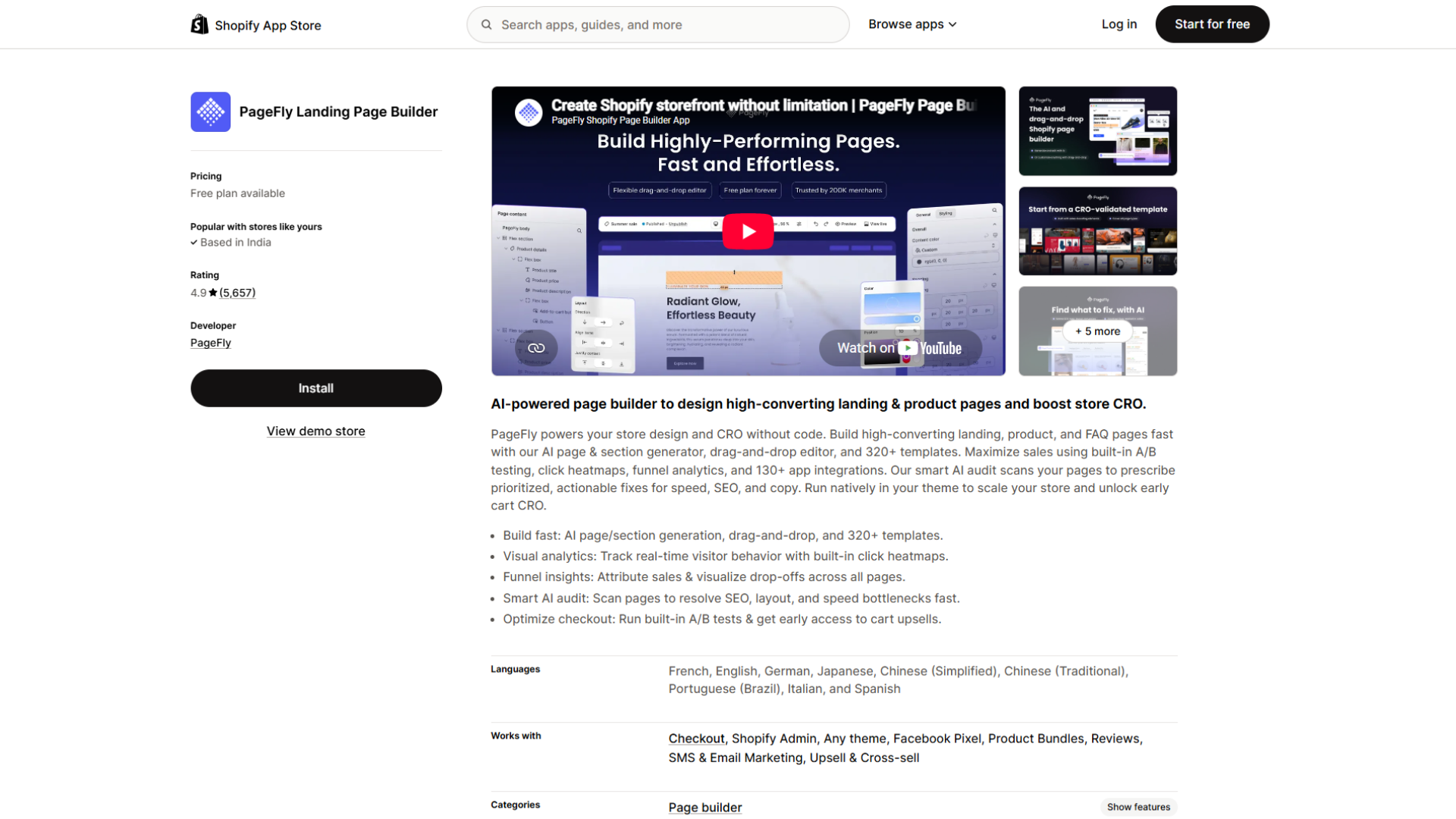
If your load time is fine but the mobile layout is not, the problem is the page itself, not the network. Many themes are mouse-first, which leaves add-to-cart buttons below the fold and media that does not reflow well on a narrow screen. PageFly rebuilds key pages with a drag-and-drop editor and, crucially, lets you edit the mobile view separately from desktop, so you can enlarge tap targets and pin the buy button where thumbs reach.
Key features:
- Separate per-device editing for the mobile view
- Sticky add-to-cart bar and sticky sections
- More than 100 conversion-focused templates
- Built-in A/B testing
- Lazy loading and mobile-first responsive output
Rating & reviews:
- 4.9 stars across roughly 5,700 reviews
- Carries the Built for Shopify badge
- Praised for design control and fast live-chat support; complex pages need care to stay light
Pricing: Free plan (one published page). Pay-as-you-go from $24/mo. Unlimited $99/mo.
#7 Searchanise - Smart search, filters, merchandising
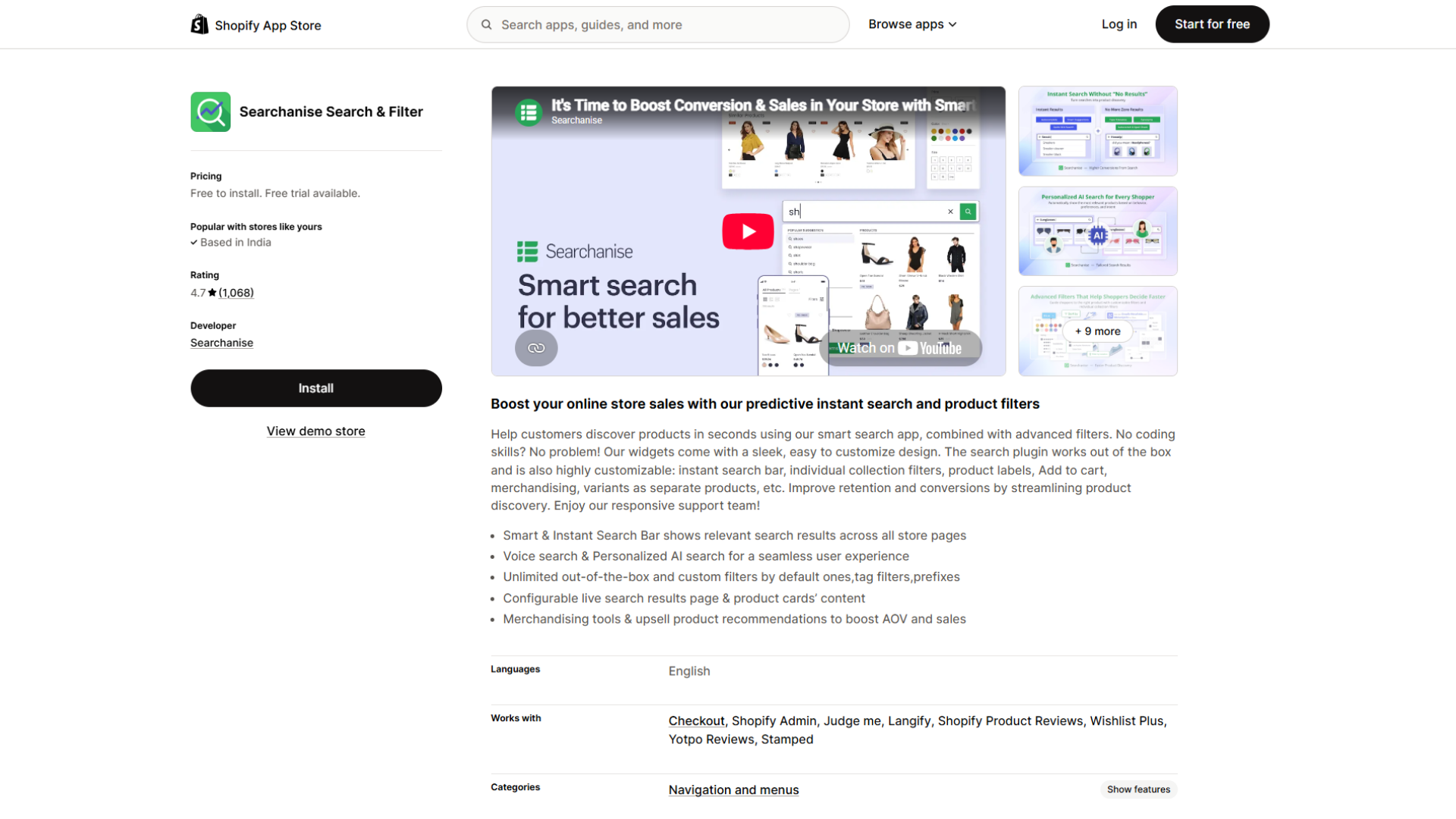
Mobile shoppers lean on search harder than desktop shoppers, because scrolling and typing are both more work, so a weak search box quietly kills conversions. Searchanise replaces Shopify's basic search with instant results, autocomplete, and typo tolerance, plus filters built to work on a small screen. The mobile win is speed to product: a shopper types two letters, sees suggestions with images, and taps straight through.
Key features:
- Instant search bar with autocomplete and typo tolerance
- Mobile-friendly filters and a sticky search widget
- AI-based personalization of results
- Merchandising rules and product labels
- Search analytics that show what shoppers look for
Rating & reviews:
- 4.7 stars across roughly 1,200 reviews
- Plans scale by catalog size, worth checking if you carry a large range
- Reviewers highlight strong value and responsive support
Pricing: Free to install for small catalogs (up to 25 products). Basic $19/mo (up to 1,500 products). Essential $39/mo (up to 7,500 products).
#8 UpCart - Slide cart, cart upsell, rewards bar
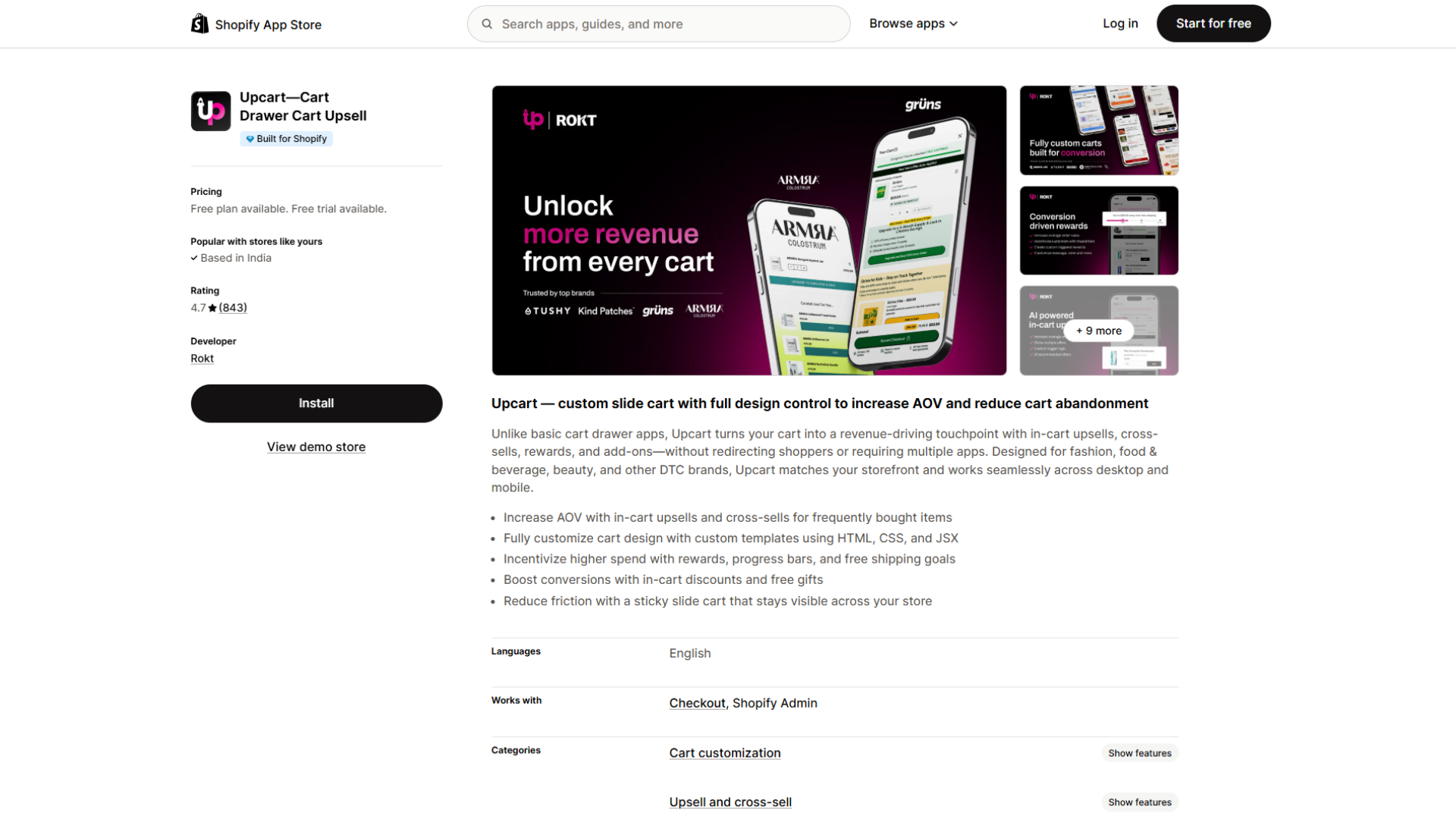
The cart is where mobile carts quietly die, because the default flow often bounces shoppers to a separate page and back. UpCart, by Rokt, replaces that with a slide-out cart drawer that opens over the current page, so shoppers never lose their place. Fewer page loads and fewer taps mean fewer chances to abandon.
Key features:
- Sticky slide-out cart drawer accessible from anywhere
- In-cart upsells and cross-sells
- Free-shipping or rewards progress bar
- In-cart discounts and free gifts
- Design that matches your theme on mobile and desktop
Rating & reviews:
- 4.7 stars across roughly 735 reviews
- Carries the Built for Shopify badge
- Pricing is order-based, so cost rises with volume
Pricing: Free for development stores. $29.99/mo for up to 200 monthly orders, $34.99/mo for up to 500, scaling from there.
#9 Judge.me - Product reviews, photo reviews, social proof
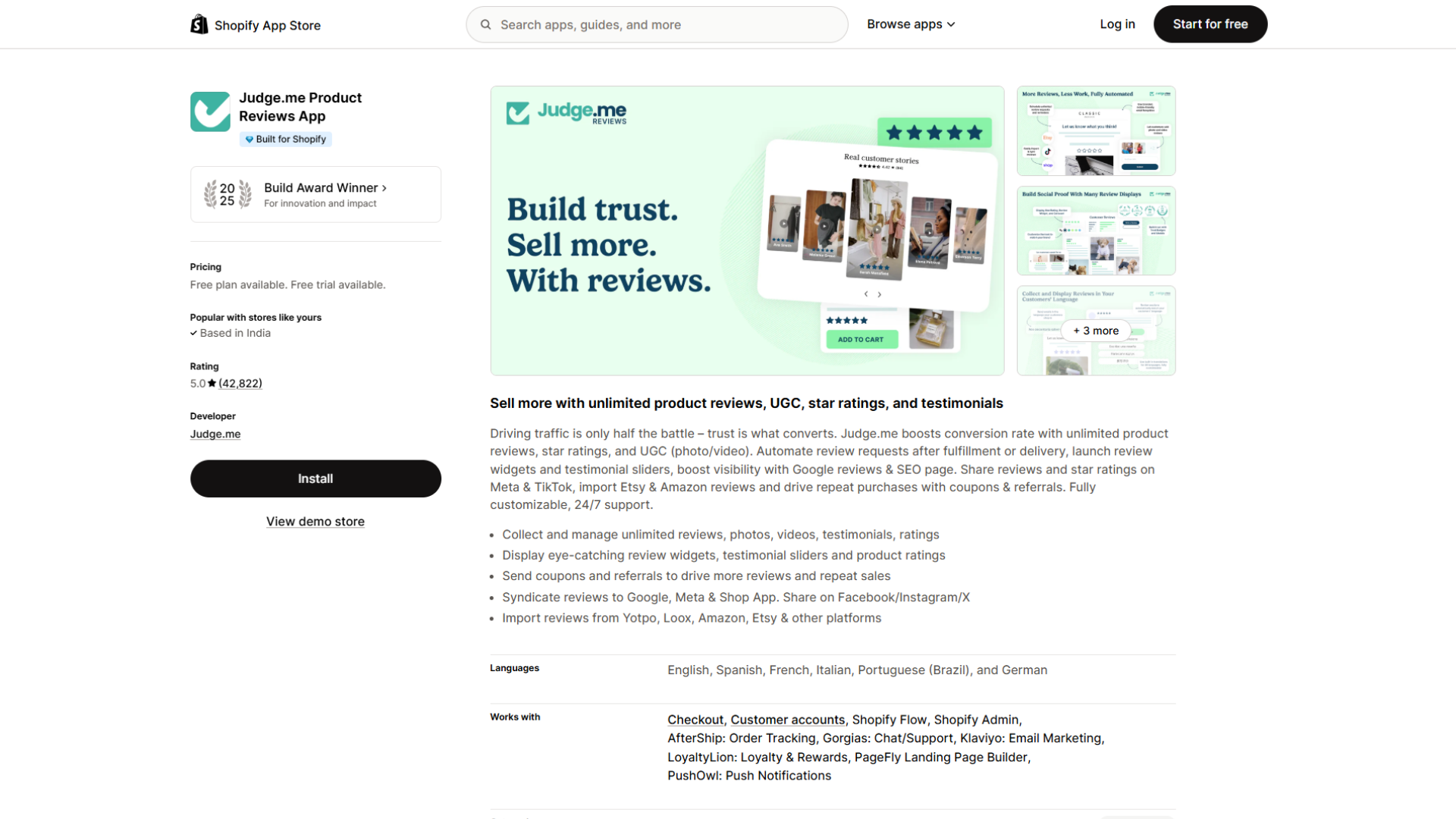
On a narrow screen, trust signals get buried fast, so a shopper reaches the buy button still unsure. Reviews are the most direct fix, and Judge.me collects and displays them without the load penalty that heavier trust widgets add. It requests reviews automatically after purchase and shows compact text, photo, and video reviews you can place right next to the price, where hesitation peaks.
Key features:
- Automated post-purchase review requests
- Text, photo, and video reviews
- Compact widgets and star ratings near the add-to-cart button
- Google rich snippets for star ratings in search
- Syndication to Google, Meta, TikTok, and the Shop app
Rating & reviews:
- 5.0 stars across tens of thousands of reviews
- Carries the Built for Shopify badge
- Runs on more than 500,000 stores, so integrations are well documented
Pricing: Free plan (unlimited reviews, small Judge.me badge on widgets). Awesome $15/mo (removes branding, adds AI features, product grouping, and Q&A).
#10 ReConvert - Post-purchase upsell, thank-you page
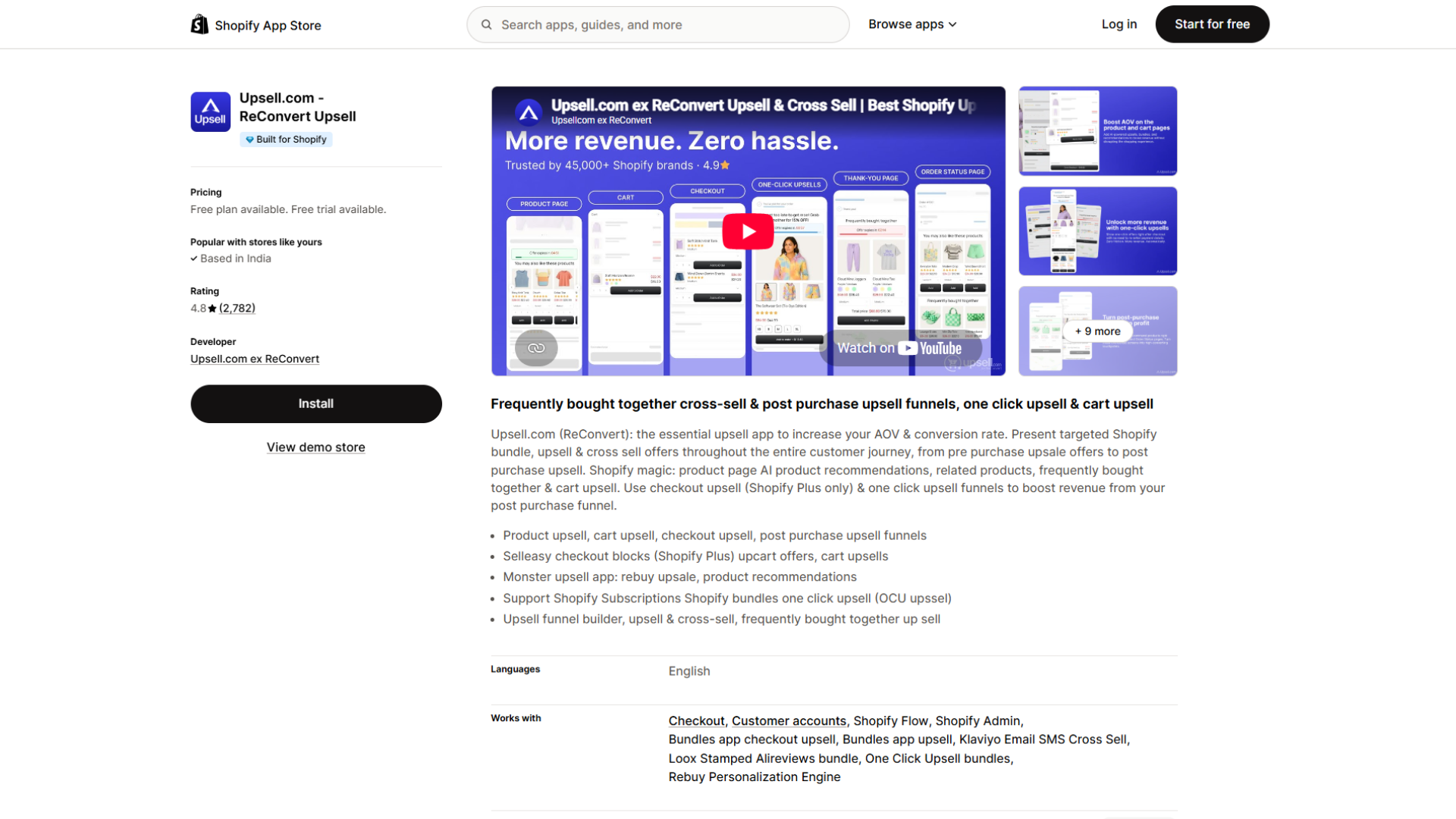
The one moment on mobile with zero checkout friction is right after the shopper has already paid, because their card is on file and no re-entry is needed. ReConvert (now part of Upsell.com) turns the thank-you page into a second offer with one-click upsells, bundles, and cross-sells that a shopper can accept with a single tap. Because it fires after the sale, it lifts revenue per order without touching your pre-purchase conversion rate, which makes it low-risk to test.
Key features:
- One-click post-purchase and thank-you-page upsells
- Bundles, cross-sells, and downsell logic
- Discount timers to create urgency
- Drag-and-drop thank-you-page builder
- Surveys and a birthday field for list-building
Rating & reviews:
- 4.8 stars across roughly 2,800 reviews
- Carries the Built for Shopify badge
- Often paired with a cart or product-page upsell app for full-funnel coverage
Pricing: Free for development stores. Paid plans from $4.99/mo, scaling with order volume.
Beyond Apps: 3 Free Fixes Most Stores Skip
Not every mobile conversion fix requires installing something. Before you add another app, check these:
Turn on Shop Pay: Shopify's own research, conducted by a Big Three global management consulting firm, found that Shop Pay lifts conversion by up to 50% compared to guest checkout and outperforms other accelerated checkout options by at least 10%. Notably, even shoppers who don't use it get a lift; its mere presence on the checkout page increases lower-funnel conversion by around 5%, likely because it signals a faster process is available. It's free with Shopify Payments and takes minutes to enable.
Cut checkout form fields: Baymard Institute's checkout usability research (tested against sites including Amazon, Walmart, and Wayfair) found the average checkout shows 23.48 form elements by default, while a well-designed flow can run as few as 12–14. Across the checkout issues Baymard has documented as fixable through design alone, the average large ecommerce site can gain a 35.26% increase in conversion rate.
Don't let popups become intrusive interstitials: Google has penalized mobile search rankings for popups that block main content immediately after a visitor lands from a search result since January 2017. The rule doesn't ban popups outright; banners that use a reasonable share of the screen, or popups triggered by exit intent rather than on page-load, are generally fine, but a full-screen offer popup that fires the instant a mobile visitor arrives from Google search can cost you both conversions and rankings at once.
How to Measure Whether an App Actually Worked
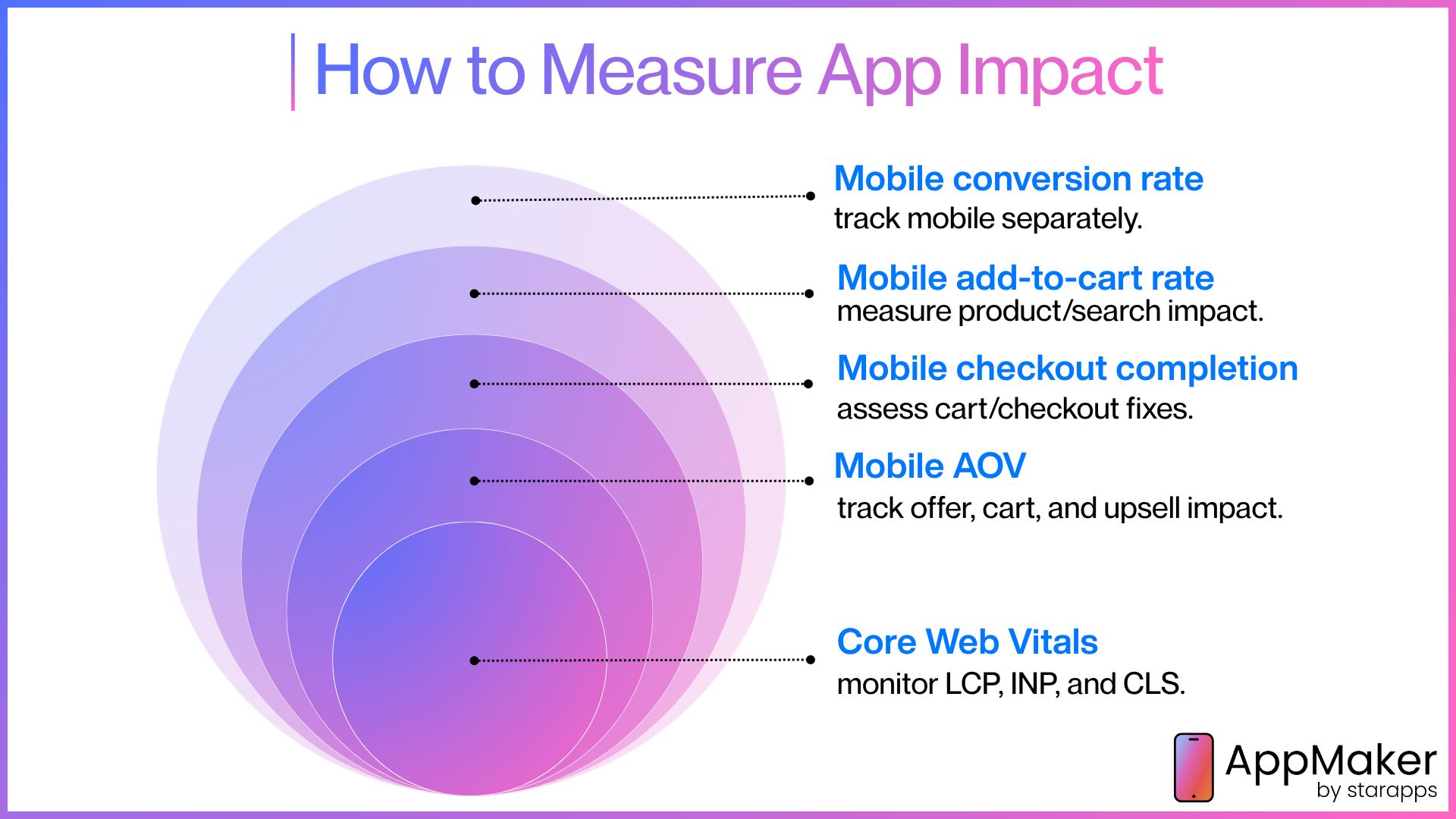
An app is only worth its subscription if it moves your mobile numbers specifically, not a blended average that desktop is quietly propping up. Both Shopify's built-in Analytics and GA4 let you segment every metric below by device.
- Mobile conversion rate, viewed on its own, not blended with desktop
- Add-to-cart rate on mobile, to see whether product-page and search changes are working upstream of checkout
- Checkout completion rate on mobile, to isolate whether cart and checkout fixes are working
- Mobile average order value, especially after installing an offer, cart, or upsell app
- Core Web Vitals (LCP, INP, CLS), measured in Google's PageSpeed Insights, for any speed app
Give each change a clean before-and-after window of at least one to two weeks, and compare like periods (don't compare a random Tuesday to Black Friday). Most importantly: change one thing at a time. If you install three apps in the same week, a lift or a drop tells you nothing about which one caused it.
Common Mistakes That Quietly Kill Mobile Conversion
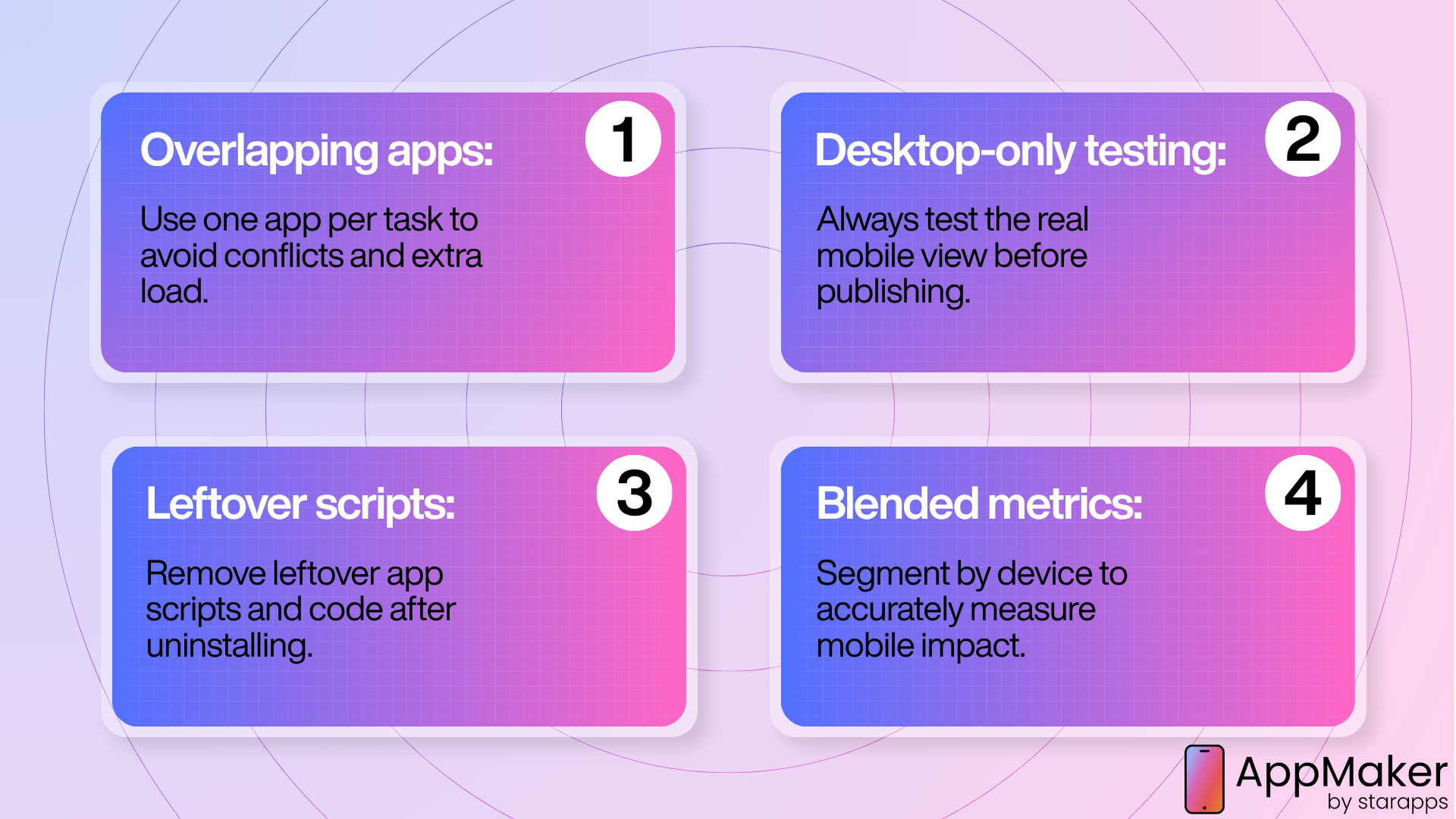
The most common way merchants lose mobile conversion is by stacking apps until the page slows to a crawl. A few habits keep your stack lean and your phone experience fast.
- Stacking overlapping apps: Two apps that both handle cart upsells, or two that both touch page speed, add load weight while fighting each other for the same real estate. Pick one per job.
- Previewing on desktop only: Always check the actual mobile view before publishing. A layout that looks clean on a 27-inch monitor can hide the buy button entirely on a 6-inch screen.
- Leaving orphaned scripts after uninstalling: Some apps leave scripts or theme code behind after removal. Check your theme's code for leftover script tags so a tool you no longer use isn't still slowing your store down.
- Judging an app on a blended conversion number: If you're not segmenting by device, you can't actually tell whether a change helped mobile or just rode a desktop improvement.
The optimization principle underneath all of this is simple: fix the biggest leak first. Diagnose where mobile shoppers actually drop off, install the one app that addresses it, measure the result by device, and only then move to the next leak.
Conclusion
Mobile is where most of your traffic lives and where most of your lost sales hide, so closing even part of the gap with desktop pays off directly. The apps here each solve a specific piece of that gap: speed with TinyIMG and Hyperspeed, layout with PageFly, discovery with Searchanise, cart friction with UpCart, trust with Judge.me and Estimated Delivery Date ‑ ETA, offers with BOGOS, and post-purchase revenue with ReConvert. And when your mobile web is already strong, Appmaker gives repeat buyers a dedicated app channel.
You do not need all of them. You need the one that matches your biggest leak this month.
This week, open your analytics, segment by device, and find the single step where mobile shoppers fall off hardest. Install one app to address it, measure the mobile numbers for two weeks, then repeat.
Frequently Asked Questions
What's a good mobile conversion rate for a Shopify store?
A "good" rate is roughly 2%, the general e-commerce average per Contentsquare's 2026 benchmark, versus 3.4% on desktop; retail specifically runs about 2% mobile vs. 3.7% desktop. Treat it as a directional benchmark, not a target; your ideal rate depends on traffic source, price point, and category.
Why does my Shopify store convert lower on mobile than desktop?
It's almost always one of seven friction points: slow load speed, a desktop-first layout, weak on-site search, cart friction from extra page loads, checkout friction (extra costs, forced accounts, long forms), trust signals buried below the fold, or offers that don't fit a small screen. Diagnose which one is costing you the most before installing anything.
Do I need to install every app on this list?
No install one app per diagnosed friction point, not the whole list. Overlapping apps add load weight that can cancel out the gain, so most stores only need one or two apps targeting their single biggest leak.
What's the highest-impact free fix for mobile conversion?
Turning on Shopify Pay. It's free with Shopify Payments and lifts conversion up to 50% versus guest checkout per Shopify's own research; its mere presence on the checkout page even lifts conversion about 5% among shoppers who don't use it.
How long should I test a new app before judging its impact?
At least one to two weeks of clean, mobile-only data compared against a like period. Avoid testing across a sale or holiday unless you're specifically measuring that spike, and change only one thing at a time so you know what caused the shift.
Is a native mobile app worth it if my mobile website is already fast?
It depends on your repeat-purchase rate. A native app's real edge is push notifications and a browser-free experience, which pays off most for brands with an established returning-customer base; if you're still fixing basic mobile-web friction, that delivers more return per dollar first.
Does page speed actually affect Shopify conversion rates?
Yes it's one of the most rigorously documented relationships in ecommerce. Google and Deloitte's Milliseconds Make Millions study, covering over 30 million mobile sessions across 37 brands, found a 0.1-second load-time gain lifted retail conversion 8.4% and AOV 9.2%.
What does the "Built for Shopify" badge mean?
It's Shopify's own certification for apps that meet its performance, design, and integration bar. TinyIMG, Hyperspeed, PageFly, UpCart, Judge.me, and ReConvert all carry it, worth weighing alongside star rating when two apps solve the same problem.
Should I show estimated delivery dates on my Shopify product pages?
In most cases, yes, especially if shoppers often ask about shipping times or you ship to several regions. A visible delivery date answers “when will it arrive?” before the shopper has to leave the page to find out, and apps like Estimated Delivery Date ‑ ETA can calculate it automatically from your processing time, transit time, holidays, and cut-off times. Set the rules conservatively, since an estimate you can’t meet does more damage than no estimate.
How do I find out which part of my mobile funnel is losing sales?
Segment analytics by device and compare mobile conversion rate, add-to-cart rate, and checkout completion rate separately. Whichever step drops off hardest speed, layout, search, cart, checkout, trust, or offers is your leak, and that's the app worth installing first.
Can installing too many Shopify apps hurt my conversion rate?
Yes. Every app adds load weight, and overlapping apps two cart-upsell tools, or two speed apps fight each other for the same space while slowing the page further. Install one app per problem, and check your theme code for leftover scripts after uninstalling anything.
What's the difference between cart abandonment and checkout abandonment?
Cart abandonment is a shopper adding a product but never starting checkout, often from extra page loads. Checkout abandonment happens after checkout has started, usually from extra costs, forced accounts, or long forms. Baymard puts average cart abandonment at 70.22%, with checkout friction among the most fixable causes.
How many form fields should a Shopify checkout have?
As few as possible. Baymard's research found the average checkout shows 23.48 form elements by default, while a well-designed flow runs 12–14. Fixing checkout issues like this can lift conversion by an average of 35.26% on large ecommerce sites.
Do exit-intent popups count as Google's "intrusive interstitials"?
Generally no. Google's mobile penalty targets popups that block content immediately after a visitor arrives from a search result not exit-intent popups or banners using a reasonable share of the screen. The pattern to avoid is a full-screen offer firing the instant someone lands from search.