





























Are you building your app on Appy Pie but already wondering if it can support your business as it scales?
Many growing eCommerce brands quickly realize that fast app builders often struggle to handle customization, performance, and deeper integrations. That uncertainty usually begins when mobile starts driving meaningful revenue, and your current setup begins limiting growth.
Nearly 9 out of 10 visitors in the United States now shop through their mobile devices, making mobile experience a critical revenue driver. At the same time, Appmaker's study found that mobile apps consistently outperform mobile websites, with conversion rates typically ranging between 3% and 8% across industries. These numbers make one thing clear: choosing the wrong app builder directly impacts conversions, retention, and long-term profitability.
In this article, we break down the best Appy Pie alternatives based on real business needs, not surface-level comparisons. The focus is to help you choose a platform that builds faster while also supporting sustained revenue growth.
Quick Overview
- Most Appy Pie alternatives differ in how they handle real-time store behavior, not just how quickly you can launch an app.
- Appmaker stands out by combining real-time Shopify sync, flexible customization, and AI-driven insights, making it easier to improve conversions and retention without rebuilding your app repeatedly.
- Platforms like Glide, Adalo, and Jotform Apps work well for simple builds, but often fall short when handling dynamic product data, campaigns, or repeat user journeys.
- Shopify-focused tools such as Shopney and Fuego.io improve conversion workflows and integrations, though flexibility and long-term control can vary depending on use case.
- Builder-heavy platforms, including FlutterFlow, Bubble, Thunkable, and OutSystems, offer deeper control but require more setup, technical effort, and ongoing maintenance to reach production quality.
Why Businesses Start Looking for Appy Pie Alternatives?
Growing brands begin exploring alternatives when their mobile apps stop contributing meaningfully to revenue, retention, and customer experience.
Here are the key reasons users consistently highlight in reviews when switching from Appy Pie to more capable app-building platforms:
- Limited scalability for revenue growth: As your business grows, template-based apps often struggle to handle higher traffic and evolving customer journeys without breaking or slowing down.
- Restricted customization capabilities: Many users report that advanced customization either requires additional payments or becomes difficult to implement for unique brand experiences. (Capterra)
- Weak eCommerce-specific integrations: Businesses mention challenges with integrations and missing flexibility, especially when trying to connect complex workflows or custom store setups.
- Performance issues under higher usage: Some users highlight that app functionalities can break unexpectedly or crash frequently, even without changes on their end.
- Lack of advanced personalization features: Brands often find it difficult to create dynamic, behavior-based experiences due to limitations in personalization and targeting features.
- Insufficient retention and engagement tools: Users (G2) mention relying heavily on external tools, as built-in engagement features are not always enough to support consistent re-engagement.
- Unexpected pricing and upsells: Several reviews point out that costs increase over time, with additional charges for basic features, support, or compliance-related updates.
- Template-driven app experience: Many apps end up looking similar due to limited design flexibility, making it harder to create a distinct brand identity.
- Challenges in long-term app evolution: Businesses note that adapting apps to new requirements often involves added costs or rebuilding instead of simple updates.
Growing brands begin exploring alternatives when their mobile apps stop contributing meaningfully to revenue, retention, and customer experience.
Once these limitations start affecting growth, the next step is to look at platforms that solve these gaps without slowing your build process.
Best Appy Pie Alternatives in 2026 for Faster Growth
As your mobile strategy evolves, the focus naturally shifts from simply launching an app to choosing a platform that supports faster execution, better user experiences, and consistent revenue growth. Not every app builder is designed to handle real-time updates, advanced integrations, and high-performing mobile journeys at scale.
Here are the best Appy Pie alternatives in 2026, evaluated based on speed, flexibility, and their ability to support long-term business outcomes:
1. Appmaker.xyz
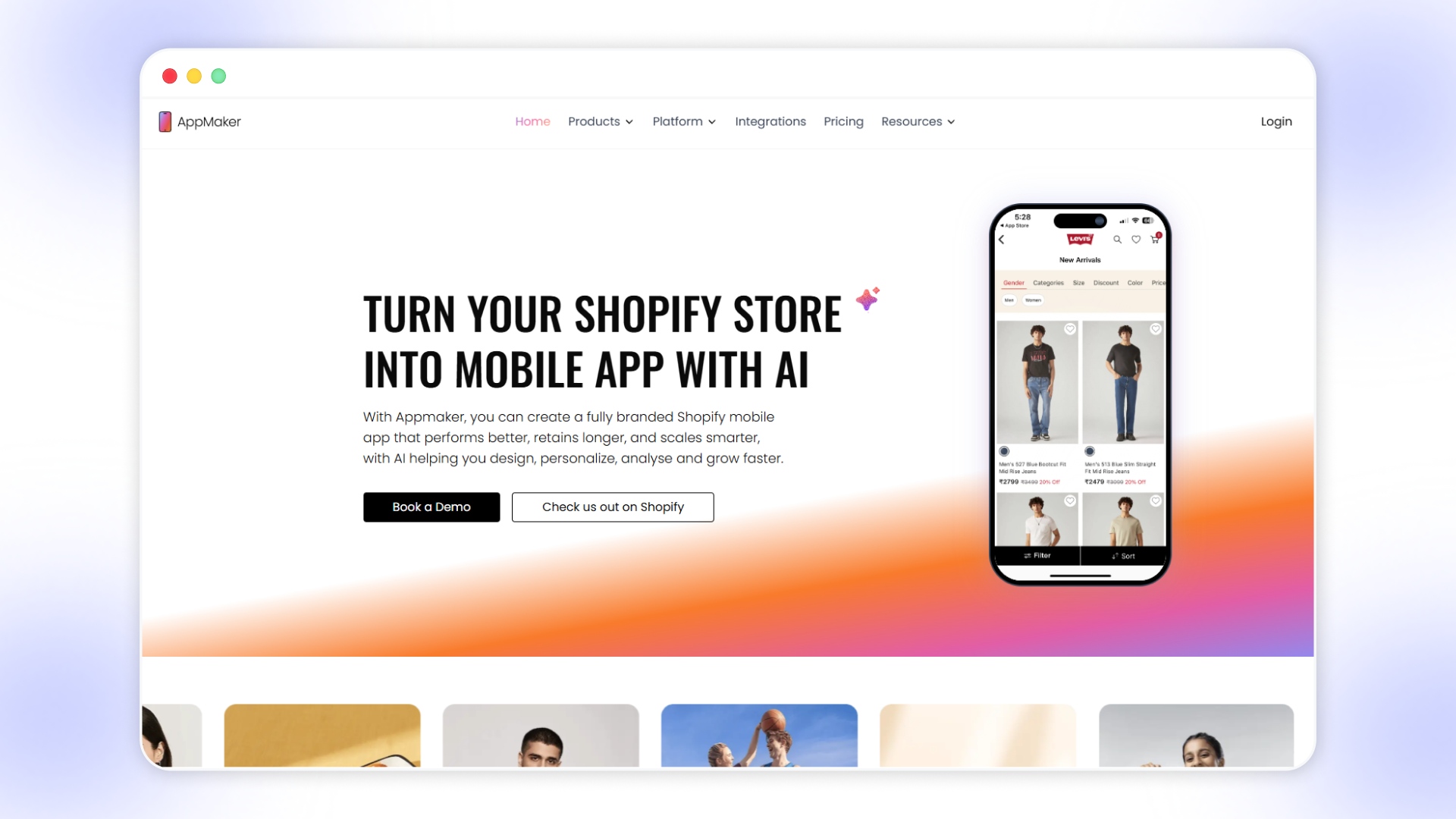
Appmaker.xyz is a strong Appy Pie alternative for eCommerce brands that want to move beyond basic app building and start using mobile as a consistent revenue channel. It is designed for Shopify-first businesses that need faster execution, real-time data sync, and the ability to improve conversions without relying on developers.
Unlike general-purpose no-code builders, Appmaker connects directly with your store and reflects changes instantly across products, customers, and content. Its AI-driven tools and flexible architecture make it suitable for brands that need both speed and deeper control as their mobile strategy becomes more central to growth.
While both platforms help you build mobile apps without heavy development effort, the differences become more visible when your app starts driving real traffic, revenue, and repeat usage.
Key products or features:
- No-code mobile app builder: Create native iOS and Android apps using a drag-and-drop interface without development experience.
- Real-time Shopify sync: Sync products, orders, and customer data instantly, ensuring consistency between your store and mobile app.
- Appmaker Studio: Build and manage layouts, banners, and product displays with a flexible visual builder designed for eCommerce workflows.
- AI-powered design with Eidolon AI: Convert Figma files or screenshots into reusable app layouts, reducing design and development time significantly.
- John AI analytics assistant: Get real-time insights on sales, customer behavior, and performance using simple, conversational queries.
- AI-powered personalization (with upcoming Rubik’s AI): Dynamically adjust layouts, recommendations, and content based on user behavior and preferences.
- Push notifications and campaigns: Send targeted notifications for promotions, cart reminders, and product updates to improve retention.
- Code blocks and conditional logic: Add custom functionality and personalized experiences using reusable components and Shopify-based conditions.
- Extensions marketplace: Use pre-built features like sticky carts, countdown timers, and reorder modules to enhance conversions quickly.
- Proven impact across eCommerce categories: Delivers measurable improvements with up to 50–70% app revenue contribution, 2.5x–4x higher conversions, and 1.5x–3x repeat purchase rates across industries like fashion, pet supplies, personal care, and food.
Best fit for
Shopify brands between $1M–$10M revenue, D2C businesses scaling mobile channels, and teams needing speed with flexibility.
Pros
Real-time store sync, strong eCommerce focus, AI-driven design and insights, high customization with no-code plus developer support.
Cons
Pricing may be higher for early-stage businesses, and advanced features may require initial setup guidance to be fully utilized.
Appmaker Pricing:
2. Fuego.io
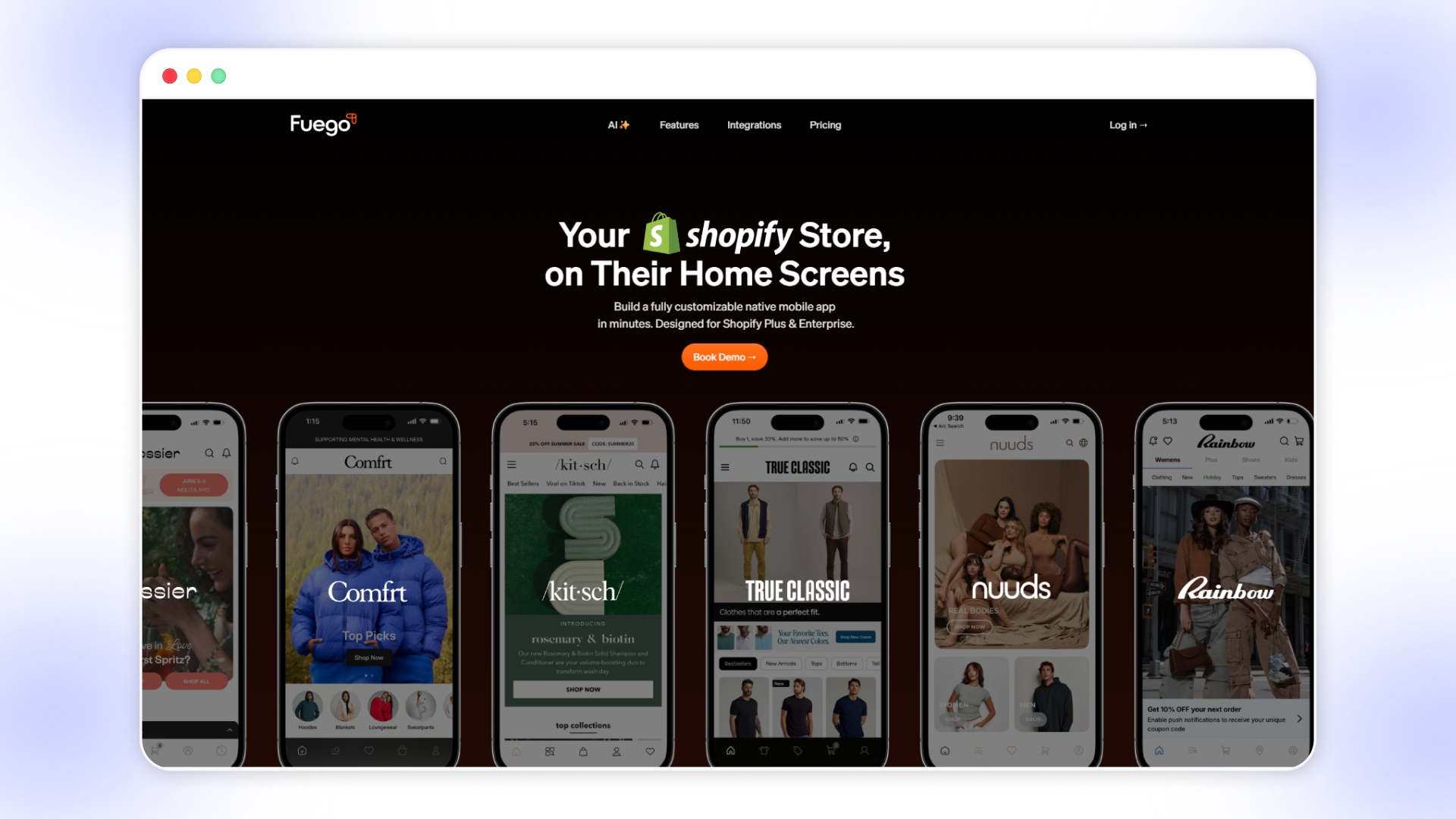
Source linkFuego.io is an AI-powered mobile app builder designed for Shopify Plus and enterprise brands that want highly customized, performance-driven mobile experiences. It focuses on combining flexibility, automation, and personalization to help brands create apps that go beyond templates and support advanced engagement strategies.
Key products or features:
- AI-powered app building (Apa AI): Generate screens, layouts, and app elements using AI, reducing manual design and build time.
- Fully customizable native apps: Build iOS and Android apps with flexible UI components and custom React Native blocks.
- Advanced push notifications: Automate campaigns like cart abandonment, back-in-stock alerts, and inactive user re-engagement.
- Audience segmentation and targeting: Send personalized notifications based on user behavior, purchase history, and activity levels.
- Deep Shopify integrations: Connect with 80+ Shopify apps, including subscriptions, reviews, loyalty programs, and search tools.
- Real-time analytics dashboard: Track performance metrics like notification CTR, user activity, and engagement trends.
- Community and engagement features: Add interactive elements like community feeds, quizzes, and user-generated content modules.
Best fit for
Shopify Plus and enterprise brands that are looking for deep customization, advanced personalization, and high engagement capabilities.
Pros
Strong AI capabilities, high level of customization, deep integrations, built for large-scale Shopify ecosystems.
Cons
Higher pricing may be complex for smaller teams and requires a strategic setup to fully utilize advanced features.
Fuego Pricing:
3. Shopney
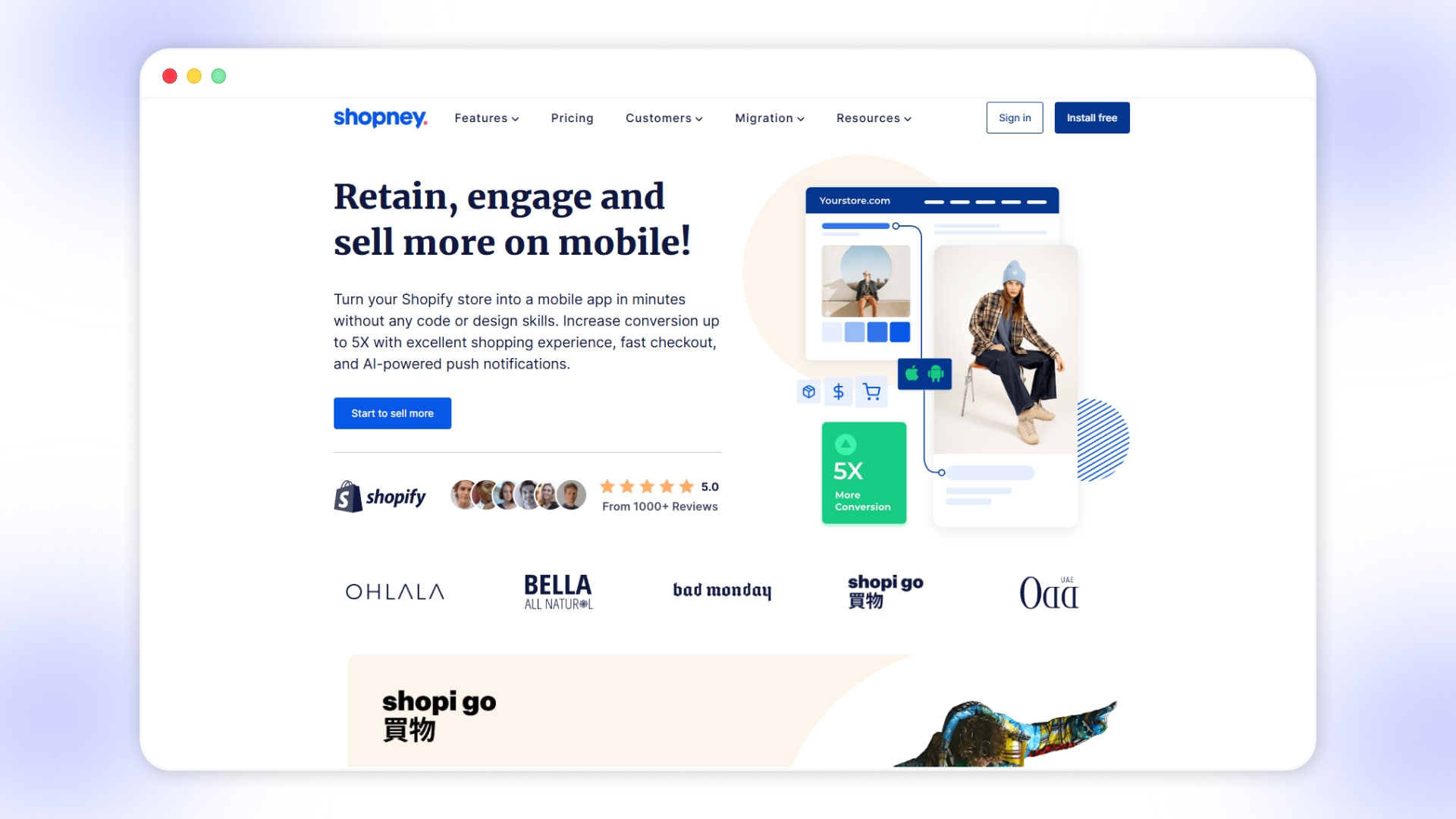
SOURCELINKShopney is a no-code mobile app builder designed for Shopify brands that want to improve conversions, engagement, and retention through mobile-first experiences. It focuses on fast deployment, ease of use, and built-in marketing tools that help brands drive more revenue from their existing traffic.
Key products or features:
- No-code mobile app builder: Convert your Shopify store into a native mobile app using a drag-and-drop editor without design or development skills.
- Real-time Shopify sync: Keep products, collections, and customer data aligned automatically between your store and mobile app.
- AI-powered push notifications: Send unlimited, targeted notifications to re-engage users and recover abandoned carts without additional costs.
- In-app marketing automation: Run campaigns within the app to shorten the path to purchase and increase conversion rates.
- Fast launch support: Get your mobile app live within days with guided onboarding and expert assistance.
- Pre-built themes and layouts: Choose from multiple design options tailored to different industries and store types.
- Integration ecosystem: Connect with Shopify apps for reviews, loyalty programs, subscriptions, and analytics tools.
Best fit for
Shopify brands that are looking for a quick, no-code way to improve mobile conversions and engagement without heavy customization needs.
Pros
Easy to set up, fast launch timeline, strong push notification capabilities, good for improving mobile conversions.
Cons
Limited flexibility for advanced customization, design constraints with templates, may not suit highly complex use cases.
Shopney Pricing:
4. MobiLoud
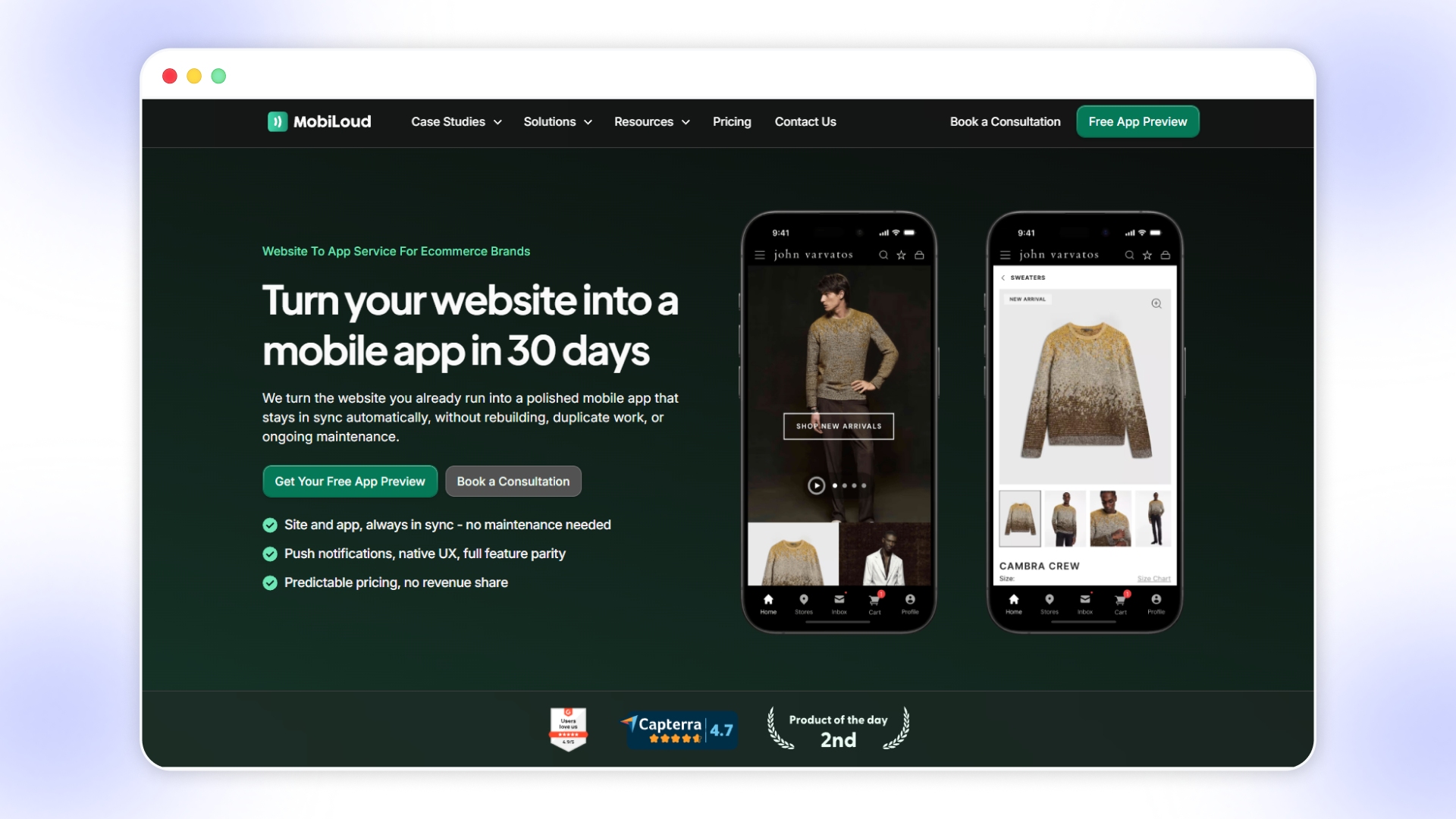
Source linkMobiLoud is a website-to-app service that converts your existing eCommerce site into a fully functional mobile app without rebuilding anything. It focuses on maintaining complete feature parity with your website while reducing development time, operational overhead, and ongoing maintenance.
Key products or features:
- Website-to-app conversion: Turn your existing Shopify, BigCommerce, or custom website into a native mobile app without rebuilding features.
- Full feature parity: Retain your design, checkout flow, plugins, and custom logic exactly as they work on your website.
- Real-time sync with zero effort: Any updates made on your website automatically reflect in the app without additional management.
- Managed app development and launch: The team handles setup, design adjustments, app store submissions, and ongoing updates.
- Push notifications and automation: Send campaigns for abandoned carts, promotions, and re-engagement without additional messaging costs.
- Deep integrations with existing stack: Works with tools like Shopify, Magento, Klaviyo, Recharge, and other eCommerce platforms.
- Dedicated success support: Access to onboarding guidance, marketing playbooks, and ongoing optimization support.
Best fit for
Established eCommerce brands that want a mobile app without rebuilding their tech stack or managing separate systems.
Pros
No need to rebuild features, full sync with website, managed service reduces workload, strong for maintaining consistency.
Cons
Limited flexibility beyond your existing website experience, less control over native customization, and setup fees may apply.
Mobiloud Pricing:
5. Jotform Apps
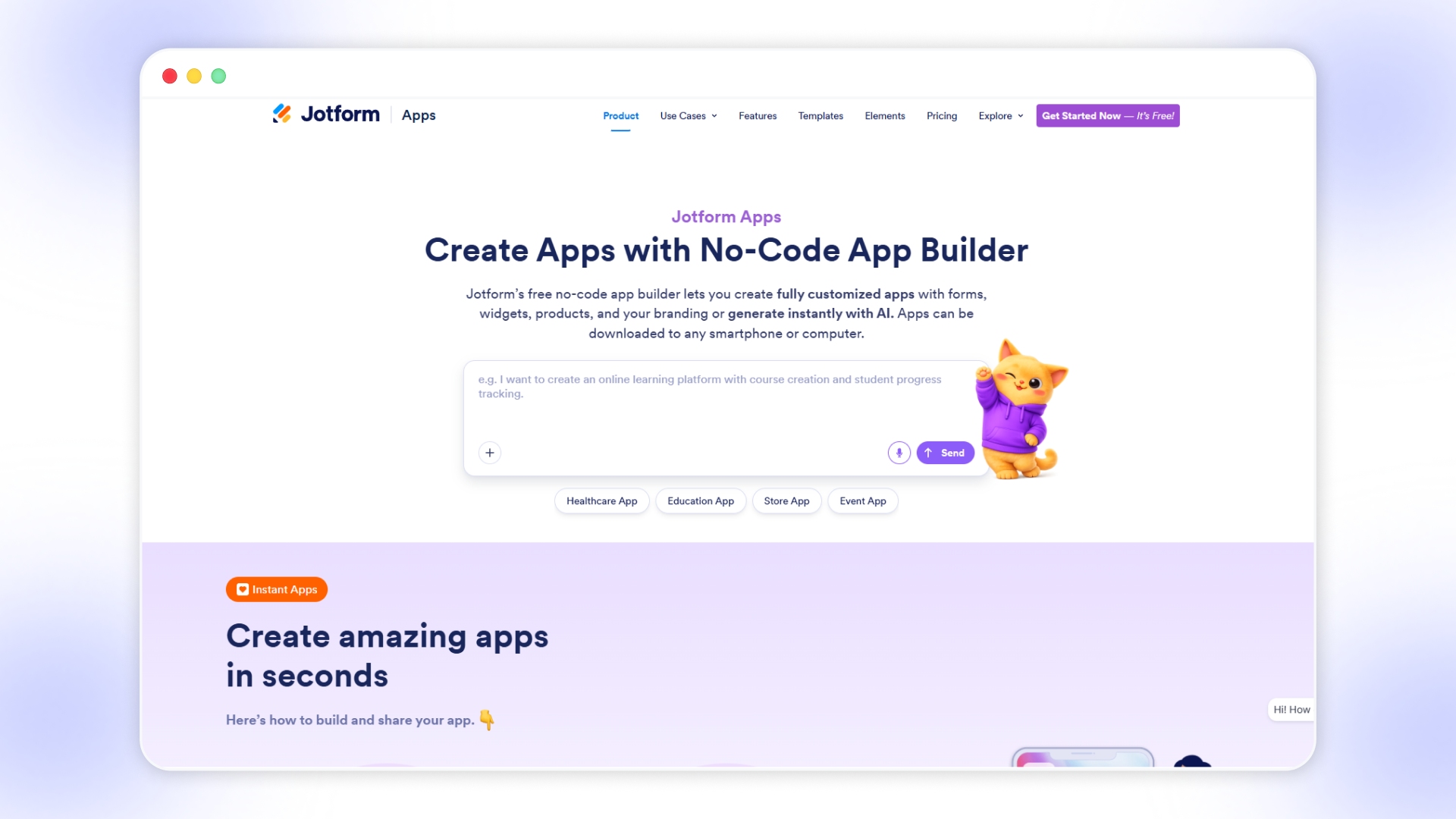
Source linkJotform Apps is a no-code app builder focused on turning forms, workflows, and data collection processes into simple, shareable applications. It is designed for businesses and teams that want to centralize forms, payments, and internal tools rather than build full-scale mobile commerce apps.
Key products or features:
- Drag-and-drop app builder: Create apps by combining forms, widgets, and elements without writing code or managing complex logic.
- AI-powered app creation: Generate app structures instantly using prompts, making it easier to build apps quickly from ideas.
- 800+ templates library: Start with pre-built templates for use cases like healthcare, education, events, and internal workflows.
- Form-based app structure: Turn multiple forms into a single app for data collection, approvals, and customer interactions.
- Multi-device accessibility: Apps work across mobile, tablet, and desktop without requiring app store downloads.
- Payment and donation support: Integrate with 40+ payment gateways to collect payments, subscriptions, or donations directly.
- Push notifications: Send updates and alerts to users to keep them engaged and informed.
Best fit for
Businesses, teams, and organizations building internal tools, portals, or form-driven applications without development effort.
Pros
Extremely easy to use, strong for form-based workflows, a large template library, and quick to deploy across devices.
Cons
Not designed for full-featured mobile commerce apps, limited frontend flexibility, lacks native app performance, and deep integrations.
Jotform Pricing:
6. FlutterFlow
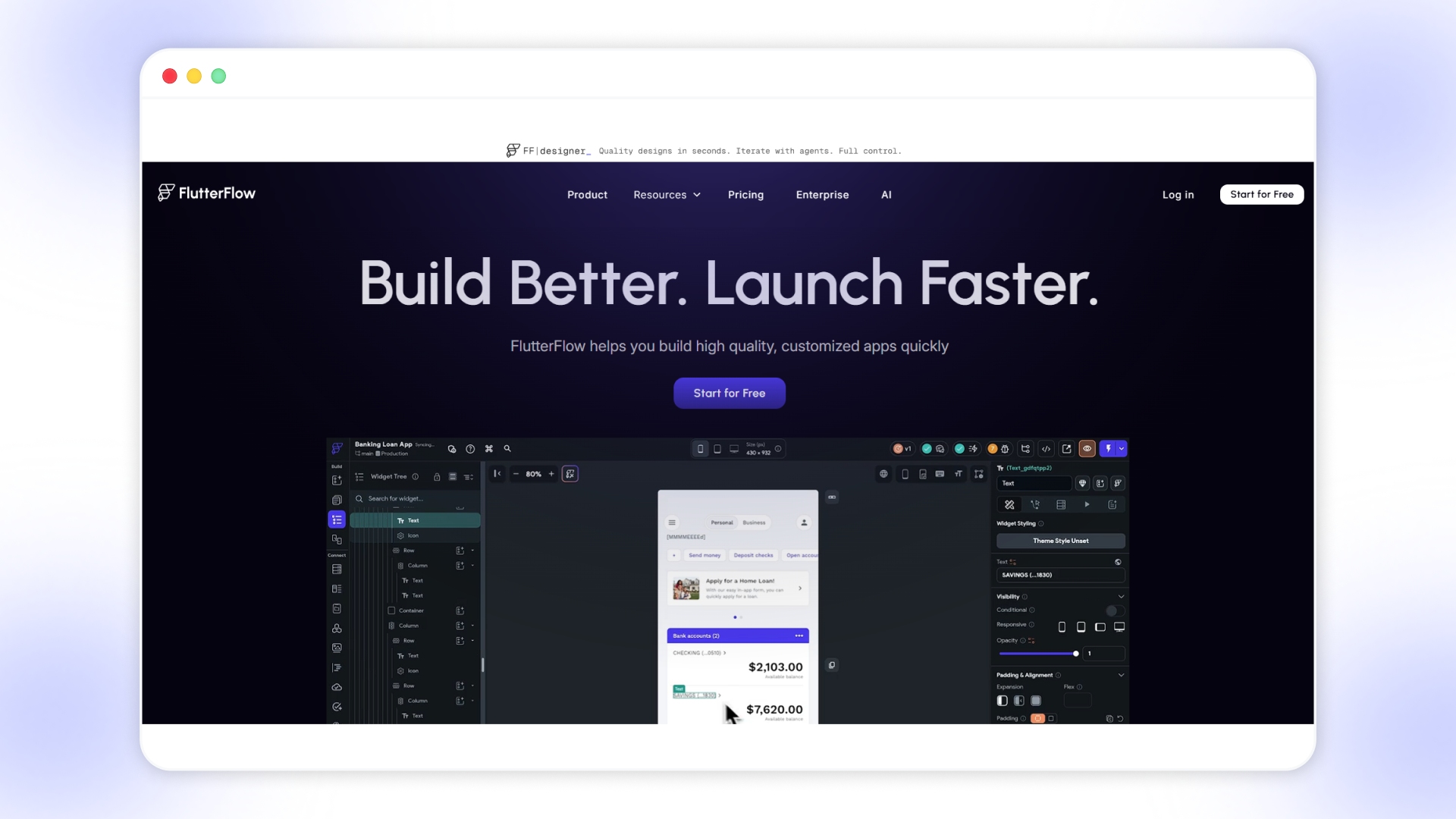
SOURCELINKFlutterFlow is a visual app development platform that allows you to build fully customized applications using a drag-and-drop interface combined with backend logic and code export capabilities. It is designed for teams that want speed with flexibility, offering deeper control than typical no-code tools while still reducing development effort.
Key products or features:
- Visual UI builder with 200+ components: Design app interfaces quickly using pre-built elements while maintaining control over layouts and interactions.
- Action Flow Editor for logic: Add workflows, conditions, and app logic visually without writing full code.
- Backend and API integrations: Connect with Firebase, Supabase, or custom APIs to manage data and application functionality.
- Code export and ownership: Export Flutter code anytime, allowing full control and avoiding platform lock-in.
- Custom widgets and functions: Extend app capabilities using custom Dart functions and reusable components.
- Collaboration tools: Work with teams using branching, comments, and shared project environments.
- Cross-platform deployment: Build once and deploy across iOS, Android, and web platforms from a single interface.
Best fit for
Startups, product teams, and developers who want faster development with flexibility and control over app architecture.
Pros
High customization, code export flexibility, strong backend integrations, and suitable for scalable applications.
Cons
Requires some technical understanding, steeper learning curve than simple no-code tools, not focused on eCommerce workflows.
Futterflow Pricing:
7. Glide
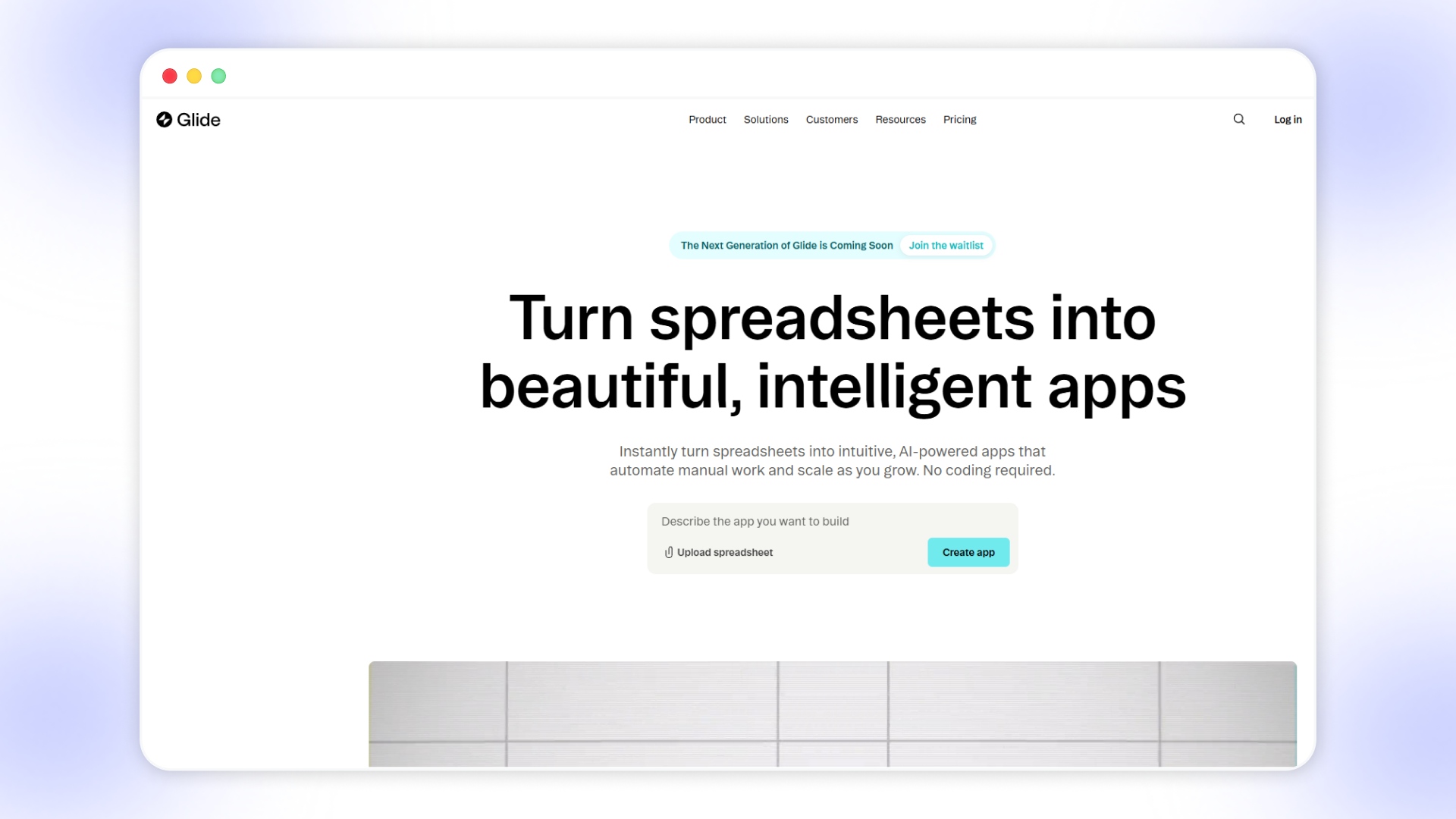
Glide is a no-code app builder that turns spreadsheets into simple mobile and web apps, making it useful for quick internal tools and lightweight applications. It focuses on speed and ease of use, but is primarily designed for data-driven apps rather than high-performance, customer-facing eCommerce experiences.
Key products or features:
- Spreadsheet-based app building: Create apps directly from Glide Tables, Google Sheets, Airtable, or Excel data sources.
- Drag-and-drop components: Use 40+ UI components to quickly design app interfaces without coding.
- Workflows and automation: Build logic-driven workflows and automate tasks using triggers, APIs, and integrations.
- Glide AI capabilities: Generate apps, automate processes, and extract insights using built-in AI features.
- Data integrations: Connect with tools like Google Sheets, Airtable, SQL databases, and business platforms.
Best fit for
Internal tools, MVPs, dashboards, and small teams need fast, data-driven applications.
Pros
Very fast setup, simple interface, strong spreadsheet integrations, suitable for non-technical users building internal tools.
Cons
Limited customization for complex apps, not ideal for high-scale eCommerce use cases, and restricted frontend flexibility.
Glide Pricing:
8. Replit
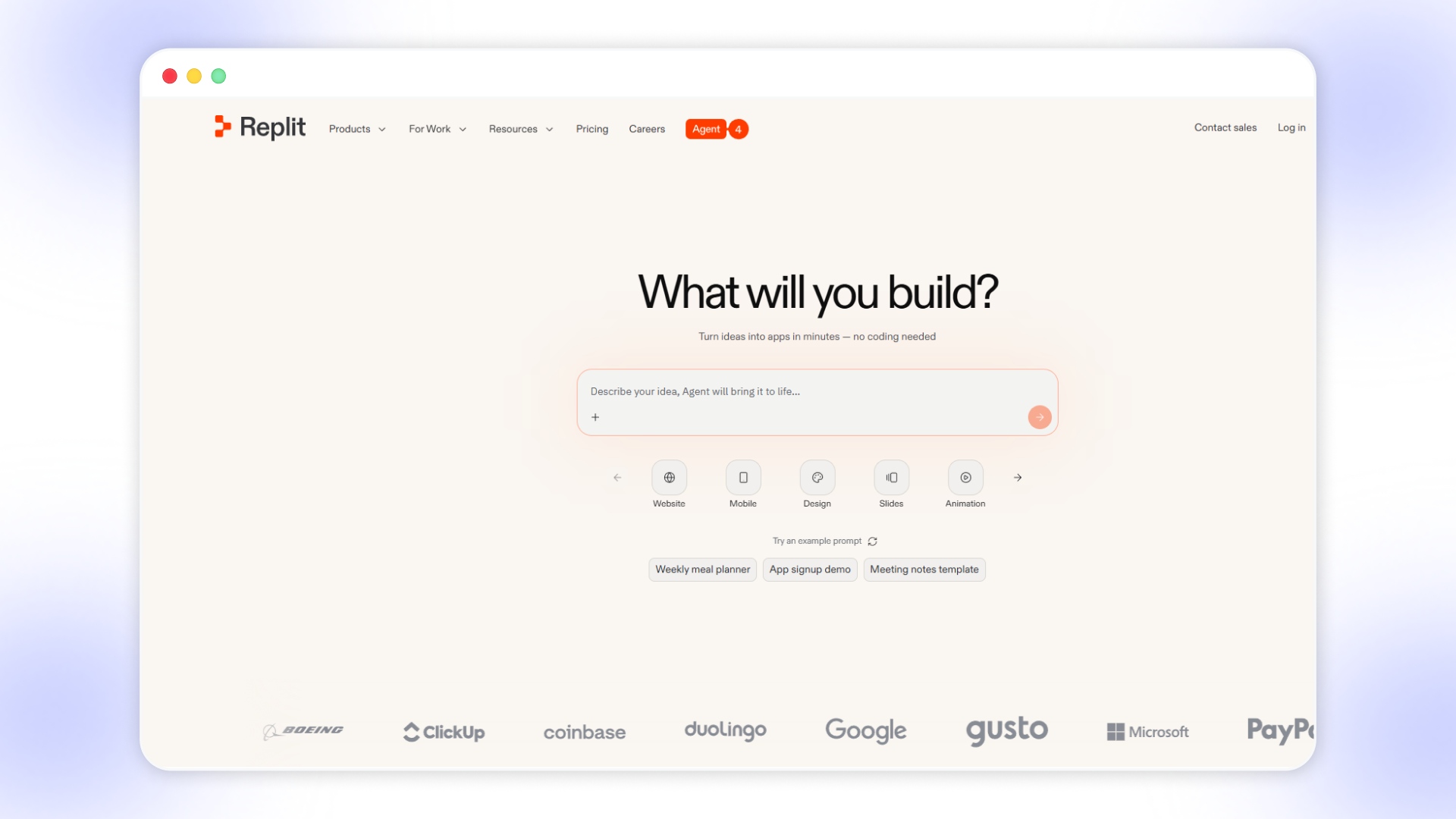
Replit is a cloud-based development platform that allows you to build, run, and deploy applications directly from the browser using AI-assisted coding tools. It is designed for developers and technical teams who want flexibility and control, rather than non-technical users looking for simple no-code app builders.
Key products or features:
- AI-powered development (Replit Agent): Generate, modify, and deploy applications using AI-assisted coding and automation workflows.
- Cloud-based IDE: Write, run, and debug code in multiple programming languages without local setup or configuration.
- Instant deployment: Publish apps directly from the platform with built-in hosting and environment management.
- Collaboration tools: Work with teams in real time using shared workspaces and multi-user editing capabilities.
- Database and backend support: Build full-stack applications with integrated databases and backend services.
Best fit for
Developers, startups, and technical teams building custom applications with full control over logic and infrastructure.
Pros
Highly flexible, supports full-stack development, strong AI assistance, and no local setup required for development.
Cons
Requires coding knowledge, is not suitable for non-technical users, and takes longer to build compared to no-code platforms.
Replit Pricing:
9. Adalo
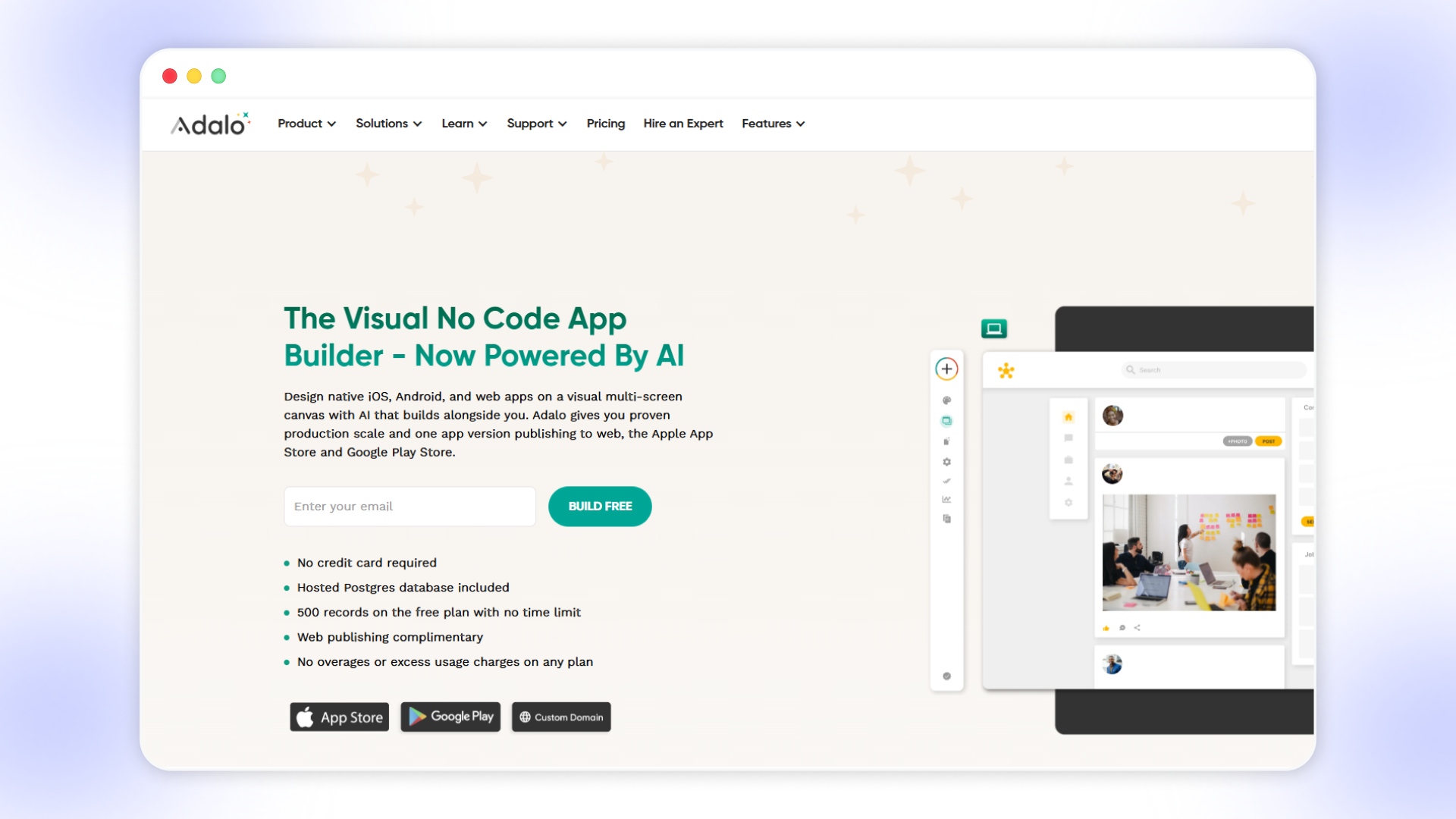
Adalo is a no-code app builder that lets you design and launch mobile and web apps using a visual interface with built-in database support. It is suited for creating MVPs and simple customer-facing apps, but may require additional tools for advanced scalability and backend logic.
Key products or features:
- Drag-and-drop app builder: Design app screens and flows visually without coding, making it accessible for non-technical users.
- Built-in database: Store and manage app data directly within Adalo using collections and relationships.
- Custom actions and integrations: Connect APIs and external tools to extend functionality beyond native features.
- Reusable components: Build apps faster using pre-built UI components and repeatable design elements.
- Publishing support: Launch apps on web, iOS, and Android platforms directly from the builder.
Best fit for
Startups, founders, and small businesses building MVPs or simple apps with limited technical complexity.
Pros
Easy to use, quick to launch, built-in database reduces setup complexity, suitable for non-technical founders.
Cons
Limited scalability for complex apps, performance constraints with larger datasets, and advanced features require workarounds.
Adalo Pricing:
10. Bubble
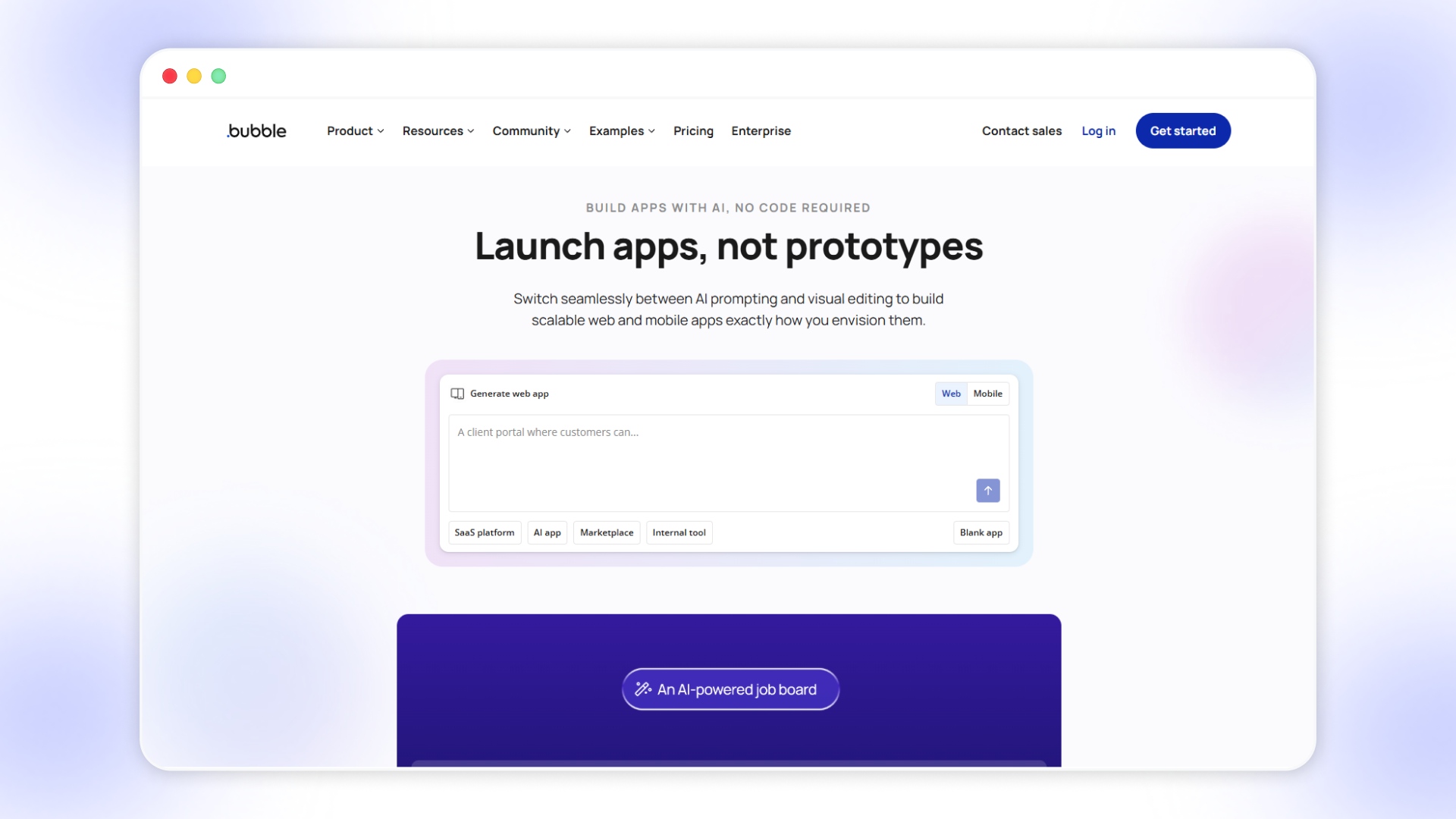
Bubble is a powerful no-code platform that allows you to build complex web and mobile applications with full backend logic and database control. It is designed for users who need flexibility and scalability but require time to learn and manage effectively.
Key products or features:
- Visual programming interface: Build complex app logic, workflows, and databases without writing traditional code.
- Backend and database control: Manage data structures, APIs, and workflows within a single platform environment.
- API integrations: Connect external tools, services, and custom APIs to extend functionality beyond native capabilities.
- Responsive design engine: Create dynamic web applications that adapt across devices with customizable layouts.
- Mobile app capabilities: Build and test native mobile apps with on-device testing and deployment features.
Best fit for
Startups, product teams, and developers building complex applications with custom workflows and backend logic.
Pros
Highly flexible, supports advanced logic and workflows, strong backend capabilities, and suitable for scalable applications.
Cons
Steeper learning curve, longer development time, performance depends on optimization, not ideal for quick launches.
Bubble Pricing:
11. Thunkable
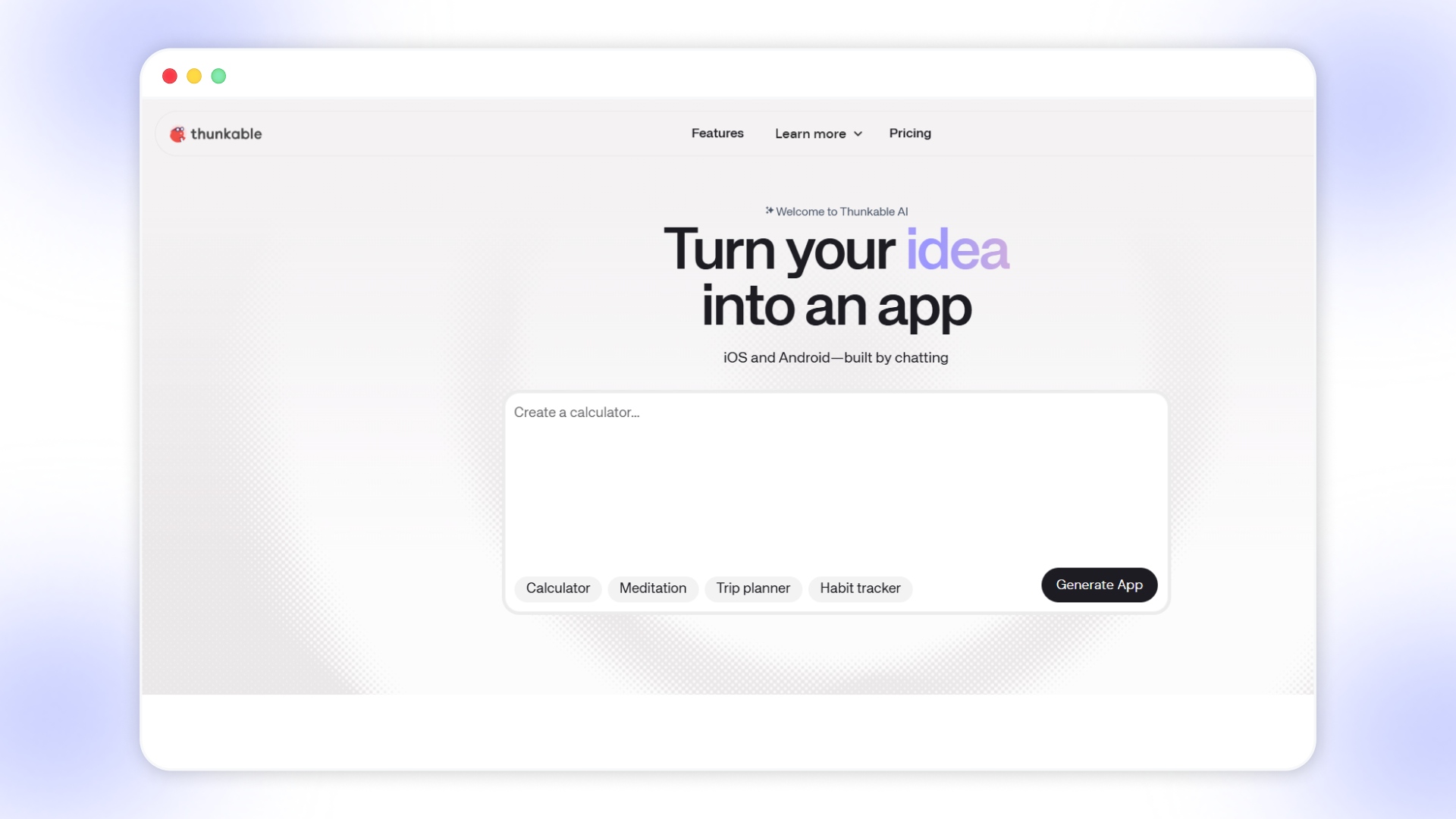
Thunkable is a no-code app development platform that combines visual building with AI-assisted tools to create functional mobile apps. It is designed for users who want more control over app logic and workflows while still avoiding traditional coding complexity.
Key products or features:
AI app builder: Generate app structures and features using prompts, helping you move from idea to prototype quickly.
Drag-and-drop interface with logic blocks: Build app screens and define workflows using visual components and conditional logic.
Discuss mode for planning: Structure and refine app ideas before building, reducing errors and unnecessary iterations.
Image generation and asset tools: Create or upload visual assets directly within the platform for faster design execution.
Advanced customization tools: Combine no-code, low-code, and direct coding approaches for more complex applications.
Best fit for
Builders, startups, and teams creating functional apps with moderate complexity and custom workflows.
Pros
Flexible development approach, supports AI and logic-based workflows, suitable for both beginners and advanced users.
Cons
Learning curve for logic building, UI flexibility is limited compared to design-focused tools, and not eCommerce-specific.
Thunkable Pricing:
12. OutSystems
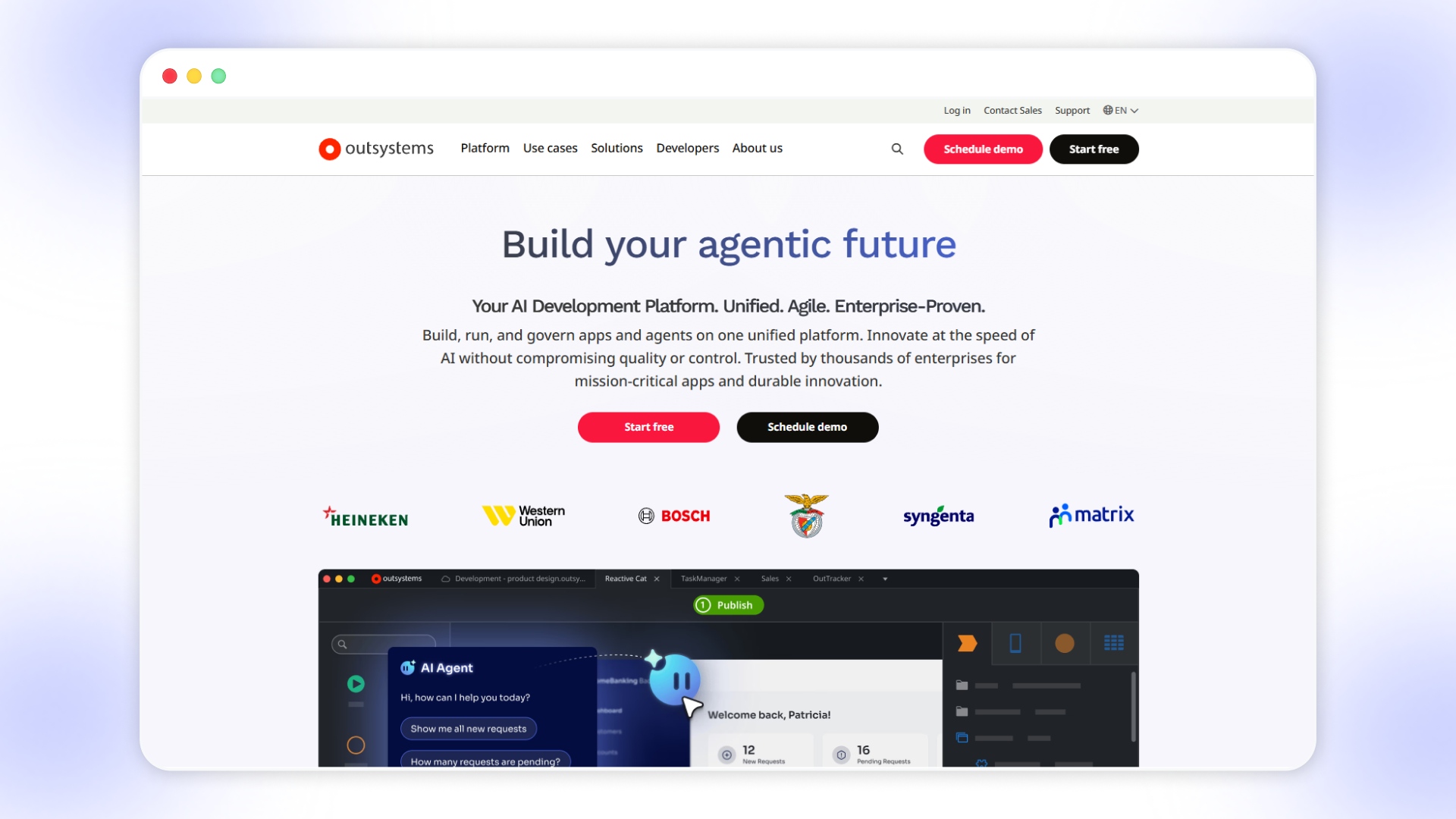
OutSystems is an AI-powered low-code platform designed for enterprises to build, deploy, and scale complex applications with strong security and integration capabilities. It focuses on full lifecycle development, combining AI automation, backend systems, and enterprise-grade infrastructure for mission-critical applications.
Key products or features:
- AI-powered low-code platform: Build applications and AI agents using visual tools combined with automation and intelligent workflows.
- Agent Workbench and AI tools: Develop AI-driven applications and automate processes using natural language prompts and agent-based workflows.
- Enterprise integrations: Connect with legacy systems, databases, and third-party tools using robust integration capabilities.
- Data fabric layer: Manage and unify data across systems to support scalable and intelligent applications.
- Security and compliance: Built-in enterprise-grade governance, compliance certifications, and security controls for regulated industries.
Best fit for
Large enterprises and organizations are building complex, secure, and scalable applications with dedicated development teams.
Pros
Highly scalable, strong AI and automation capabilities, enterprise-grade security, and robust integration ecosystem.
Cons
Expensive pricing, requires technical expertise, not suitable for small businesses or quick app launches.
Outsystem Pricing:
13. Buildfire
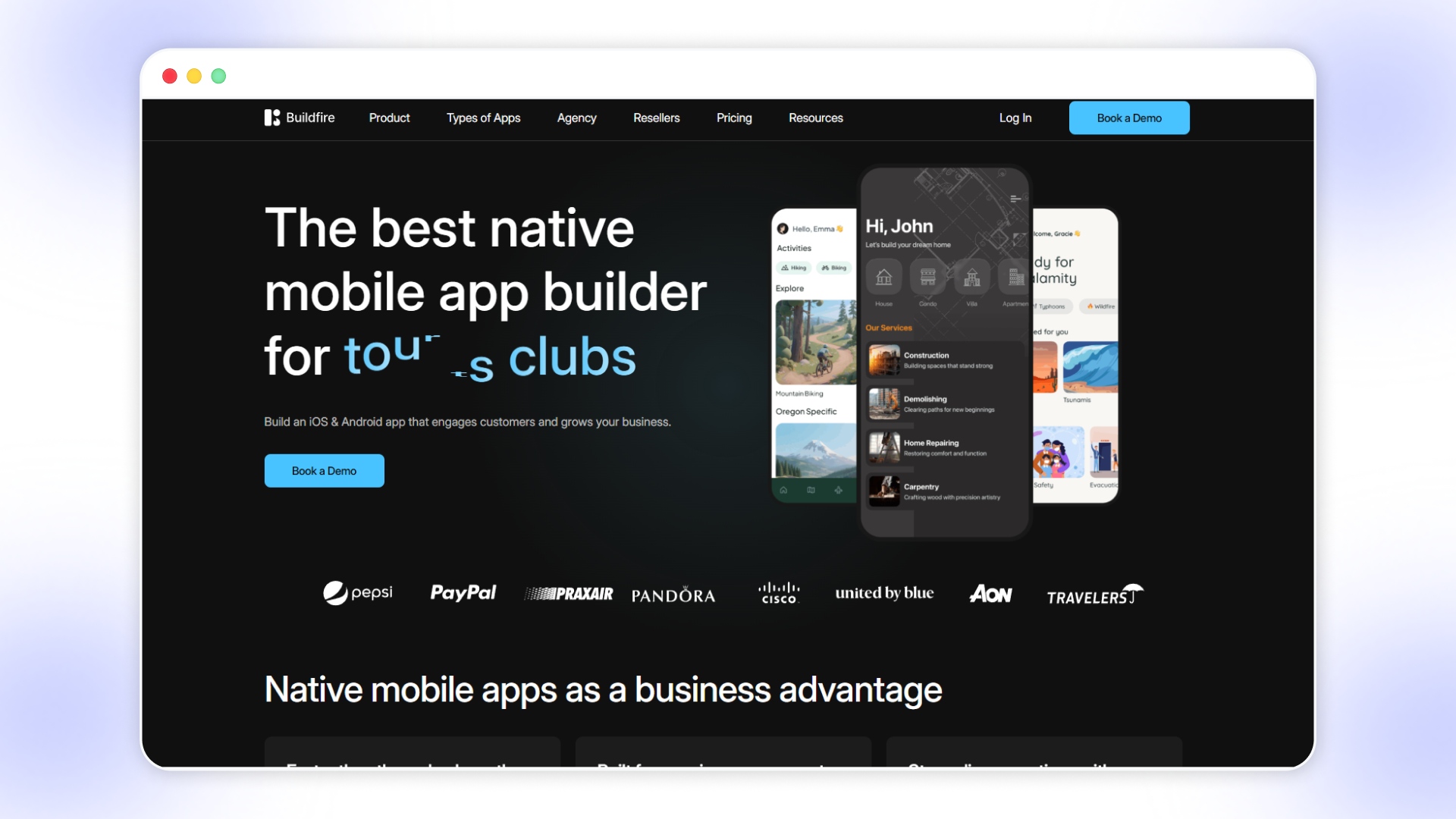
Buildfire is a no-code mobile app builder focused on helping businesses create, publish, and manage native iOS and Android apps with plugin-based customization. It offers a structured foundation with pre-built features and optional services, making it suitable for businesses that want guided app development and ongoing support.
Key products or features:
- Plugin-based app building: Choose from 150+ plugins like chat, events, and forms to customize your app functionality.
- Native app publishing support: Get assistance in submitting and maintaining apps on the App Store and Google Play.
- Push notifications and engagement tools: Send notifications and updates to keep users engaged and drive repeat interactions.
- Monetization capabilities: Enable in-app purchases and revenue features directly within your mobile application.
- Professional services and white-labeling: Access custom development, design support, and reseller capabilities for agencies and businesses.
Best fit for
Businesses, agencies, and resellers looking for structured app building with plugins and optional done-for-you services.
Pros
Easy to launch, strong plugin ecosystem, publishing support included, suitable for agencies and white-label use cases.
Cons
Limited flexibility beyond plugins, customization may require services, not deeply optimized for eCommerce workflows.
Buildfire Pricing:
14. GoodBarber
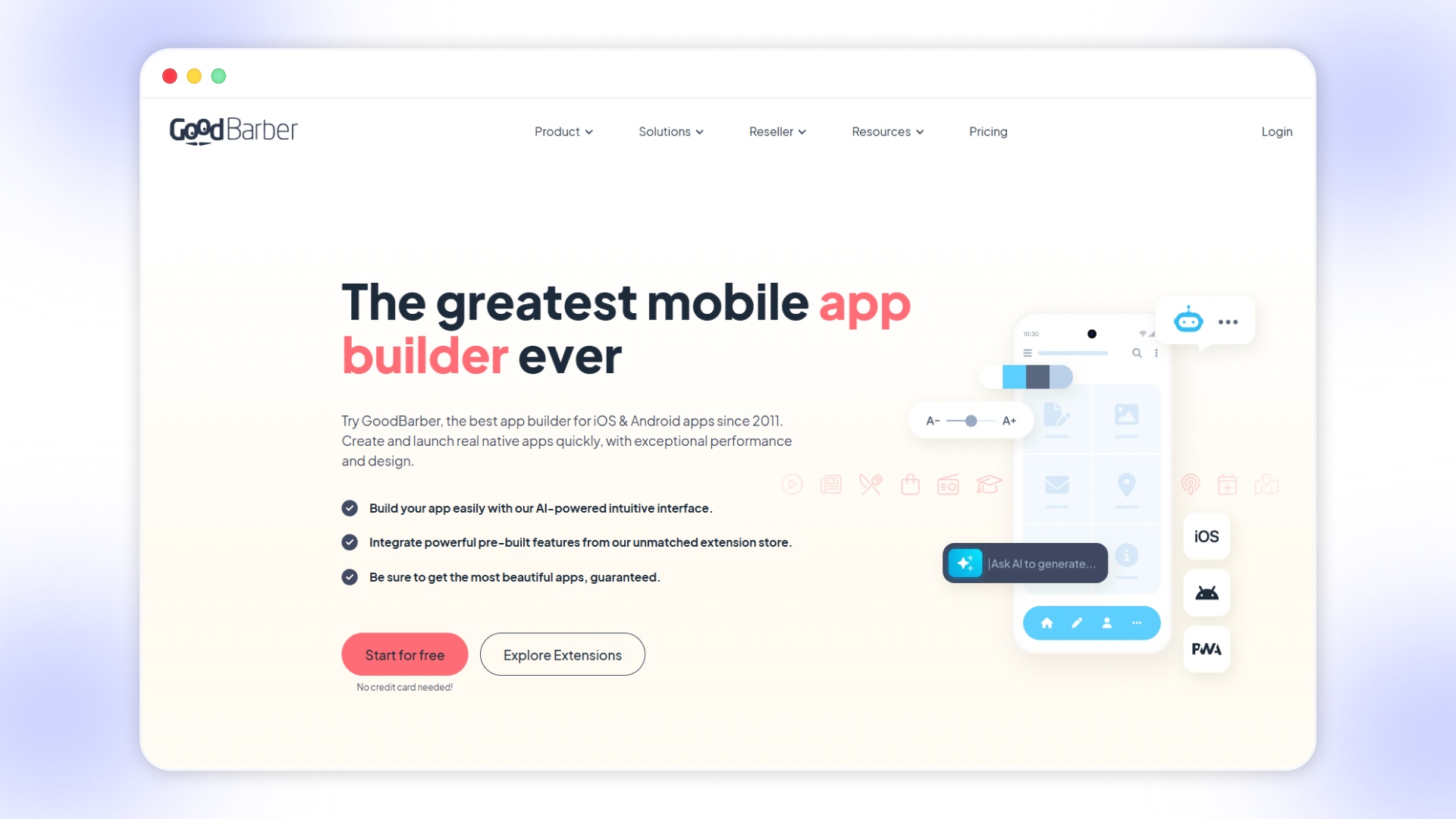
GoodBarber is a no-code app builder focused on creating visually polished native apps and PWAs using pre-built templates and extensions. It emphasizes design quality and ease of use, making it suitable for content-driven apps and small eCommerce use cases.
Key products or features:
- AI-assisted app creation: Generate content, layouts, and design elements using built-in AI tools for faster app development.
- 190+ extensions marketplace: Add features like payments, chat, CMS, and integrations using a wide range of ready-to-use extensions.
- Native and PWA support: Build iOS, Android, and progressive web apps from a single platform for broader reach.
- Design-focused builder: Customize layouts, colors, fonts, and UI elements with a strong emphasis on visual consistency.
- Content and eCommerce modules: Create apps for blogs, courses, stores, and communities with pre-configured functionalities.
Best fit for
Content creators, small businesses, and brands that prioritize design and quick app launches over deep backend control.
Pros
Strong design capabilities, a large extension library, supports multiple app formats, and is easy to launch and manage.
Cons
Limited flexibility for complex workflows, not deeply optimized for high-scale eCommerce operations, and customization can be restrictive.
GoodBarber Pricing:
15. Ninox
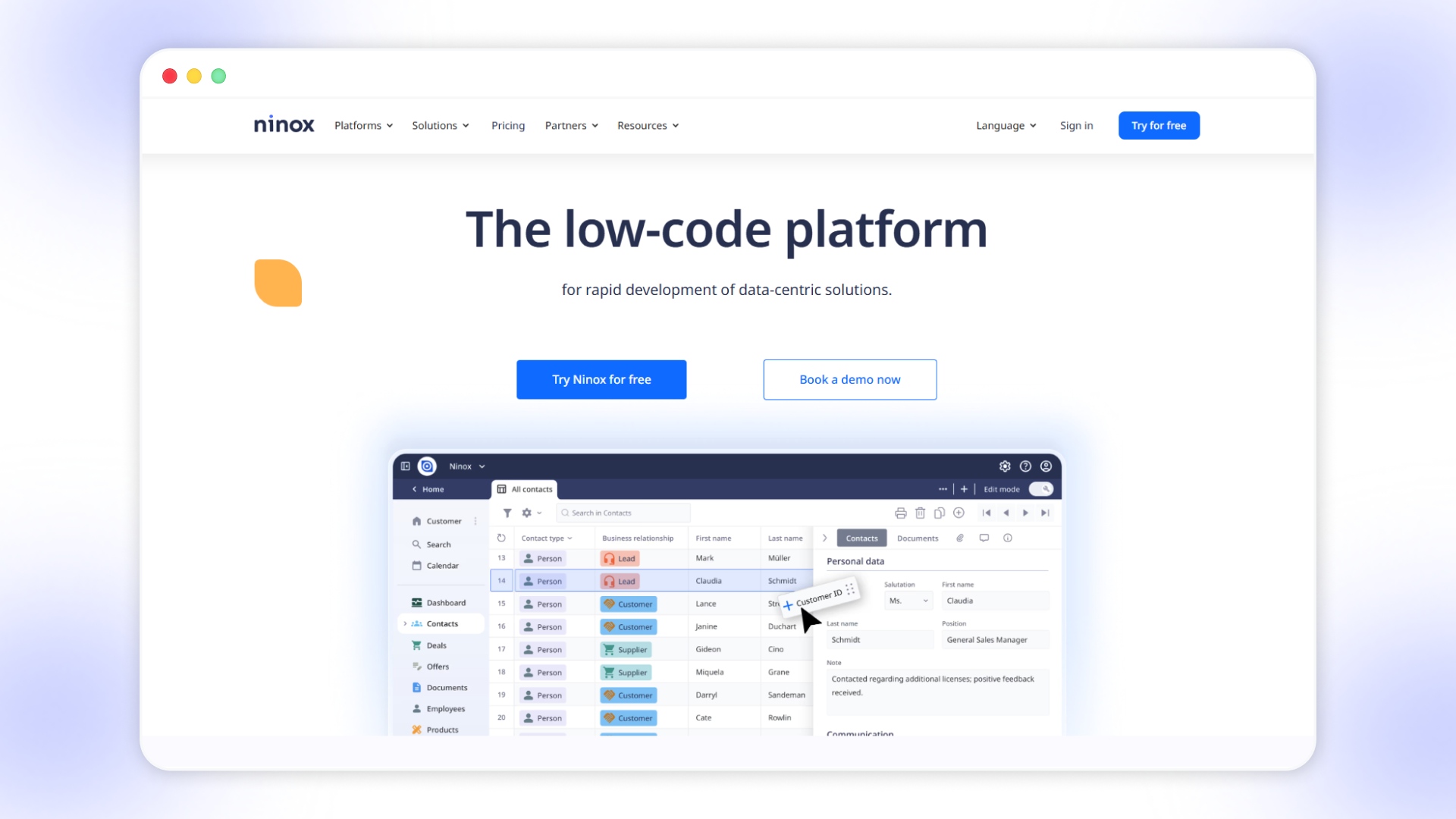
Ninox is a low-code platform designed for building data-centric applications, helping businesses manage workflows, databases, and internal processes in one place. It focuses on customization and automation, making it suitable for teams dealing with complex data structures rather than customer-facing mobile apps.
Key products or features:
- Low-code app builder: Create custom applications using a drag-and-drop interface combined with scripting for deeper functionality.
- Database management system: Build structured data models with relationships, hierarchies, and real-time updates across workflows.
- Workflow automation: Automate processes like approvals, reporting, and task management without heavy technical setup.
- Integrations and API support: Connect with tools like Zapier, accounting systems, and other platforms for seamless data flow.
- Security and access control: Manage user roles, permissions, and compliance with enterprise-grade security standards.
Best fit for
Teams and businesses that are managing internal operations, workflows, and databases with custom requirements.
Pros
Highly customizable, strong data handling capabilities, useful for process automation, and flexible for internal tools.
Cons
Not designed for mobile-first consumer apps, limited UI flexibility for front-end experiences, and requires setup effort for complex use cases.
Ninox Pricing:
With these platforms covering different use cases and complexity levels, a side-by-side comparison helps clarify which ones actually align with growth goals.
How Top App Builders Compare on What Actually Matters?
Comparing app builders at a surface level often hides the factors that directly influence revenue, retention, and operational efficiency for growing businesses. A closer look at capabilities like real-time sync, eCommerce depth, and customization reveals which platforms can truly support long-term growth.
Here’s how leading Appy Pie alternatives compare based on critical performance and business-focused capabilities:
Seeing these differences side by side helps narrow down options, but the final choice still depends on what your app needs to achieve day to day.
How to Choose the Best Appy Pie Alternative in 2026?
Most app builders look similar during setup, but the gap shows when your app starts handling live campaigns, traffic spikes, and repeat purchases.
Here’s how to evaluate alternatives without second-guessing your decision later:
- Check how your product catalog behaves inside the app: Some platforms struggle with syncing collections, filters, or custom sorting, which directly affects conversions during high traffic periods.
- Test how quickly changes reflect in the app: If updating banners, pricing, or collections takes time or manual steps, your campaigns will always lag behind your store.
- Look at how push notifications are actually triggered: Basic tools send bulk notifications, while better platforms trigger messages based on actions like cart abandonment or inactivity.
- See how much of your current stack carries over: Losing features like subscriptions, reviews, or search logic means rebuilding workflows that already work on your website.
- Understand what happens when something breaks: Some platforms require paid upgrades or support requests for fixes, which slows down operations during critical periods
- Evaluate how much control you get over layouts and flows: If every change depends on templates, your app will eventually feel restrictive as your brand evolves.
- Measure how the app contributes to repeat purchases: Features like reorder flows, personalized content, and targeted campaigns directly impact retention, not just installs.
When you evaluate platforms this way, the difference becomes clearer between tools that help you launch and those that support ongoing growth.
For Shopify brands where mobile drives a large share of revenue, Appmaker fits naturally by keeping your store, app, and customer data aligned in real time while giving you enough control to improve performance continuously.
Wrapping Up
At this stage, the decision is not about finding another app builder, but choosing a platform that can handle real-time data, personalization, and consistent conversion improvements without slowing your team down. The difference becomes visible when your mobile app starts acting as a revenue channel, not just a presence.
Appmaker fits this shift by giving you real-time Shopify sync, AI-driven personalization, and the flexibility to iterate without rebuilding your app from scratch.
If your goal is to move faster while improving mobile conversions and retention, book a demo with Appmaker and see how it performs in your workflow.
FAQs
What are the best Appy Pie alternatives for building apps faster?
The best Appy Pie alternatives include platforms like Appmaker, Glide, and Adalo, depending on whether you need speed, customization, or business-focused features. The right choice depends on how quickly you want to launch and how much flexibility you need later.Which Appy Pie alternative is best for eCommerce apps?
For eCommerce apps, platforms with real-time sync, push notifications, and personalization features work better than generic builders. Appmaker is designed specifically for Shopify-based stores looking to improve conversions and retention.Are there Appy Pie alternatives that do not require coding?
Yes, several Appy Pie alternatives like Glide, Adalo, and Appmaker offer no-code interfaces for building apps. These platforms allow you to create and manage apps without relying on developers.Is Appy Pie good for scaling a business app?
Appy Pie works well for basic apps, but scaling businesses often need more control over integrations, performance, and customization. This is where more advanced alternatives become necessary.What features should you prioritize when choosing an Appy Pie alternative?
You should prioritize real-time data sync, customization flexibility, performance, and engagement tools like push notifications. These features directly impact how well your app supports growth and user retention.