




























Shopping today doesn’t start with intent. It starts with a habit. People open their phones dozens of times a day, not to buy but to browse, check, and compare. That behavior has shifted ecommerce into a quiet, always-on space.
With people spending over 3.5 hours daily on mobile and 88% of that time inside apps, the app shapes how customers experience the brand. Inside this space, small details decide everything. Does the app feel familiar? Does it respond quickly? Does it remember what the user cared about last time?
When those answers are yes, shopping feels easy. When they’re not, users disappear without friction or feedback. That’s why mobile app customer experience matters more than features.
In this blog, we will discuss practical ways that can enhance mobile app customer experience for ecommerce growth.
Overview
- Mobile apps enhance ecommerce by reducing friction, remembering users, and delivering personalized experiences that websites alone cannot match.
- High-performing apps rely on speed, stability, familiarity, and intuitive navigation to build trust and make every interaction effortless.
- Removing early friction, eliminating clutter, and prioritizing relevant content ensure customers stay engaged and complete purchases smoothly.
- Interactive product displays, easy access to support, and well-timed rewards or feedback strengthen loyalty and encourage repeat behavior.
- Measuring real engagement, monitoring behavior signals, and continuously optimizing app features ensures the customer experience is enhanced, retaining users and improving conversions over time.
Why Mobile Apps Change Ecommerce Customer Experience?
Mobile apps have changed the e-commerce experience by making it faster, more personalized, and more convenient for customers. With apps, users can browse products anytime, anywhere, without the need to visit a website.
Push notifications keep customers informed about special offers, new arrivals, and order updates. The app's personalized features, like product recommendations based on past purchases, make the shopping experience more relevant.
Additionally, a smoother checkout process, with saved payment details and one-click purchases, reduces friction and increases sales. Instant customer support and easy access to order history improve satisfaction and loyalty, making mobile apps a key tool in modern e-commerce.
Having explored the impact of mobile apps, let’s break down the core principles that shape every screen, interaction, and action to create a seamless, trustworthy ecommerce experience.
The Core Pillars of a High-Impact Ecommerce App Experience
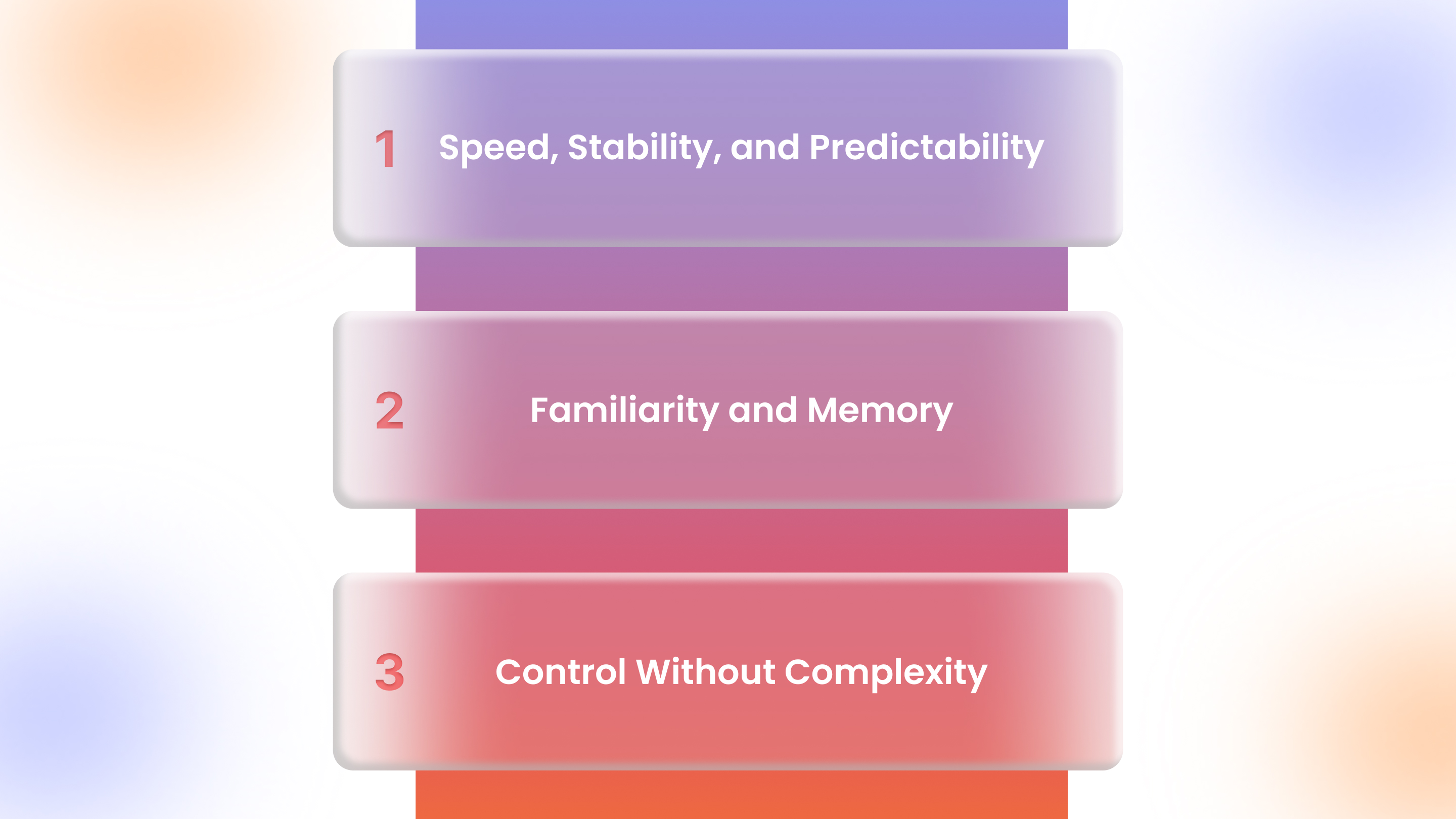
Strong ecommerce apps don’t succeed because of one feature. They succeed because a few core principles work together across every screen and action. These pillars shape how customers feel when they open the app, browse products, and decide to buy.
1. Speed, Stability, and Predictability
Every second counts in mobile apps. Fast load times, smooth scrolling, and crash-free sessions build trust instantly. Users notice even minor delays during checkout, product browsing, or search, making predictability more valuable than flashy design or extra features that risk slowing the experience.
2. Familiarity and Memory
Apps that remember users’ preferences, recent searches, saved carts, and past orders make repeat interactions effortless. By recalling behavior accurately, they reduce redundant effort, help customers pick up where they left off, and strengthen loyalty, even during short, frequent mobile sessions.
3. Control Without Complexity
Customers want intuitive control without feeling overwhelmed. Presenting clear, prioritized actions, visible next steps, and limited choices per screen allows exploration while reducing decision fatigue. Thoughtful guidance replaces cluttered menus or unnecessary prompts, letting users navigate efficiently and confidently.
Once you grasp the foundational pillars, it’s important to identify common mistakes that actively harm experience, so you can stop these before focusing on improvements.
Also Read: Holidays 2025: How Ecommerce Brands are using Mobile Apps to Win BFCM 2025
Experience Killers Ecommerce Apps Must Eliminate First
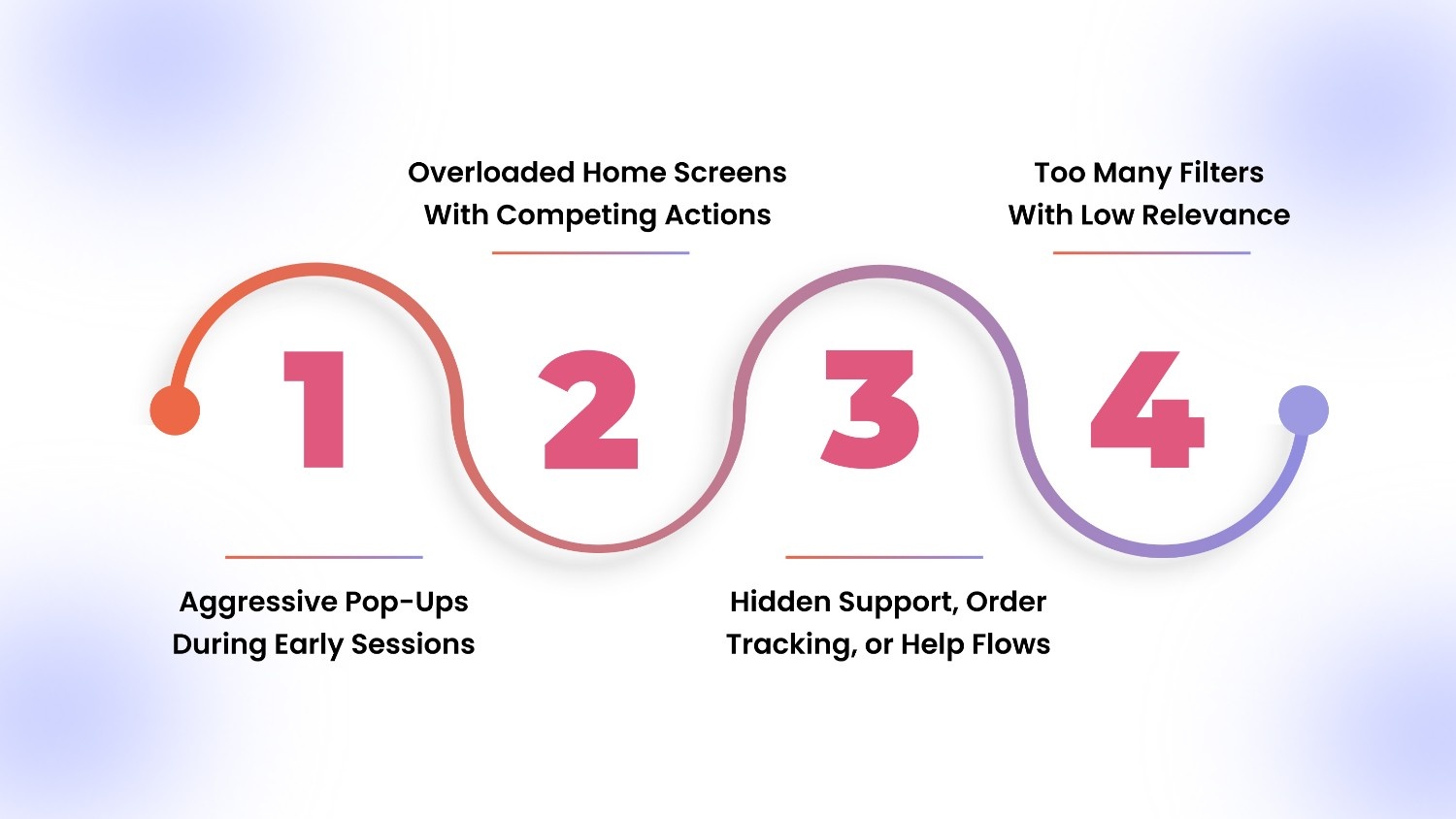
Before improving anything, brands need to stop what actively harms the experience. Many ecommerce apps lose users not because of missing features, but because of poor early decisions.
1. Aggressive Pop-Ups During Early Sessions
Pop-ups asking for sign-ups, notifications, or reviews immediately disrupt first impressions. Interrupting new users before they explore products increases app abandonment. Effective apps wait to request engagement until users have experienced value, creating trust before prompting any action.
2. Overloaded Home Screens With Competing Actions
Crowded home screens with multiple banners, promotions, and links overwhelm users. When every element demands attention, nothing stands out. Clear hierarchy and minimal actions guide customers naturally toward browsing, discovery, or checkout, reducing cognitive load and improving retention.
3. Hidden Support, Order Tracking, or Help Flows
If users can’t locate customer support, track orders, or resolve issues quickly, frustration grows. Placing help flows prominently in the app prevents repeated queries, improves trust, and ensures that problem resolution feels seamless and immediate.
4. Too Many Filters With Low Relevance
Excessive, irrelevant filters make browsing tedious. Users lose focus and abandon sessions when filtering options don’t match their intent. Prioritizing relevant categories, intelligent defaults, and personalized filters ensures product discovery is efficient and frustration-free.
Now that we know what to avoid, let’s explore navigation design strategies that make moving through the app natural, intuitive, and friction-free for users.
How to Design Ecommerce App Navigation That Feels Effortless?
Navigation shapes how customers experience an app. Smooth, intuitive navigation reduces friction, encourages exploration, and guides users to products and checkout without thought. In mobile apps, every tap, swipe, and scroll must feel natural and intentional. Here’s how you can make that happen:
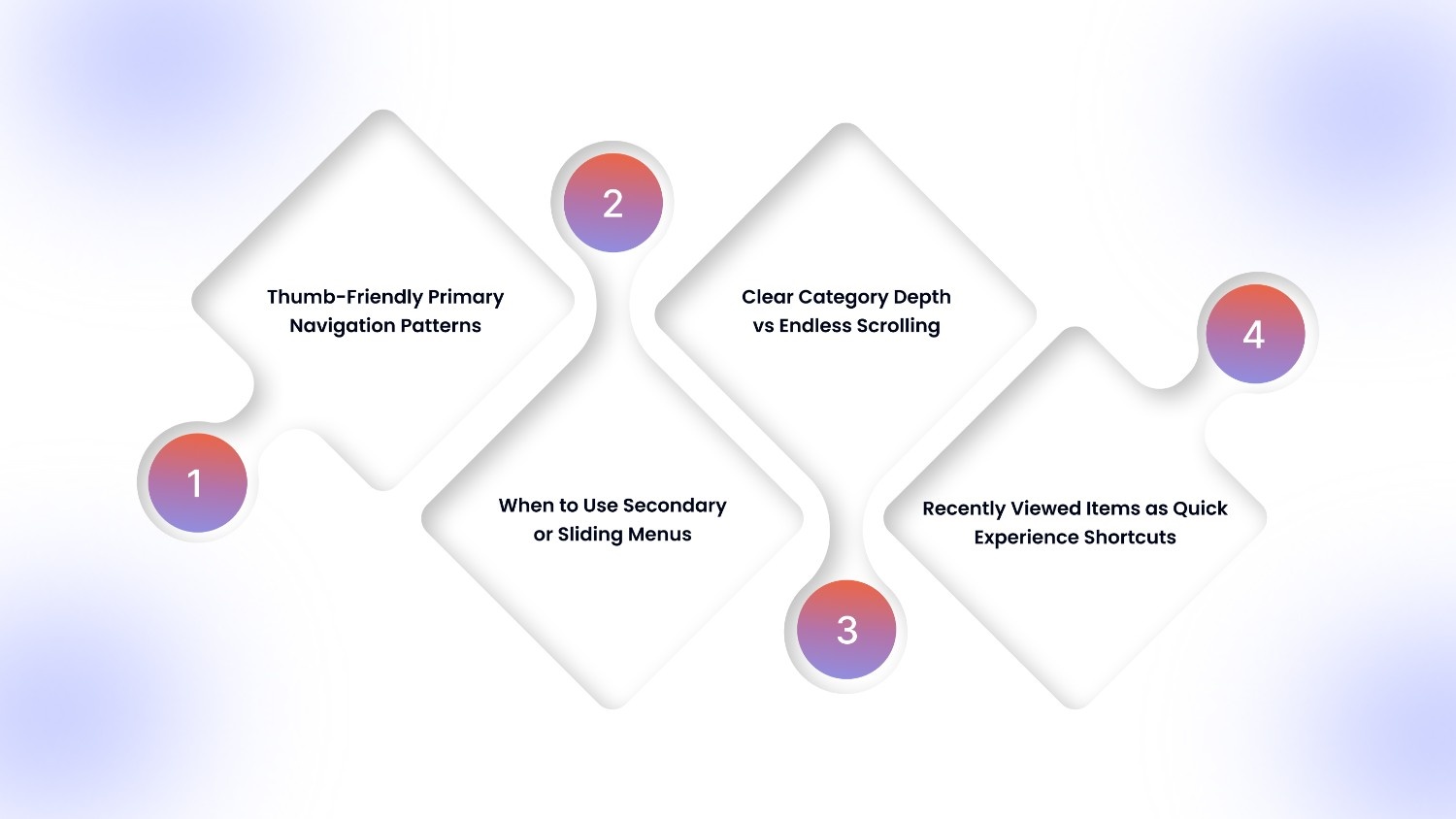
1. Thumb-Friendly Primary Navigation Patterns
Primary navigation should be positioned for easy thumb reach, ensuring key actions like search, cart, and categories are accessible one-handed. Large touch targets, consistent placement, and clear labeling minimize errors and enhance confidence, making browsing effortless across repeated short sessions.
Tools like AppMaker provide brands with flexible design and layout options, enabling thumb-friendly navigation, predictable screens, and guided flows that make the app experience effortless for users.
2. When to Use Secondary or Sliding Menus (And When Not To)
Secondary menus work for deeper categories but should remain hidden until needed. Avoid overloading screens with sliding menus that confuse or block content.
Use them only for supplemental navigation, ensuring primary tasks remain visible and friction-free.
3. Clear Category Depth vs Endless Scrolling
Too many nested categories frustrate users, while endless scrolling can feel chaotic. Strike a balance by limiting levels, highlighting popular subcategories, and using predictive defaults.
Users should reach desired products in minimal taps, not get lost in layers.
4. Recently Viewed Items as Experience Shortcuts, Not Features
Displaying recently viewed products acts as a cognitive shortcut, letting customers resume browsing or reconsider items without retracing steps.
Position this feature prominently without clutter, enhancing personalization and speeding decision-making for returning or multi-session shoppers.
With navigation optimized, it’s time to translate these principles into actionable improvements that improve mobile app customer experience in every touchpoint of the shopping journey.
8 Ways to Improve Customer Experience with an Ecommerce Mobile App
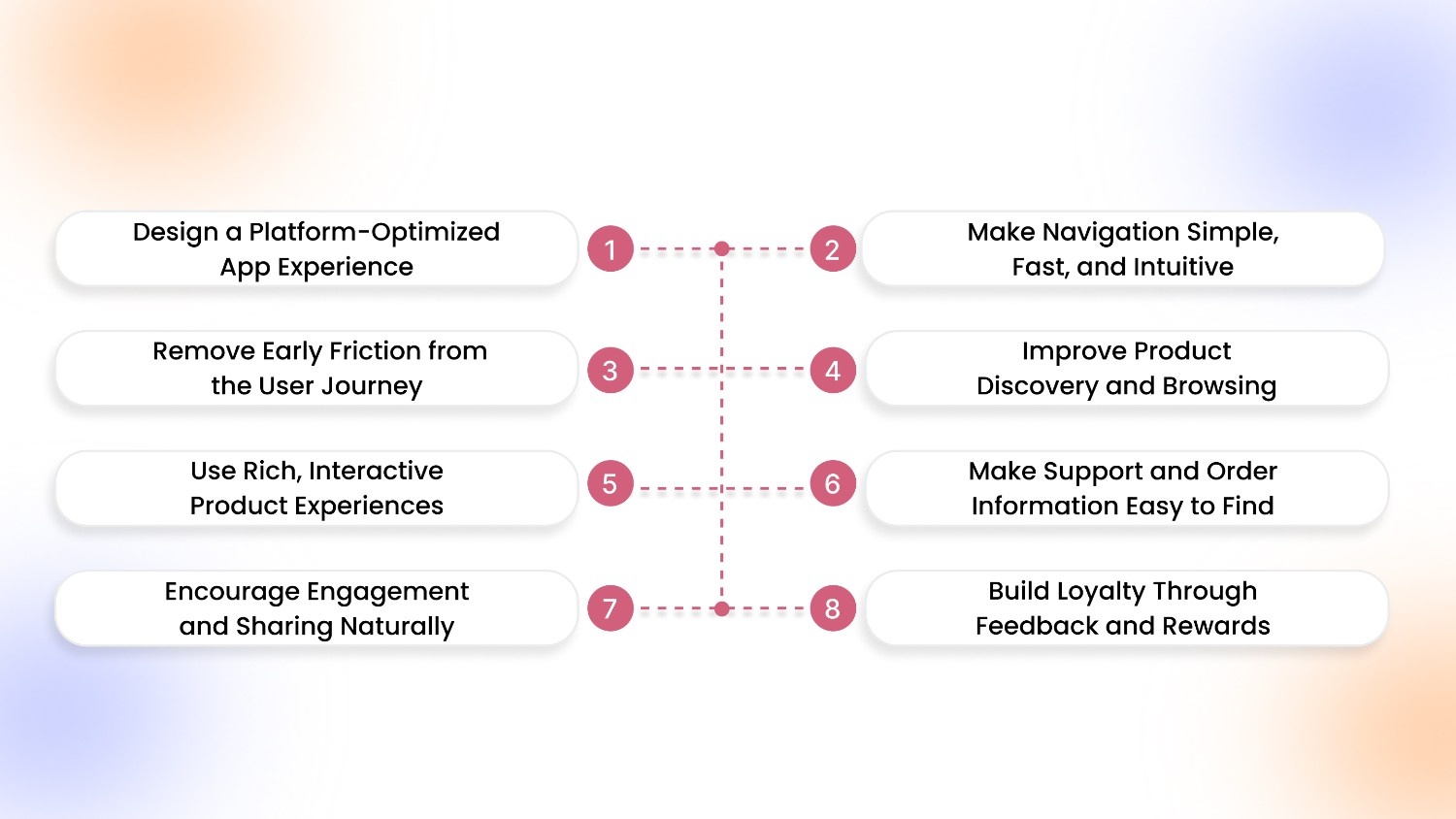
The principles above come to life through execution. The following improvements focus on how ecommerce brands can apply those ideas inside real mobile apps:
1. Design a Platform-Optimized App Experience
Ecommerce apps must feel native to each device. iOS users expect familiar gestures and smooth transitions; Android users rely on back navigation and consistent layouts. Ignoring platform conventions makes the experience feel awkward.
Uniform performance across devices, including older phones, is essential to build confidence and maintain trust for all users. AppMaker’s Eidolon AI can transform design files or screenshots into fully branded, device-optimized app layouts. It helps brands maintain consistent spacing, gestures, and transitions across both iOS and Android without manual coding.
2. Make Navigation Simple, Fast, and Intuitive
Menus should prioritize key actions: search, categories, cart, and account. Secondary menus must support discovery, not distract. Avoid cluttered options, vague labels, or deep hierarchies.
Besides, every tap should move users quickly toward products or checkout. Intuitive navigation reduces friction, prevents frustration, and allows customers to complete tasks in minimal steps.
3. Remove Early Friction from the User Journey
Do not force logins, pop-ups, or permission requests during initial sessions. Allow users to browse catalogs, compare products, and explore value before engagement prompts.
Early pressure leads to app abandonment, while gentle onboarding encourages trust, increases voluntary registration, and enhances the likelihood that users will return for future sessions.
4. Improve Product Discovery and Browsing
Mobile-first filtering and sorting should prioritize tap-friendly layouts and logical defaults. Highlight recently viewed products for returning users to continue their journey without starting over.
Simplified browsing reduces frustration, supports short-session shopping behavior, and increases conversion chances by helping users locate products efficiently without cognitive overload.
5. Use Rich, Interactive Product Experiences
Videos, swipeable galleries, 360° product views, and zoom features reduce uncertainty and boost confidence. Interactions should clarify product details and support decision-making, not distract.
Every interactive element must serve a purpose, helping customers evaluate products faster and feel confident enough to add items to the cart or complete a purchase.
6. Make Support and Order Information Easy to Find
Customer support, real-time order tracking, shipping timelines, and returns should be visible in predictable locations. Nearly 20% of customers face device-related issues each year, making it the third-highest driver of support requests. Quick access to help reduces anxiety and prevents frustration post-purchase.
A clear, frictionless support structure reinforces trust, lowers support tickets, and improves satisfaction. It creates a smoother end-to-end app experience for loyal customers.
7. Encourage Engagement and Sharing Naturally
Native sharing lets users share products or collections without leaving the app, keeping interactions seamless. Engagement prompts should feel relevant, helpful, and contextual rather than disruptive.
Furthermore, personalized nudges and timely suggestions increase session length, boost voluntary sharing, and strengthen customer relationships without forcing attention or interrupting core shopping tasks.
8. Build Loyalty Through Feedback and Rewards
Reward programs should incentivize repeat actions, such as tiered points or progress-based achievements, instead of one-off discounts. Feedback collection should occur after task completion, not mid-flow, to gather authentic insights.
Well-timed rewards and feedback loops strengthen long-term engagement, boost retention, and create meaningful habits for returning users.
Having implemented these enhancements, the next step is understanding how to measure app experience accurately, ensuring insights drive retention, engagement, and long-term improvement.
How to Measure Mobile App Experience the Right Way for Ecommerce?
Measurement isn’t just about vanity metrics. Understanding how users interact, engage, and convert in your mobile app provides actionable insight. Focusing on depth, behavior, and feature usage uncovers opportunities to improve retention, boost conversions, and optimize experience over time.
Measure Metrics That Reflect Real Experience
Track engagement beyond sessions: monitor clicks, scroll depth, and time spent per product category. Measure retention by cohort to identify patterns in returning users. Attribute conversions to specific app features like personalized recommendations or push notifications, showing which elements drive sales and customer satisfaction rather than just traffic.
Experience Signals to Monitor Regularly
Watch for drop-offs in key flows, rage taps on unresponsive buttons, or repeated exits from checkout. Compare feature usage against feature availability to identify neglected or confusing elements. Regularly monitoring these signals highlights friction points, helps prioritize fixes, and ensures the app grows with customer behavior and expectations.
Once you know what to measure, it’s time to see how AppMaker enables brands to bring these strategies to life, turning every visit into personalized interactions.
Also Read: Appmaker integration with LoyaltyLion: Build Customer Loyalty
How AppMaker Builds Ecommerce Apps That Improve Every Visit?
Successful ecommerce apps don’t just display products; they shape every interaction. AppMaker helps brands create mobile apps that remember customer behavior, reduce friction in browsing and checkout, and deliver personalized product recommendations. Our platform makes each session faster, more intuitive, and more likely to turn casual shoppers into repeat buyers.
With AppMaker, brands can use powerful features like:
- Eidolon AI: Automatically converts Figma designs or screenshots into reusable app layouts for a fully branded, ready-to-launch app.
- John AI: Provides actionable insights on sales trends, top-performing products, and customer engagement without manual analytics work.
- AppMaker Studio: Drag-and-drop interface for seamless content and layout updates without coding.
- Push Notifications: Send behavior-driven, relevant messages to drive retention and repeat purchases.
- Code & Conditional Blocks: Implement advanced custom features, subscription models, and dynamic app experiences.
AppMaker ensures your ecommerce app scales with each customer interaction, delivering smarter, smoother, and more personalized experiences over time.
Conclusion
Mobile apps have redefined ecommerce customer experience by reducing friction, personalizing interactions, and making every visit smarter and faster. Focusing on speed, navigation, product discovery, and engagement helps brands turn occasional shoppers into repeat customers while building trust and satisfaction.
AppMaker enables brands to bring these improvements to life. From AI-powered personalization to interactive product layouts, real-time analytics, and behavior-driven notifications, AppMaker ensures your mobile app scales with customer expectations, making every session more engaging and conversion-friendly.
Connect with us today to create an app that adapts, learns, and drives real growth for your brand. Turn every visit into an opportunity to delight and retain shoppers.
FAQs
1. Do ecommerce apps really perform better than mobile websites for customer experience?
Yes, but not automatically. Apps outperform mobile websites when they are designed to remember users, reduce steps, and load instantly. A poorly built app can feel worse than a fast mobile site. The advantage comes from persistence, speed, and continuity, not just the format.
2. When does it make sense for an ecommerce brand to invest in a mobile app?
A mobile app makes sense when repeat customers form a large part of revenue, product discovery matters, or retention is a priority. Brands with frequent purchases, strong catalogs, or loyalty programs benefit most from app-based experiences.
3. How long does it take for customer experience improvements in an app to show results?
Some gains, like faster checkout or easier navigation, show impact within weeks. Others, such as personalization and repeat behavior, compound over months as the app learns from user activity and customers build habits.
4. What is the biggest mistake brands make when trying to improve app experience?
Adding more features instead of removing friction. Many apps fail because they overload users with options, banners, or pop-ups instead of making common actions faster and clearer.