




























Mobile growth becomes urgent when website traffic rises, but revenue fails to scale proportionally. Traditional mobile app development companies often demand high retainers, extended timelines, and unclear performance guarantees. Internal teams rarely include a no-code developer, making app creation feel technically overwhelming and risky.
Integration concerns, maintenance costs, and ongoing update cycles frequently delay critical mobile expansion decisions. Many companies that develop apps still rely on rigid development models that restrict flexibility and speed. In this article, you’ll learn about the top 12 no-code app-building companies, and you will understand how to evaluate companies that develop apps strategically and choose smarter no-code solutions.
Quick Overview
- The no-code app market is expanding rapidly, with the global app economy projected to reach $626 billion by 2030.
- Leading companies that develop apps differ in native mobile support, backend control, AI features, and customization depth.
- Pricing varies widely, with platforms ranging from free plans to about $200+ per month, depending on features, scalability, and infrastructure needs.
- Some platforms focus on web apps or backend tools, while others provide true native mobile app development for iOS and Android.
Why No-Code App Development Is Growing?
Rising development costs and accelerating mobile usage push businesses toward faster, more adaptable app creation models.Here are the key factors driving this shift across mobile app development companies and no-code app builders:
- Massive App Economy Growth: The global app economy is projected to reach $626 billion by 2030, growing at a 14.3% CAGR, increasing demand for scalable apps without code.
- Lower Development Costs: Traditional mobile app development companies require significant upfront budgets, while no-code app builders reduce financial exposure and operational risk.
- Faster Time to Market: Modern no code ai platforms allow rapid prototyping, helping you launch and test ideas without extended development timelines.
- Reduced Technical Dependency: Many app maker companies provide intuitive builders, minimizing reliance on hiring a dedicated no-code developer.
- AI-Driven Efficiency: An AI app development company can automate design logic and analytics, improving speed without increasing technical complexity.
- Scalable Infrastructure: Leading companies that develop apps now combine native performance with cloud scalability and secure integrations from launch.
Growth alone does not guarantee the right choice, so the next step is identifying what truly separates capable platforms from limited ones.
Key Features to Look for in No-Code Builders
Choosing the right platform requires careful evaluation beyond surface-level design templates.Below are the essential features to compare when assessing companies that develop apps and modern no-code app builders:
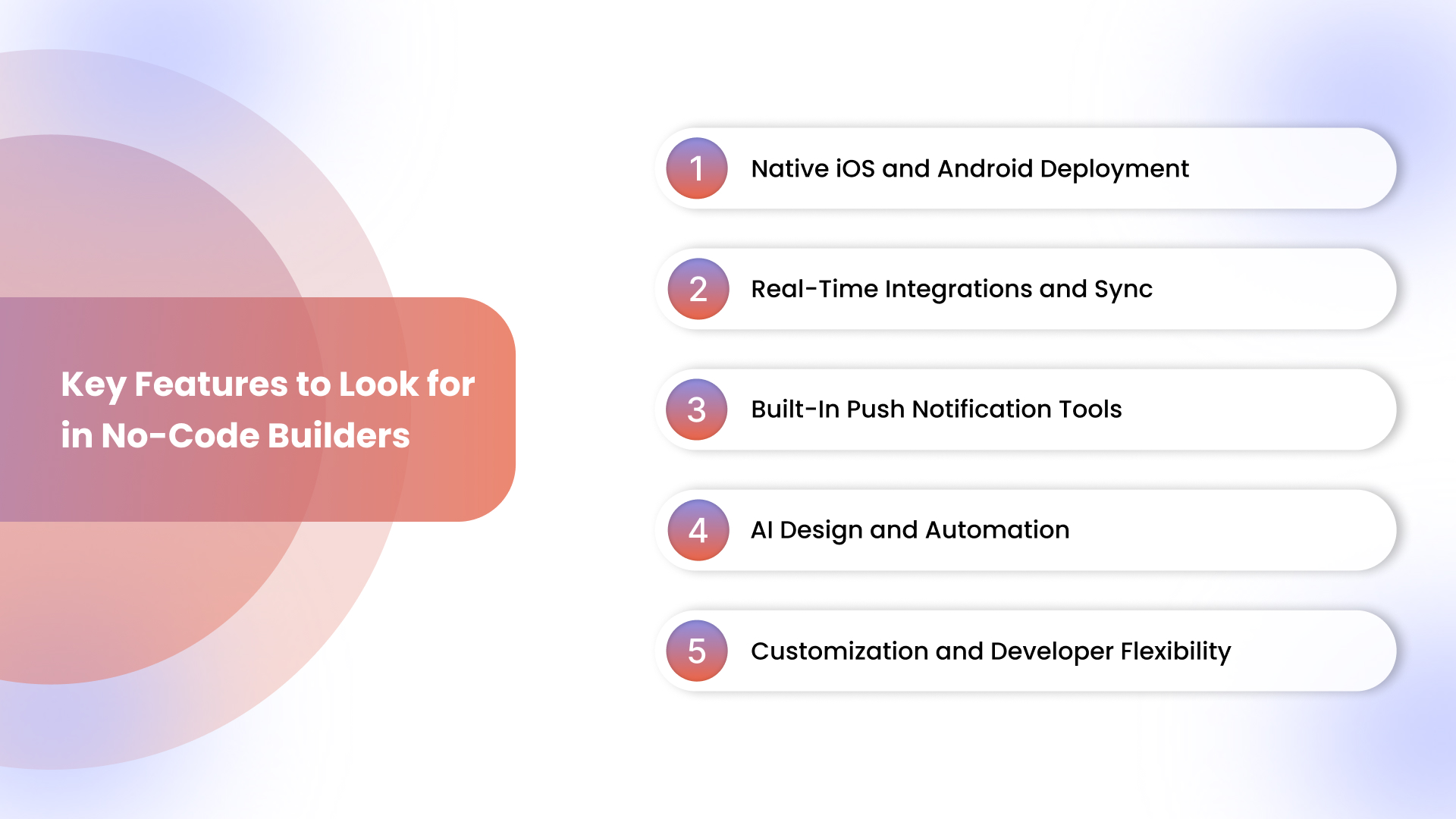
1. Native iOS and Android Deployment
- True Native Performance: Leading mobile app development companies must deliver smooth native builds, not slow web-based wrappers.
- App Store Compliance: Reliable app maker companies manage publishing standards and updates across the Apple App Store and Google Play.
- Scalable Architecture: Strong mobile development companies ensure your app performs consistently under growing user demand.
2. Real-Time Integrations and Sync
- Data Synchronization: Your app should reflect real-time product, pricing, and inventory updates without manual duplication.
- Secure API Connectivity: Advanced app creation companies provide stable integrations with CRM, payments, and analytics systems.
- Reduced Operational Errors: Seamless sync prevents mismatched data that often damages customer trust and revenue.
3. Built-In Push Notification Tools
- High Engagement Impact: The Appmaker study report found that push notifications deliver 5–10X higher CTRs than email or paid marketing campaigns.
- Behavior-Based Campaigns: Top companies that develop apps allow targeted notifications based on cart activity or browsing behavior.
- Retention Optimization: In-app alerts help reduce churn and drive repeat purchases without additional advertising spend.
4. AI Design and Automation
- Faster App Creation: A no-code AI platform should simplify layout creation without hiring a dedicated no-code developer.
- Personalized Experiences: AI-driven features help tailor content based on user actions and engagement patterns.
- Data-Backed Decisions: An AI app development company should provide actionable insights, not just static dashboards.
5. Customization and Developer Flexibility
- Expandable Features: Some app development companies allow code extensions for advanced workflows and integrations.
- Reusable Components: Efficient platforms support modular design elements for faster scaling and feature updates.
- Future-Proof Growth: The right builder ensures flexibility without forcing expensive migrations later.
Once you know what matters most, it becomes easier to evaluate the leading platforms in the market.
12 Best No-code App Building Companies for 2026
Several companies that develop apps now combine no-code technology, AI automation, and scalable infrastructure to simplify mobile launches.
Below are widely used no-code app builders used by companies that develop apps to launch mobile products without traditional development cycles.
Appmaker
-1.png)
Appmaker.xyz focuses on helping Shopify merchants convert their stores into native mobile apps without traditional development work. Unlike general no-code builders, the platform is optimized for commerce workflows such as product sync, push campaigns, and storefront personalization.
Key Features for No-Code App Development
- Appmaker Studio: A drag-and-drop builder that lets you design layouts, banners, and product pages without technical expertise.
- Real-Time Store Sync: Automatic synchronization keeps products, inventory, orders, and customer data aligned across your store and mobile app.
- Eidolon AI: Upload screenshots or Figma files to convert static designs into reusable, production-ready mobile app components.
- John AI Analytics Assistant: Access real-time sales insights, product performance data, and customer behavior analytics through conversational queries.
- AI-Powered Personalization: Tools like Eidolon AI, John AI, and the upcoming Rubik’s AI dynamically adjust layouts, product recommendations, and content based on user behavior.
- Push Notifications and Campaign Tools: Launch targeted campaigns for promotions, abandoned carts, and product restocks to increase engagement and retention.
- Code Blocks and Conditional Blocks: Add reusable custom logic and behavior-based display rules without rebuilding entire app sections.
- Extensions Marketplace: Integrate loyalty modules, sticky carts, countdown timers, and subscription workflows to expand functionality instantly.
- Multi-Language and Integration Support: Connect with CRM systems, payment gateways, and global storefronts without complex configuration.
Pros:
- No-code builder for Shopify mobile apps
- Drag-and-drop app design and customization
- Built-in push notifications for customer engagement
- Real-time store sync with Shopify data
- AI tools for personalization and insights
Cons:
- Pricing may not suit very small stores
- Advanced customization may need technical setup
Best Use Cases
Scaling brands often outgrow rigid app maker companies that limit customization and restrict technical flexibility.Appmaker Studio offers deep customization with open architecture, enabling teams to innovate without platform migration risks. Brands across fashion and nutrition categories have reported up to 3x higher conversion rates and 2x stronger repeat purchase growth.
Bubble
.png)
Bubble is a full-stack no-code app development platform that enables anyone to build web applications and dynamic online tools without writing traditional code.
Key Capabilities
- Visual App Building: Build interfaces, workflows, and logic in a visual editor without code, covering frontend and backend in one place.
- AI and Logic Integration: Blend AI prompts with visual editing to create responsive, logic-driven applications.
- Database and Workflows: Manage databases, user roles, and logic flows visually, enabling complex interactions without developers.
- Plugin Integrations: Connect payments, CRMs, analytics, and external tools via a robust plugin ecosystem.
- Responsive Cross-Platform Apps: Create web apps that adapt to various device screens without separate coding.
Pros:
- Strong workflow and database flexibility
- Fast prototyping for complex web apps
Cons:
- Limited native mobile app capabilities
- Steep learning curve for advanced features
- Performance issues on a larger scale
- No source code export available
Bildr
.png)
Bildr is a visual no-code platform that enables users to design, build, and launch custom web applications without writing traditional code.
Key Capabilities
- Visual Drag-and-Drop Editor: Build user interfaces and layouts quickly using a visual workspace rather than manual coding.
- Dynamic Data and Logic: Create responsive apps with database handling, dynamic content, and user-flow logic built visually.
- API Integrations: Connect external services such as Stripe, Airtable, and third-party tools for extended functionality.
- Responsive Design: Apps created with Bildr adapt automatically to smartphones, tablets, and desktop screens.
- Real-Time Collaboration: Teams can work simultaneously on projects with shared editing and updates in real time.
Pros:
- Strong design flexibility and responsive output
- Real-time team collaboration options
Cons:
- Focuses primarily on web apps, not native mobile
- Steeper learning curve for beginners
- Limited pre-built templates and community resources
- May require technical skills for advanced integrations
Backendless
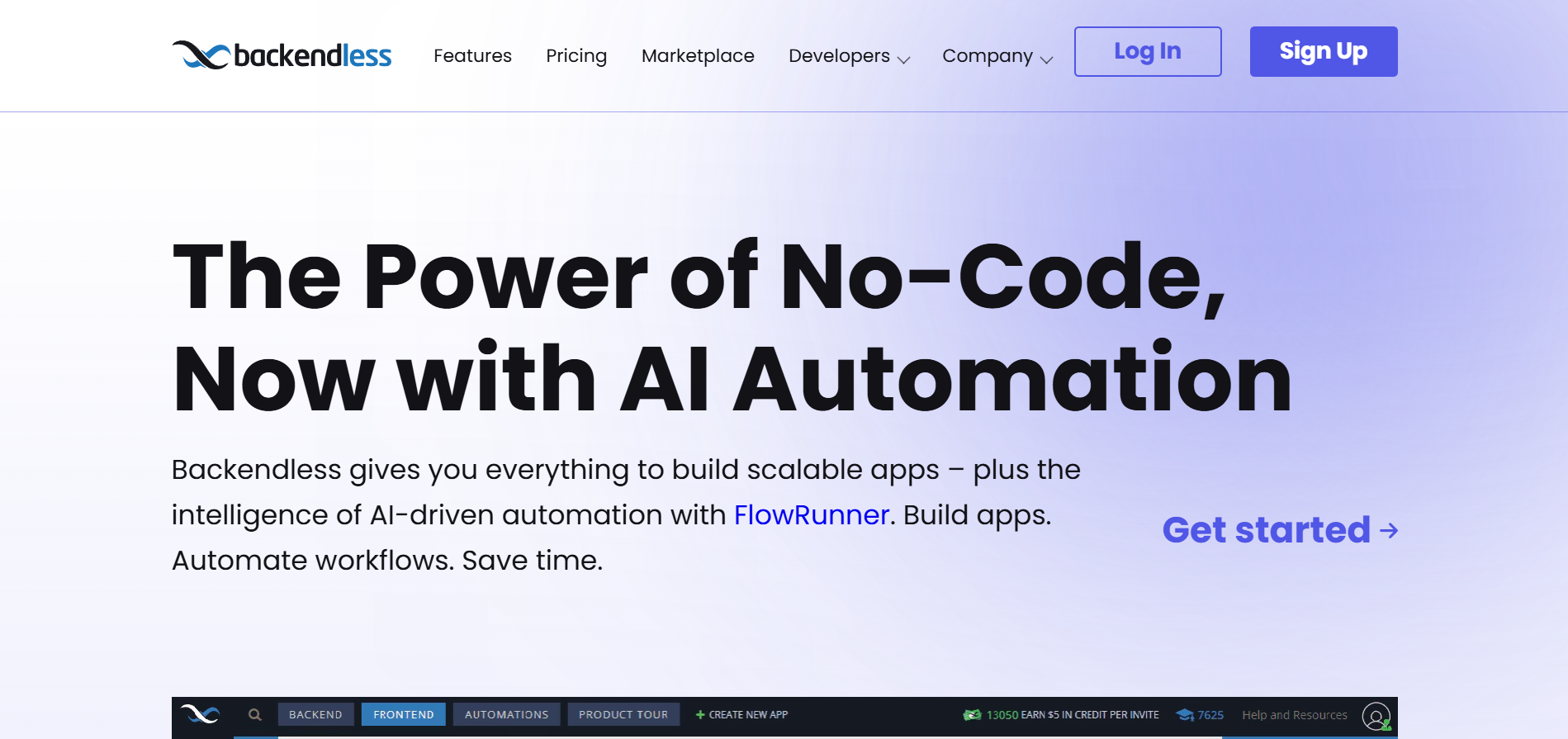
Backendless is a visual no-code and low-code app development platform that supports building full-stack web and mobile applications without traditional coding.
Key Capabilities
- No-Code UI Builder: Visual drag-and-drop interface for app frontend design without writing code.
- Codeless Logic Blocks: Configure backend processes, API logic, and workflows using visual logic blocks.
- Real-Time Database: Store, query, and manage app data with live updates and visual data modeling tools.
- User Management: Built-in authentication, session control, and security features for app users.
- API Services: Create and manage scalable API endpoints without coding to power your app logic.
- Push Notifications: Configure real-time messaging and alerts directly within the platform.
Pros:
- Full backend and frontend in one platform
Cons:
- Not specialized in native mobile app publishing
- Steeper learning curve for non-technical users
- UI builder usability challenges reported
- Pricing and complexity may not fit small business needs
FlutterFlow
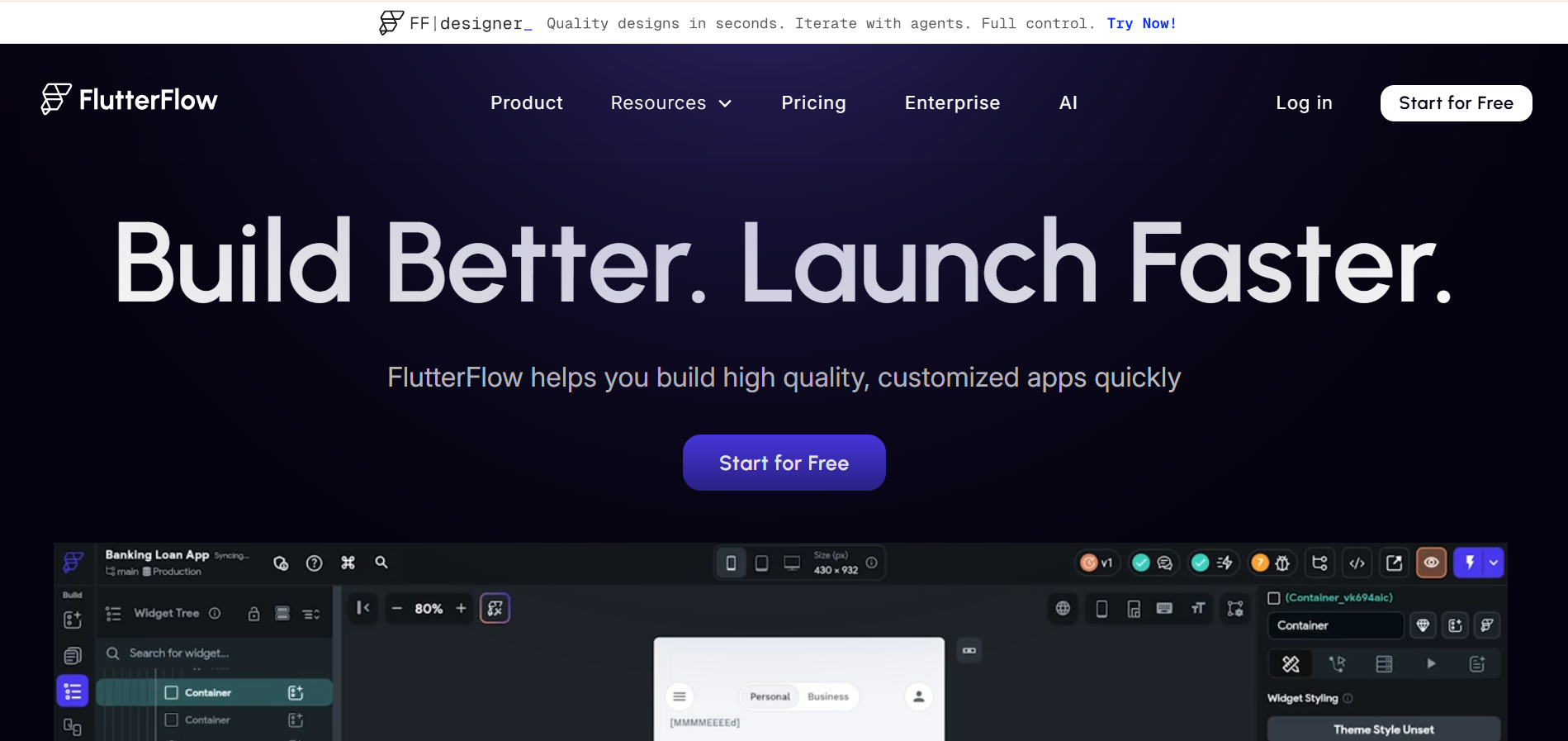
FlutterFlow is a visual no-code and low-code app development platform built on Google’s Flutter framework, enabling cross-platform app creation with a drag-and-drop interface.
Key Capabilities
- Drag-and-Drop Builder: Design mobile app UIs visually without hand-coding layout structures.
- Cross-Platform Support: Build native iOS and Android apps from a single project without separate codebases.
- Firebase and API Integrations: Connect backends like Firebase or custom APIs for data and services.
- Code Export: Download real Flutter code, offering flexibility for future custom development.
- Responsive Testing Tools: Preview and test app logic and layout across devices as you build.
Pros:
- Fast visual app development without deep coding knowledge
- Cross-platform native deployment in one project
Cons:
- Moderate learning curve for non-technical users
- Advanced customization can require coding effort
- No built-in AI/ML features compared with newer no-code AI platforms
- Costs can rise when scaling teams or full integration support is needed
Glide
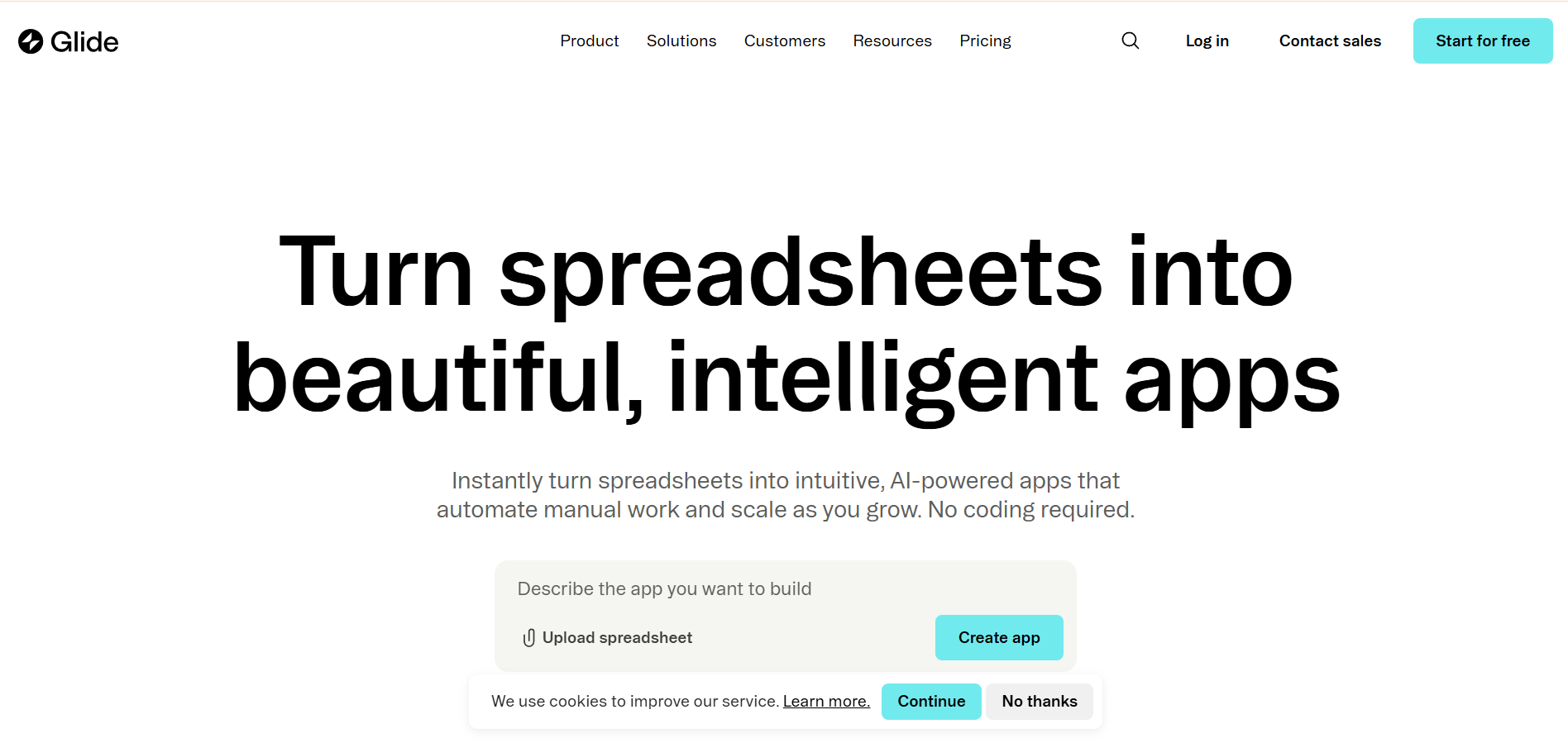
Glide is a visual no-code platform that lets you build mobile-friendly apps and progressive web apps using data from spreadsheets or integrated databases. It helps non-technical users and teams create functional applications quickly without writing code.
Key Capabilities:
- Spreadsheet-Driven Development: Connect Google Sheets, Excel, or Glide Tables as your app’s data source without manual coding.
- Responsive Apps Across Devices: Apps created with Glide are mobile-adapted and work smoothly on phones, tablets, and desktops.
- Drag-and-Drop Interface: Build layouts visually, arranging UI elements without code or complex setup.
- Template Library: Start with professional templates that speed up design and iteration.
- AI and Automation Support: Some versions incorporate AI generation tools and automation helpers for faster app setup.
Pros:
- Very intuitive and easy interface
- Quick prototyping without coding
Cons:
- Limited native iOS/Android publishing
- Customization restrictions on complex features
- Push notifications and device features often need workarounds
- Pricing rises with high usage and advanced needs
Thunkable
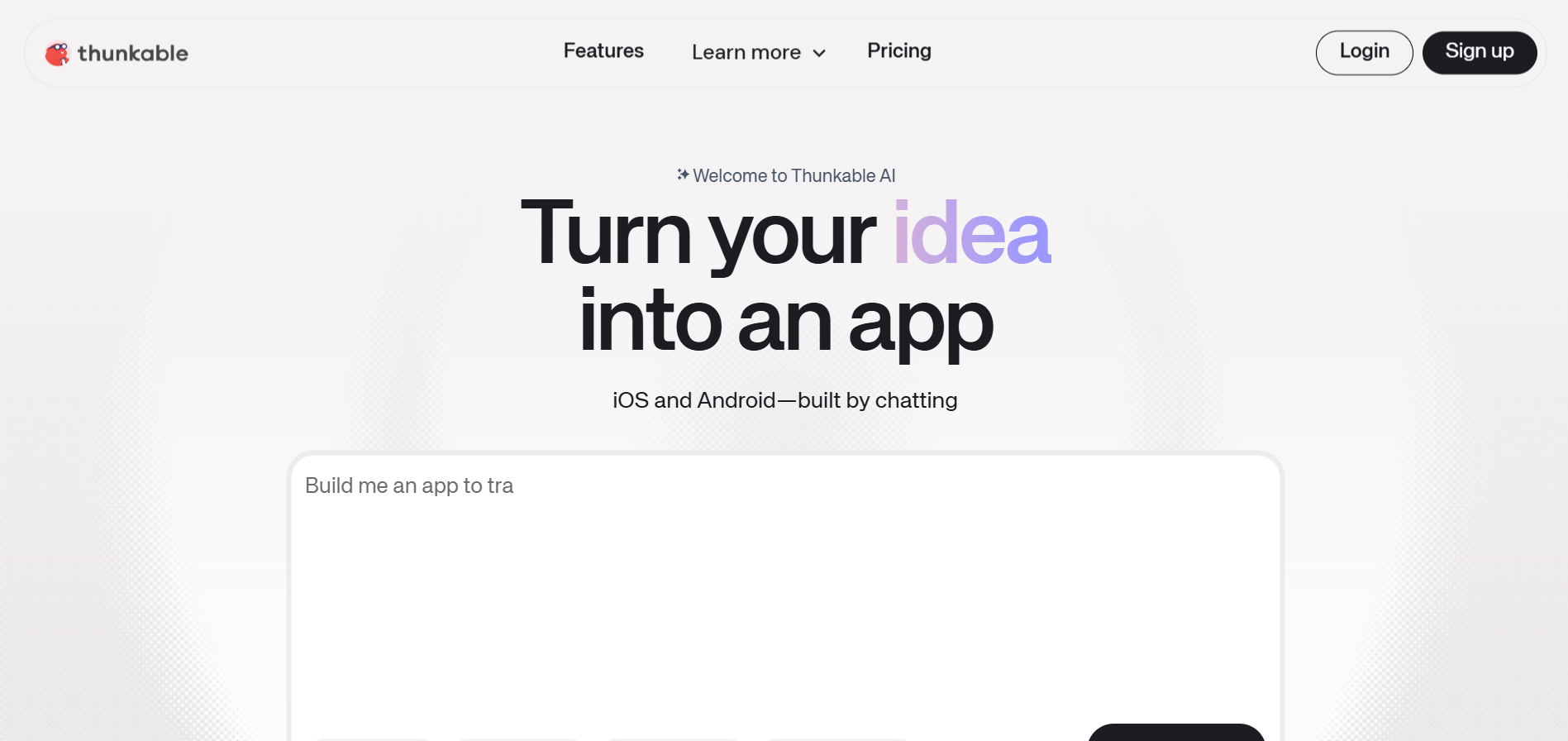
Thunkable is a no-code platform that empowers users to design, build, and publish native mobile apps for iOS and Android without writing any code.
Key Capabilities
- Drag-and-Drop App Builder: Visual editor lets you design interfaces and workflows without coding expertise.
- Cross-Platform Native Apps: Build and deploy a single app that runs on both iOS and Android.
- Visual Logic Blocks: Add app logic and conditional flows using block-based programming instead of traditional code.
- API and Database Integrations: Connect to third-party services and real-time data sources for advanced functionality.
- Real-Time Testing: Preview and test app behavior directly on devices while building.
Pros:
- Easy drag-and-drop design workflow
- Cross-platform native deployment
Cons:
- Feature limits restrict complex customizations
- Block-based logic can feel restrictive
- Learning curve for advanced functionality
- Less suited for highly scalable projects
Softr
Softr is a no-code platform that turns existing data from spreadsheets or databases into fully functional web applications, client portals, and internal business tools without coding.
Key Capabilities
- No-Code App Builder: Build web apps, portals, dashboards, and internal tools using a visual drag-and-drop interface.
- Database Integrations: Connect data sources such as Airtable, Google Sheets, Notion, SQL databases, and other structured data systems.
- Pre-Built Templates and Blocks: Launch applications quickly using customizable templates and reusable interface blocks.
- User Authentication and Permissions: Control access using login systems and role-based permissions for different user groups.
- Workflow Automation: Trigger actions and automations inside apps through visual workflows connected to data events or user actions.
- Integrations with Business Tools: Connect with services such as Stripe, Mailchimp, Google Analytics, Zapier, and other workflow tools.
Pros:
- Simple no-code interface that allows non-technical teams to build internal tools and portals quickly
- Strong integration with existing databases like Airtable and Google Sheets
Cons:
- Primarily designed for web applications, not native iOS or Android mobile apps
- Backend logic and complex workflows are more limited than full development platforms
- Large-scale applications may face performance limitations depending on the connected data source
WeWeb
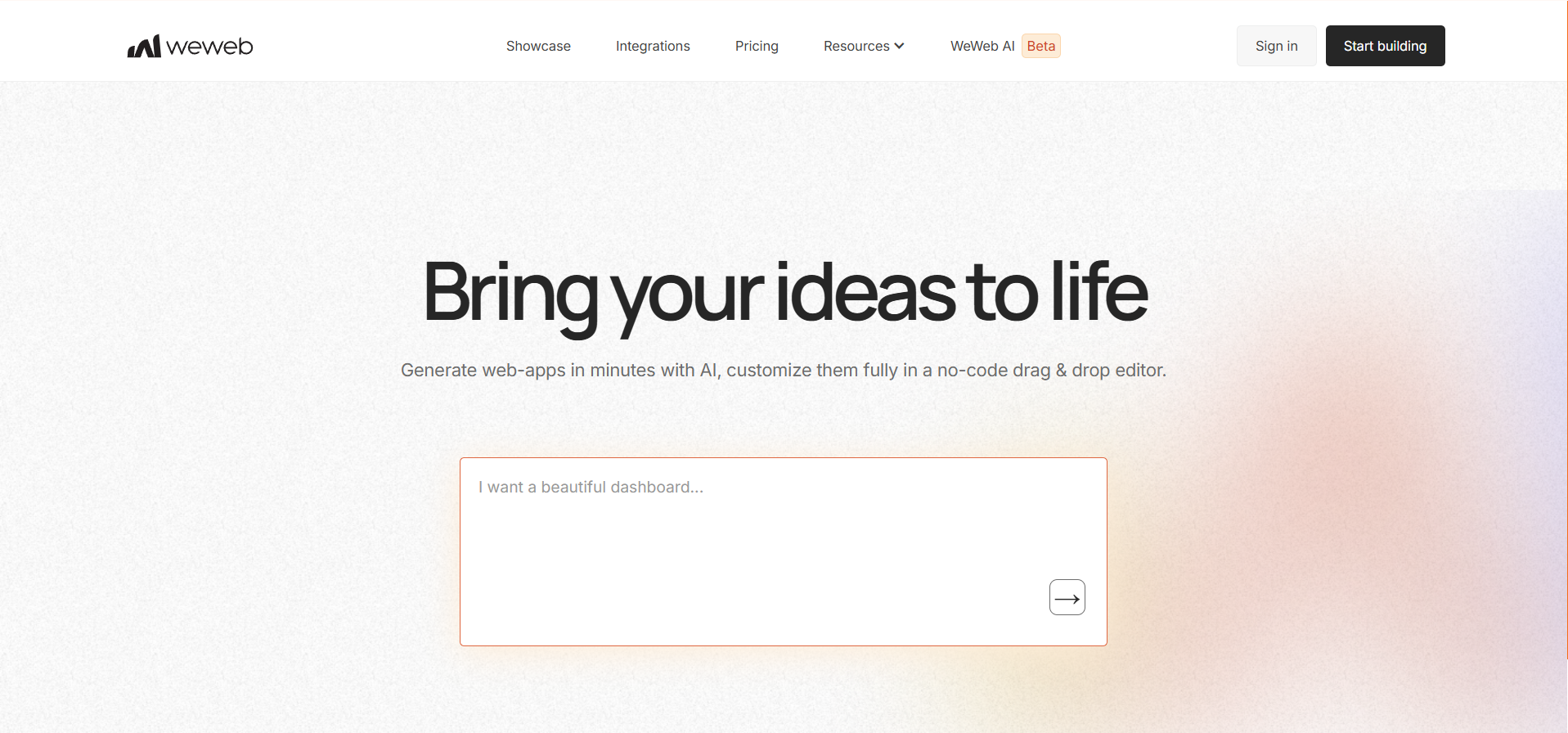
WeWeb is a no-code visual development platform designed to build production-ready web applications using a drag-and-drop interface combined with AI generation capabilities.
Key Capabilities:
- Visual Web App Builder: Design complex web application interfaces visually using a drag-and-drop editor without manual frontend coding.
- AI-Assisted Development: Generate layouts and components using AI prompts, then refine them visually inside the editor.
- Backend-Agnostic Architecture: Connect your app to external backends like Supabase, Xano, or custom APIs.
- Custom Code Flexibility: Add custom CSS or import Vue.js components for deeper frontend customization when required.
- Data Source Integrations: Connect databases and external tools such as Airtable, Google Sheets, and REST APIs.
- Code Export and Self-Hosting: Export generated code and deploy applications on your own infrastructure if needed.
- Progressive Web App Support: Build installable web applications that function across desktop and mobile devices.
Pros:
- Strong visual frontend builder for web apps
- Flexible backend integrations with external services
Cons:
- Focuses mainly on web applications only
- Requires separate backend tools for logic
- Not specialized in ecommerce mobile apps
- Native iOS or Android apps are unsupported
- Setup complexity increases with integrations
- Learning curve for non-technical beginners
Adalo
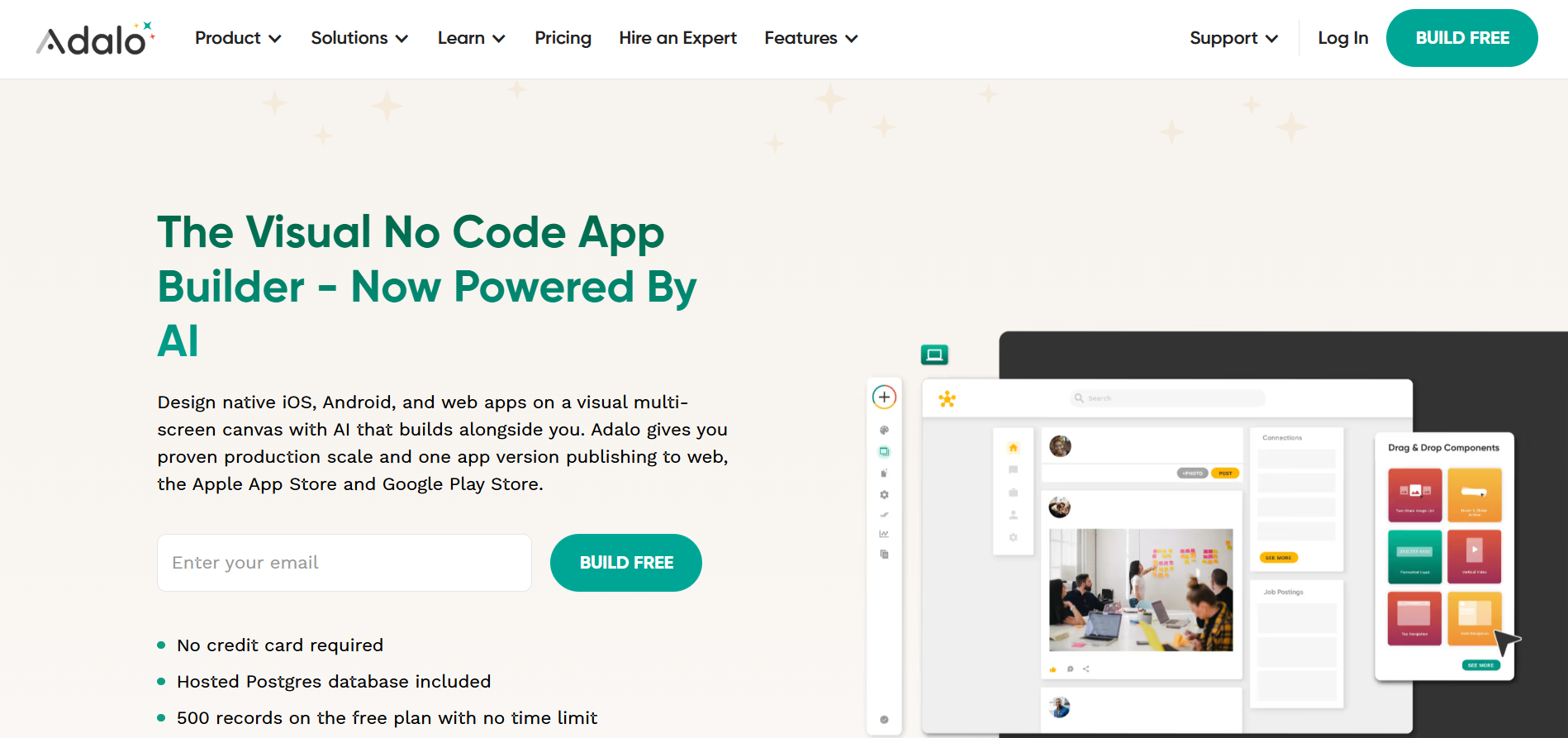
Adalo is a no-code application development platform that allows users to design, build, and publish custom mobile and web applications using a visual drag-and-drop interface.
Key Capabilities:
- Drag-and-Drop App Builder: Design application screens visually using components such as buttons, forms, lists, and interactive elements.
- Native Mobile and Web Publishing: Build apps once and publish them directly to iOS, Android, and web platforms.
- Integrated Database System: Store and manage application data using Adalo’s built-in database with relational data structures.
- Component Marketplace: Extend app functionality using pre-built components created by third-party developers.
- Custom Actions and Integrations: Connect APIs, automation tools like Zapier, and external services to extend application functionality.
- Geolocation Features: Build location-based apps using device location tracking and mapping functionality.
- Push Notifications: Send targeted push notifications to users based on app events or activity.
Pros:
- Simple visual builder for beginner app creators
- Native mobile and web publishing support
Cons:
- Limited scalability for complex production apps
- Performance issues reported on large apps
- Advanced customization requires external integrations
- Backend logic capabilities are relatively limited
- Not optimized for ecommerce mobile experiences
- Scaling costs increase with higher usage
Xano
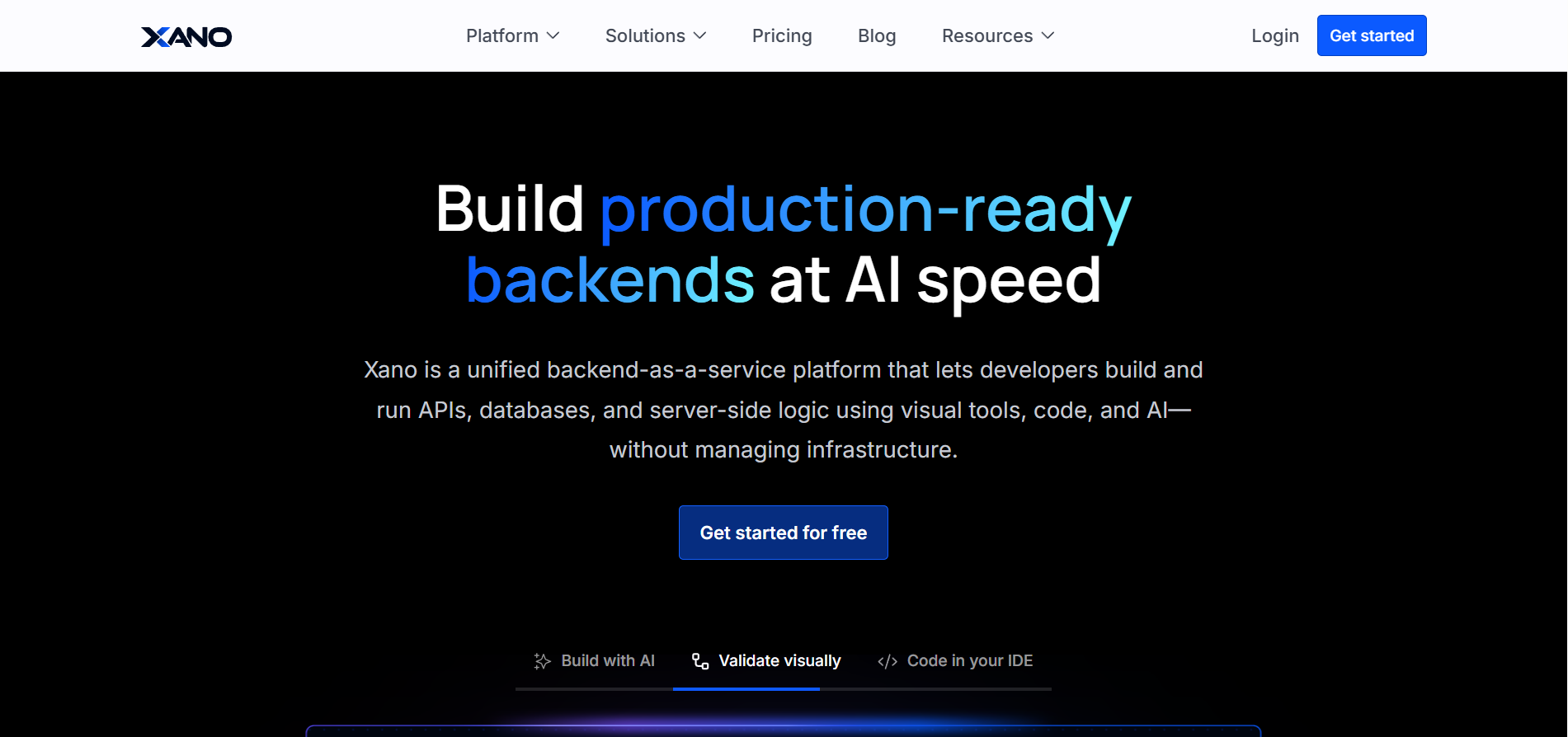
Xano is a no-code backend development platform that allows teams to build scalable APIs, databases, and business logic for web and mobile applications without writing code.
Key Capabilities
- Visual API Builder: Create REST APIs visually and connect them to front-end applications without writing backend code.
- Built-In Database: Each project includes a managed PostgreSQL database for storing and managing application data.
- Backend Workflow Logic: Build server-side logic and automate processes using visual workflows instead of traditional programming.
- Authentication and User Management: Implement user login, permissions, and access control with built-in authentication tools.
- Scalable Infrastructure: Run backend systems on auto-scaling infrastructure designed to support high-traffic applications.
- Third-Party Integrations: Connect external services, APIs, and front-end frameworks through standard REST API connections.
- Automation and Background Tasks: Schedule backend tasks such as data processing, notifications, or integrations without manual coding.
Pros:
- Powerful backend builder for scalable applications
- Visual API and database development tools
Cons:
- Primarily backend-focused, no frontend builder
- Requires external tools for full applications
- Learning curve for non-technical beginners
- Not specialized in ecommerce mobile apps
- Setup complexity increases with integrations
- Scaling costs grow with backend resources
Bravo Studio
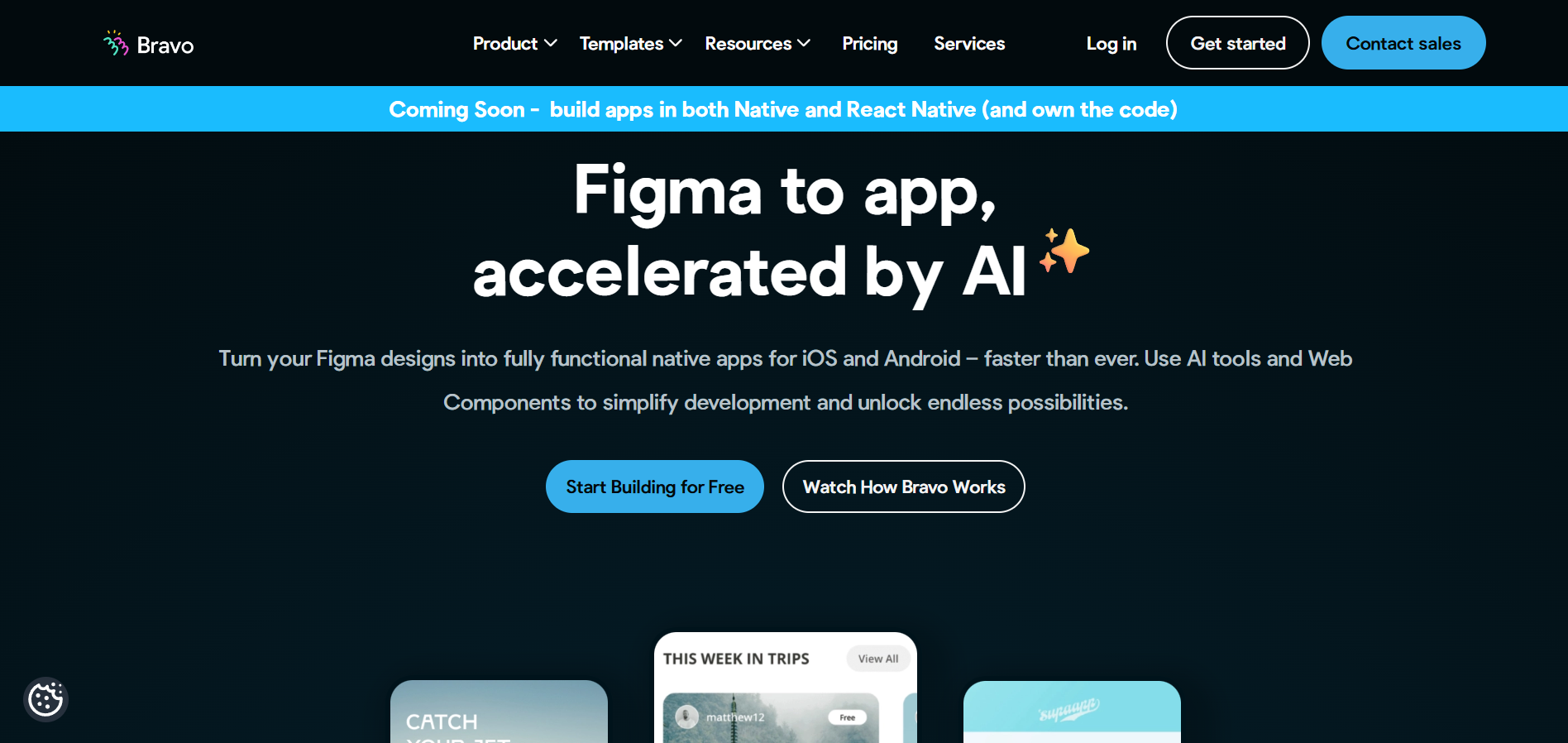
Bravo Studio converts Figma designs into fully functional native mobile apps without coding. Designers can connect UI screens to APIs, databases, and backend services to turn static designs into working mobile applications.
Key Capabilities:
- Figma-to-App Conversion: Turn Figma designs directly into native mobile apps without coding.
- API and Backend Integration: Connect apps to REST APIs, Airtable, Xano, and other backend services.
- Native Mobile Deployment: Publish apps to the iOS App Store and Google Play.
- Data Binding: Link UI components to dynamic backend data.
- User Authentication: Add login systems and secure user flows.
Pros:
- Ideal for designers building mobile apps
- Converts Figma designs into native apps
Cons:
- Requires a design workflow using Figma
- Backend functionality depends on integrations
- Limited built-in backend infrastructure
With each platform offering distinct strengths and trade-offs, a direct feature and pricing breakdown clarifies the real differences.
Which Platform Delivers the Most Value?
Before selecting among companies that develop apps, evaluating feature depth, ideal use cases, pricing structure, and user feedback helps you make a confident decision.Below is a structured breakdown to clarify how each platform performs across essential decision factors:
A side-by-side view highlights contrasts, but choosing wisely requires aligning features with your long-term goals.
How to Choose the Right App Development Company
Selecting among companies that develop apps requires balancing cost, scalability, control, and long-term flexibility.Here are the essential evaluation factors to guide your decision confidently:
- Native Performance and Publishing: Ensure the platform supports true iOS and Android deployment without relying only on web wrappers.
- Customization Depth: Look for app maker companies that allow UI flexibility and advanced integrations beyond basic templates.
- Integration Capabilities: Reliable mobile app development companies should connect seamlessly with payments, CRM systems, and analytics tools.
- Scalability and Infrastructure: Choose solutions that handle growing traffic, expanding product catalogs, and increasing user activity smoothly.
- AI and Automation Tools: Modern no code ai platforms should simplify personalization, analytics, and layout optimization without heavy manual effort.
- Cost Transparency: Evaluate subscription pricing, revenue sharing, and upgrade paths to avoid unexpected scaling expenses later.
- Support and Growth Enablement: Consider whether the platform provides strategic guidance, optimization insights, and post-launch assistance.
When these factors align, platforms like Appmaker stand out by combining native deployment, deep customization, AI-driven personalization, and scalable commerce-focused infrastructure in one solution.
Wrapping Up
Choosing between companies that develop apps requires clarity on scalability, flexibility, and long-term business impact. The right no-code app builders help you reduce development risk while accelerating mobile growth confidently.Appmaker brings native performance, AI-driven personalization, and deep customization together in one scalable platform.
Ready to launch smarter? Book a demo with Appmaker and see how the right no-code solution can power your mobile strategy.
FAQs
What is the best no-code app builder for mobile apps?
The best no-code app builders offer native iOS and Android deployment, strong integrations, and scalable infrastructure without requiring technical expertise.Are apps without code truly scalable?
Apps without code can scale effectively when built on platforms that support native performance, cloud infrastructure, and flexible customization options.How much do companies that develop apps charge?
Costs vary widely, ranging from monthly subscriptions under $50 to enterprise plans costing hundreds per month, depending on features and usage.Can no-code platforms publish directly to the App Store and Google Play?
Many modern mobile app development companies provide direct publishing support for both the Apple App Store and the Google Play platforms.Do no-code app builders support integrations with payment gateways and CRMs?
Most leading no-code app builders integrate with payment gateways, CRM systems, analytics tools, and third-party APIs for seamless operations.