




























Shoppers often leave ecommerce apps without buying because they get lost, confused, or distracted. Small delays or unclear prompts can cost brands sales and repeat customers.
Mobile apps have a huge advantage: consumers are 50% more likely to book or purchase through an app than through other digital channels. However, your guidance should be timely and relevant.
In-app notifications solve this by giving users the right cues at the right moment, helping them browse, add to cart, and complete purchases without frustration. Unlike push messages, these nudges work while users are actively exploring your app.
In this blog, we will discuss what in-app notifications are, why they matter for ecommerce, and how to use them to boost conversions and retention.
Overview
- In-app notifications guide users in real time, influencing discovery, purchase, and post-purchase actions within your ecommerce app.
- Properly timed notifications outperform push messages for active shoppers, reducing friction and boosting conversion and retention.
- Choosing the right notification type, low-friction, high-attention, or contextual micro-guide, ensures relevance without interrupting the user experience.
- Behavioral triggers and lifecycle mapping make every notification purposeful, increasing engagement, repeat purchases, and long-term customer lifetime value.
- Measurement and optimization of notifications should focus on revenue impact, conversion lift, and sustained user behavior, not just clicks or impressions.
What Are In-App Notifications?
In-app notifications are messages shown to users while they are actively using a mobile app. These notifications work inside the session, responding to what the shopper is doing in real time.
For ecommerce apps, this distinction matters. A shopper viewing a product, scrolling through a collection, or hovering over the cart already has intent. In-app notifications exist to shape that intent by clarifying value, removing friction, or prompting the next step.
Examples include a free-shipping reminder appearing when the cart value crosses a threshold. It can also be a banner highlighting a trending product in a category the shopper is browsing, or a subtle nudge encouraging account creation after the first add-to-cart action.
Having defined in-app notifications, it’s important to explore why they’re important for ecommerce brands, particularly how they address fragmented attention and drive real user actions.
Why In-App Notifications Matter for Ecommerce Brands?
Mobile commerce has an attention problem. Smaller screens, shorter sessions, and constant distractions mean brands have fewer chances to influence decisions. In-app notifications work because they operate inside the decision window, not before or after it.
Why timing beats reach in ecommerce messaging
Reach is irrelevant if the message arrives too early or too late. In-app notifications succeed because they respond to what the shopper is doing now. A size-guide nudge works only when a product page is open. A shipping update matters only after purchase. Timing, not volume, drives impact.
How in-app notifications impact revenue metrics
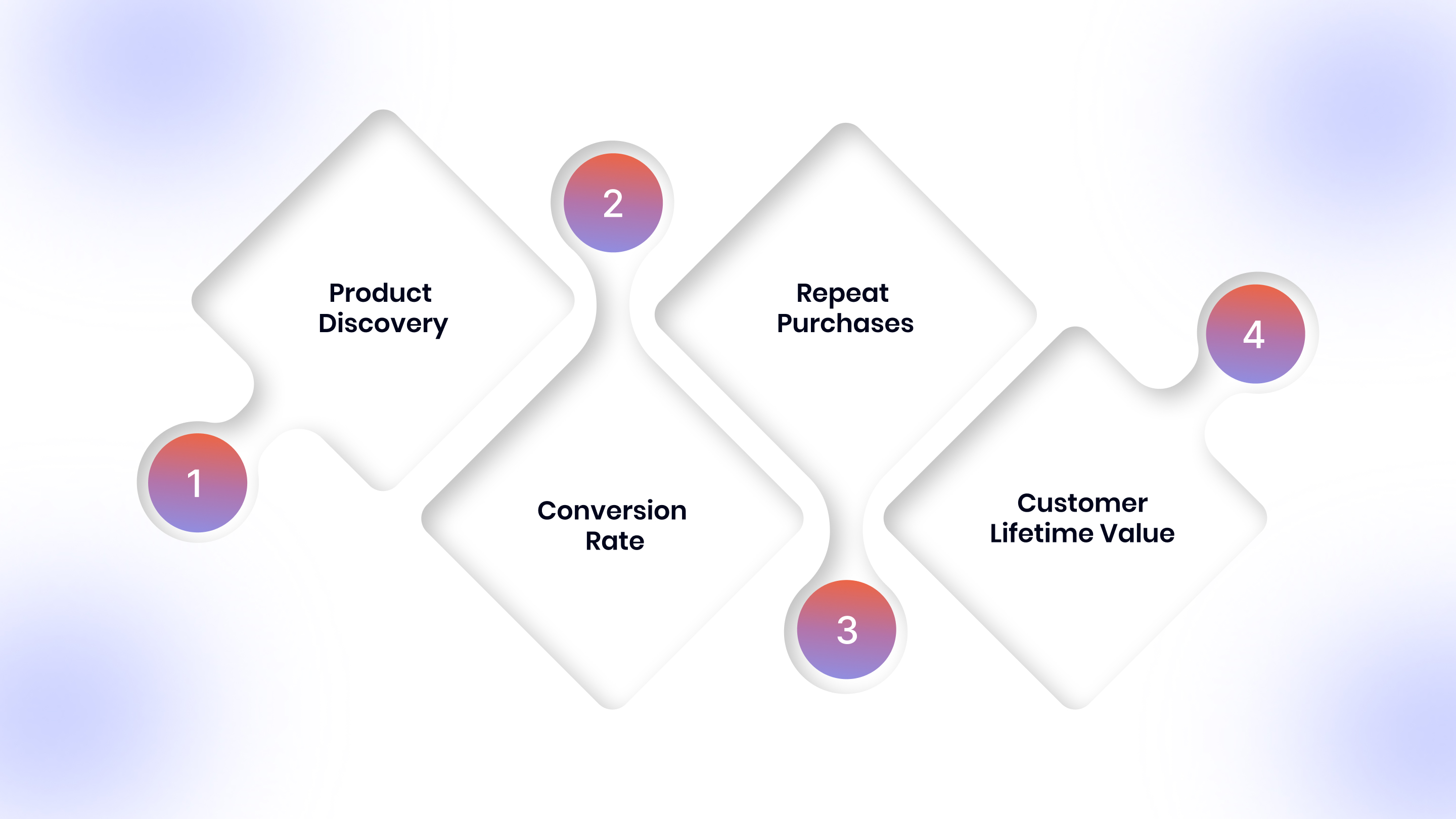
- Product discovery: Highlighting trending items or recently viewed products reduces choice overload and shortens browsing time.
- Conversion rate: Contextual nudges like low-stock indicators or free-shipping prompts push hesitant users toward checkout.
- Repeat purchases: Post-purchase nudges inside the app encourage re-engagement without relying on external channels.
- Customer lifetime value (CLV): When notifications guide users toward higher-value actions consistently, CLV grows naturally.
This is why strong in-app strategies tie directly to revenue behavior, not surface-level engagement. Once you grasp their value, the next step is understanding how in-app notifications differ from push notifications.
Also Read: Appmaker integration with LoyaltyLion: Build Customer Loyalty
In-App Notifications vs Push Notifications
Mobile commerce messages fail when brands use the right message in the wrong moment. Before choosing a channel, check how each format behaves across attention, intent, and shopping context:
Having seen how notifications compare with push, let’s clarify a common confusion: how in-app notifications differ from in-app messaging and where each works best.
In-App Notifications vs In-App Messaging
You may often get confused between in-app notifications and in-app messaging. Moreover, choosing the wrong format can frustrate shoppers. Here’s a clear comparison to help ecommerce teams decide which fits each scenario:
With distinctions clear, it’s time to explore the different types of in-app notifications you can use, and how each serves a specific purpose in the user journey.
Types of In-App Notifications Used in Ecommerce Apps
Mobile ecommerce apps require notifications that guide shoppers without breaking their flow. Each type serves a specific purpose: some gently nudge users, others demand attention at critical moments, and some provide micro-guidance for smoother interactions. Choosing the right type ensures notifications drive conversions, not friction.
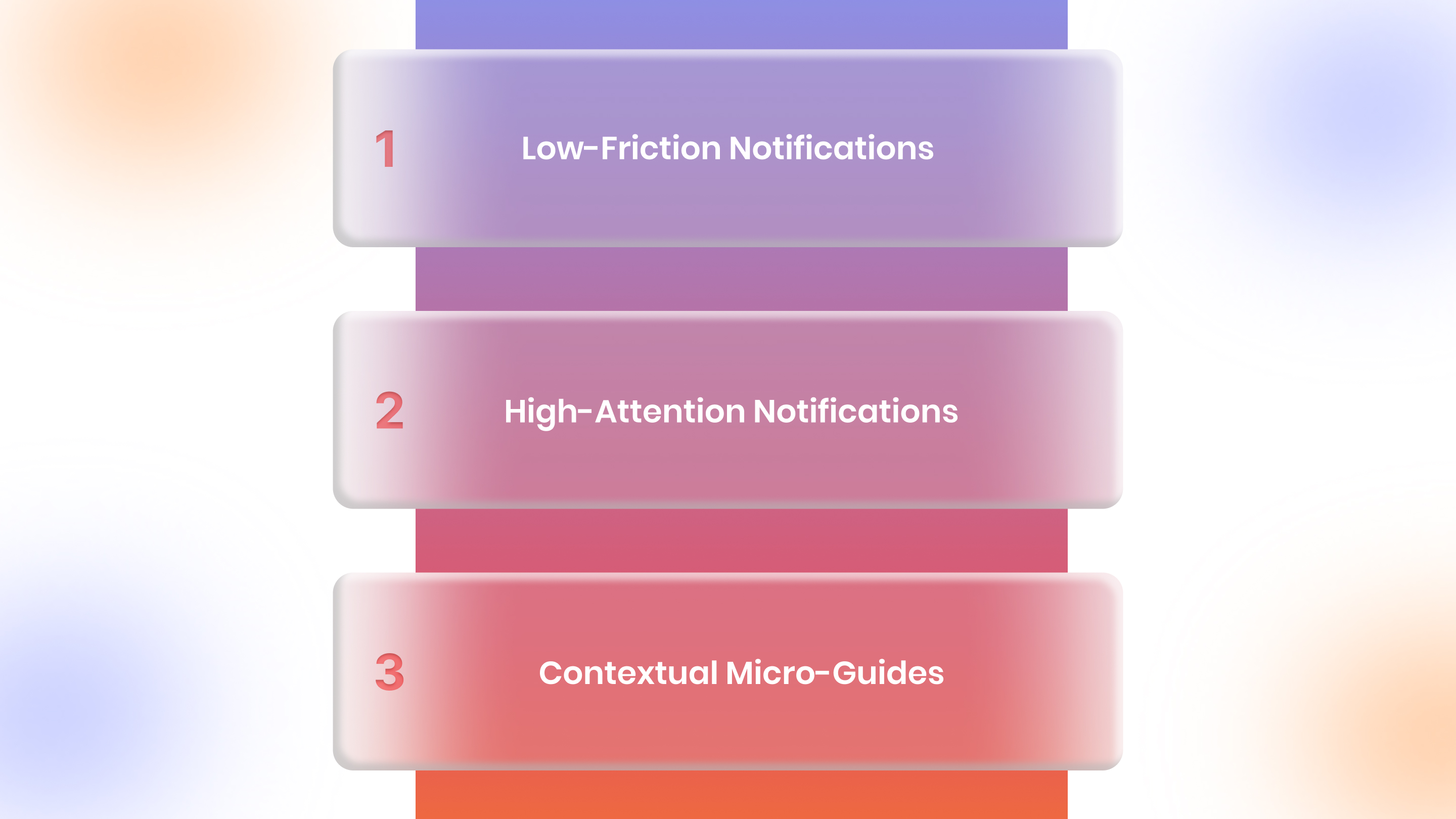
1. Low-Friction Notifications
Low-friction notifications appear inline or within the app interface, guiding users without blocking their actions. They work best during browsing and discovery, subtly highlighting offers, free-shipping thresholds, trending products, or loyalty rewards.
These notifications keep engagement high without disrupting the shopper’s experience, nudging them toward conversion naturally.
2. High-Attention Notifications
High-attention notifications intentionally interrupt the user experience to trigger critical actions. Modals, pop-ups, and interstitials are most effective during onboarding, limited-time promotions, flash sales, or first-purchase incentives.
Using these formats strategically ensures high visibility without overwhelming users, maximizing the potential for immediate conversions.
3. Contextual Micro-Guides
Contextual micro-guides appear near interface elements to provide actionable guidance. Tooltips clarify features like filters, size guides, or loyalty points, while inline nudges highlight discounts, upsells, or product recommendations at checkout. They help users complete desired actions faster, reduce hesitation, and increase average order value effectively.
With an app builder like AppMaker, ecommerce brands can control in-app banners and display targeted nudges using conditional blocks based on cart status or customer behavior.
Now that you know the notification types, let’s map them to actual ecommerce scenarios, showing how each drives engagement, conversions, and post-purchase retention effectively.
High-Impact Ecommerce Use Cases for In-App Notifications
Mapping notifications to your funnel ensures every message drives action without friction. From onboarding to post-purchase, tailoring your notifications helps you engage shoppers, boost conversions, and increase long-term retention in your ecommerce app.
1. Onboarding and First-Session Activation
Your first-time users set the tone for retention and conversion. Use welcome screens to communicate value clearly, and first-action nudges to guide them to browse categories, search products, or add items to the cart. This helps new shoppers experience your app’s benefits quickly and reduces drop-offs.
2. Product Discovery and Browsing Behavior
Make discovering products effortless for your users. Show recently viewed nudges when they return, highlight trending or social-proof products, and provide personalized recommendations based on their browsing behavior. This reduces decision friction, keeps users engaged, and drives higher relevance and conversions than generic suggestions.
3. Conversion and Checkout Optimization
Guide hesitant shoppers toward completing purchases. Trigger cart nudges only when you detect hesitation, remind users of free-shipping thresholds when they’re close, and use urgency messaging that’s real. By doing this, you increase checkout completion, build trust, and boost revenue per session.
4. Post-Purchase and Retention
Keep your users engaged even after they buy. Send order confirmations to reinforce trust, shipping updates to reduce support queries, and review prompts after delivery to maximize responses. These notifications encourage repeat purchases, strengthen loyalty, and increase your CLV effectively.
Having aligned notifications to the funnel, the next focus is understanding the behavioral triggers that make each message timely, relevant, and capable of nudging shoppers toward action.
What Are the Behavioral Triggers That Boost Effective In-App Notifications?
Triggers determine relevance. Using the right signals ensures your notifications reach shoppers at the right time, driving engagement and conversions effectively. Here’s what each signifies:
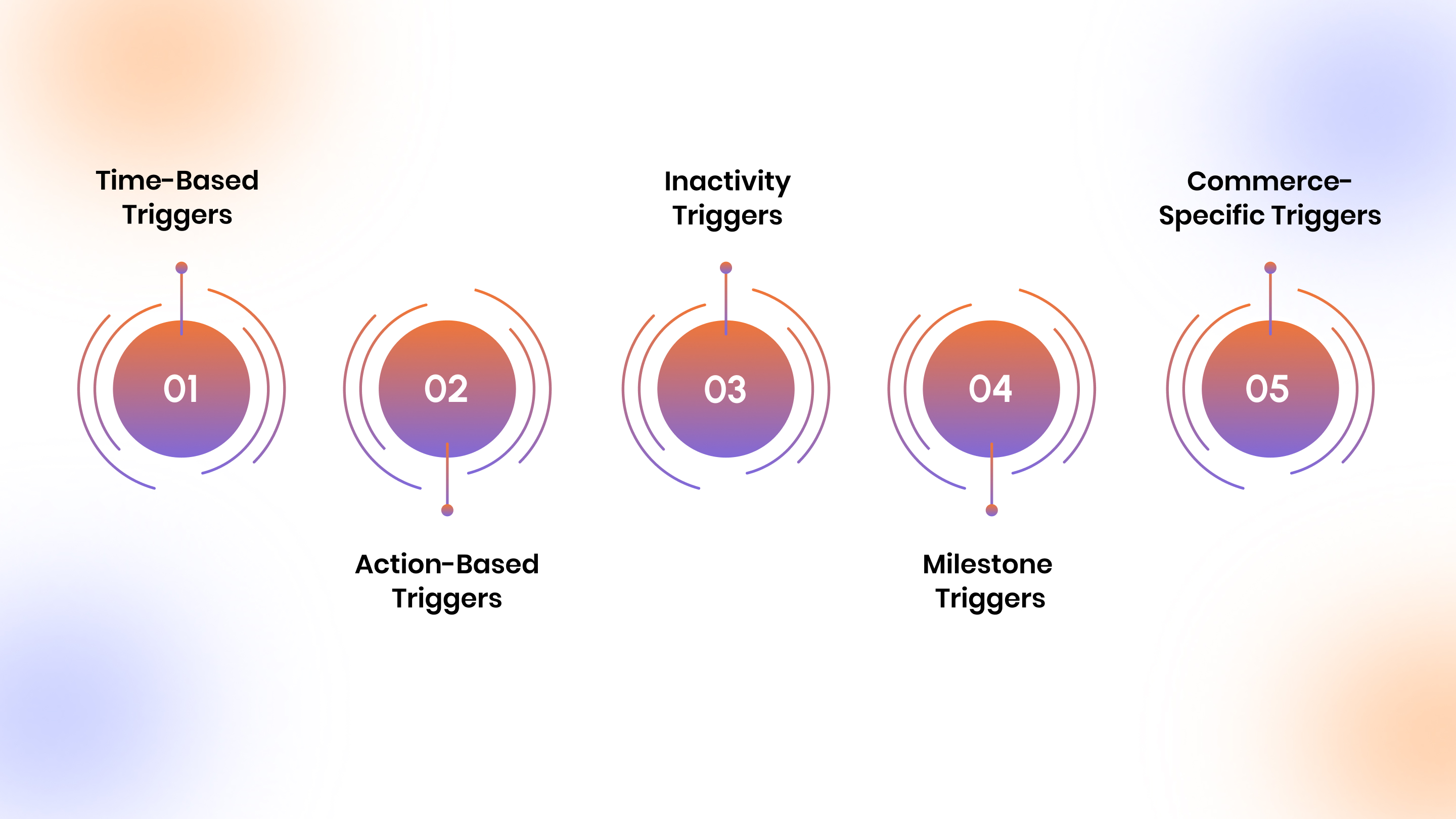
- Time-Based Triggers: Send nudges based on session duration, time on product pages, or scroll depth to target users when intent and attention are highest.
- Action-Based Triggers: Trigger messages immediately after users add items to cart, apply filters, or interact with features to encourage continued exploration and purchase completion.
- Inactivity Triggers: Detect pauses during checkout or product browsing, then send timely reminders to re-engage users and reduce abandoned carts without feeling intrusive.
- Milestone Triggers: Celebrate first purchases, repeat orders, or loyalty achievements to reinforce positive behaviors, strengthen engagement, and encourage continued interactions with your app.
- Commerce-Specific Triggers: Notify users when carts reach free-shipping thresholds, frequently viewed SKUs appear, or repeat visits occur to maximize relevance and revenue impact.
Platforms such as AppMaker support this by allowing ecommerce teams to link behavioral triggers. This includes cart value, browsing patterns, or repeat visits to in-app layouts and notification logic, without hardcoding each scenario.
Once you grasp triggers, it’s helpful to see concrete, outcome-driven examples that illustrate how notifications can boost engagement, conversions, and revenue across your app.
13 Ecommerce-Focused In-App Notification Examples
In-app notifications can drive engagement, conversions, and loyalty when tailored to user behavior, intent, and lifecycle stage, ensuring every message has a measurable ecommerce impact. Here are 13 ecommerce-specific examples mapped directly to outcomes.
A. Engagement & Activation
- Welcome: Greet new users immediately with concise messages highlighting top products, categories, or app benefits to prompt first actions.
- Milestone: Celebrate key achievements like first add-to-cart or profile completion to reinforce engagement and positive behavior effectively.
- Re-engagement: Nudge users returning after inactivity with personalized prompts like trending items or saved products to resume browsing.
B. Promotional & Revenue-Driving
- Limited-Time Offers: Highlight flash sales or exclusive discounts with urgency messaging to encourage immediate purchase and drive revenue.
- Seasonal Campaigns: Promote holiday or seasonal collections through tailored notifications to increase purchases during high-traffic shopping periods.
- Referral Nudges: Encourage users to refer friends by notifying them about program rewards, boosting acquisition and user engagement.
C. Transactional & Trust-Building
- Payment Confirmations: Notify users of successful transactions instantly to reassure them and reduce support inquiries.
- Shipping Updates: Provide updates on dispatch or delivery to maintain transparency and improve overall customer satisfaction.
- Subscription Reminders: Alert users about upcoming renewals to maintain continuity and prevent churn, ensuring uninterrupted service.
D. Behavioral & Conversion Nudges
- Abandoned Cart (In-Session): Detect hesitation at checkout and nudge users with reminders, discounts, or free-shipping offers to complete purchases.
- Social Proof: Show trending products, reviews, or popularity indicators to build trust and encourage faster purchase decisions.
- Goal-Based Nudges: Remind users of loyalty milestones or savings goals to drive engagement and increase average order value.
- Feedback Requests: Prompt post-purchase reviews or ratings at the right moment to collect actionable insights and improve trust.
With examples in mind, it’s also essential to follow some best practices to ensure your notifications feel relevant and consistently guide users toward meaningful actions.
Best Practices for In-App Notifications in Ecommerce Apps
To maximize conversions, every in-app notification must feel relevant, timely, and helpful. Follow these best practices to guide your users, increase revenue, and reduce notification fatigue.
1. Personalization Beyond First Name
You should use behavioral data, session intent, and purchase history to ensure every notification delivers the right message to the right user at the perfect moment.
2. Timing, Frequency, and Notification Fatigue
Limit notifications per session, prioritize high-impact triggers, and avoid interrupting checkout flows unless your message actively removes friction or guides users toward completing a purchase.
3. Design That Converts
Keep copy concise, use one clear call-to-action, and structure notifications with visual hierarchy to guide the user’s attention without overwhelming or distracting them.
4. Testing and Optimization
Continuously test notification placement, timing, and triggers, measure downstream impact on conversion, retention, and revenue, and iterate based on real user behavior patterns.
Once you implement these best practices, measuring impact becomes important. Up next, we will discuss the metrics that matter, focusing on revenue, retention, and long-term user behavior.
How to Measure the Impact of In-App Notifications?
To understand effectiveness, you must focus on metrics that tie directly to revenue, retention, and user behavior instead of vanity numbers like clicks or impressions. Consider tracking the following metrics:
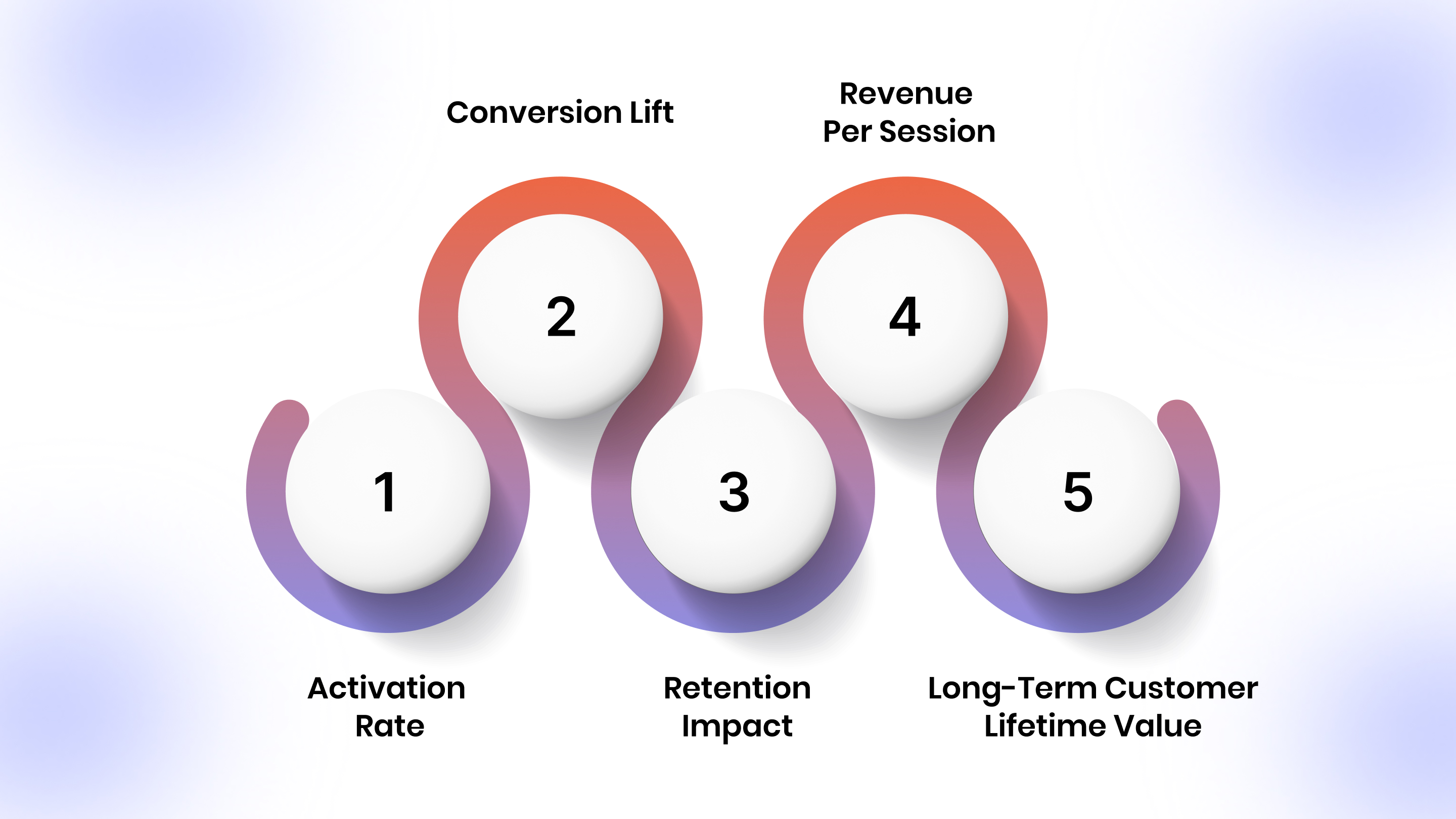
- Activation Rate: Track the percentage of users completing their first meaningful action after seeing a notification, such as browsing products, applying filters, or adding items to the cart.
- Conversion Lift: Measure changes in checkout completion or purchase rates directly attributed to triggered notifications compared with users who didn’t receive them.
- Retention Impact: Monitor how notifications influence repeat sessions and engagement over time, helping you understand their role in long-term loyalty and customer stickiness.
- Revenue per Session: Calculate immediate monetary value created per session when notifications drive purchases, upsells, or add-on sales, reflecting direct impact on your bottom line.
- Long-Term Customer Lifetime Value (CLV): Assess whether notifications create sustained behavior shifts, encouraging repeat purchases, higher order values, and long-term engagement with your ecommerce app.
Having tracked effectiveness, consider the long-term strategy your brand must adapt.
How Ecommerce Brands Should Think About In-App Notifications Long-Term?
You should treat in-app notifications as an integral part of your app’s UX system, not isolated campaigns. As users move through onboarding, browsing, purchase, and post-purchase stages, your messaging should adapt to their behavior and intent. Avoid overloading with signals; more data doesn’t justify more notifications.
Instead, prioritize high-impact triggers, align messages with lifecycle stages, and ensure each nudge supports conversions, retention, or revenue goals. Thoughtful, staged, and context-driven notifications build trust and long-term customer lifetime value.
With a strategy in place, the final piece is implementation. AppMaker enables smarter, behavior-driven notifications that guide shoppers through discovery, purchase, and repeat engagement seamlessly.
Also Read: Holidays 2025: How Ecommerce Brands are using Mobile Apps to Win BFCM 2025
How AppMaker Helps Ecommerce Brands Use In-App Notifications Smarter?
You might have noticed that a lot of times, shoppers leave your app mid-checkout or ignore generic banners that don’t matter. Every missed nudge is lost revenue and engagement. AppMaker helps you turn these moments into action, ensuring every notification guides your users toward discovery, purchase, and repeat buying.
Here’s how AppMaker makes it work:
- Eidolon AI: Converts your Figma designs or screenshots into fully functional, reusable app layouts instantly.
- Rubik AI: Personalizes product recommendations, content, and layouts based on real-time shopper behavior.
- Real-Time Triggers: Activate notifications for cart hesitation, browsing patterns, or repeat visits.
- Conditional Content Blocks: Deliver messages only to relevant users at the exact right moment.
- Visual App Builder: Drag-and-drop interface for rapid, no-code notification setup.
- Analytics Dashboard: Track engagement, conversions, and revenue impact for every in-app message.
Together, our tools let you guide users naturally, turning friction points into revenue opportunities without annoying or confusing them.
Conclusion
In-app notifications are strategic touchpoints that guide your users through discovery, purchase, and retention. When used correctly, they can increase conversions, reduce cart abandonment, and drive long-term customer loyalty. Treat each message as part of the user experience, not a separate marketing campaign, to ensure relevance and impact.
With AppMaker, you can implement these strategies without technical barriers. Tools like Eidolon AI and Rubik AI let you personalize notifications, optimize timing, and deliver messages triggered by real-time behavior. Conditional content, real-time triggers, and analytics help you turn friction points into revenue opportunities while keeping your users engaged.
Contact us now to start delivering timely, personalized in-app notifications that simplify converting users into repeat buyers.
FAQs
1. Are in-app notifications better than push notifications for ecommerce?
In-app notifications guide your active shoppers while they browse or checkout, nudging them toward purchases, unlike push notifications. This increases the chances of purchase, thus making it a non-negotiable feature.
2. How many in-app notifications are too many?
If you send more than one or two notifications per session, you risk overwhelming users. This may reduce trust and cause disengagement instead of driving meaningful actions or conversions.
3. Can in-app notifications reduce cart abandonment?
Yes, when triggered by hesitation, like paused checkout or long cart time, paired with nudges such as free-shipping reminders or urgency cues to encourage immediate purchase completion.
4. Do in-app notifications work without personalization?
They can briefly capture attention, but without behavioral context like past purchases, browsing patterns, or session intent, their impact on conversion and long-term retention is minimal.
5. How do in-app notifications affect customer lifetime value?
When notifications guide users toward higher-value actions like upsells, repeat purchases, or loyalty programs, they directly increase CLV and long-term engagement in your app.