




























Mobile commerce is exploding. Last year, mobile shoppers generated over $2.5 trillion in revenue, accounting for nearly 63% of all ecommerce sales worldwide. Yet most Shopify merchants still don't have a dedicated mobile app, even though apps consistently outperform mobile websites in conversions and long-term customer value.
The gap between mobile traffic and mobile conversions is costing you revenue. While most ecommerce traffic now comes from mobile devices, mobile websites still convert far less effectively than desktop experiences. Your customers are shopping on their phones, but friction-filled mobile experiences are pushing them away before they buy.
In this article, you'll discover exactly how to build an ecommerce app in 2026 that turns mobile browsers into loyal, high-value customers, without the complexity or cost of traditional app development.
Overview
- Mobile commerce exceeded $2.5 trillion in 2025, making up 60% of global ecommerce sales.
- Mobile apps convert 3-10x higher than mobile websites, with superior retention and AOV.
- No-code platforms can help Shopify merchants create native iOS and Android apps without long development timelines.
- Essential features include real-time sync, push notifications, personalized experiences, and one-tap checkout.
- Most successful DTC brands today have their own dedicated mobile apps.
Why Build an Ecommerce App in 2026?
Mobile shopping looks very different today than it did a few years ago. Your customers expect app-level experiences, and brands that deliver them are winning.
Apps Outperform Mobile Websites Dramatically
The performance gap is hard to ignore. Mobile apps consistently convert better than mobile websites, especially when they're thoughtfully designed. Many brands see a noticeable lift in conversions soon after launching an app.
Apps also tend to drive higher-order values and more substantial long-term customer value. App users shop more often, return more consistently, and show greater loyalty compared to customers who buy through mobile websites.
Push Notifications Drive Automatic Revenue
Push notifications generate higher engagement than email and deliver direct ROI. These automated campaigns run continuously without ad spend, driving flash sales, back-in-stock alerts, and personalized offers directly to customers' lock screens.
The Competitive Window is Open
Even with clear benefits, many ecommerce brands still operate without a mobile app. This creates an early opportunity for brands that move sooner, as app adoption remains relatively untapped.
Compared to other channels, app user acquisition can be more cost-efficient, and early adopters often develop stronger repeat-purchase behavior before competitors step in.
7 Key Features Every Ecommerce App Needs
Building an ecommerce app means leveraging mobile-native capabilities to create experiences impossible on the web. Here are the essential features your app must include.
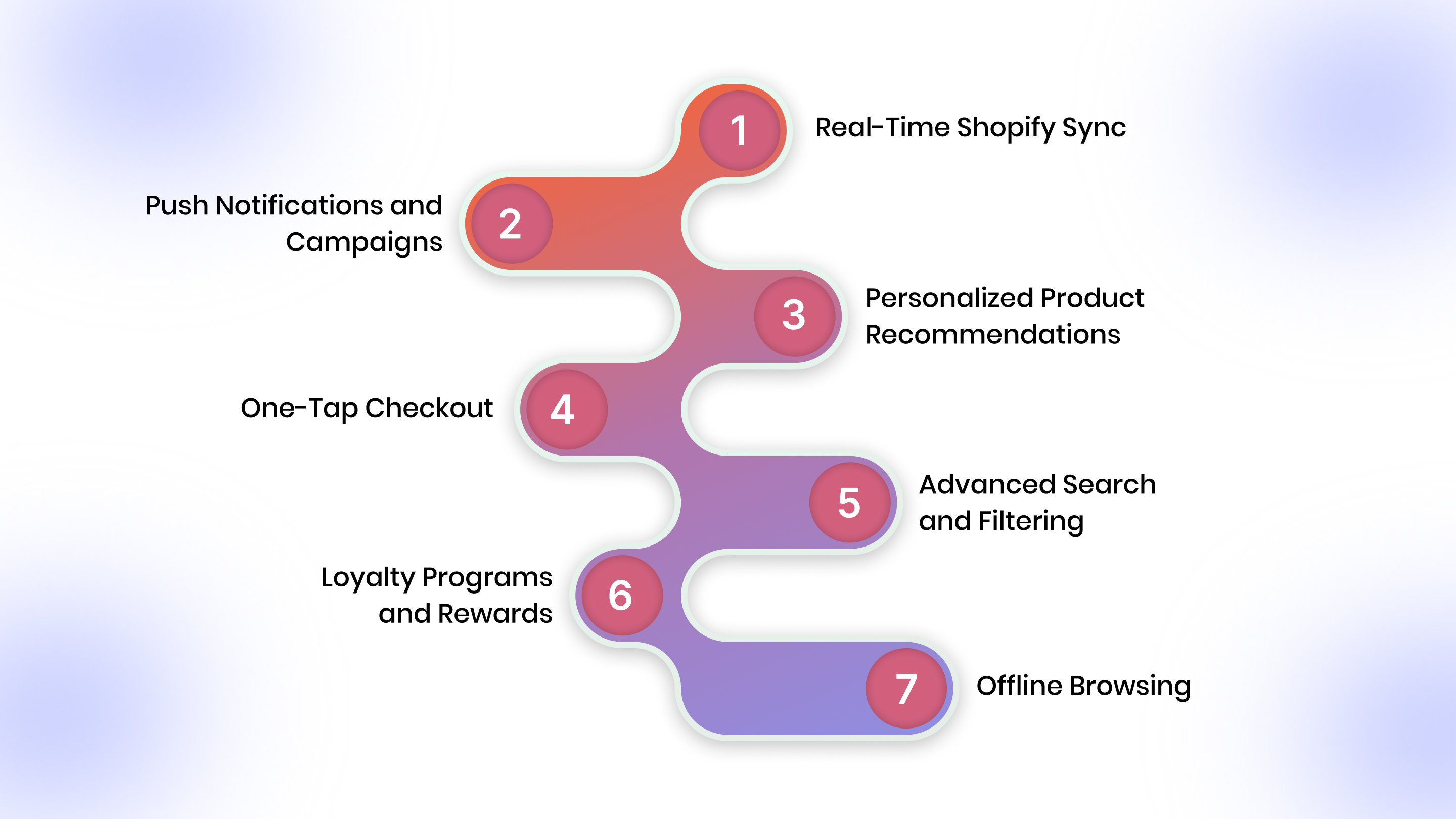
1. Real-Time Shopify Sync
Your app must stay perfectly synchronized with your Shopify store, products, inventory, pricing, orders, and customer data, with updates occurring automatically without manual intervention.
Why it matters: Customers never see out-of-stock products or outdated prices. When you update your Shopify store, changes appear in your app instantly, eliminating the technical headaches of managing separate systems.
2. Push Notifications and Campaigns
Essential automated campaigns:
- Abandoned cart reminders
- Price drop alerts
- Back-in-stock notifications
- Order and shipping updates
- Personalized product recommendations
Push notifications appear on lock screens where users can't miss them. Start with 2-3 highly relevant messages per week.
Ecommerce app-making platforms such as Appmaker support automated push notifications tied to cart activity, product availability, and order status, making it easier to deliver relevant messages at the right moment.
3. Personalized Product Recommendations
AI-powered personalization drives 31% of ecommerce revenue. Your app should analyze user behavior to suggest products customers actually want.
Where to display recommendations:
- Home screen (personalized for each user)
- Product pages (similar items, frequently bought together)
- Cart page (complementary products)
- Post-purchase (replenishment reminders)
To implement this kind of personalization, platforms like Appmaker use in-app behavior and sales data to help merchants surface relevant product recommendations across key touchpoints, without relying on manual rules or constant updates.
4. One-Tap Checkout
Friction kills mobile conversions. Your checkout must be lightning-fast.
Essential elements:
- Saved payment methods and shipping addresses
- Biometric authentication (Face ID, fingerprint)
- Multiple payment options (Apple Pay, Google Pay, PayPal, BNPL)
- Two-tap completion: review order, confirm purchase
Each additional payment method increases conversion rates by reducing the chance that a customer's preferred option is missing.
5. Advanced Search and Filtering
App users expect instant results from autocomplete, typo correction, and voice search.
Critical filters:
- Size, color, price range
- Brand and product ratings
- Category-specific attributes
- Sort by popularity, price, or newest
Site search users convert 2-3x higher than non-searchers because they have clear purchase intent. Make it effortless.
6. Loyalty Programs and Rewards
Integrate loyalty programs directly into your app experience. Let customers earn points, redeem rewards, and track VIP status seamlessly.
The ROI: Loyalty programs generate 5.2x average ROI, with members spending 12-18% more than non-members. Display point balances prominently and create tier systems that unlock exclusive perks.
7. Offline Browsing
Enable offline browsing so customers can view products and add items to their wish lists without an internet connection. When connectivity returns, the app syncs automatically, making it perfect for users with spotty coverage or those browsing during commutes.
Also read: How Ecommerce Brands are using Mobile Apps to Win BFCM 2025
Step-by-Step Guide to Building an Ecommerce App in 2026
Building an ecommerce app no longer requires six-figure budgets or year-long timelines. Here's how modern Shopify merchants launch high-performing apps in weeks.
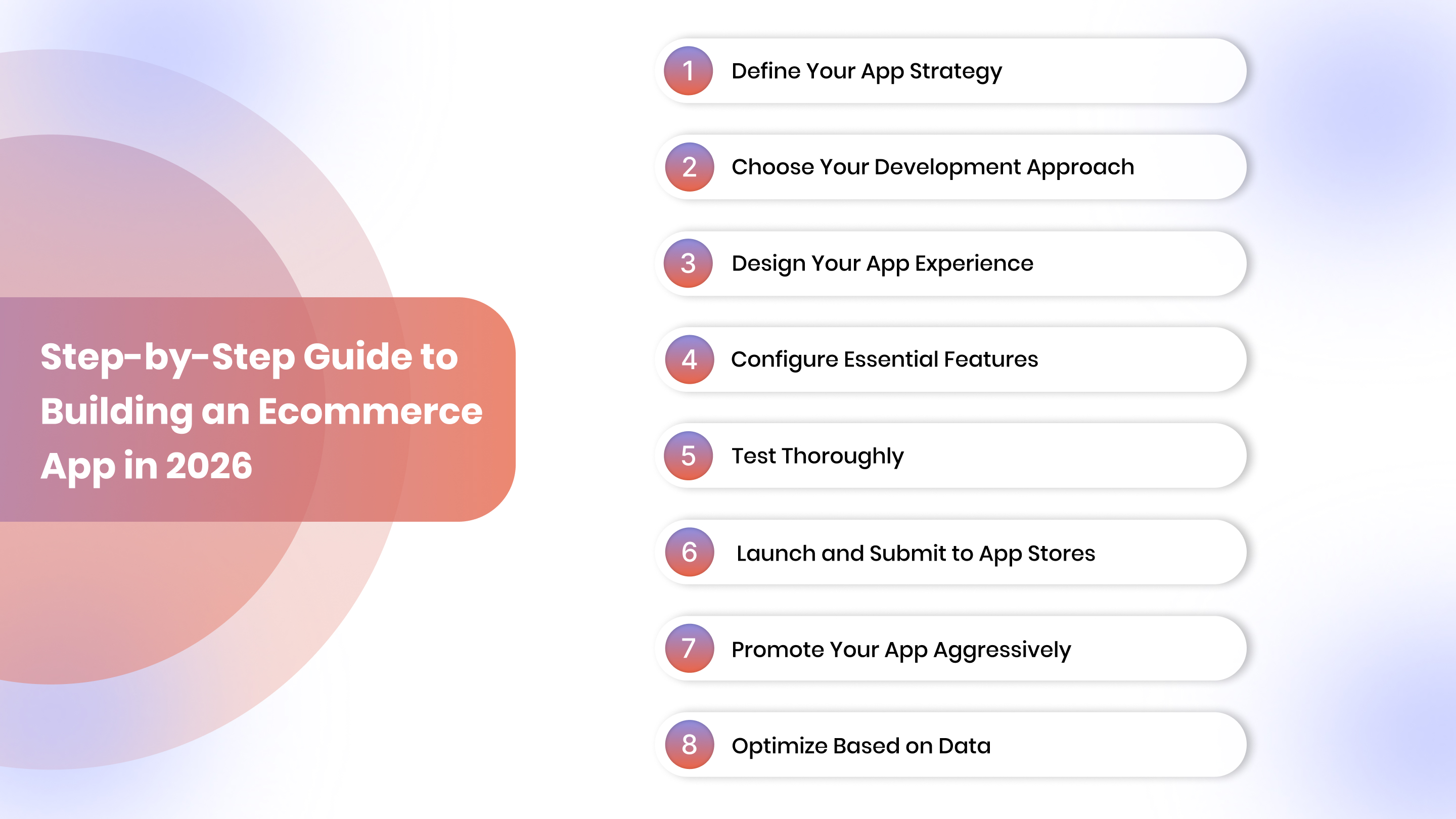
Step 1: Define Your App Strategy
Start with clear business objectives:
- Primary goal: Increasing retention? Boosting conversions? Reducing acquisition costs?
- Target users: Focus on high-LTV customers, frequent purchasers, and engaged subscribers
- Success metrics: Track downloads, daily active users, conversion rate, AOV, and revenue per user
Your goals shape every subsequent decision. Consider your product category: apps work exceptionally well for consumables, fashion, beauty, and wellness products with high repeat-purchase potential.
Step 2: Choose Your Development Approach
Three primary approaches exist, each with distinct tradeoffs.
No-Code Platforms (Recommended for Most Shopify Merchants)
Platforms like Appmaker convert your Shopify store into native iOS and Android apps without writing code.
- Speed: 2-4 weeks from start to launch
- Cost: $1,000-$2,000 upfront, $500-$1,000 monthly
- Benefits: Automatic updates, managed app store submissions, no technical complexity
Custom Native Development
Built from scratch using Swift (iOS) and Kotlin (Android) for maximum customization.
- Cost: $100,000-$250,000
- Timeline: 10-13 months
- Best for: Enterprise brands with unique requirements that no-code can't address
Cross-Platform Development
Frameworks like React Native build one codebase for both platforms.
- Cost: $50,000-$120,000
- Timeline: 4-6 months
- Best for: Custom requirements with tighter budgets than native development
Step 3: Design Your App Experience
Mobile-first design differs fundamentally from desktop design. Prioritize simplicity, large tap targets, and thumb-friendly navigation.
Home screen essentials:
- Best-selling products
- Current promotions
- Personalized recommendations
- Easy navigation to key categories
Navigation structure: Use bottom tab bars for primary sections (home, categories, cart, account) with clear icons and labels.
Product pages need:
- Swipeable image galleries
- Clear calls-to-action
- Size/color selectors
- Customer reviews
- Prominent add-to-cart buttons
Test your designs on actual devices before development; what looks good on a desktop may feel cramped on a 6-inch screen.
Step 4: Configure Essential Features
Connect your Shopify store: Most no-code platforms offer one-click Shopify connections for seamless integration.
Set up push notification campaigns:
- Abandoned cart reminders
- Order confirmations and shipping updates
- Welcome series for new app users
- Back-in-stock alerts
Configure your product catalog: Organize categories logically, create featured collections, and set up search filters appropriate to your inventory.
Integrate payment gateways: Enable all payment methods your customers expect to use to ensure compliance with regional preferences.
Implement analytics tracking: Set up proper event tracking for app installs, screen views, product views, add-to-cart actions, and purchases.
Once your tracking is live, making sense of all that data can be overwhelming. Platforms like Appmaker include John AI, an executive assistant that answers analytics questions instantly in natural language.
Step 5: Test Thoroughly
Never launch without rigorous testing.
Test across devices:
- Multiple iPhone and Android models
- Various screen sizes and OS versions
- Different network conditions
Core user flows to verify:
- Browse products smoothly
- Search returns relevant results
- Checkout is frictionless
- Push notifications are delivered properly
- Payment processing works flawlessly
Beta testing: Recruit 10-20 customers to use your app for 1-2 weeks before public launch. Their feedback uncovers issues you missed and validates your approach.
Step 6: Launch and Submit to App Stores
Prepare your app store listings carefully; your app name, icon, description, and screenshots determine whether users download your app.
Create compelling visuals:
- Screenshots showcasing the best features.
- Highlight personalized experience and easy checkout.
- Show exclusive deals and smooth browsing.
Write benefit-focused descriptions: Explain how your app makes shopping easier, faster, and more rewarding, not just feature lists.
Submission timelines:
- Apple App Store: 1-2 weeks review
- Google Play Store: 2-3 days review
Launch promotion plan: Announce via email, social media, website banners, and SMS. Offer an app-exclusive discount to incentivize downloads.
Step 7: Promote Your App Aggressively
Your app provides zero value if customers don't download it.
Promotion channels:
- Website banners and pop-ups highlighting benefits
- Email signatures, footers, and post-purchase messages
- In-store QR codes (if you have retail locations)
- Social media announcements
Incentivize downloads: Give first-time app users a discount, free shipping, or loyalty points for completing their first purchase.
Target best customers first: Send personalized messages to high-value email subscribers and repeat customers explaining why your app enhances their experience.
Step 8: Optimize Based on Data
Launch is just the beginning. Continuously analyze performance and iterate.
Monitor key metrics weekly:
- Downloads and daily active users
- Conversion rate and average order value
- Revenue per user and retention rate
Analyze user behavior: Where do users drop off? Which products get the most views? What paths lead to the highest conversions?
A/B test continuously: Test different home screen layouts, product page designs, push notification copy, and checkout flows. Minor improvements compound over time.
Gather feedback actively: Use in-app surveys, read app store reviews, and conduct user interviews. Your customers tell you exactly what needs improvement.
The advantage of no-code platforms is that you can update your app continuously without resubmitting to app stores. Make improvements weekly based on what you learn.
How to Measure the ROI of Your Ecommerce Mobile App?
Measuring your app's return on investment helps you understand whether your mobile strategy is working and where to optimize.
To calculate ROI, start with your total investment: development costs, platform subscriptions, maintenance fees, and marketing spend for app promotion. Then track revenue gains directly attributable to your app.
Key Metrics to Track
Revenue metrics:
- Total app revenue (purchases completed in-app)
- Average order value from app users vs. web users
- Revenue per app user
- Incremental revenue (sales you wouldn't have captured without the app)
User behavior metrics:
- App downloads and installation rate
- Daily active users (DAU) and monthly active users (MAU)
- Session frequency and duration
- Conversion rate (app vs. mobile web)
Retention and engagement:
- Customer lifetime value of app users
- Repeat purchase rate
- Push notification engagement rates
- Churn rate
Customer acquisition:
- Cost per app install
- User acquisition channels (organic vs. paid)
- Time to first purchase after install
The ROI Formula
Use this formula to calculate your app's ROI:
ROI = [(Total Revenue from App - Total Investment) ÷ Total Investment] × 100
For example, if you invested $15,000 to build and promote your app, and it generated $75,000 in revenue during the first year, your ROI would be 400%.
Beyond Direct Revenue
Don't overlook indirect benefits that boost overall business value:
- Reduced customer acquisition costs (organic app store discovery)
- Lower marketing spend (push notifications vs. paid ads)
- Enhanced brand loyalty and awareness
- Valuable first-party data for personalization
Common Pitfalls When Building an Ecommerce App (and How to Avoid Them)
Even with the best intentions, many ecommerce apps fail to deliver expected results. Understanding these common mistakes helps you avoid them.
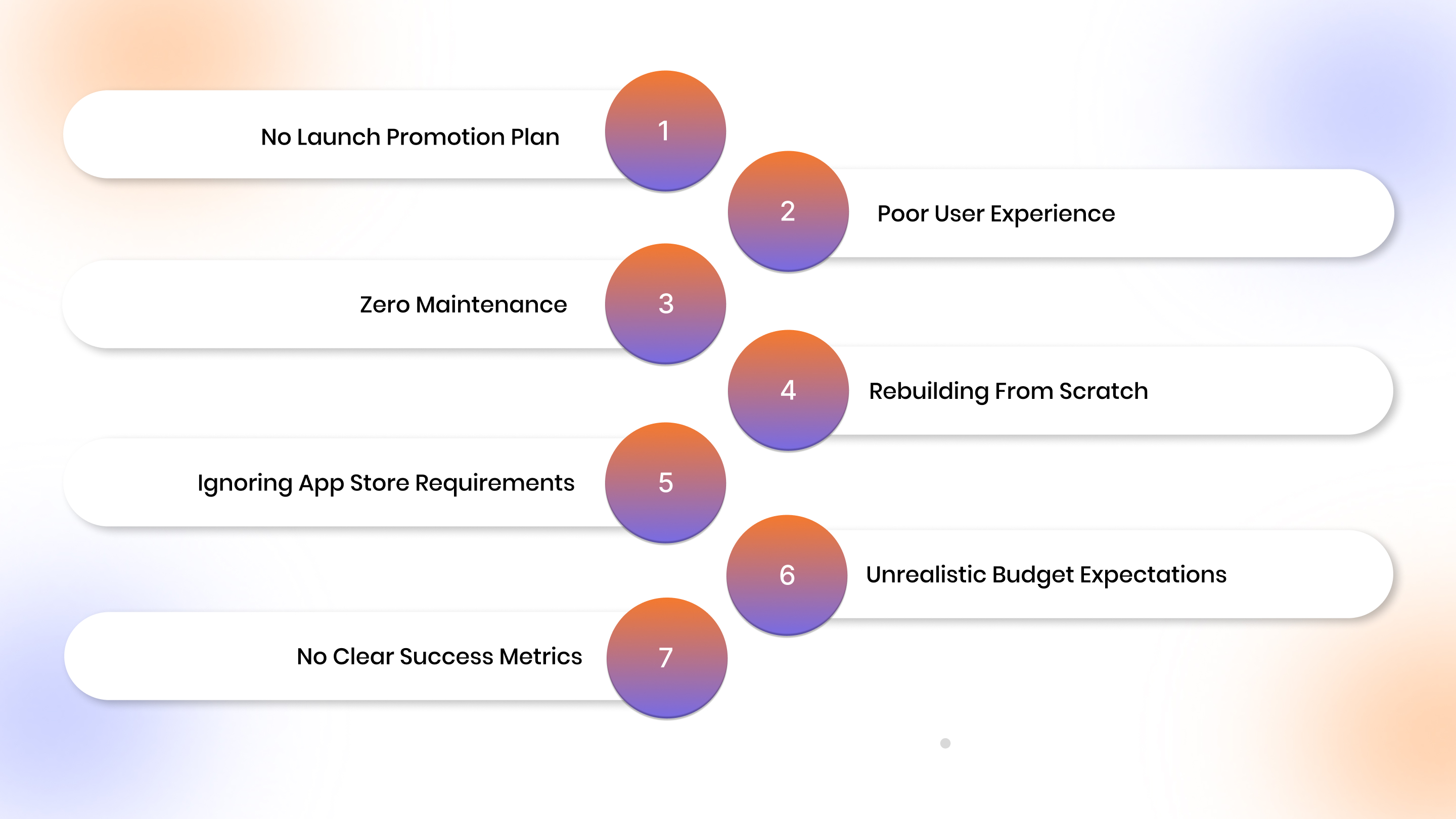
Pitfall 1: No Launch Promotion Plan
The mistake: Building an app but never promoting it. No website banners, no email announcements, no incentives to download.
How to avoid it: Create a comprehensive launch plan before your app goes live. Promote across every channel, homepage, email campaigns, SMS, social media, and product packaging. Offer clear incentives, such as exclusive discounts or early access to new products.
Pitfall 2: Poor User Experience
The mistake: Launching an app with fewer features, slower performance, or clunkier navigation than your mobile website. Users download once and never return.
How to avoid it: Your app must match or exceed your website's quality. Test extensively before launch. Ensure all features work seamlessly, checkout is frictionless, and the experience feels native, not like a wrapped website.
Pitfall 3: Zero Maintenance
The mistake: Assuming you can build once and never update. Bugs go unfixed, new OS versions break functionality, and features lag behind your website.
How to avoid it: Plan for ongoing maintenance from day one, budget for regular updates, bug fixes, and OS compatibility. Consider no-code platforms like Appmaker that handle technical maintenance automatically while you focus on your business.
Pitfall 4: Rebuilding From Scratch
The mistake: Spending six figures and 6-12 months building a custom app from the ground up, duplicating work already done for your website. This creates separate systems to maintain and a steep climb to positive ROI.
How to avoid it: Leverage what you've already built. No-code platforms convert your existing Shopify store into apps without rebuilding anything. You get faster launch times, lower costs, and automatic sync between your website and app.
Pitfall 5: Ignoring App Store Requirements
The mistake: Submitting incomplete apps, apps with placeholder content, or direct website copies without added value. Apple and Google reject these submissions, delaying your launch by weeks.
How to avoid it: Research app store guidelines before development. Ensure your app includes mobile-native features such as push notifications, offline browsing, and app-optimized navigation. No-code platforms with managed services handle submissions for you with proven approval processes.
Pitfall 6: Unrealistic Budget Expectations
The mistake: Underestimating total costs by focusing only on initial development and forgetting maintenance, updates, marketing, and ongoing support that can exceed original development costs.
How to avoid it: Budget for the full lifecycle, development, launch marketing, first-year maintenance, and growth initiatives. No-code solutions dramatically reduce both upfront and ongoing costs compared to custom development.
Pitfall 7: No Clear Success Metrics
The mistake: Launching without defining what success looks like. No tracking for downloads, engagement, conversions, or revenue. Making decisions based on gut feeling instead of data.
How to avoid it: Define success metrics before launch, target downloads, daily active users, conversion rate, and revenue per user. Implement proper analytics from day one. Review performance weekly and iterate based on real data.
The good news: most of these pitfalls are easily avoidable with the right approach. No-code platforms like Appmaker eliminate technical complexity, handle maintenance automatically, and provide launch guidance to ensure your app succeeds from day one.
Turn Your Shopify Store Into a High-Converting Mobile App
Traditional app development is expensive, slow, and risky. Appmaker eliminates these barriers for Shopify merchants who want to capture mobile commerce revenue without the complexity.
Appmaker's no-code platform converts your Shopify store into fully branded, native iOS and Android apps in 2-4 weeks. You don't need to rebuild anything. Appmaker uses your existing store design, products, and features, and adapts them for a mobile app experience.
- Appmaker Studio provides a drag-and-drop builder where you design your app visually without code. Customize every element to match your brand while maintaining app-optimized layouts that drive conversions.
- Real-time Shopify sync ensures your app always reflects your latest products, prices, inventory, and orders. Update your Shopify store, and changes appear in your app automatically, no manual work required.
- Push notifications and campaigns let you engage customers directly on their lock screens. Set up automated flows for abandoned carts, back-in-stock alerts, exclusive deals, and personalized recommendations that drive revenue 24/7.
- Eidolon AI converts your Figma designs or screenshots into app layouts instantly. Upload your design files, and Eidolon generates the corresponding app structure, dramatically accelerating customization without technical skills.
- John AI acts as your analytics assistant, providing sales forecasts, identifying trends, and suggesting optimization opportunities. Ask John questions in natural language and get instant insights without digging through dashboards.
- Code Blocks and Conditional Blocks give technical teams the flexibility to add custom functionality while maintaining the no-code foundation. Insert custom code where needed without rebuilding your entire app.
- Integration plugins connect your favorite tools seamlessly with your app. Appmaker supports extensive integrations for subscriptions, analytics, marketing automation, and more, ensuring your app works with your existing tech stack.
Appmaker manages technical infrastructure and provides ongoing support throughout your app journey. You focus on growing your business while Appmaker ensures your app performs flawlessly. Thousands of Shopify merchants have launched successful apps with Appmaker, driving higher conversions, better retention, and substantial revenue growth.
Conclusion
Mobile commerce will dominate ecommerce in 2026, and apps are the key to capturing that revenue. Mobile devices now drive a large share of online sales, and apps consistently convert better than mobile websites, making the case hard to ignore.
The barrier to entry has never been lower. No-code platforms like Appmaker let you launch professional iOS and Android apps in weeks for a fraction of traditional development costs.
You'll gain direct customer relationships through push notifications, higher conversion rates through optimized experiences, and dramatically improved retention. Your customers are already shopping on mobile.
Start building your ecommerce app with Appmaker today and turn mobile browsers into your most valuable customers.
FAQs
1. How much does it cost to build an ecommerce app in 2026?
No-code platforms like Appmaker cost $1,000-$2,000 upfront with $500-$1,000 monthly fees, offering the best value for Shopify merchants. Cross-platform development ranges from $50,000 to $120,000, while custom native apps cost $100,000 to $250,000.
2. Do I need coding skills to build an ecommerce app?
No. Modern no-code platforms like Appmaker let merchants without technical backgrounds design and launch fully functional apps using drag-and-drop builders. The platform handles all technical complexity, including Shopify integration and app store submissions.
3. How long does it take to launch an ecommerce app?
No-code platforms launch apps in 2-4 weeks, cross-platform development requires 4-6 months, and custom native development takes 10-13 months. For Shopify merchants seeking a quick time-to-market, no-code offers the fastest path.
4. Will my app automatically update when I change my Shopify store?
Yes, with platforms like Appmaker. Real-time Shopify sync ensures product updates, price changes, and inventory adjustments automatically reflect in your app, eliminating the burden of maintaining separate systems.
5. How do I get customers to download my app?
Promote via email campaigns, website banners, transactional emails, social media, and offer app-exclusive incentives, such a first-purchase discounts or loyalty points. Target high-value customers, repeat purchasers, and engaged email subscribers first. They convert best.