




























Why does building a Shopify app still feel slow, expensive, and heavily dependent on developers, even when AI tools are everywhere?
The real issue is not the lack of ideas or tools, but the gap between deciding to build and actually launching something usable. For brands already scaling past the early stage, delays at this level directly impact revenue, retention, and how quickly new experiences reach customers.
Mobile is no longer a side channel that can wait for the “right time” to invest in. Retail m-commerce sales in the United States crossed $577 billion in 2025 and are projected to reach nearly $840.5 billion by 2029, showing how quickly customer behavior is shifting toward app-first experiences. Waiting months to build an app in this environment often means losing repeat purchases, weaker engagement, and missed opportunities to control the customer journey.
In this article, you’ll learn how to build a Shopify app using AI from idea to launch, without getting stuck in long development cycles. The focus is on moving faster while building something that supports real growth.
Quick Overview
- Mobile apps are becoming a primary revenue channel, with faster retention, higher repeat purchases, and stronger customer ownership than web stores.
- AI reduces build time by removing dependency on design, development, and manual setup, shifting focus to faster execution and iteration.
- A focused app with core features like personalization, push notifications, and real-time sync drives better outcomes than feature-heavy builds.
- Faster launch and continuous iteration help identify what actually improves conversion, retention, and overall performance.
- Appmaker enables this entire shift by combining no-code building, AI-driven design, and real-time Shopify integration in one platform.
Why Shopify Brands Are Rushing to Build Apps in 2026?
Shifts in customer behavior, rising acquisition costs, and the need for stronger retention are pushing brands to rethink how they engage beyond the browser.
Here are the key reasons driving this shift:
- Rising acquisition costs demand better retention: Paid channels are getting more expensive, making it harder to sustain growth without improving repeat purchases and customer lifetime value.
- Mobile apps improve marketing efficiency: A study of Appmaker found that mobile app allows you to predictably save on costs while driving a 20%+ higher ROAS, especially through owned channels like push notifications.
- Owned channels reduce dependency on platforms: Relying only on ads and third-party platforms limits control, while apps give direct access to customers without algorithm interference.
- Personalization goes beyond what web stores can offer: Apps enable tailored product recommendations, dynamic content, and behavior-based experiences that are harder to execute on standard storefronts.
- Faster experimentation leads to better outcomes: Apps make it easier to test campaigns, layouts, and offers quickly, helping brands identify what drives conversions without long development cycles.
Once the intent is clear, the bigger question is not why apps matter, but what actually changes when AI enters the process.
What AI Actually Changes in Shopify App Development?
AI does not just speed things up; it changes how decisions are made, how quickly ideas are executed, and how much technical effort is actually required to launch.
Here are the key ways AI reshapes the entire development process:
1. Execution shifts from development-heavy to decision-driven:
- Instead of spending weeks setting up infrastructure, most of the effort moves to defining what the app should do and how it should behave.
- AI reduces dependency on backend setup, allowing faster movement from idea to usable interface.
- The bottleneck is no longer coding, but clarity in features, flows, and priorities.
2. UI creation becomes iterative instead of resource-intensive:
- Screens can be generated from references like Figma files or screenshots, removing the need for full design cycles.
- Changes can be made instantly without waiting for design-dev handoffs.
- This allows faster testing of layouts that directly impact conversions and engagement.
3. Feature development becomes modular, not from scratch:
- Common ecommerce functionalities like carts, product displays, and loyalty flows no longer require custom builds.
- AI-assisted systems and pre-built components reduce repetitive work significantly.
- This makes it easier to focus on differentiation rather than rebuilding standard features.
4. Personalization moves from manual setup to dynamic logic:
- Instead of setting static rules, AI enables behavior-based changes in what users see inside the app.
- Product recommendations, banners, and flows can adapt based on user activity.
- This improves engagement without increasing operational effort.
5. Analytics becomes accessible without technical interpretation:
- Insights are no longer locked behind dashboards that require analysis skills.
- AI assistants can surface trends like top-performing products or drop-offs in plain language.
- Faster understanding leads to quicker decisions and continuous improvement.
6. Iteration cycles shrink from weeks to days:
- Updates, experiments, and fixes can be deployed quickly without full development cycles.
- This allows brands to respond to campaigns, seasons, or performance data in real time.
- Faster iteration directly improves the chances of finding what actually drives growth.
Understanding the shift is useful, but the real value comes from applying it step by step in a way that leads to a working app.
Step-by-Step: How to Build a Shopify App Using AI
Building a Shopify app using AI is less about writing code and more about making the right decisions at each stage, quickly and clearly.
Here is a structured way to move from an idea to a working app without slowing down execution:
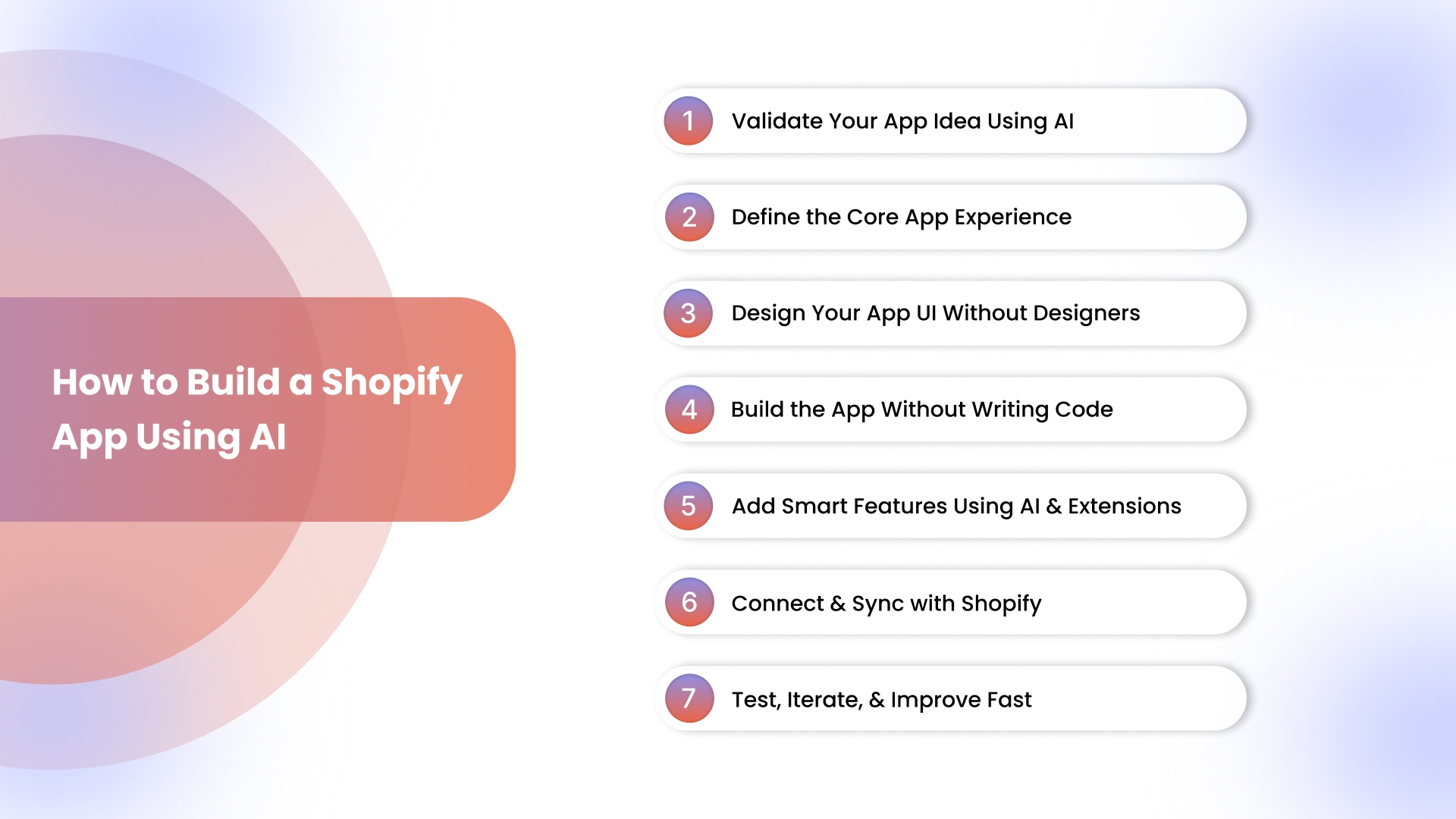
Step 1: Validate Your App Idea Using AI
Rushing into development without validation often leads to features no one uses, even if the app is technically sound.
1. Analyze competitors:
- Use AI tools to scan existing Shopify apps, solving similar problems.
- Look at reviews, feature gaps, and what users complain about.
2. Identify gaps:
- AI can cluster feedback and highlight missing features or underserved use cases.
- Focus on what is repeatedly ignored, not what is already saturated.
3. Generate feature sets:
- Use AI to map out essential features based on your idea and category.
- Keep it lean and tied to outcomes like conversion or retention.
Example:
- Instead of building a broad app, focus on a specific use case like cart recovery flows, loyalty programs, or subscription management.
Step 2: Define the Core App Experience
Once the idea is validated, the next step is shaping how the app should actually function for the user.
1. What problem does it solve:
- Define one primary outcome, such as improving repeat purchases or reducing cart abandonment.
- Everything in the app should support this outcome.
2. Avoid feature overload:
- Adding too many features early slows down launch and confuses users.
- Focus on a minimum set that delivers clear value.
3. AI helps prioritize features:
- AI can rank features based on impact, helping you decide what to build first.
- This keeps the app focused and easier to iterate.
Step 3: Design Your App UI Without Designers
Design no longer needs to be a separate, time-consuming phase before development begins.
1. Use AI-assisted design tools:
- Convert Figma files or even screenshots into usable app layouts.
- This reduces dependency on full design cycles.
2. Faster iteration on layouts:
- Changes can be made instantly, allowing quick testing of different structures.
- This is especially useful for optimizing product pages and navigation.
3. Eidolon AI integration:
- Tools like Eidolon AI allow you to turn static designs into reusable UI components.
- This makes it easier to maintain consistency across the app while saving time.
Step 4: Build the App Without Writing Code
This is where the biggest shift happens compared to traditional Shopify app development.
1. Traditional vs no-code approach:
- Traditional builds require backend setup, API handling, and long dev cycles.
- No-code platforms remove these layers and focus on visual building.
2. Appmaker Studio (drag-and-drop):
- Use a visual builder to assemble your app layout, product displays, and flows.
- No coding is required to create a functional, branded app.
3. Speed advantage:
- What used to take weeks can now be done in days.
- Faster builds mean faster launches and quicker feedback loops.
Step 5: Add Smart Features Using AI & Extensions
Once the core app is ready, the next step is adding features that improve engagement and conversions.
- Send targeted messages for abandoned carts, promotions, and restocks.
- This helps bring users back without relying on paid ads.
2. Personalization:
- Adjust content, product recommendations, and layouts based on user behavior.
- This improves relevance and increases conversions.
3. Conditional UI:
- Show different content based on user actions, location, or purchase history.
- This creates a more tailored experience.
4. Conditional Blocks and Extensions:
- Use Conditional Blocks to control how and when elements appear.
- Add extensions like sticky carts, timers, or loyalty modules to enhance functionality without building from scratch.
Step 6: Connect and Sync with Shopify
A disconnected app creates more problems than it solves, especially when dealing with live store data.
1. Real-time sync is critical:
- Ensure products, inventory, orders, and customer data update automatically.
- This keeps the app aligned with the store at all times.
2. Avoid manual errors:
- Manual updates increase the risk of inconsistencies and operational issues.
- Automated syncing removes this risk and reduces workload.
Step 7: Test, Iterate, and Improve Fast
Launching the app is not the final step; continuous improvement is what drives results.
1. Use analytics to guide decisions:
- Track metrics like conversion rate, retention, and user behavior.
- Identify where users drop off or engage the most.
2. John AI insights:
- AI assistants like John AI help interpret data in plain language.
- This makes it easier to act on insights without deep analytical expertise.
3. Iterate quickly:
- Make changes based on real data, not assumptions.
- Faster iteration leads to better performance over time.
If each of these steps needs to move faster without adding complexity, Appmaker’s Studio, Eidolon AI, and John AI help you go from idea to a live Shopify app with minimal development effort.
Even with a clear process, a few missteps can slow things down or lead to outcomes that do not perform as expected.
Common Mistakes to Avoid When Using AI for App Building
Avoiding these mistakes can save time, reduce rework, and prevent building an app that looks complete but fails to perform.
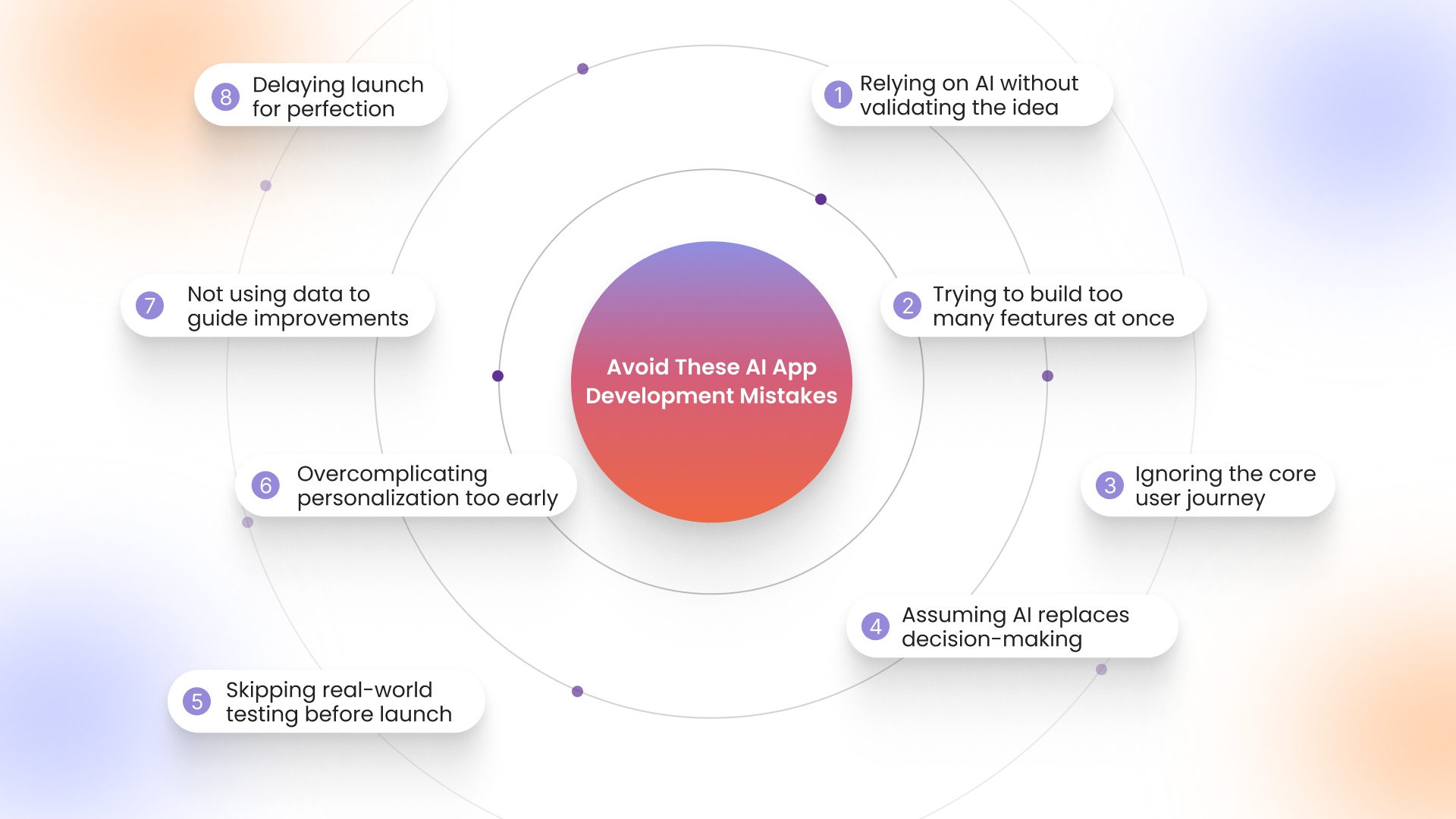
- Relying on AI without validating the idea: Jumping straight into building without checking demand often leads to features that do not solve real problems.
- Trying to build too many features at once: Overloading the app early slows down execution and makes it harder to identify what actually drives results.
- Ignoring the core user journey: Focusing on features instead of how users navigate and interact with the app leads to poor engagement.
- Assuming AI replaces decision-making: AI can assist with execution, but clear thinking around goals, flows, and priorities is still required.
- Skipping real-world testing before launch: Launching without testing flows like checkout, navigation, and notifications creates friction for users.
- Overcomplicating personalization too early: Adding too many conditions and variations can make the app harder to manage and optimize.
- Not using data to guide improvements: Building the app is only the first step; ignoring analytics leads to missed opportunities for growth.
- Delaying launch for perfection: Waiting to make everything perfect often delays feedback and slows down progress unnecessarily.
At this point, it helps to look at how this approach compares directly with the way apps have traditionally been built.
AI vs Traditional Shopify App Development
Choosing between AI-driven and traditional development is not just about technology; it directly impacts how fast you can launch, test, and scale your app.
Here is how both approaches compare across key aspects that matter for growing Shopify brands:
This comparison highlights how AI shifts the focus from heavy development to faster execution, allowing brands to move more quickly without increasing complexity. The difference becomes more practical when you look at how this plays out with a platform built specifically for speed and execution.
How Appmaker Helps You Build Shopify Apps Faster Without Coding
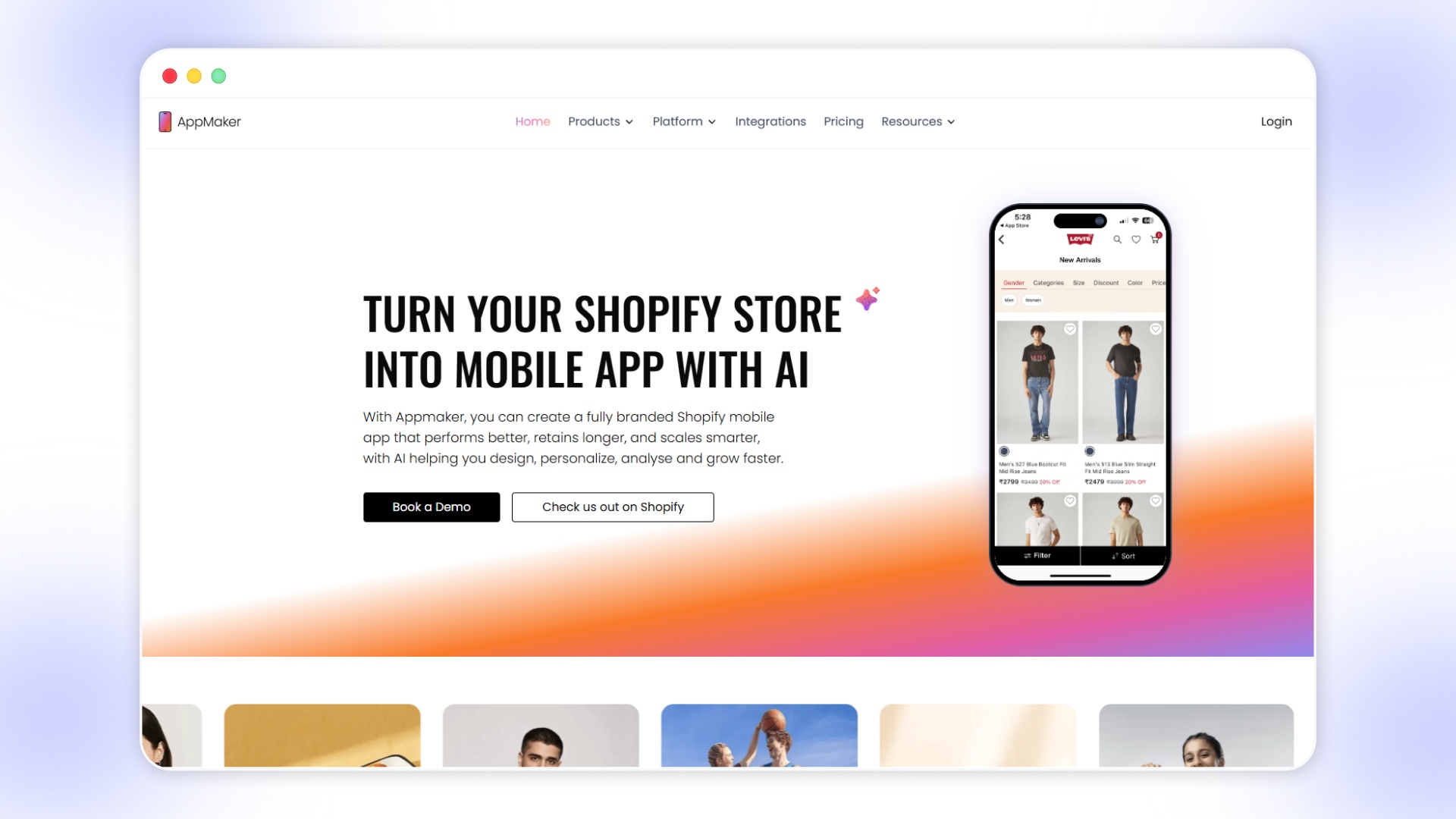
Building a Shopify app becomes less about managing development cycles and more about how quickly ideas can be turned into live, revenue-driving experiences. Appmaker is built for Shopify brands that do not want app development to slow down growth, and have already driven over 1,000Cr+ GMV through mobile apps across their customer base.
Here are the key ways Appmaker makes that possible:
- No-code app building with full control: Appmaker Studio allows you to create and manage a fully branded mobile app using a drag-and-drop interface, removing the need for developer dependency.
- Faster UI creation with AI support: Eidolon AI converts Figma files or screenshots into reusable app components, reducing the time spent on design and ensuring consistency across screens.
- Real-time Shopify sync without manual effort: Products, inventory, orders, and customer data are automatically synced, ensuring the app always reflects the latest store updates without errors.
- AI-powered personalization for better conversions: Tools like Eidolon AI and John AI dynamically adjust layouts, product recommendations, and content based on user behavior, with Rubik’s AI further enhancing layouts, recommendations, and content in real time.
- Proven impact across high-growth categories: Appmaker-driven apps contribute up to 50–70% of revenue in categories like fashion and pet supplies, with conversion rates improving by 2.5x to 4x and repeat purchase rates increasing up to 3x.
- Pre-built extensions to speed up feature rollout: Features like sticky carts, countdown timers, and loyalty modules can be added instantly without building them from scratch.
- Conditional logic for tailored experiences: Conditional Blocks allow you to control what users see based on behavior, location, or purchase history, improving relevance across the app.
- Push notifications for retention and re-engagement: Send targeted campaigns such as abandoned cart reminders, product drops, and offers to bring users back without relying on paid channels.
- Data-driven decisions with built-in analytics: Track key metrics like conversion rate, AOV, and retention, while John AI provides clear, actionable insights without requiring deep analysis.
- Flexibility for both non-technical and advanced use cases: Non-technical users can build and manage the app easily, while Code Blocks allow advanced customizations for more complex requirements.
- Faster launch with continuous iteration: Apps can be launched quickly and updated in real time, allowing you to test, improve, and scale without long development cycles.
Wrapping Up
Building a Shopify app no longer needs to be a long, developer-dependent process when AI can compress execution into days instead of months. What matters now is how quickly you can move from idea to launch and start learning from real user behavior.
Appmaker helps you turn that speed into a structured, scalable mobile app without adding complexity.
Ready to build your Shopify app faster without relying on long development cycles? Book a Demo with Appmaker and see how quickly you can go from idea to a live app.
FAQs
What is the difference between a Shopify app and a mobile app for Shopify?
A Shopify app usually refers to tools inside the Shopify ecosystem, while a mobile app is a standalone app customers download to browse and shop.Do Shopify apps require approval from Shopify to launch?
Public Shopify apps require approval and listing in the Shopify App Store, while private apps can be used without going through that process.Can AI help reduce the cost of building a Shopify app?
AI reduces costs by minimizing the need for developers, designers, and long development cycles, making app building more accessible.What are the key features users expect in a Shopify mobile app?
Users typically expect smooth navigation, fast checkout, personalized recommendations, and timely notifications for offers or updates.Is it possible to update a Shopify app after launching it?
Yes, updates can be made continuously after launch, allowing improvements based on user behavior and performance data.